
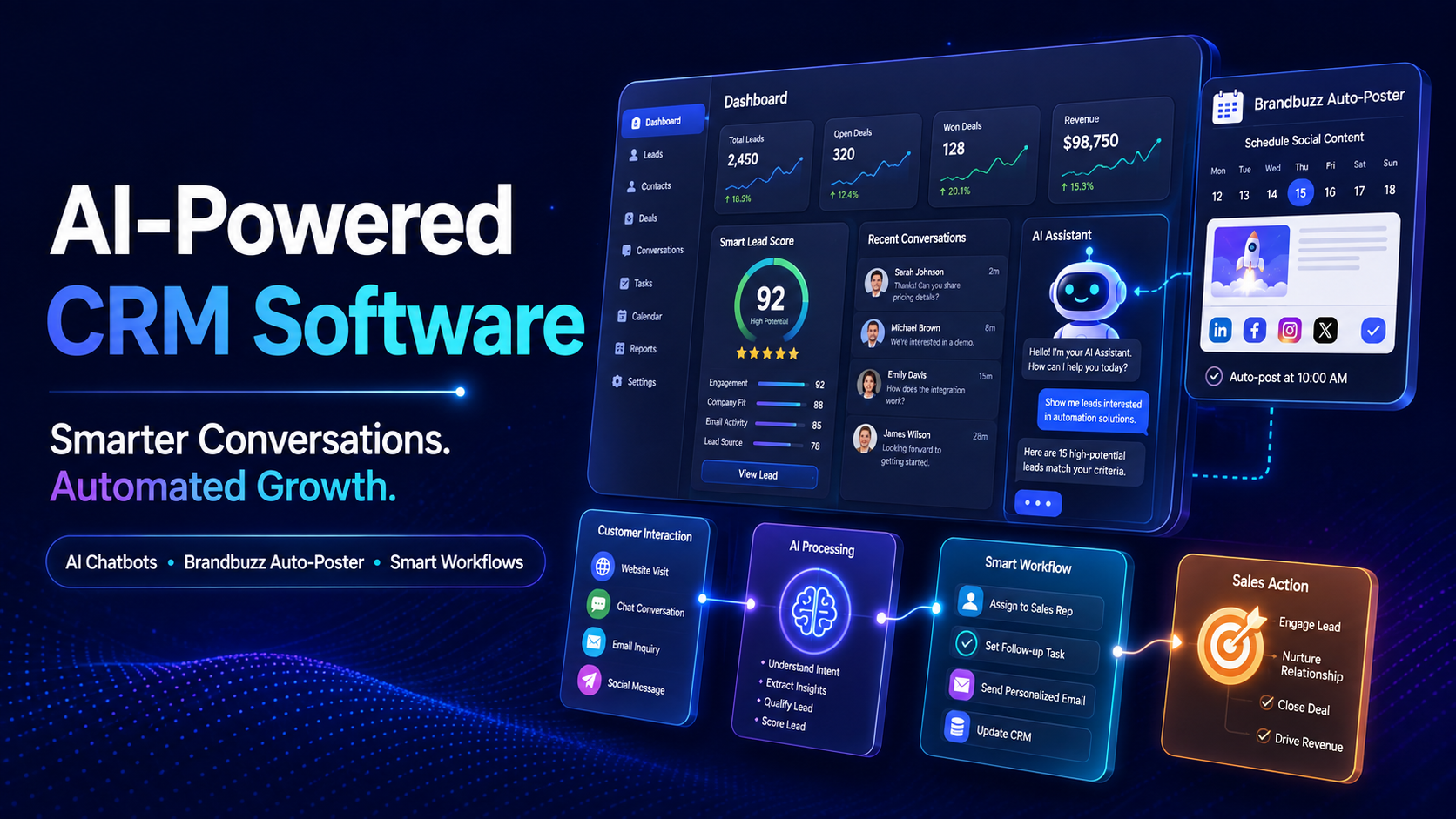
"AI-powered" has become one of the most overused phrases in software marketing — but for small businesses with limited staff, real AI automation inside a CRM can genuinely replace hours of manual work every week. The question is knowing which AI features actually save time, and which ones are just a label. Here's a practical breakdown of what AI-powered CRM software should deliver.
AI Chatbots: Handling Customer Queries Without a Full-Time Team
Most customer questions repeat themselves — pricing, availability, order status, business hours. AI chatbots built into a CRM can answer these instantly, 24/7, without a staff member sitting by the phone or WhatsApp all day. For a small team, this alone can eliminate a significant chunk of routine customer support work.
AI Content: Marketing Without a Dedicated Design Team
Creating daily social media posts, promotional flyers, and marketing content usually requires either a designer or hours of a business owner's time. AI content tools generate professional marketing visuals directly from business data — offers, products, or updates — and can auto-post them across social platforms on a schedule, without manual design work each time.
Smart Workflow Automation
Beyond chatbots and content, smart workflow automation handles the repetitive backend tasks that eat up staff time — automatically assigning new leads to the right salesperson, sending follow-up reminders, or flagging inactive customers for re-engagement, all without someone manually checking a dashboard every day.
Predictive and Data AI
Rather than reacting to problems after they happen, data-driven AI tools can highlight patterns — which leads are most likely to convert, which customers are at risk of churning, or which products are trending — so business owners can act before an opportunity is lost.
What to Check Before Trusting an "AI-Powered" Claim
- Is the AI actually integrated into your CRM data, or is it a separate add-on that doesn't see your real customer information?
- Does it reduce a specific, measurable task — response time, content creation hours, lead follow-up delays — or is it a vague feature?
- Can non-technical staff use it, or does it require someone with AI or technical expertise to operate?
- Is there a real support team behind it, in case automation needs adjusting for your specific business?
AI Automation Inside DataBridgeCRM
DataBridgeCRM's AI Solutions suite includes AI chatbots for customer queries, an AI content engine (branded "Brandbuzz") that auto-generates and auto-posts marketing images across social platforms, smart workflow automation, and predictive data insights — all connected directly to the same CRM and ERP data already powering the rest of the platform. Because it's part of one system rather than a bolted-on tool, the AI features work with real customer and business data from day one.
Put AI to Work in Your Business
AI automation should save your team time, not add another tool to manage. Book a free demo of DataBridgeCRM's AI-powered CRM tools and see which parts of your daily workload can run on autopilot.

