
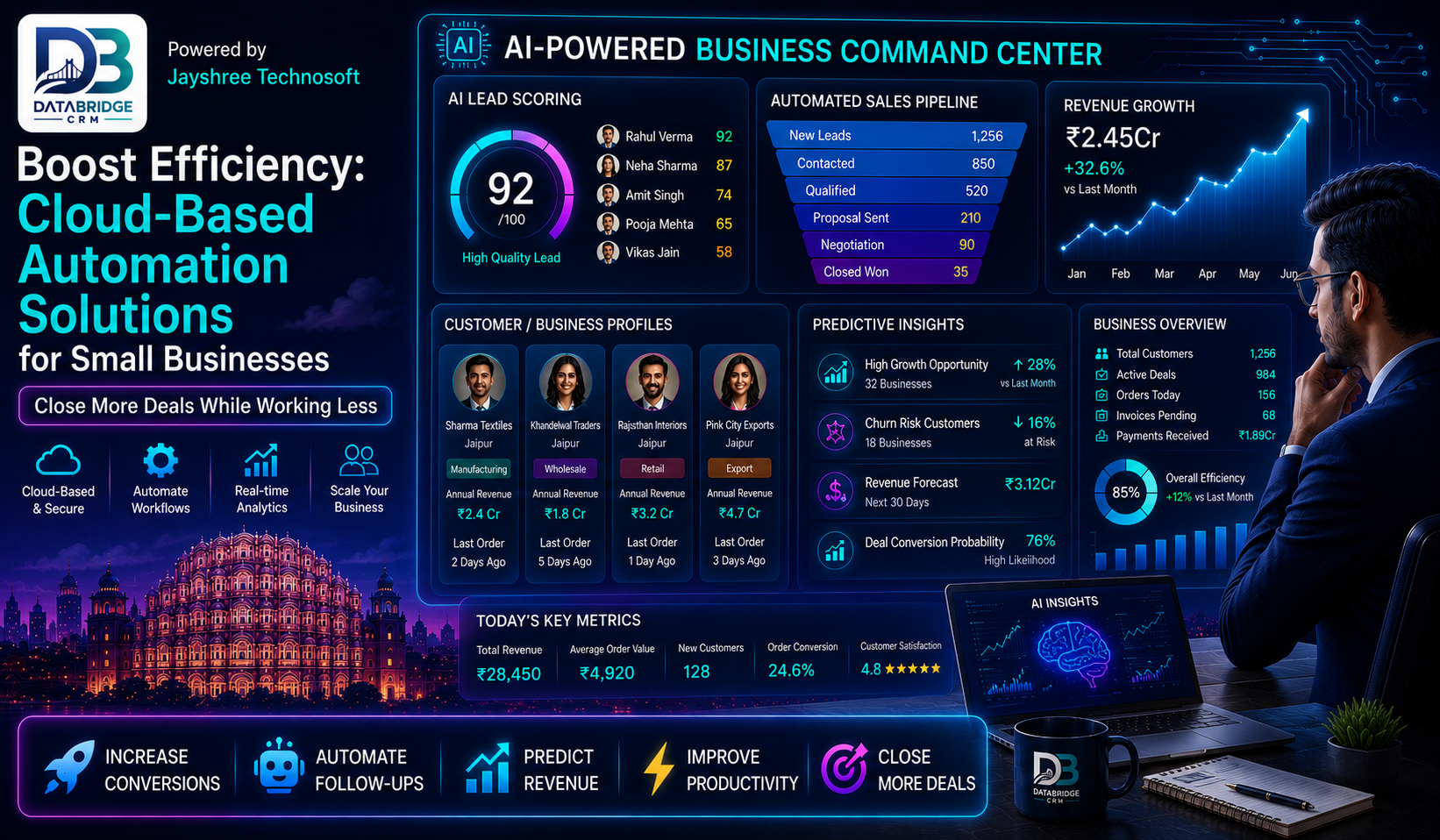
In today's fast-paced business landscape, small enterprises often grapple with the challenge of maximizing operational efficiency amidst limited resources. Enter cloud-based automation solutions, which not only streamline operations but also empower businesses to adapt to evolving market demands. Cloud technology narrows down the complexities of automation while enhancing accessibility and collaboration. For small businesses, leveraging these solutions can be a game-changer, freeing up precious time and resources that can be better allocated to growth or innovation.
This article delves into the fundamental aspects of cloud-based automation solutions for small businesses, exploring how platforms like DataBridge CRM can serve as a pivotal asset in this transition.
Understanding Cloud-Based Automation Solutions
Cloud-based automation refers to the use of cloud computing technologies to automate workflows and tasks that can traditionally be labor-intensive. It integrates software as a service (SaaS) applications that allow users to complete complex processes with minimal human intervention, resulting in increased efficiency and accuracy.
The primary benefits of cloud-based automation include:
- •- Cost Reduction: Traditional automation systems often require significant upfront investment in hardware and software. Cloud solutions reduce these costs, allowing small businesses to pay as they grow.
- •- Scalability: Cloud-based tools can easily scale according to the needs of your business, helping manage seasonal demands and unexpected growth without excessive overhead.
- •- Accessibility: With cloud solutions, teams can access systems from anywhere, enhancing collaboration, especially in an increasingly remote work environment.
- •- Real-time Insights: Automation tools produce valuable data that can be analyzed to refine business strategies and operations, driving continuous improvement.
Key Features of the Best Cloud-Based Automation Solutions
When considering cloud-based automation solutions, small businesses should prioritize features that align with their unique operational needs. Here are several must-have features to consider:
Integration Capabilities
Any automation solution should seamlessly integrate with existing systems like CRMs, accounting, or inventory management software. Tools such as DataBridge CRM excel in connection capabilities, enabling external applications to communicate efficiently, boosting overall productivity.
User-Friendly Interface
A user-friendly platform minimizes the learning curve associated with new software. Flexible dashboards and intuitive workflows allow employees to adopt new processes without extensive training. This ease of use significantly accelerates implementation and results in rapid return on investment.
Customization
Every business has unique operational requirements. Thus, the ability to customize workflows, reports, and dashboards is critical. Solutions that offer easy customization often lead to enhanced user adoption and more relevant data reporting.
Security
In an era where data breaches are all too common, robust security measures are non-negotiable. Ensure the chosen cloud solution complies with industry standards and includes features like data encryption, secure access controls, and regular backups.
Analytics and Reporting
Leveraging data effectively can uncover hidden inefficiencies and inform decision-making. Cloud-based automation solutions that include built-in analytics capabilities enable businesses to visualize progress and performance metrics, aiding in strategic planning.
Implementing Cloud Automation: A Step-by-Step Approach
Transitioning to cloud-based automation can be daunting, but a structured approach can simplify the process. Here’s a step-by-step plan to facilitate a smooth transition:
- •- Assess Your Needs: Begin by identifying the specific processes that require automation. Gather input from your team to ensure that all pain points are considered.
- •- Research Solutions: Explore various cloud-based automation solutions and their offerings. Utilize resources like DataBridge CRM to evaluate how each platform can meet your business needs.
- •- Develop a Roadmap: Create a detailed plan outlining objectives, timelines, and personnel responsible for each phase of the implementation.
- •- Start Small: Consider automating less complex tasks as a pilot project to acclimate your team and troubleshoot potential issues before scaling to more critical operations.
- •- Train Your Team: Proper training and support are vital. Use available tutorials and resources to facilitate a smooth transition, allowing your team to grow comfortable with the new system.
- •- Monitor and Optimize: Post-implementation, keep track of performance metrics to evaluate the success of the solution. Use feedback to refine and optimize processes for continuous improvement.
Real-World Success Stories
Numerous small businesses have successfully harnessed cloud-based automation to enhance efficiency. For instance, a local retail business utilized a cloud-based inventory management system to automate stock replenishment. By integrating their e-commerce platform with their inventory system, they achieved a 30% reduction in stock-outs and improved customer satisfaction ratings. Another example is a marketing agency that used cloud-based CRM tools to automate client communication, increased their project management efficiency, and significantly reduced manual reporting time.
Conclusion
Cloud-based automation solutions are not just a technological trend; they are essential tools for small businesses aiming to enhance efficiency and remain competitive in today's dynamic market. Implementing these solutions can lead to significant improvements in productivity, cost savings, and overall operational effectiveness.
As you consider the transition to automation, remember to harness the power of platforms like DataBridge CRM that epitomize accessibility, scalability, and integration. Embrace automation and transform your business operations today for a more efficient tomorrow.

