
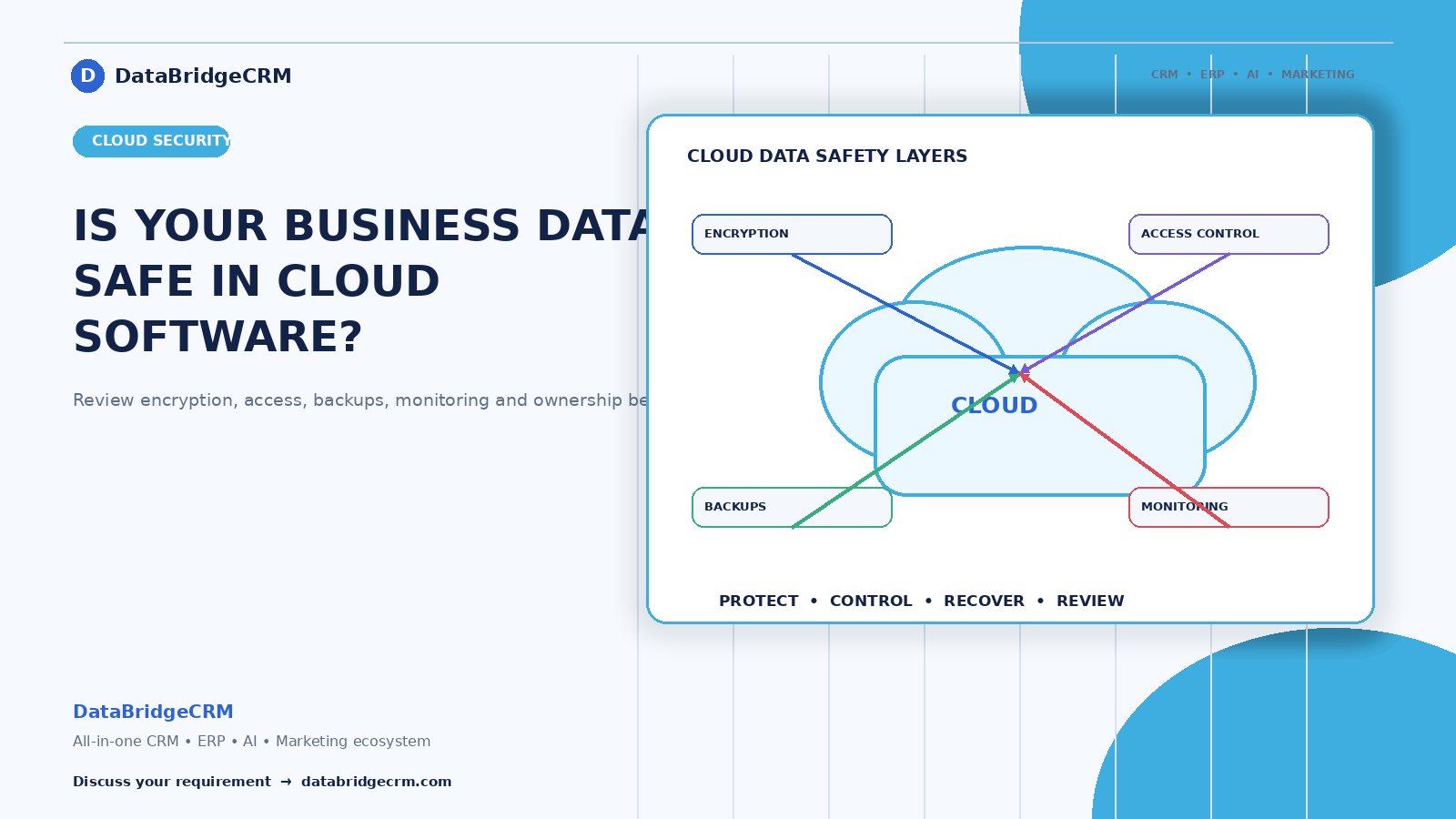
"Is my data safe with you?" is the question businesses think about and rarely ask directly. It deserves a straight answer, and it deserves better questions than most buyers know to ask.
Here's what actually matters when your business data lives in someone else's software.
The Comparison Nobody Makes Honestly
The instinct is to feel that data on your own computer is safer than data in the cloud. In practice, the opposite is usually true for small businesses — and it's worth being clear about why.
What actually causes data loss in Indian small businesses: a failed hard drive with no working backup. A computer stolen or damaged. Ransomware on an unpatched office machine. An employee leaving with the only copy. A file corrupted with no earlier version to recover.
Almost none of these involve anyone attacking the business deliberately. They're ordinary failures, and local setups are far more exposed to them than professionally managed cloud infrastructure with automated backups.
That doesn't mean cloud is automatically safe. It means the right question isn't "cloud or local?" — it's "what specific protections are in place?"
The Questions Worth Asking Any Software Provider
"Where is our data physically stored?" Which country, and can it be stored in India if we require that? This matters for compliance in regulated sectors and increasingly for enterprise buyers.
"How often are backups taken, and where are they kept?" A backup on the same server as the original isn't a backup. Ask how far back they go.
"Can you demonstrate a restore?" The question that separates real backup systems from assumed ones. Providers who back up properly can answer this comfortably.
"Who at your company can see our data, and is that logged?" Support staff sometimes need access to help you. That's normal — what matters is that it's controlled and recorded rather than unrestricted.
"How is access controlled on our side?" Can we give each employee their own login with different permissions? Shared passwords are the most common real-world security failure in small businesses.
"What happens if we stop using you?" Can we export everything in a usable format, and for how long is data retained afterwards?
"Is the connection encrypted?" Basic and worth confirming — your browser should show a secure connection.
Your Half of the Responsibility
This is the part providers can't fix, and where most actual incidents originate:
Individual logins, not shared ones. Every person gets their own account. Shared credentials mean you can never tell who did what, and removing one person's access means changing everyone's password.
Remove access when people leave. The departed employee who still has a working login is a genuine and extremely common risk. Make this part of your exit process.
Two-factor authentication on anything important — your software, your email, your hosting, your payment gateway.
Permissions matched to roles. Your billing staff don't need access to salary information. Your salesperson doesn't need to delete customer records. Systems that give everyone everything are a liability disguised as convenience.
Be careful what you collect. Data you don't hold can't be exposed. Collect what you need for the business, not everything you could.
What India's Data Protection Framework Means Practically
If your business handles personal information — customer contact details, employee records, patient or student data — you have obligations under India's data protection framework.
For most small businesses, the practical requirements are reasonable: collect only what you need, tell people what you're collecting it for, keep it secure, control who can access it, and be able to say where it's stored.
Sector rules apply on top and are stricter. Payment data, financial services, insurance, and healthcare each carry specific requirements that the general framework doesn't override. If you're in one of these, confirm your position with a professional rather than assuming.
The practical implication for software selection: your provider should be able to tell you where data is stored, what access controls exist, and how you'd respond if something went wrong. Vagueness on these is a reason to look elsewhere.
The Question About AI Features
Increasingly relevant and rarely asked: "Is our data used to train AI models?"
If software includes AI features, your business data may be processed by AI services — potentially outside India. That's frequently fine and legitimate, but it should be disclosed and covered by your consent arrangements with your own customers.
Ask directly, and ask whether you can opt out of AI processing for sensitive data categories.
What Good Practice Looks Like on Your Side
A short routine that prevents most real problems:
Review who has access twice a year, and immediately whenever someone leaves. Confirm your provider's backups by asking for a restore demonstration once a year. Keep your own export of critical data periodically — belt and braces. Enable two-factor authentication everywhere it's offered. And know who to contact if something goes wrong, before it does.
Fifteen minutes twice a year prevents the situation that takes weeks to recover from.
How We Handle This
DataBridgeCRM operates on cloud infrastructure with automated backups, encrypted connections, and role-based access so each user sees only what their role requires. Data can be exported whenever you want it, and we're straightforward about where it's stored and who can access it.
We'd also rather businesses asked us these questions during evaluation than assumed. A buyer who understands what they're getting is a better long-term customer than one who finds out later.
Evaluating business software and want straight answers about data handling? Book a free demo — ask the hard questions, including the ones above.

