
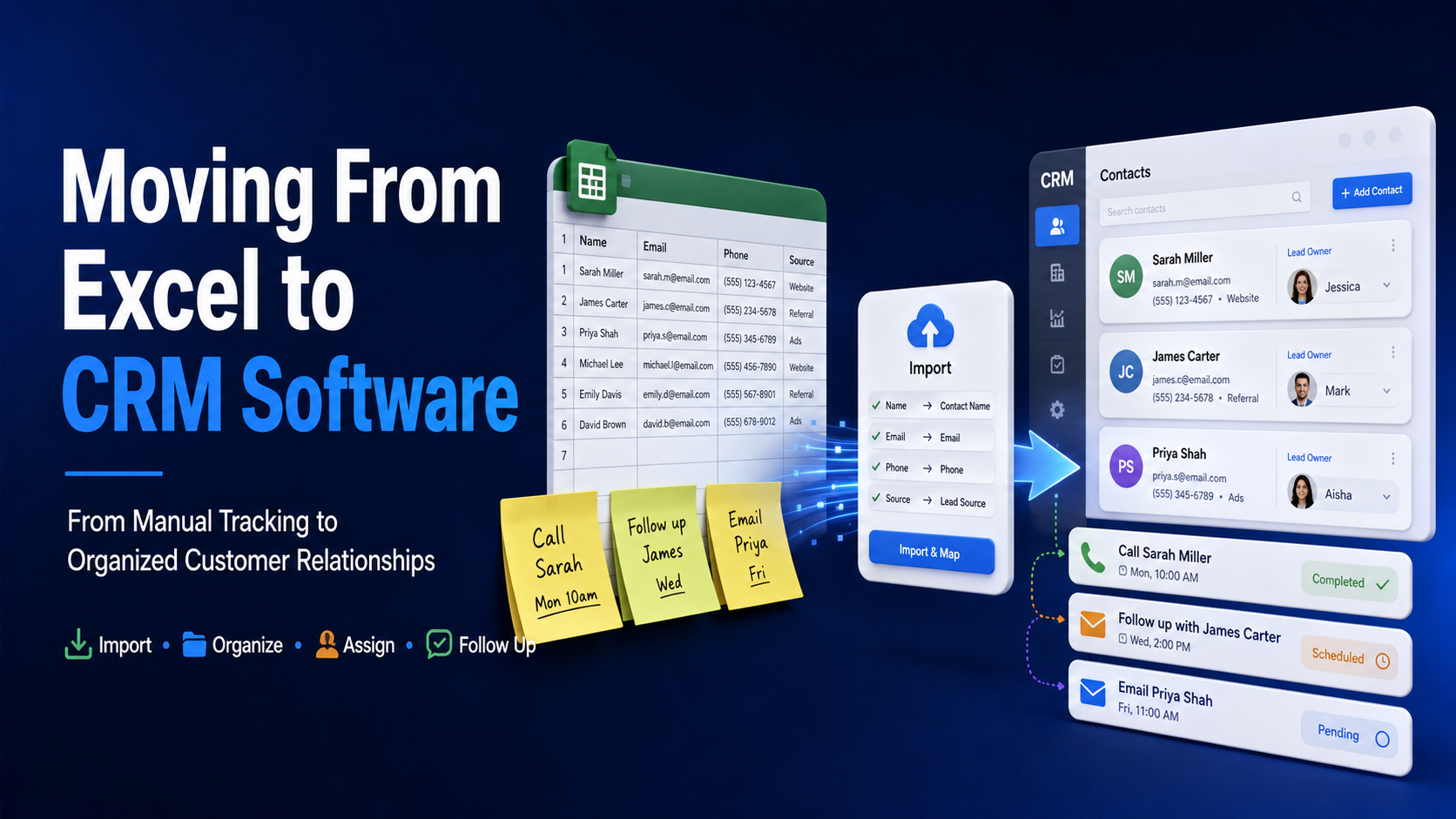
Excel is where almost every small business starts tracking customers — and for a while, it genuinely works. The problem isn't that spreadsheets are bad tools; it's that they were never designed to manage relationships, follow-ups, and growing sales volume. At some point, every growing business hits the moment where moving from Excel to CRM software stops being optional and starts being necessary.
Signs You've Outgrown Your Spreadsheet
- Multiple people update the same sheet, and conflicting versions or overwritten data are becoming a regular problem
- Leads are falling through the cracks because no one remembers to follow up, and there's no automatic reminder system
- Finding a specific customer's history means scrolling and searching manually, instead of pulling it up instantly
- You have no reliable way to see which leads are actually converting, or where in the process they're getting stuck
- The sheet has become so large and complex that opening it slows down, or formulas start breaking unexpectedly
Why Spreadsheets Struggle to Scale
A spreadsheet has no concept of a lead's stage, no automatic reminders, no way to track communication history alongside contact details, and no reporting beyond what someone manually builds. Every one of these gaps means more manual work as your customer base grows — work that a CRM automates by design.
What Actually Changes When You Switch
Automatic Lead Tracking and Follow-Up
Instead of relying on memory or a manually maintained "to follow up" column, a CRM tracks every lead's stage and can automatically prompt follow-up at the right time.
One Source of Truth
No more conflicting versions of the same sheet — everyone on the team sees the same, current customer information, updated in real time.
Built-In Communication History
Every call, email, or message tied to a customer's record, instead of scattered across someone's inbox or memory.
Real Reporting Without Manual Work
Dashboards showing conversion rates, pipeline value, and team performance — generated automatically, instead of manually compiled once a month if there's time.
How to Make the Switch Without Losing Data
- Clean up your existing spreadsheet first — remove duplicates and outdated entries before migrating, since a CRM will only be as useful as the data it starts with
- Map your spreadsheet columns to CRM fields before importing, so nothing gets lost or misplaced in the transition
- Migrate in stages if needed — start with current, active leads before importing historical records, so the team can start using the new system immediately
- Train the team on day one — a CRM only replaces a spreadsheet's usefulness if people actually use it consistently instead of falling back to old habits
Why This Is Also the Right Moment to Consolidate
If you're already moving away from spreadsheets, it's worth evaluating whether your billing, marketing, and operational tools should move onto the same connected platform at the same time — rather than replacing one spreadsheet with a standalone CRM that's still disconnected from everything else.
DataBridgeCRM's Approach to Migration
DataBridgeCRM supports businesses moving from spreadsheets and manual tracking onto a connected CRM and ERP platform, with support included as part of onboarding so historical customer data isn't lost in the switch. The platform combines CRM with billing, marketing, and AI tools starting at ₹50/day, so the move away from Excel also means consolidating other scattered tools at the same time.
Make the Switch Before It Becomes Urgent
If your spreadsheet is starting to show the warning signs above, book a free demo of DataBridgeCRM and see what moving to a proper CRM actually looks like.

