
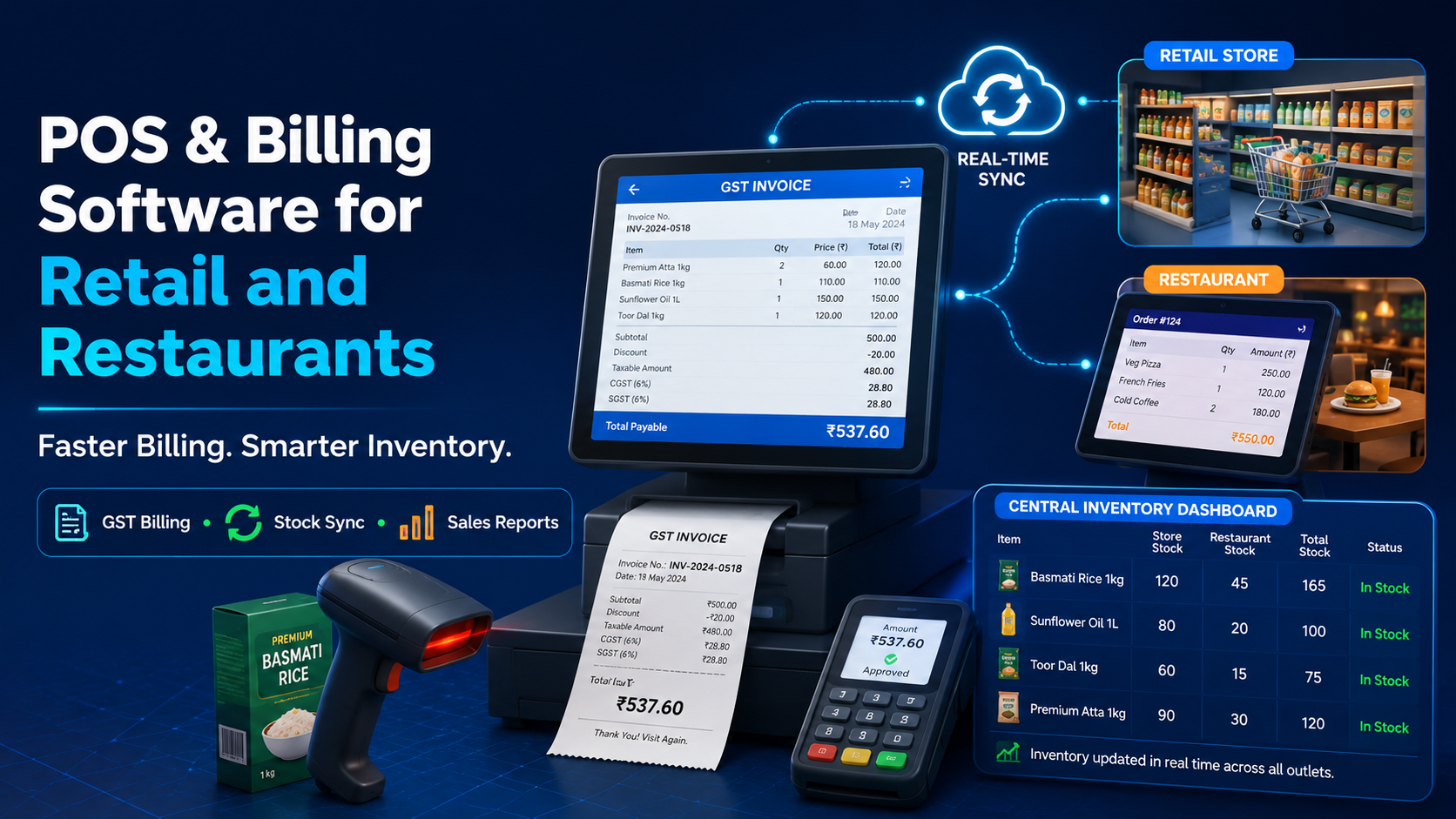
At the counter, speed and accuracy directly affect customer experience — a slow or error-prone billing process creates friction at the exact moment a sale is being completed. POS and billing software exists to remove that friction, but the difference between a basic billing tool and a properly built POS system shows up the moment your business needs more than just printing a receipt.
What Basic Billing Tools Miss
Many small businesses still use a standalone billing app or even manual registers that only handle the transaction itself — no connection to inventory, no customer history, and no real-time visibility into sales performance. This creates predictable problems: stock counts that don't match what's actually on the shelf, no record of repeat customers, and sales data that has to be manually compiled at the end of every day.
What a Proper POS System Should Handle
Real-Time Inventory Updates
Every sale should automatically update stock levels, so you always know what's actually available without a manual recount.
GST-Compliant Billing
Accurate, compliant invoicing built for Indian tax requirements, generated automatically with every transaction — not calculated manually afterward.
Customer Purchase History
Linking billing to customer records means repeat customers can be recognized, and purchase patterns can inform future marketing or restocking decisions.
Multi-Location Support
For businesses with more than one outlet, a POS system should give a combined, real-time view of sales and inventory across all locations, not separate disconnected systems per store.
Restaurant-Specific POS Needs
Restaurants have requirements standard retail billing doesn't: table management, kitchen order tickets, split billing, and integration with food delivery platforms. A restaurant POS system built around these specific needs handles the pace of a dinner rush far better than generic billing software adapted after the fact.
Why Connecting POS to CRM and Inventory Matters
A POS system operating in isolation only solves the moment of transaction. When billing is connected to the same CRM and inventory system running the rest of the business, every sale automatically updates stock, adds to customer history, and feeds into overall business reporting — instead of requiring separate manual reconciliation at the end of the day.
Signs Your Current Billing System Is Holding You Back
- Stock counts regularly don't match your actual inventory
- Staff spend noticeable time on manual calculations or corrections during busy hours
- You have no easy way to see which products or dishes are actually your top sellers
- Multiple locations report sales separately instead of through one combined view
DataBridgeCRM's POS and Billing Solution
DataBridgeCRM includes POS and billing as part of its connected CRM and ERP platform, with real-time inventory updates, GST-compliant invoicing, and dedicated support for retail and restaurant workflows. Because billing runs on the same system as customer and inventory data, every transaction automatically updates stock and customer history — without a separate manual step.
Speed Up the Counter, Not Just the Backend
If billing errors or disconnected inventory are creating daily friction in your business, book a free demo of DataBridgeCRM's POS and billing software and see a connected system in action.

