
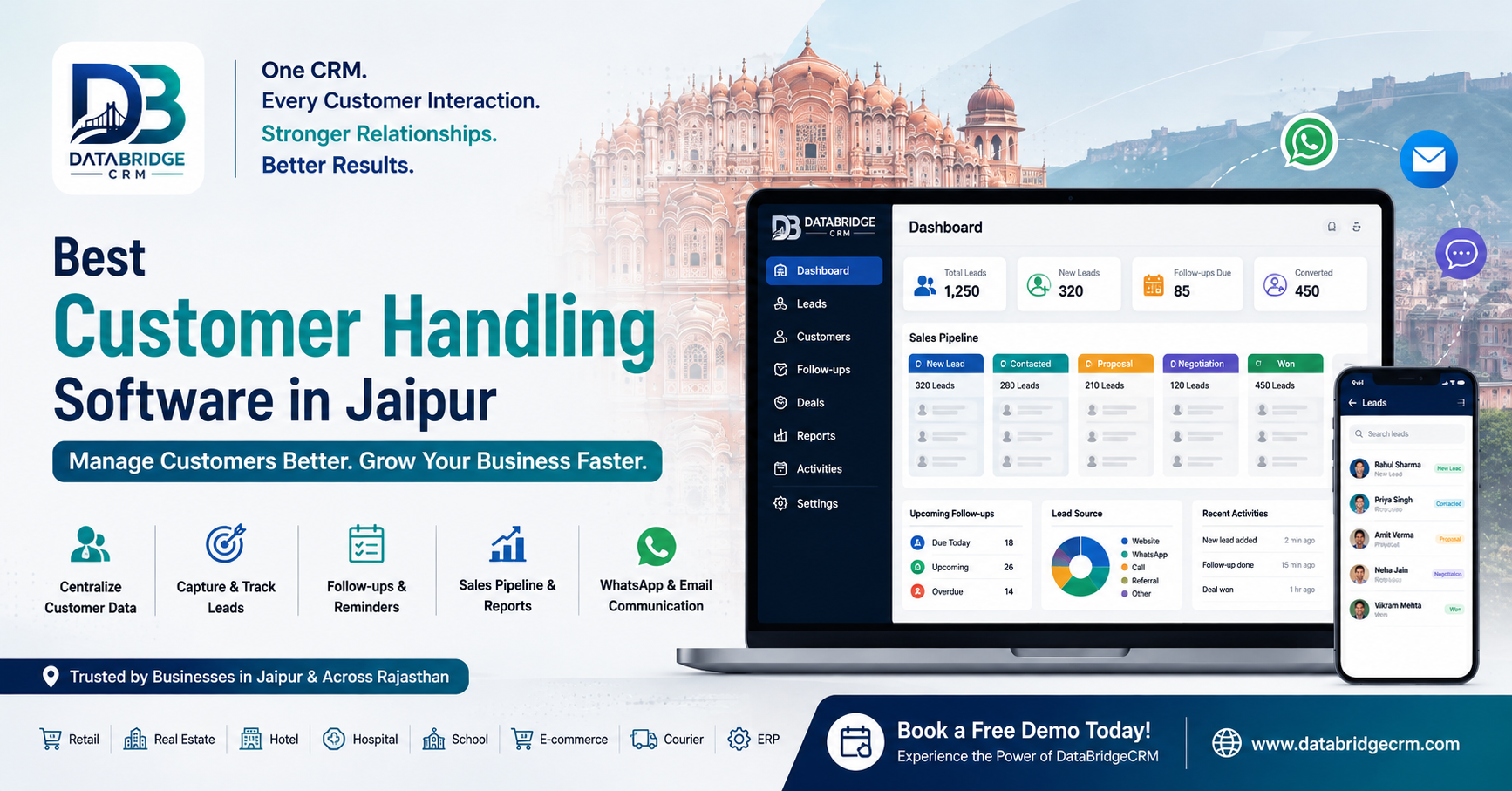
If you are searching for the best customer handling software in Jaipur, this guide explains what it is, which features matter, how it compares with Excel, and how to choose the right CRM software in Jaipur for your business.
Quick Answer: What Is Customer Handling Software?
Customer handling software is a tool that keeps everything about your customers in one place: their details, enquiries, leads, follow-up dates and past conversations. Most people call it CRM software (Customer Relationship Management software).
If you run a business in Jaipur, the right CRM software means fewer missed enquiries, a sales team that knows who to call next, and customer relationships you can actually keep track of.
In short:
It replaces scattered notebooks, sheets and phone contacts with one customer database.
It gives you lead management and follow-up reminders, so no enquiry slips through.
It works for retail, real estate, hotels, clinics, schools and service businesses.
Pick one by ease of use, follow-up features, security, support and price, and always ask for a demo.
When Customer Enquiries Get Lost
Picture this. You run a retail store, a real estate agency or a service business in Jaipur.
On Monday, one customer messages you on WhatsApp. Another calls the office to ask about pricing. A third fills in the enquiry form on your website. Your team notes these down in three different places: a notebook, an Excel sheet and somebody’s phone.
A week later you want to follow up. One number is missing. One person forgot to call. Someone else has no idea what was promised earlier.
Sound familiar? The problem usually isn’t a shortage of customers. It’s that the customers you already have are scattered all over the place. That’s the gap customer handling software fills.
Table of Contents
What Is Customer Handling Software and How Does It Work?
Why Do Businesses in Jaipur Need CRM Software?
Key Features of Customer Management Software
How Does CRM Software Work? A Step-by-Step Look
Practical Examples: How Different Businesses Can Use CRM
CRM Software vs Excel
How DataBridgeCRM Helps Businesses in Jaipur
How to Choose the Best Customer Handling Software in Jaipur
Conclusion
Frequently Asked Questions
What Is Customer Handling Software and How Does It Work?
Customer handling software, better known as Customer Relationship Management (CRM) software, helps you manage customer information and every interaction along the way, from the first enquiry to the sale and beyond.
Instead of hunting through separate files, you keep it all in one organised system. A typical CRM lets you:
Save customer names, phone numbers and contact details
Record what each customer is asking for
Track leads and see which stage each one is at
Schedule follow-ups and keep an eye on them
Keep a record of past communication
Check how your sales are going through reports and dashboards
The idea is simple: when information is easy to find, it’s easy to act on.
Why Do Businesses in Jaipur Need CRM Software?
Jaipur has a mix of retail, real estate, hospitality, education, healthcare, manufacturing and professional services. Every business deals with customers in its own way, but the same headaches show up again and again.
1. Missed follow-ups
When enquiries are written down by hand, someone eventually forgets to call back. A CRM puts follow-up dates and pending tasks in front of your team.
2. Customer details everywhere
Numbers in phones, names in notebooks, requirements in spreadsheets. A single customer database keeps it tidy.
3. No clear picture of sales
How many enquiries came in this month? How many are still pending, converted or lost? Lead tracking answers this without the guesswork.
4. Confusion between team members
When two people talk to the same customer, one of them usually doesn’t know what the other said. Shared records fix that.
5. Reporting that eats up time
Putting reports together by hand is slow and easy to get wrong. Dashboards make it quicker to see where things stand.
Key Features of Customer Management Software
Before you pick the best customer handling software in Jaipur for your business, it helps to know which features matter. Whether you call it a lead management system, a sales CRM or customer management software, these are the basics.
Customer database: All contact details and relevant information in one organised place, so nobody has to dig through multiple files.
Lead management: Log new enquiries, update their details and move them through your sales stages.
Follow-up management: See at a glance who needs a call today, who’s coming up and who’s overdue.
Sales pipeline: A clear view of where each potential customer stands: new enquiry, contacted, qualified, proposal sent or converted.
Customer communication: Stay in touch through the channels the software supports, such as email or WhatsApp.
Reports and data management: Review lead status and sales activity, and import or export your data when you need to.
How Does CRM Software Work? A Step-by-Step Look
Most CRM systems follow roughly the same flow:
Capture the enquiry. Add the customer’s details manually or through the lead collection methods your software supports.
Organise the record. Store contact details, requirements and notes in one customer profile.
Assign and track the lead. Give each lead an owner and a status.
Schedule follow-ups. See which follow-ups are upcoming, due or overdue, so your team knows who needs attention.
Update the status. Mark the customer as contacted, interested, converted or no longer interested.
Review performance. Use reports and dashboards to see how your leads are moving along.
Practical Examples: How Different Businesses Can Use CRM
Business type
What they need to manage
How a CRM helps
Retail stores
Customer records and purchase-related information
Keeps customer data and sales activity organised
Real estate
Property enquiries and buyer follow-ups
Tracks leads and sales opportunities
Hotels
Guests and bookings
Supports organised hospitality operations
Hospitals and clinics
Patient and appointment records
Helps manage patient-related workflows
Educational institutions
Student enquiries and admissions
Keeps student information and administration in order
Service businesses
Enquiries, quotations and follow-ups
Tracks requirements and sales progress
Take a real estate consultant in Jaipur. Enquiries come in for several properties at once. With a CRM, each buyer’s requirements are recorded and every enquiry can be tracked until it closes.
A retail business can do something similar, using customer records and sales tools to run day-to-day operations more smoothly. If you also need billing, look for a CRM that works alongside billing and POS software.
CRM Software vs Excel: Which Is Better for Customer Management?
Excel is fine for a basic customer list. The trouble starts when enquiries pile up and more people join in. At that point, a dedicated CRM gives you more structure.
Point
Excel or spreadsheet
CRM software
Customer records
Maintained by hand
Organised customer database
Lead tracking
Status updated manually
Structured lead pipeline
Follow-ups
You track them yourself
Dedicated follow-up tools, where supported
Team collaboration
Depends on file sharing
Shared workspace, based on permissions
Customer history
Kept manually
Interaction records, where supported
Reporting
You build the sheet
Reports and dashboards, depending on the product
Growing with you
Gets harder to manage
Built for structured customer workflows
So which one? If it’s just you, or you only have a handful of customers, Excel can do the job. Once several people are handling enquiries, follow-ups and sales opportunities, a CRM is worth a serious look.
How DataBridgeCRM Helps Businesses Manage Customers in Jaipur
DataBridgeCRM offers CRM, ERP and business management solutions built for different industries. These include POS and billing, hotel management, hospital management, school management, e-commerce, courier and logistics, real estate CRM and enterprise ERP.
If you’re searching for the best customer handling software in Jaipur, DataBridgeCRM gives you tools for organising both your operations and your customer activity.
DataBridgeCRM Lead Management
The Lead Management workspace includes:
Lead creation: Add customer details, requirements, deal value and follow-up information.
Table view: See your lead records in a clear list.
Kanban view: Arrange leads visually by sales status.
Follow-up filters: Check what’s due today, upcoming or overdue.
WhatsApp quick outreach: Use ready message templates to prepare outreach on WhatsApp.
Import and export: Move lead data in and out through supported CSV, Excel and PDF options.
Lead summary cards: Get a quick count of total, new, pending and converted leads.
Together, these give your sales team a clear view of enquiries and progress. You can also explore DataBridgeCRM’s wider set of marketing tools, collaboration features and industry-specific CRM and ERP solutions.
Want to see it with your own data? Book a free DataBridgeCRM demo and check whether it fits the way your team works.
How to Choose the Best Customer Handling Software in Jaipur
Comparing feature lists isn’t enough. Here’s what to check before you decide:
Your business needs. Do you need contact management, lead tracking, sales management or something built for your industry?
Ease of use. If your team finds it confusing, they won’t use it.
Follow-up features. Make sure it supports the way your team follows up.
Communication options. Check which email, WhatsApp and other channels it works with.
Data security. Ask about user permissions, data protection and backups.
Room to grow. It should keep up as your customer base gets bigger.
Support and training. Find out what onboarding and technical help you’ll get.
Pricing. Look at the actual plan, user limits, features, taxes and any extra charges.
Whatever you shortlist, ask for a demo first and check that it fits the way you actually work.
Conclusion: Better Customer Management Starts With the Right CRM
It’s hard to look after customers when enquiries, phone numbers and follow-ups are spread across notebooks, sheets and phones. Customer handling software brings all of it together. You can keep records in order, track sales opportunities and see what’s happening with each customer.
For businesses in Jaipur looking for CRM and business management tools, DataBridgeCRM offers industry-specific products and lead management features that support an organised workflow.
The best software isn’t the one with the longest feature list. It’s the one that fits how your business works and makes life easier for your team.
Ready to get started? Book a free DataBridgeCRM demo or explore DataBridgeCRM to find a customer management solution that suits your business.
Frequently Asked Questions
1. What is the best customer handling software in Jaipur?
It depends on your business type, team size, budget and the features you need. Compare customer records, lead management, follow-ups, reporting, security and support before you choose, and always take a demo with your own data.
2. Is CRM software useful for small businesses?
Yes. Small businesses can use a CRM to organise customer information, track enquiries, manage follow-ups and see how their sales are going, instead of depending on notebooks, phone contacts and scattered sheets.
3. What is the difference between CRM and customer handling software?
Customer handling software is a broad term for any tool that helps you manage customer interactions. CRM software is a more structured system for managing customer relationships, leads, sales activity and related information.
4. Can CRM software help manage sales leads?
Yes. A CRM lets you create lead records, track sales stages, update customer information and monitor follow-ups, so every enquiry has an owner and a status.
5. Can CRM software reduce missed follow-ups?
Follow-up tools in a CRM show your team which follow-ups are due today, upcoming or overdue, which makes it much easier to stay on top of customer communication.
6. Is CRM better than keeping customer details in Excel?
Excel works for a small, simple customer list. A CRM tends to work better once several people handle customers and you need structured lead tracking, follow-ups and shared records.
7. What should I check before buying CRM software?
Check features, ease of use, pricing, data security, user permissions, support and training, and confirm that it matches your actual business process by taking a demo first.
8. How does DataBridgeCRM help businesses?
DataBridgeCRM offers lead management, CRM and ERP products and industry-specific business solutions. Its Lead Management workspace includes Table View, Kanban View, follow-up filters, WhatsApp quick outreach and data import and export.

