
Client Onboarding Process for CA and Law Firms
The first weeks with a new client shape the whole relationship. A messy start, with missing documents, unclear scope and late fee discussions, creates friction later. A clear onboarding process makes work smoother and clients happier. This guide describes a practical client onboarding process for CA firms and law practices using CA practice management software.
Capture the Enquiry Properly
Record who the client is, what they need, how they found you and the urgency. A short intake form or call script avoids repeating questions and lets you assign the right partner or team.
Define Scope and Fees in Writing
- List services included and excluded
- State fees, billing frequency and payment terms
- Explain what documents and information you will need
- Set timelines and responsibilities
- Share an engagement letter or terms for acceptance
Follow your professional body's guidance on engagement terms and communication.
Collect KYC and Documents Securely
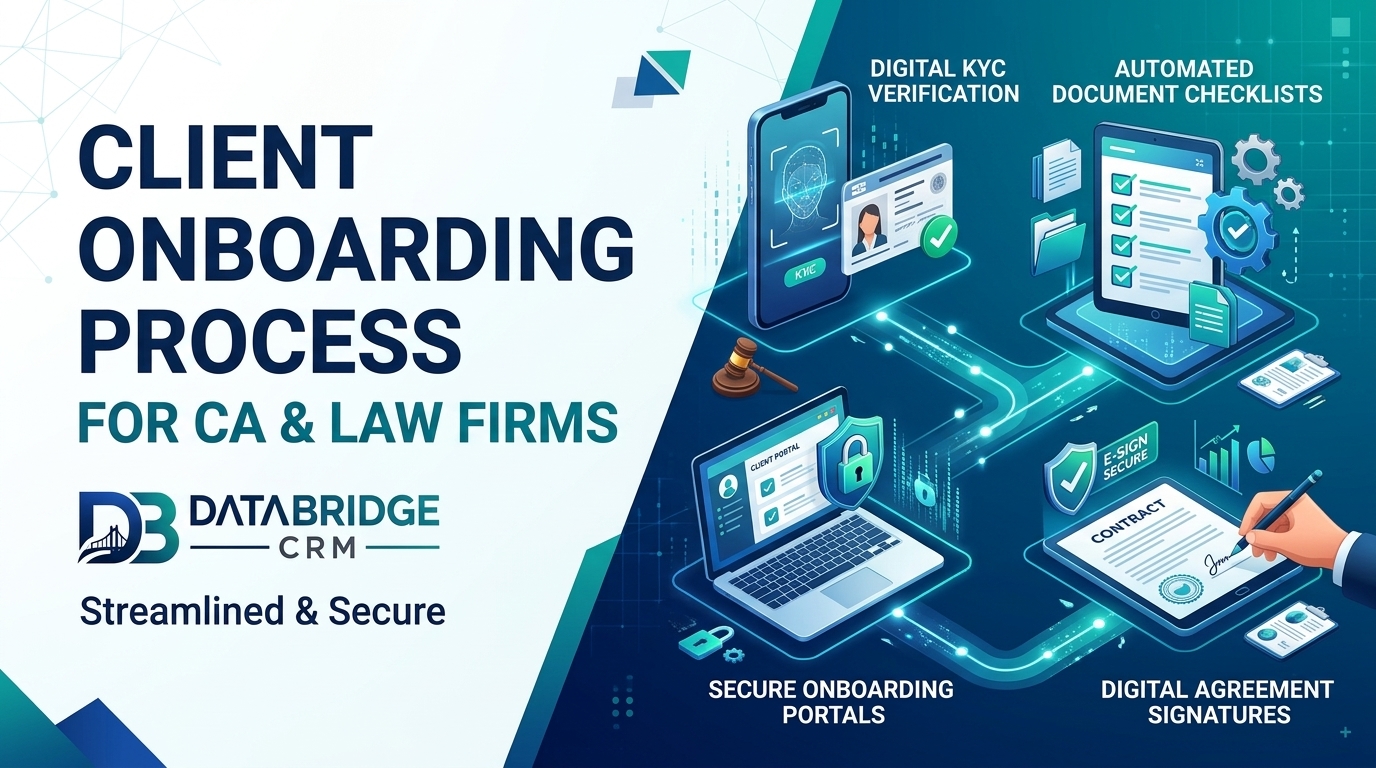
Send a checklist and a secure upload link rather than using scattered email and chat. Store documents in a structured client folder with access limited to the assigned team. Confirm what has been received and what is pending.
Create the Client Master
- Legal name, constitution and registration details
- Contact persons and authorised signatories
- Tax registrations and key dates
- Services subscribed and assigned team
- Billing contact and fee schedule
Set Up Recurring Work and Due Dates
Apply service templates so that monthly, quarterly and annual tasks are created automatically with internal deadlines. Verify statutory dates from official sources and update templates as rules change.
Welcome the Client
Send a short welcome message with the team's contacts, how updates will be shared and what happens next. A good first impression reduces unnecessary calls and sets expectations for communication.
Review After 30 Days
Check whether documents are flowing on time, whether scope matches reality and whether the client is comfortable with communication. Adjust early rather than later. Consider tools beyond practice software, including broader ERP software Jaipur options, only if your firm's billing and accounting needs require them.
CRM, ERP and POS: How They Fit Together
CRM, ERP and POS are often mentioned together, which can confuse buyers. A CRM manages customers, enquiries, follow-ups and communication. A POS handles billing at the counter. ERP software covers back-office processes such as purchasing, inventory, accounts and HR. In a small law / ca management business, a CRM with billing and inventory features is usually enough at the start. As you add branches, staff and suppliers, ERP-style modules become useful, so choose a platform that lets you add modules over time.
How Data Drives Growth
Once your team records every customer interaction, patterns appear. You can see which services or products sell most, which months are slow, which staff member closes the most enquiries and which customers have not returned for a long time. These insights help you plan stock, staffing, offers and advertising with confidence instead of guesswork.
Helping Your Team Adopt the System
The best software fails if people avoid it. Explain how the change helps each person, train in short sessions by role, appoint one internal champion and review usage weekly in the first month. Celebrate early wins, such as a missed enquiry recovered through a reminder, and make sure owners use the reports themselves, because staff follow what managers check.
Key Takeaways
- Focus on one area at a time: capture the enquiry properly
- Focus on one area at a time: define scope and fees in writing
- Focus on one area at a time: collect kyc and documents securely
- Focus on one area at a time: create the client master
- Focus on one area at a time: set up recurring work and due dates
Progress comes from consistent small improvements that your whole team follows, not from a single big change.
Your 4-Week Action Plan
Week 1: Understand
Write down how work currently flows in your law / ca management business. Note delays, repeated entry and missed follow-ups, and choose the one problem that costs you the most.
Week 2: Organise
Clean your customer and operational data, define roles and decide the simple rules your team will follow, such as response time and reminder timing.
Week 3: Implement
Set up the workflow in your software, train staff by role and run it alongside your old process for a few days to catch gaps.
Week 4: Review
Look at your numbers, collect feedback from staff and customers and adjust. Then move on to the next problem on your list.
Eight Things to Check When Choosing Software
- It fits your type of business and your sub-niche, not just a generic model
- Your team can learn it quickly, including on mobile
- You can import existing data from Excel or other tools
- Reminders, reports and user roles are configurable
- Integrations such as WhatsApp, payments and your website are available
- Data is backed up and access is controlled
- Training and support are available in a language your team prefers
- Pricing is transparent and the system can grow as you add users or branches
Business Software for Jaipur and Across India
Whether you are exploring CRM software Jaipur, ERP software Jaipur or CRM software for small business India, the best choice is the one your team will use every day. Businesses in Jaipur, Rajasthan and the rest of India often run lean teams, serve both walk-in and online customers and need software that is quick to learn, affordable and supported locally. Start with the processes described above, choose a platform that can grow with you and add modules only when the need is clear.
How DataBridge CRM Can Help Your Law / CA Management Business
DataBridge CRM (databridgecrm.com) is a business software platform that helps growing companies manage customers, enquiries, follow-ups, communication and reports in one place. For law / ca management businesses, it can be configured around the workflows in this article, with reminders, user roles, dashboards and reports that match how your team works.
- Capture and organise customer information in a single system
- Automate reminders and follow-ups so nothing is forgotten
- Give owners clear reports and give staff clear daily task lists
- Start with core features and add more as your business grows
Want to see it on your own use case? Book a free demo at databridgecrm.com and the team will walk you through a setup suited to your business.
Frequently Asked Questions
What should an engagement letter cover?
Scope, fees, responsibilities, timelines and terms. Follow your professional body's guidance.
How do I stop clients sending documents through chat?
Provide a simple upload link and a checklist, and explain why it helps.
Can I automate onboarding?
Many steps, such as forms, checklists and task templates, can be automated.
Should I onboard every client the same way?
Use a standard base process with variations by client type and service.
Can I try DataBridge CRM before buying?
You can request a demo at databridgecrm.com to see how the platform fits your workflow before you decide.
Ready to get started? Visit databridgecrm.com and talk to the team today.

