
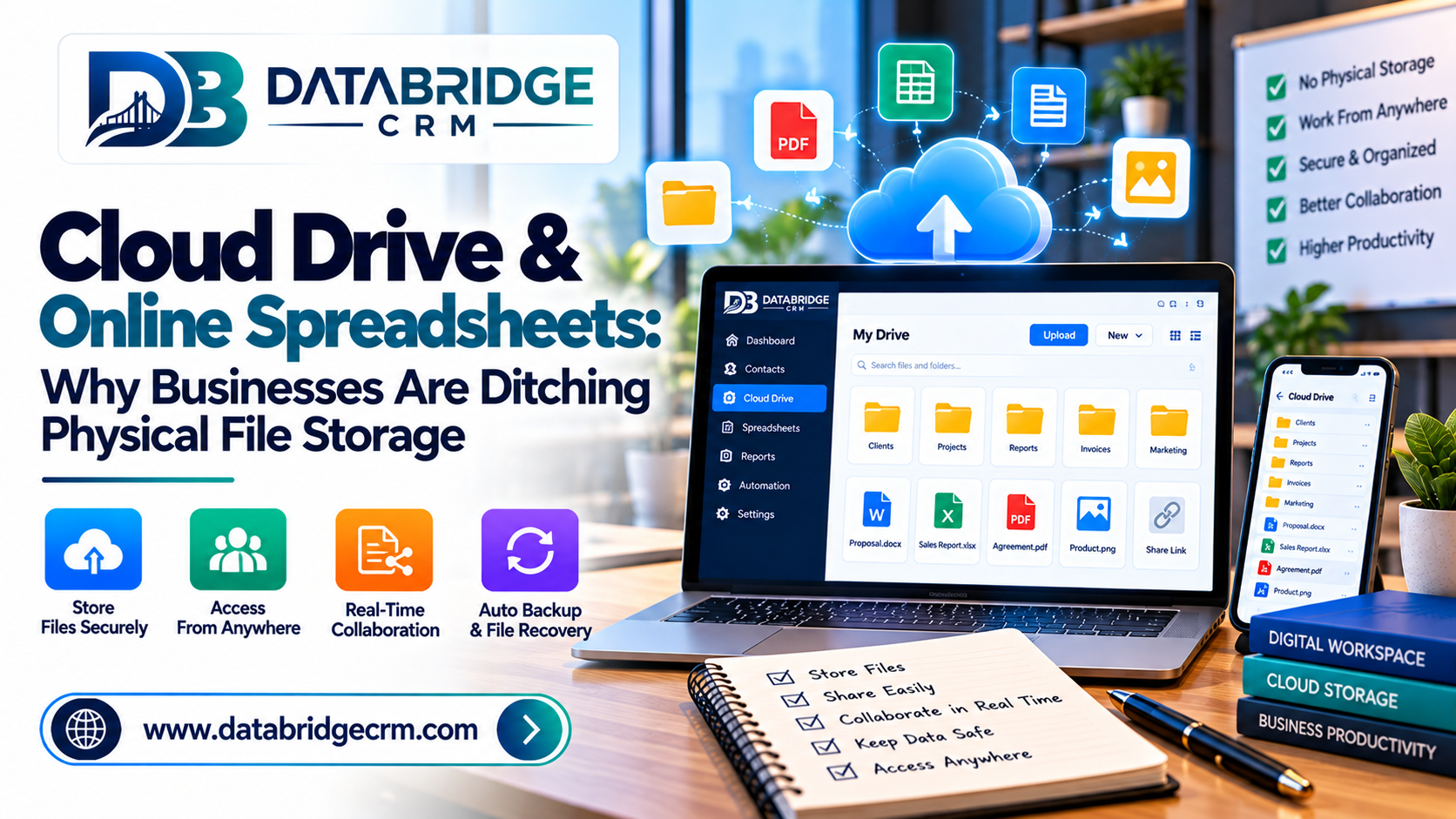
Local hard drives, USB sticks, and emailed spreadsheet versions still quietly run a surprising number of businesses — until a laptop crashes or two team members edit conflicting versions of the same file. Cloud drive and online spreadsheet tools eliminate this risk entirely, keeping business files accessible, synced, and safe.
The Problem With Local File Storage
Files stored only on individual computers are vulnerable to hardware failure, accidental deletion, and version confusion when multiple people work on the same document through email attachments.
What Cloud Storage Solves
- Access From Anywhere: Team members can open and edit files from any device, in the office or remotely.
- Real-Time Collaboration: Multiple people can work on the same spreadsheet or document simultaneously without version conflicts.
- Automatic Backup: Files are safely stored in the cloud, protected from local hardware failures.
- Controlled Sharing: Share specific files or folders with the right people, internally or externally, without emailing sensitive attachments.
Why Online Spreadsheets Beat Emailed Versions
When a spreadsheet lives in one shared location instead of being emailed back and forth, everyone works from the same up-to-date version — eliminating the classic "which file is the latest one" confusion that slows teams down.
Cloud Storage as Part of a Connected Workspace
Cloud drives work best when integrated with the rest of your team's tools — email, video meetings, and project management — rather than existing as a separate, disconnected app.
How DataBridgeCRM's Workspace Supports This
DataBridgeCRM's Workspace includes Cloud Drive and Spreadsheet tools alongside Corporate Email and Team Collaboration features, giving businesses a single connected environment for file storage, editing, and sharing instead of juggling separate apps.
Conclusion
Moving to cloud-based file storage isn't just a convenience — it's protection against lost work and wasted time chasing the "right" version of a document. Ready to move your team's files to the cloud? Explore DataBridgeCRM's Workspace or book a free demo today.

