
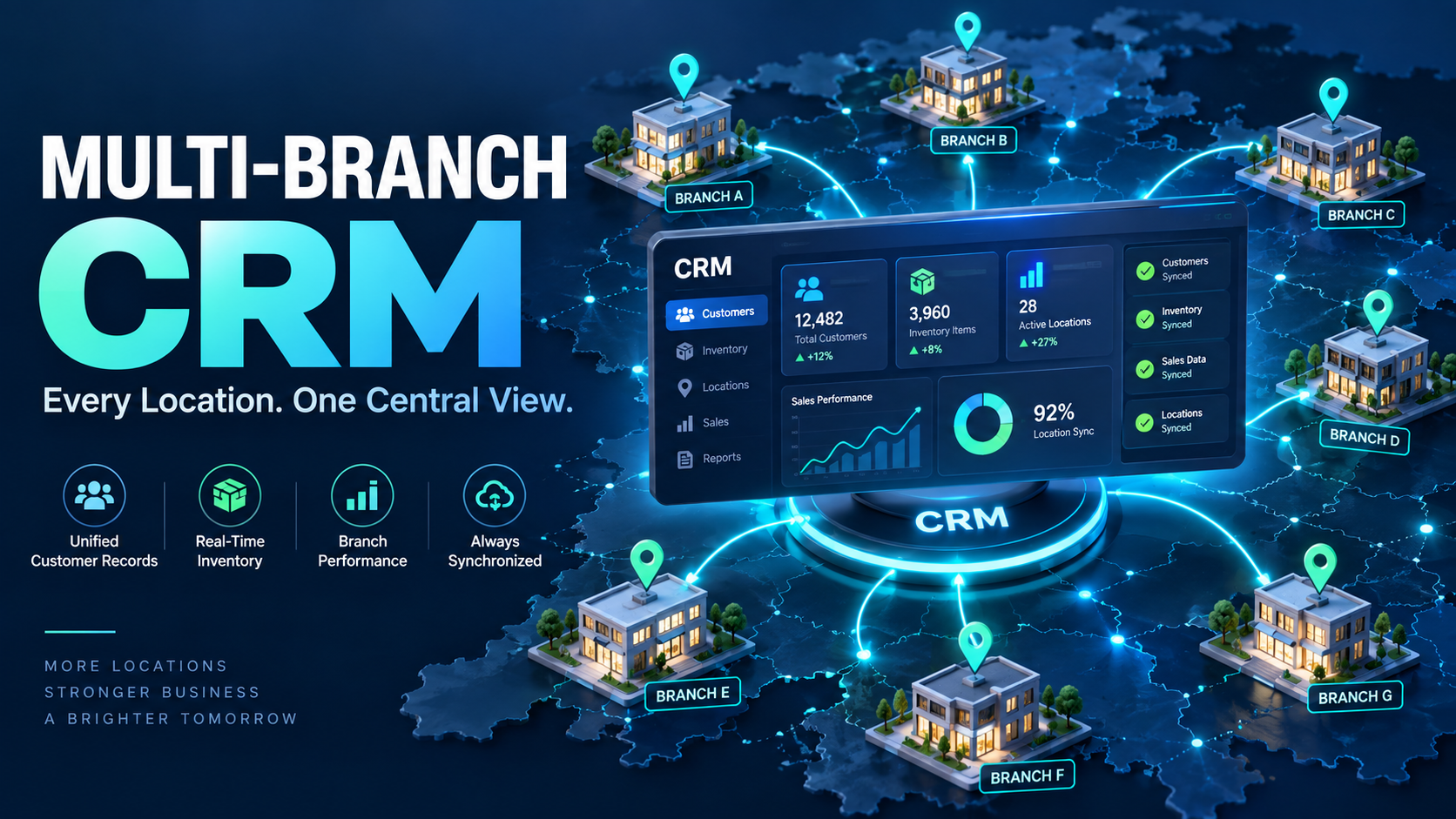
Businesses that grow from a single location to several branches often keep running each location on its own separate system — its own billing, its own customer records, its own inventory tracking. This might work when there are only two locations, but it quickly becomes unmanageable: no combined view of overall performance, inconsistent customer experience across branches, and no way to see which locations are actually performing well without manually compiling reports from each one. A proper CRM for multi-branch business operations solves this by centralizing everything into one connected system.
Why Separate Systems Per Branch Create Real Problems
No Combined Business View
Without centralized data, understanding overall business performance means manually collecting and combining reports from every location — slow, error-prone, and always outdated by the time it's compiled.
Inconsistent Customer Experience
A customer who visits one branch and later contacts another expects continuity, but disconnected systems mean each location has no visibility into the customer's history with the business as a whole.
Difficult Inventory Coordination
Without shared visibility, one branch might be overstocked on an item while another is out of it entirely, with no easy way to identify or address the imbalance across locations.
Inconsistent Processes and Reporting
Each branch manager potentially tracking things their own way makes it difficult to compare performance fairly or roll out consistent policies across the business.
What Multi-Location CRM Should Actually Provide
Centralized Customer Records
A single customer profile visible across all branches, so any location can access accurate history regardless of where the customer originally engaged with the business.
Branch-Level and Combined Reporting
The ability to view performance for each individual location, as well as combined totals across the entire business, giving owners both granular and high-level visibility.
Shared Inventory Visibility
Real-time stock visibility across all locations, making it possible to identify imbalances and potentially transfer stock between branches rather than each location managing inventory in isolation.
Role-Based Access by Location
Branch managers and staff typically need access to their own location's data, while owners or regional managers need visibility across all locations — proper access controls should support both without extra manual setup.
Why This Matters More as Businesses Scale
The operational cost of disconnected, branch-specific systems compounds with every new location added. A business planning to expand to additional branches benefits significantly from establishing a centralized system early, rather than trying to consolidate several already-disconnected systems later, which is a far more disruptive and costly process.
What to Look for in Multi-Location Business Software
- Does it provide both branch-level and combined business reporting?
- Is customer data shared and accessible across all locations, not siloed per branch?
- Can inventory visibility span multiple locations in real time?
- Does it support role-based access appropriate for branch staff versus business owners?
DataBridgeCRM's Multi-Branch Support
DataBridgeCRM supports multi-location businesses with centralized customer records, combined and branch-level reporting, and shared inventory visibility across all locations — part of the broader all-in-one platform used across 25+ industries, starting at ₹50/day.
Get One Connected View Across All Your Locations
If managing multiple branches on separate systems is making it hard to see the full picture of your business, book a free demo of DataBridgeCRM's multi-branch solution and see a centralized system in action.

