
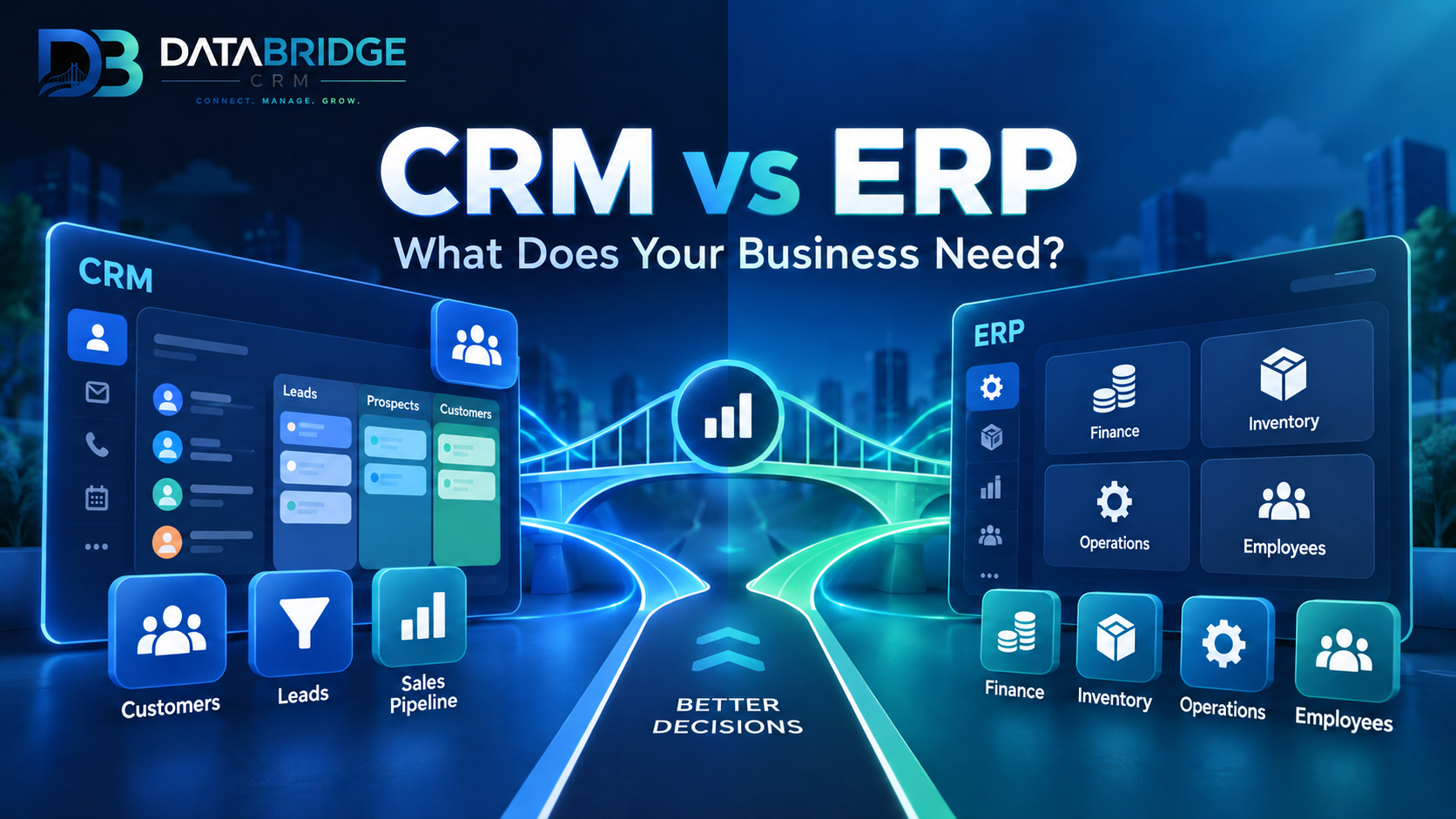
"Do we need a CRM or an ERP?" is one of the most common questions business owners ask when they start looking at software. The two terms get used interchangeably in casual conversation, but they solve different problems — and picking the wrong one means paying for features you'll never use while missing the ones you actually need.
The Core Difference
CRM (Customer Relationship Management) is outward-facing. It focuses on everything related to your customers: leads, sales pipeline, support tickets, marketing campaigns, and communication history. Its job is to help you win and retain customers.
ERP (Enterprise Resource Planning) is inward-facing. It manages your internal operations: inventory, accounting, procurement, HR, production, and billing. Its job is to help your business run efficiently behind the scenes.
Put simply: CRM manages relationships with people outside your company, ERP manages the resources inside it.
| CRM | ERP | |
|---|---|---|
| Focus | Sales, marketing, support | Operations, inventory, finance |
| Primary user | Sales & support teams | Operations & finance teams |
| Goal | Grow revenue, retain customers | Reduce costs, improve efficiency |
| Example data | Leads, deals, tickets | Stock levels, invoices, payroll |
When You Need Only a CRM
If your biggest challenge is chasing leads, remembering follow-ups, or tracking why deals fall through, you need a CRM first. This is typical for service businesses, agencies, coaching institutes, or any business where the sales pipeline — not inventory — is the bottleneck.
When You Need ERP Too
If you're also managing stock, billing, multiple branches, staff schedules, or supplier orders, a CRM alone won't be enough. A restaurant tracking table orders and kitchen inventory, a courier company routing deliveries, or a retailer managing purchase orders all need ERP-level operational control alongside customer management.
Why Many Businesses End Up Needing Both
In practice, most growing businesses eventually need both systems talking to each other. A hospital needs a CRM to manage patient appointments and follow-ups, and an ERP-like system to manage billing, pharmacy stock, and staff rosters. A hotel needs a CRM for guest relationships and an ERP layer for room inventory, housekeeping, and finance. Running these as two disconnected tools creates data silos — your sales team doesn't know what's in stock, and your operations team doesn't know what was promised to a customer.
The Case for a Unified Platform
This is where combined CRM+ERP platforms have an edge over buying two separate systems from two vendors. DataBridgeCRM, for example, offers industry-specific suites (Hotel, School, Hospital, Garage, Restaurant, Courier, E-commerce, POS) that blend CRM and ERP functionality into a single system — so a booking made on the CRM side automatically reflects in inventory and billing on the ERP side, without manual double-entry.
How to Decide
Ask yourself three questions: 1. Is my biggest pain point losing leads/customers, or losing money on operations? 2. Do I need inventory, billing, or staff management alongside customer tracking? 3. Will my team tolerate switching between two disconnected tools, or do I need one dashboard?
If the answer to #2 or #3 leans toward "yes, I need both, in one place," an all-in-one CRM+ERP suite will save you time, cost, and integration headaches compared to running separate systems.
Not sure which modules apply to your business? Talk to a DataBridge consultant and get a recommendation based on your industry.

