
Ask anyone who manages rental properties and they'll tell you the same thing: the job is never just "find a tenant and collect rent." There are landlords to keep updated, agreements to renew, deposits to track, repair bills to settle, and tenants who want an answer right now.
With five flats, you can probably keep it all in your head. With fifty, spread across a few buildings, things start slipping. Someone forgets a follow-up, an agreement expires unnoticed, and a plumber's bill goes missing.
Most small property businesses begin the same way: an Excel sheet, a WhatsApp group and a notebook on the desk. It works for a while. Then the portfolio grows and the cracks show.
That is where a Property Management CRM comes in. It puts your properties, landlords, tenants, rent records and expenses in one place, so you stop hunting through files and chats every time someone asks a question.
So, What Exactly Is Property Management CRM Software?
Think of it as a digital office for your rental business. Everything you'd normally scatter across sheets, registers and phone contacts lives in a single system, and each record is linked to the right property or person.
Typically, you can keep track of:
- Residential and commercial properties
- Owners and landlords
- Tenants and their rental agreements
- Monthly rent and whether it has been paid
- Security deposits and other transactions
- Maintenance and repair costs
- Agreements, ID proofs and other documents
- Which team member is handling what
Picture a company managing 30 rental apartments. Without a system, answering "Has the tenant in B-204 paid this month?" means opening a sheet, scrolling, maybe calling someone. With a CRM, it's a quick search.
Where Property Managers Usually Struggle
Property management is really a coordination job. You sit between landlords, tenants, repair people and your own staff, and when the process is loose, small problems pile up fast. These are the ones we see most often.
1. Too Many Properties, Too Many Files
Once you cross a certain number of buildings, finding one tenant's details or one landlord's contact can take far longer than it should. Separate spreadsheets don't make it easier.
One central database fixes most of this. Your team searches once and finds what they need.
2. Rent Follow-Ups That Slip Through
Rent is the heartbeat of the business, and it comes around every single month. When you track it by hand, it's easy to lose sight of who has paid, who is late and whose due date is coming up.
A proper rent tracker with reminders shows you the outstanding amounts at a glance, so follow-ups happen on time and not days later.
3. Agreements Scattered Everywhere
A lease carries a lot of details you'll need again and again:
- Start date
- Expiry date
- Monthly rent
- Security deposit
- Tenant details
- Property details
- Renewal terms
If these live in different folders, emails and phone galleries, renewals get missed. Keeping them together with the property or tenant record saves a lot of digging.
4. Maintenance Costs Nobody Can Add Up
Plumbing, electrical work, painting, deep cleaning: the small bills add up quickly. If they aren't recorded property by property, you'll struggle to say what a building actually costs to run.
5. Landlords and Tenants Left Waiting
Landlords ask about rent. Tenants ask about repairs or their agreement. If your team can't see what was discussed last time, answers become slow and inconsistent. A record of past conversations makes it much easier to respond properly.
Features Worth Looking For
1. Property Portfolio Management
You should be able to see all your properties in one view, with details such as:
- Property name or ID
- Type (flat, shop, office and so on)
- Address and location
- Who owns it
- Whether it is occupied or vacant
- Related income and expenses
2. Landlord and Tenant Records
Each tenant should have their own profile with contact details, rental terms, past communication and documents. Landlord records, in the same way, help you keep ownership details handy and manage the money that flows to them.
3. Rent Collection and Payment Tracking
A good system lets you record:
- The monthly rent for each tenant
- Payment dates
- Amounts received
- Balances still pending
- The full transaction history
- Follow-ups you still need to do
One thing to check before you commit: ask whether the software supports online payment gateways or automatic bank reconciliation. Not every tool does, and you don't want to find out after you've signed up.
4. Lease and Document Management
Agreements, ID proofs and other paperwork should sit right next to the property or tenant they belong to. No more messaging someone to "please resend the agreement."
5. Income and Expense Tracking
You'll want a clear record of:
- Rent coming in each month
- Maintenance and repair costs
- Other running expenses
- Refunds and other transactions
- Payouts to landlords
6. Staff Roles and Permissions
Not everyone on your team needs to see everything. Role-based access lets an executive handle tenant follow-ups without being able to open your financial reports.
What a Normal Day Looks Like With a CRM
Here's how the work usually flows once everything is set up.
Step 1: Add Your Properties
Start by entering apartments, shops, buildings or whatever you manage.
Step 2: Attach the Landlord
Link each property to its owner and keep their contact details right there with it.
Step 3: Bring in the Tenant
When a unit is rented out, add the tenant's details, the agreement and their documents.
Step 4: Keep an Eye on Rent
Record each month's payments and check who still owes what.
Step 5: Log Expenses as They Happen
Note every repair or maintenance charge when it comes up, not weeks later when you've forgotten the details.
Step 6: Check Your Reports
Every so often, look at the reports to see how your properties, income and expenses are doing.
Who Can Use Rental Property Management Software?
You don't need a big company to feel the pain of managing rentals. A landlord with four flats can lose track of who paid what, and an agency with fifty can drown in it. So who gets the most out of this software? Here's who we'd point to first:
- Rental property companies. Tenants and rent in one place, so the monthly chase doesn't depend on who remembers what.
- Landlords with a handful of properties. If your "system" is a diary, three spreadsheets and a lot of phone calls, this is for you.
- Apartment operators who need to know, right now, which units are empty.
- Commercial property managers. Shops and offices have their own rents, their own costs and their own headaches. Keeping them apart from your residential units makes the numbers far easier to read.
- Agencies. You're answering to landlords, tenants and your own staff, often on the same afternoon, so it helps to have everything under one roof.
- Holiday home operators, who'd rather not keep guest details in one place and property details in another.
- Real estate investors. Put income and expenses side by side and you'll quickly see which property pays its way and which one quietly doesn't.
Different businesses, same relief. Less digging through old messages for a single number, and more time actually running the place.
Why Smaller and Growing Businesses Benefit the Most
Everything Is Easy to Find
Property, landlord and tenant details sit in an organised database rather than in five different places.
You Can See Who Has Paid
Rent transactions and pending balances are much easier to review.
Paperwork Stays With the Right Record
Agreements and related files are stored with the property or tenant they belong to.
Money Matters Get Clearer
Once income and expenses are recorded properly, you can actually tell how each property is performing.
Your Team Stays on the Same Page
Everyone sees what they need to, based on the access you give them.
Growth Gets Less Stressful
Adding another building doesn't mean adding another messy spreadsheet.
How DataBridge CRM Fits In
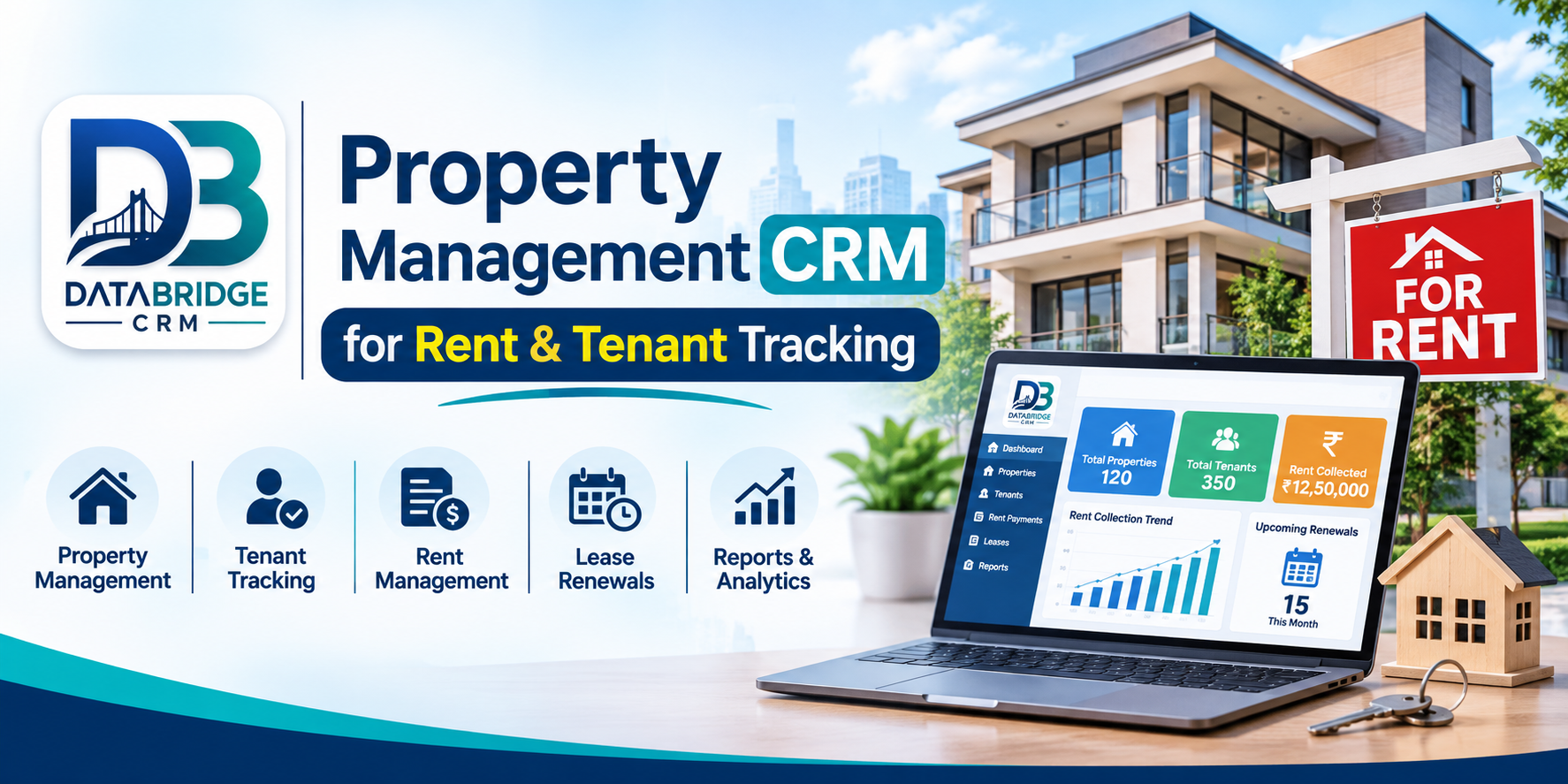
DataBridge CRM has a dedicated Property Management CRM built for businesses that run rental operations.
As described on its official solution page, the platform covers property management, landlord records, tenant management, rent tracking, payments, income, expenses, refunds, transactions, staff management and reporting.
Its published workflow is built around four stages:
- List Properties: Keep property information and landlord records together.
- Onboard Tenants: Maintain tenant profiles, lease agreements and KYC documents.
- Track Rents: Follow rental invoices, payments and outstanding amounts.
- Financial Control: Record expenses and landlord payouts, and view financial reports.
It also mentions a tenant portal, rent reminders, portfolio tracking and access permissions.
If you're tired of juggling sheets and chats, it's worth a look. You can see the DataBridge Property Management CRM and talk to the team about what your business needs.
How to Pick the Right Software
Before you choose anything, think about how your business actually runs. Then ask these questions:
- Can it handle both residential and commercial properties?
- Are landlord and tenant records kept separate?
- Does it track rent and payments properly?
- Can you store lease agreements and KYC documents?
- Can you monitor income and expenses for each property?
- Does it offer staff permissions and useful reports?
- Will it still work for you when your portfolio doubles?
- If you need payment gateways, accounting integrations or maintenance workflows, are they available?
Whatever you shortlist, ask for a demo. Try the modules you'll use every day and see how they behave before you make a decision.
Frequently Asked Questions
1. What is a Property Management CRM?
It's software that helps you organise property details, landlord and tenant records, rent payments, lease documents and the money side of managing rentals.
2. Can it handle many rental properties at once?
Yes. That is one of its main strengths. You can see tenants, occupancy, rent transactions and property details for all your properties without switching between files.
3. How does it help with rent collection?
You can set the rent amount, record payments as they arrive, spot pending balances and keep track of who needs a reminder.
4. Is it useful for individual landlords?
Definitely. If you own several rental units, it helps you keep tenant records, agreements, payment history and expenses in one place.
5. How is it different from a Real Estate CRM?
A Real Estate CRM is mostly about sales: enquiries, buyers, sellers, brokers and the sales pipeline. A Property Management CRM is about properties you already manage, meaning tenants, agreements, payments, maintenance and finances.
Final Thoughts
Managing rentals means keeping an eye on tenants, landlords, agreements, rent and repairs all at once. When that lives in scattered spreadsheets and chat threads, it gets tiring and mistakes creep in.
A Property Management CRM brings it together. You get one place for property records, rent tracking, documents and financial information, and your team spends less time searching and more time doing the work.
If you run a property management company, own rental units or are planning to grow, pick software that fits the way you actually work. That choice makes daily management a lot smoother.
Ready to Make Rental Management Easier?
Take a look at DataBridge CRM and its Property Management CRM solution.
Explore Property Management CRM
Property Management CRM, Property Management Software, Rental Property Management Software, Tenant Management Software, Rent Collection Software, Landlord Management Software, Lease Management Software, DataBridge CRM.
#DataBridgeCRM #PropertyManagementCRM #PropertyManagementSoftware #RentalManagement #TenantManagement

