
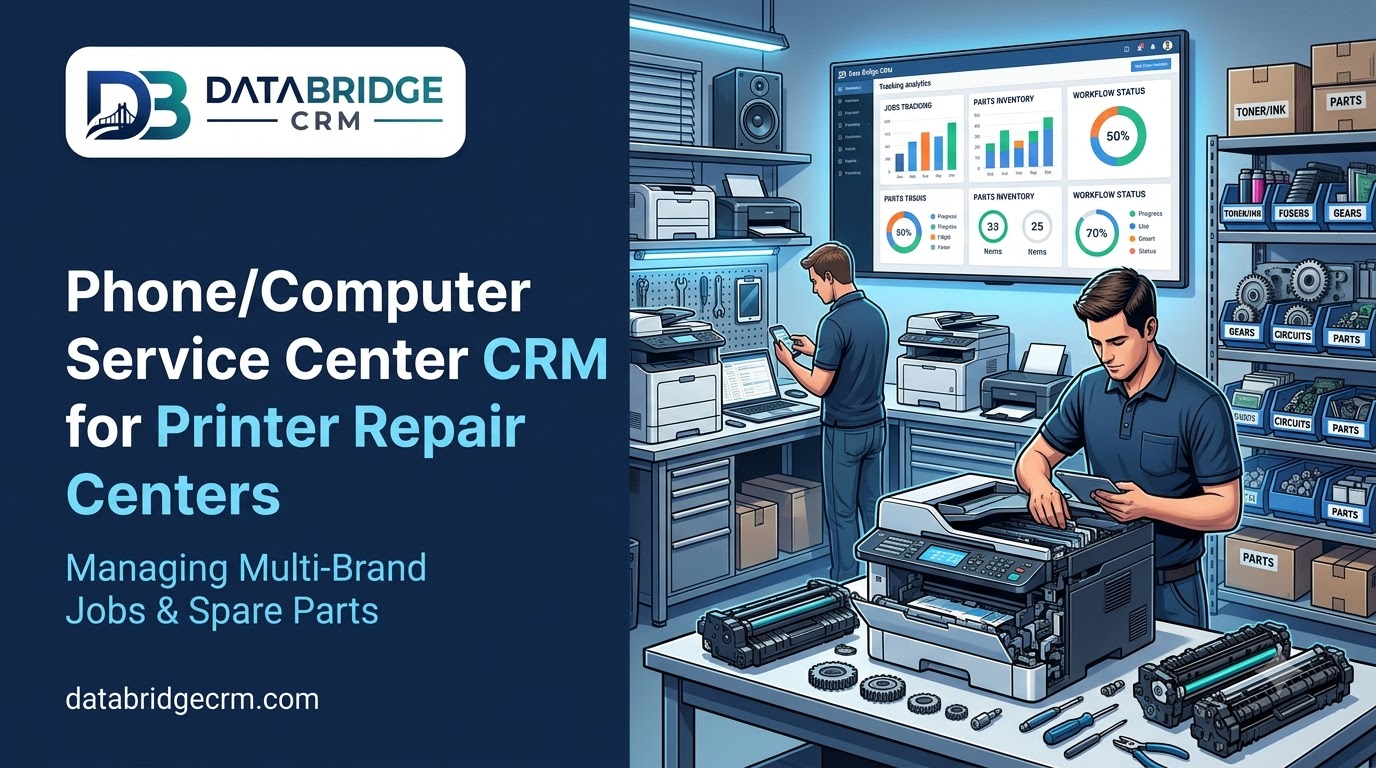
Printer repair centers handle a wide mix of brands and models, each with its own spare parts and service history, which makes tracking jobs by hand error-prone once volume picks up. DataBridgeCRM's Service Center CRM module is built to keep every repair organized from drop-off to pickup.
Why Printer Repair Centers Need More Than a Basic Job Register
With multiple brands, models and recurring issues like cartridge faults or paper-feed problems, a repair center needs more than a notebook of job entries — it needs spare parts tracked against specific jobs and a clear service history per customer or per machine.
How It Works for a Printer Repair Center
Every repair job is logged with brand, model, reported issue and status, so nothing gets lost among dozens of machines in for service. Spare parts used on each job are tracked against stock, so reordering happens before parts run out. Customers receive automatic updates as their printer moves through diagnosis, repair and quality check. Repeat customers, including businesses with multiple printers, build a visible service history over time.
Why This Matters for Printer Repair Centers
- Organized job tracking across multiple brands and models.
- Spare parts linked to jobs, with stock reordering before shortages.
- Automatic customer updates, reducing pickup-status calls.
- Visible service history, useful for repeat business customers.
See how it works for your repair center. Explore the Service Center CRM or book a free demo.

