
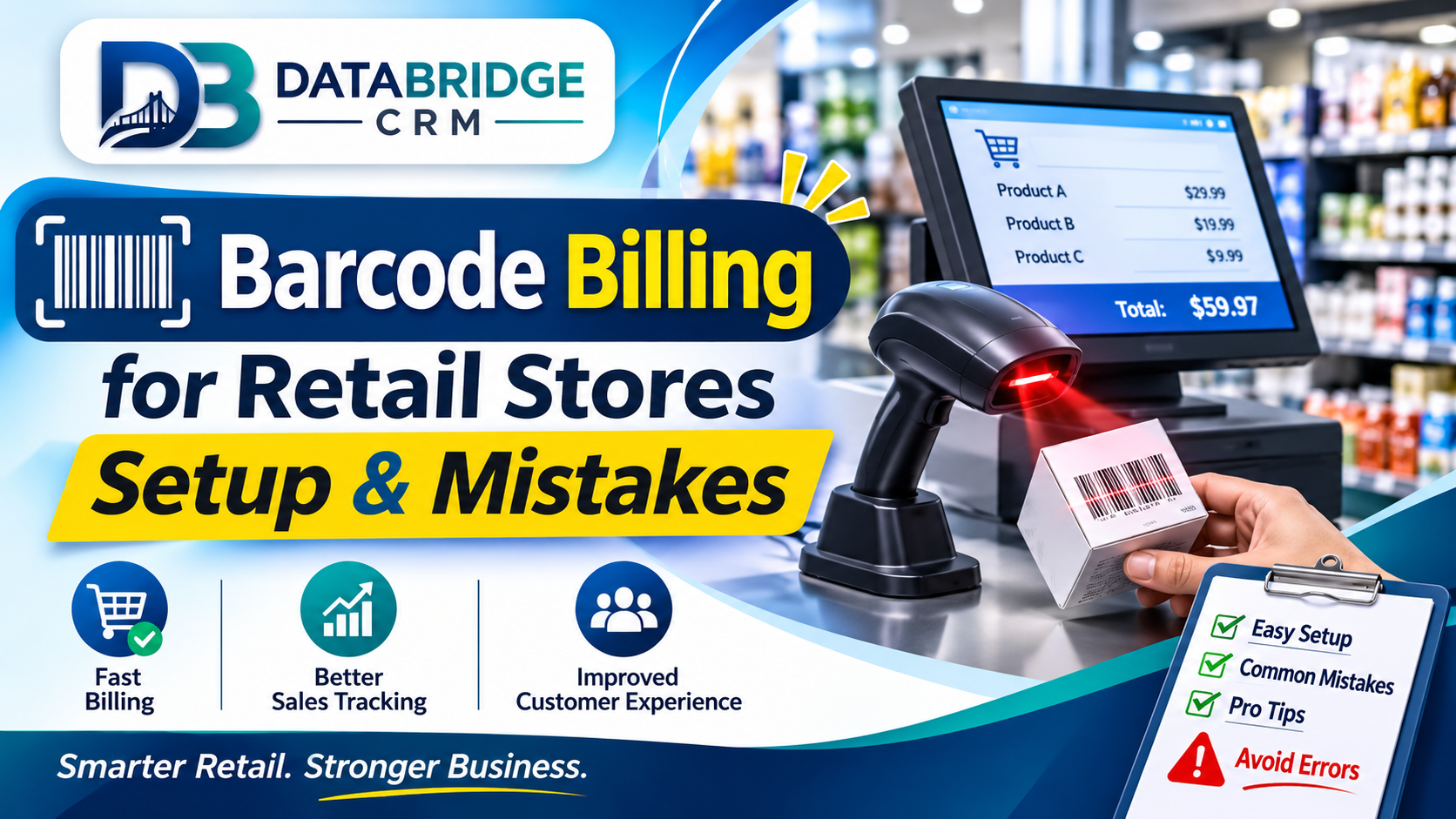
Barcode Billing for Retail Stores: Setup & Mistakes
Long billing queues, wrong prices and stock that never matches the shelf are daily headaches for kirana, clothing, grocery and pharmacy stores. Barcode billing is one of the simplest upgrades a store can make, but only if it is set up correctly. In this guide we explain how barcode billing works, how to set it up in your shop, and the mistakes that quietly ruin results. If you are comparing billing POS software India options, use this as a practical checklist.
Why Barcode Billing Matters for Indian Retailers
Typing item names or prices by hand is slow and error-prone. A barcode scan pulls the correct item, price, tax rate and discount in a second, so queues move faster and cashiers make fewer mistakes. Every scan also reduces your stock automatically, which means your system always has a near-live picture of what is on the shelf. For stores that sell hundreds or thousands of items, this is the foundation of reliable GST billing, purchase planning and profit reports.
What You Need to Get Started
- A computer, tablet or billing terminal
- A barcode scanner (USB or Bluetooth)
- A receipt or label printer
- POS and billing software with product and tax masters
- Barcode labels on items that do not already carry one
Most packaged goods already have manufacturer barcodes, so you only need to label loose items, garments, hardware pieces and your own repacked products. Label printers let you print your own barcodes with item code, price and size.
Step-by-Step Setup
- Clean your item list. Remove duplicates, fix spellings and group items into categories.
- Assign tax rates. Add the correct GST rate and HSN code for each item or category.
- Enter opening stock. Count physical stock once and enter quantities and purchase prices.
- Create or map barcodes. Use existing barcodes where available; print new ones for the rest.
- Test billing. Run twenty sample bills including returns, discounts and mixed payments.
- Train cashiers. Practise scanning, quantity change and bill cancellation on a quiet day.
- Go live and review. Check the first week's stock and sales reports carefully.
Barcode Billing for Different Store Types
Kirana and grocery
Combine barcode scanning with weighing-scale integration for loose items, and add low-stock alerts for fast movers such as staples and snacks.
Clothing and footwear
Use size and colour variants so each pair or garment has its own barcode. This prevents selling a size you do not have and makes exchanges simple.
Pharmacy
Track batch numbers and expiry dates so near-expiry stock is flagged before it becomes a loss.
Hardware and electronics
Record serial numbers or warranty details for high-value items to simplify after-sales support.
Common Mistakes That Cause Errors
- Skipping the opening stock count, so every report starts wrong
- Using the same barcode for different sizes or prices
- Not updating purchase prices, which distorts profit figures
- Allowing negative stock without checking the reason
- Not backing up data regularly
- Training only the owner and not the counter staff
How Billing Data Helps You Grow
Once billing runs through a system, you can see fast and slow movers, best-selling categories, peak hours and staff-wise sales. Use this to reorder faster-moving items, run clearance on dead stock and schedule more staff at busy times. When customer phone numbers are captured at billing, you can also send festival offers and repeat-purchase reminders on WhatsApp.
Linking Billing with a CRM
A billing system tells you what was sold. A CRM tells you who bought it and how to bring them back. When both are connected, a customer who bought a gift last Diwali can receive a timely reminder this year, and a regular buyer can be rewarded with loyalty points. This combination turns a counter into a relationship-building tool, not just a place to collect payment.
Metrics to Review Every Week
- Average time per bill at each counter
- Stock mismatch found during spot counts
- Top 20 selling items and their stock cover
- Slow-moving items older than 60 days
- Discounts given as a share of sales
- Returns and exchanges by reason
Reviewing these few numbers weekly takes less than half an hour and quickly shows where money is leaking. For example, frequent price corrections at the counter suggest that the item master needs cleaning, while repeated stock mismatches in one category often point to purchase entry or labelling mistakes.
A Simple Staff Training Plan
- Show cashiers the complete bill flow on a demo counter
- Let each cashier practise with fifty sample bills
- Teach returns, cancellations and mixed payments
- Explain why correct stock entry affects the whole shop
- Appoint one senior person to answer daily questions
Staff who understand why barcodes and stock entry matter make fewer shortcuts. Keep a short written guide near the counter for the first month.
Key Takeaways
- Focus on one area at a time: why barcode billing matters for indian retailers
- Focus on one area at a time: what you need to get started
- Focus on one area at a time: step-by-step setup
- Focus on one area at a time: barcode billing for different store types
- Focus on one area at a time: common mistakes that cause errors
Progress comes from consistent small improvements that your whole team follows, not from a single big change.
Your 4-Week Action Plan
Week 1: Understand
Write down how work currently flows in your pos & billing business. Note delays, repeated entry and missed follow-ups, and choose the one problem that costs you the most.
Week 2: Organise
Clean your customer and operational data, define roles and decide the simple rules your team will follow, such as response time and reminder timing.
Week 3: Implement
Set up the workflow in your software, train staff by role and run it alongside your old process for a few days to catch gaps.
Week 4: Review
Look at your numbers, collect feedback from staff and customers and adjust. Then move on to the next problem on your list.
Eight Things to Check When Choosing Software
- It fits your type of business and your sub-niche, not just a generic model
- Your team can learn it quickly, including on mobile
- You can import existing data from Excel or other tools
- Reminders, reports and user roles are configurable
- Integrations such as WhatsApp, payments and your website are available
- Data is backed up and access is controlled
- Training and support are available in a language your team prefers
- Pricing is transparent and the system can grow as you add users or branches
Business Software for Jaipur and Across India
Whether you are exploring CRM software Jaipur, ERP software Jaipur or CRM software for small business India, the best choice is the one your team will use every day. Businesses in Jaipur, Rajasthan and the rest of India often run lean teams, serve both walk-in and online customers and need software that is quick to learn, affordable and supported locally. Start with the processes described above, choose a platform that can grow with you and add modules only when the need is clear.
How DataBridge CRM Can Help Your POS & Billing Business
DataBridge CRM (databridgecrm.com) is a business software platform that helps growing companies manage customers, enquiries, follow-ups, communication and reports in one place. For pos & billing businesses, it can be configured around the workflows in this article, with reminders, user roles, dashboards and reports that match how your team works.
- Capture and organise customer information in a single system
- Automate reminders and follow-ups so nothing is forgotten
- Give owners clear reports and give staff clear daily task lists
- Start with core features and add more as your business grows
Want to see it on your own use case? Book a free demo at databridgecrm.com and the team will walk you through a setup suited to your business.
Frequently Asked Questions
Do I need internet for barcode billing?
Many systems can bill offline and sync later, but cloud features need internet. Ask your vendor how offline mode works.
Can I use my old barcode scanner?
Most standard USB and Bluetooth scanners work with modern POS software. Test one scanner before buying more.
How do I handle items without barcodes?
Print your own labels with a unique item code and attach them during stock entry.
Is GST billing included?
Good billing software generates GST-ready invoices with HSN codes and tax splits. Confirm formats for your business.
How long does setup take?
A small store can often be ready in a few days if its item and stock data is clean.
Can I print my own barcode labels?
Yes, with a label printer and software that supports barcode printing.
What if the scanner reads a wrong item?
Check for duplicate barcodes and incorrect item mapping in the master list.
Can the system handle multiple counters?
Yes, multi-counter billing with central stock is common in business POS software.
Can I try DataBridge CRM before buying?
You can request a demo at databridgecrm.com to see how the platform fits your workflow before you decide.
Ready to get started? Visit databridgecrm.com and talk to the team today.

