
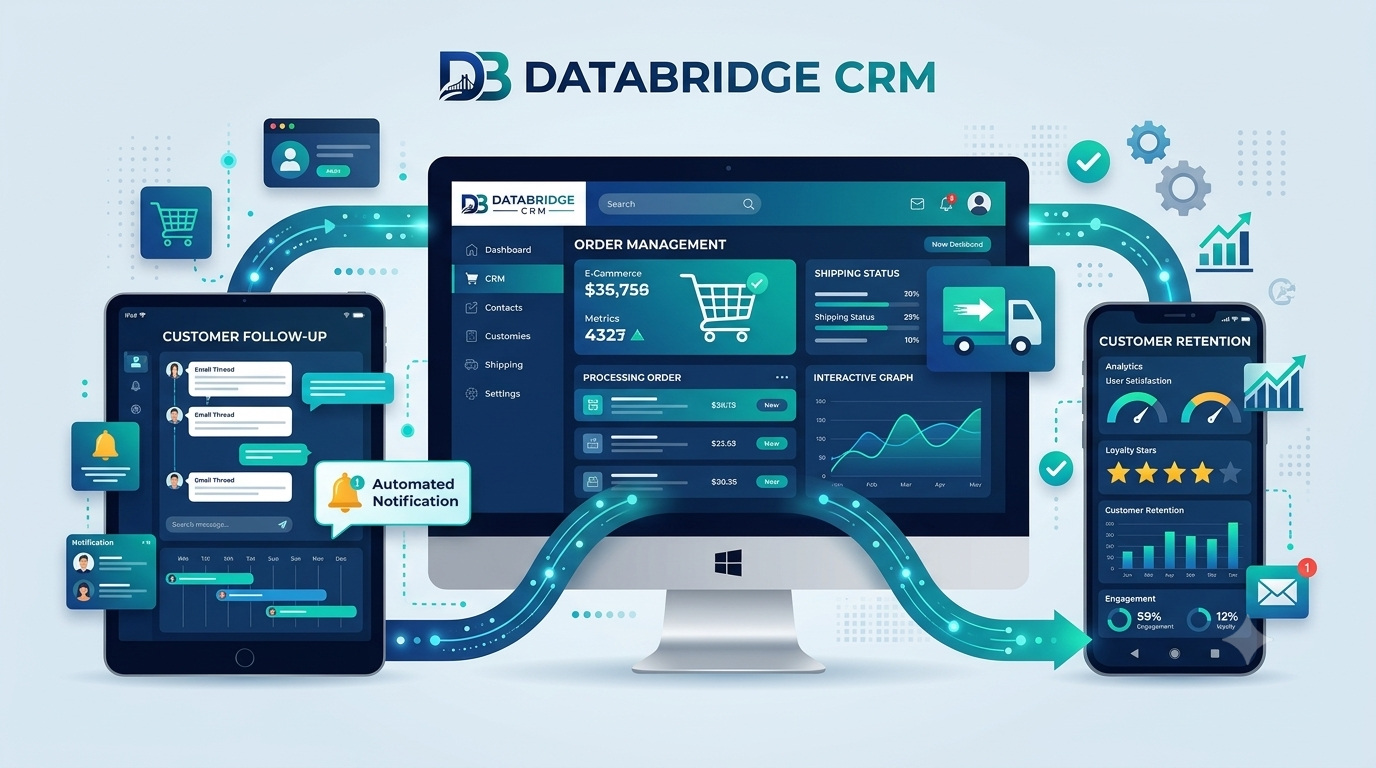
Most online sellers start by chasing the next order. Ads go up, orders come in, parcels go out and the cycle repeats. Then one day the owner notices something uncomfortable: a large share of the people who bought once never came back, and nobody on the team can say who they were or what they liked.
That is the gap an e-commerce CRM is meant to fill. Your store platform takes the order. A CRM remembers the person behind it, so your team can follow up sensibly, handle problems early and invite good customers back.
What a CRM Does for an Online Store
An online store platform is built to display products, take payments and process orders. A CRM does a different job. It organises customer relationships:
- Customer records: contact details, addresses, order history and notes
- Order follow-up: confirmation calls, delivery updates and issue handling
- Segments: first-time buyers, repeat buyers, high-value customers and lapsed customers
- Communication history: who spoke to the customer, when and about what
- Reports: repeat purchase patterns, follow-up status and team workload
How orders move from your store into the CRM depends on the tools involved, so ask any vendor exactly what is supported today and what would need extra work.
Common Problems Online Sellers Face
- Scattered customer data. Orders sit in the store, chats sit on phones and notes sit in spreadsheets.
- Unconfirmed cash-on-delivery orders. Orders that nobody confirms are more likely to fail at the doorstep.
- Returns and failed deliveries. Without a clear process, these cost money and goodwill.
- One-time buyers. Customers buy once and drift away because nobody follows up.
- Inconsistent support. Different team members give different answers to the same question.
- No customer view. The owner cannot easily see who the best customers are.
What E-commerce CRM Software Should Help With
A single customer database
Every customer should have one record that collects their orders, conversations and notes. This ends the habit of searching three places to answer one question.
Order confirmation and follow-up
For stores that accept cash on delivery or take phone orders, a clear confirmation step helps. The team can record who was called, what the customer said and what happens next. Ask how the CRM lets you set up these tasks and reminders.
Returns and complaints
Record the issue, the action taken and the outcome. Over time, patterns show up, such as a product that attracts complaints or a courier area with repeated problems.
Segments and repeat buyers
Group customers by how recently and how often they have bought. This lets you send a thoughtful message to a loyal customer and a different one to someone who has not ordered in months.
Customer communication
Keep a record of messages and calls, with reminders for the next contact. Message only people who agreed to receive them and give an easy way to opt out.
Reports
See repeat purchase patterns, follow-up completion and customer groups. Reports should answer questions you actually ask, not just produce charts.
Respecting Customer Data
An online business holds names, phone numbers and addresses. Treat them carefully:
- Collect only the data you need
- Restrict who on your team can see customer records
- Protect devices with locks and keep software updated
- Use customer data only for the purpose it was collected
- Follow the data protection and consumer rules that apply to your business
Working Across Android, Windows and iOS
Online selling teams work from different devices. DataBridge CRM is offered as an Android APK, a Windows application and an iOS app, so each role can use the device that fits its work.
Windows. A computer is a good fit for the order desk and support team, who review customer records, handle confirmations and update notes through the day.
Android (APK). A phone is handy for follow-up calls, quick customer lookups and updating status while moving around the warehouse or office.
iOS. The owner’s iPhone is useful for checking pending follow-ups, repeat customer activity and team workload between meetings.
Features can differ by platform and version, so confirm what is available on each before relying on it for daily work.
A note on installing an Android APK
An APK is installed directly instead of through the Play Store, so be careful. Download it only from the official DataBridge CRM source shared by the team, keep devices updated and avoid files from forwarded links or unfamiliar websites. Because the app will hold customer data, use a screen lock on every device.
Use Cases for Different Online Businesses
Fashion and footwear stores. High return rates and seasonal buying make return tracking and repeat buyer follow-up valuable.
Electronics sellers. Higher-value orders benefit from confirmation steps and clear after-sales records, including warranty questions.
Jewellery and gift brands. Occasion-based buying, such as birthdays and festivals, makes dates and preferences worth recording.
Beauty and cosmetics brands. Repeat purchases are common, so reminders and segments by product type can help.
Grocery and daily-needs sellers. Frequent small orders make customer history and reorder reminders important. Ask how recurring patterns are handled.
Furniture and home décor sellers. Long decisions and delivery coordination need careful notes and scheduled follow-ups.
Books, toys and sports goods sellers. Interest-based recommendations are easier when purchase history is stored.
D2C brands. Owning the customer relationship is central, so a clear customer database and follow-up process matter a great deal.
A Simple Example
Consider a D2C skincare brand with a small support team. Earlier, orders lived in the store dashboard, customer questions came in on chat and nobody tracked who had bought twice. After moving to a shared customer record, the support team confirms cash-on-delivery orders by phone, records skin concerns and product feedback and marks repeat buyers. A few weeks later, the owner notices that customers who reorder tend to buy one particular product first, and plans a welcome message that features it. The team did not grow, but their picture of customers did.
Benefits for Different Business Sizes
Small and new stores gain tidy customer records, consistent follow-ups and early signs of what brings buyers back.
Growing brands benefit from shared records across support and sales, clearer segments and defined follow-up routines.
Larger online businesses need role-based access, consistent processes and reports for management. Confirm scale and integration needs with the vendor.
How DataBridge CRM Fits In
DataBridge CRM, powered by Jayshree Technosoft in Jaipur, provides CRM and business software with customer management and sales tracking tools. For online sellers, the aim is to connect customer records, follow-ups and order-related notes so the team works from one set of information.
The best way to judge fit is a demonstration based on your own business. Share your sales channels, how orders reach your team, your follow-up routine and the devices you use, then ask the team to show how each would be handled. If you need direct connections with a specific store platform or marketplace, ask what is supported today and what would need custom work.
Selection Checklist for Online Sellers
- Can all my customers and their orders be kept in one record?
- How do orders from my store or channels reach the CRM?
- Can I set confirmation and follow-up tasks with reminders?
- Can I record returns and complaints and review patterns?
- Can I group customers into segments such as repeat or lapsed buyers?
- Does it work on the Android, Windows and iOS devices my team uses?
- How are customer data and access protected?
Conclusion
Online selling gets noisy fast: ads, orders, parcels and complaints. A CRM does not add to the noise. It adds memory. It helps your team confirm orders, handle problems consistently and invite the right customers back at the right time. If your business has outgrown spreadsheets and chat threads, a shared customer record on the devices you already own is a sensible next step.
If you would like to see how this could work for your online store, request a walkthrough with DataBridge CRM.
Visit DataBridge CRM and book a demo.
Frequently Asked Questions
1. What is e-commerce CRM software?
It is software that helps an online business keep customer records, track orders and follow-ups, understand repeat buyers and plan communication in one organised system.
2. Is a CRM different from my online store platform?
Yes. Your store platform sells and processes orders. A CRM organises customer relationships, follow-ups and history. Ask any vendor how orders from your store can reach the CRM.
3. Can I use e-commerce CRM on Android, Windows and iOS?
DataBridge CRM is offered as an Android APK, a Windows application and an iOS app. Confirm current versions, features and download sources with the DataBridge CRM team.
4. Can a CRM help reduce failed or returned orders?
It can help organise confirmation calls, address checks and follow-ups so the team acts consistently. It cannot guarantee a reduction. Ask how these steps are recorded in your workflow.
5. How do I get a demo of DataBridge CRM for my online store?
Contact the DataBridge CRM team through its website and share your sales channels, order process, follow-up needs and the devices your team uses.

