
Every school accountant knows the last week of the month. A queue at the counter, a register with crossed-out entries, a parent insisting they paid last Tuesday, and a defaulter list that is already two days out of date.
Fee collection is the financial heartbeat of a school, yet it is often managed with the least reliable tools: registers, spreadsheets and phone calls. When the school grows, the cracks widen. Receipts go missing, concessions are applied inconsistently, and reminders depend on whoever remembers to call.
This guide explains what school fee management software should do, how a CRM-style approach also helps with parent communication, and how to check which Windows, Android and iOS apps are really available before you commit.
Where Manual Fee Tracking Breaks Down
- No single source of truth. The register, the spreadsheet and the receipt book rarely agree.
- Instalments get confusing. Quarterly, monthly and annual plans, plus partial payments, are hard to track by hand.
- Concessions are applied unevenly. Sibling discounts, staff-ward concessions and scholarships need clear, recorded rules.
- Defaulter lists are always late. By the time the list is ready, parents have moved on.
- Reminders feel awkward. Calling a parent about dues is uncomfortable, so it gets delayed.
- Audits are painful. Rebuilding collections for a given period from paper takes days.
What School Fee Software Should Handle
Whatever product you shortlist, check that it can manage these basics:
- Fee structures by class, with heads such as tuition, transport and activities
- Instalment plans and due dates
- Concessions and discounts with a clear reason recorded
- Late fee rules, applied consistently
- Receipts that are numbered and easy to reprint
- A live dues list by class, section or student
- Reminders to parents through the channels you use, such as SMS or WhatsApp
- Reports for daily collection, pending dues and period summaries
- Different access levels for accountants, principals and office staff
A long feature list matters less than a simple rule: anyone authorised should be able to open a student's record and see exactly what has been paid and what is pending.
Why a CRM Approach Helps Schools
Fees are not only a money question. They are a conversation with a parent. A CRM-style system keeps the history of that conversation next to the payment record, so the school can see not just that a fee is pending but also that the parent was reminded on Monday and promised to pay on Friday.
DataBridge CRM lists a School CRM positioned for complete school administration, and the platform also offers WhatsApp and SMS messaging tools. During a demo, ask the team exactly how fee structures, instalments, receipts and reminders are set up in the current School CRM, and ask to see them on your own sample data.
A Practical Example: Fee Week in a Mid-Sized School
Take a school with around 800 students and a two-person accounts office.
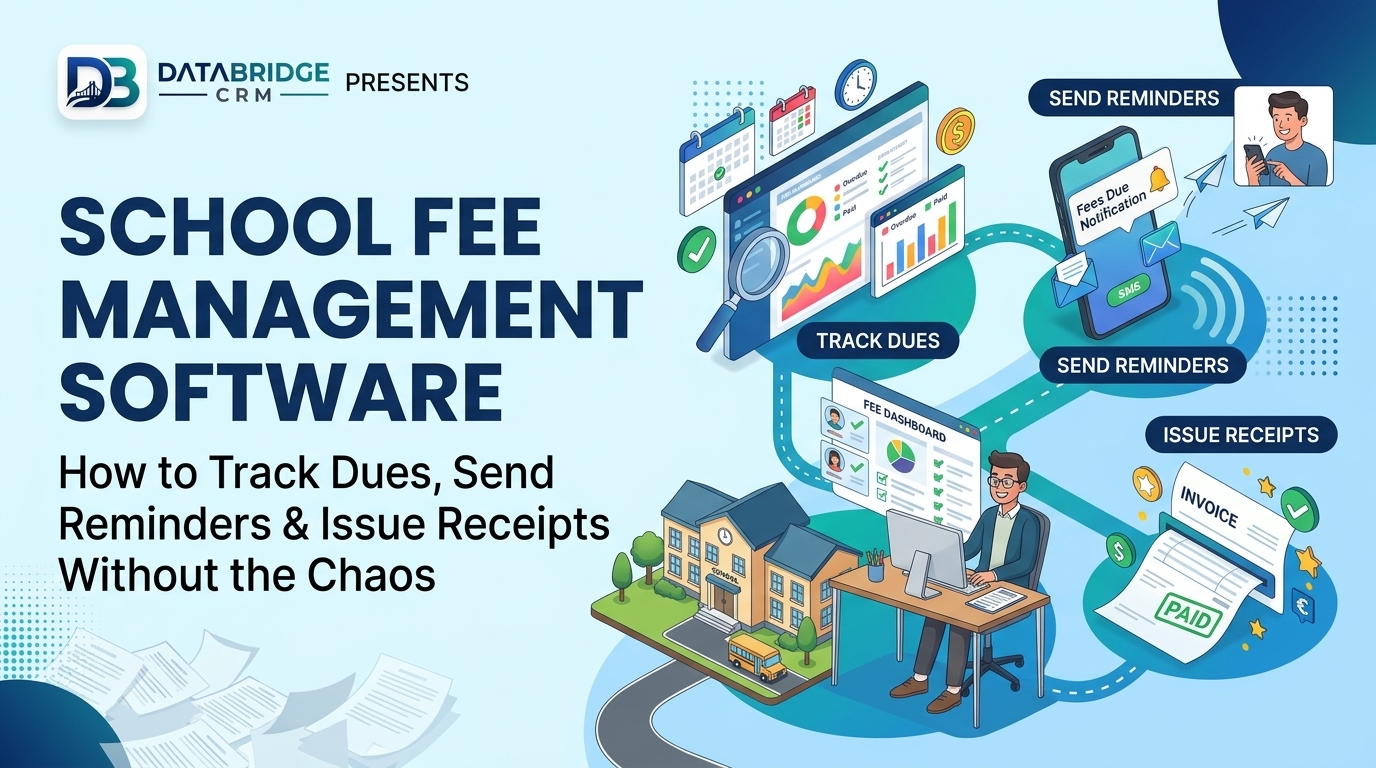
Before the due date, the accountant filters students with instalments due in the next seven days and sends a gentle reminder. On the due date, parents pay at the counter or through whichever method the school offers, and a numbered receipt is issued on the spot. After the grace period, the accountant opens the pending list by class and shares it with class teachers, who can have a polite word at the next parent meeting.
At month end, the principal opens a collection report instead of waiting for a handwritten summary. The whole week is calmer, not because of clever technology but because everyone is looking at the same record.
Windows, Android and iOS: Check What Is Live
School work happens in two places. The accounts office needs a stable desktop for counters and printers, while principals and parents often prefer the phone. The DataBridge website shows download options for Windows, macOS, the App Store and Google Play. Which of these apply to the School CRM, and which are live today, should be confirmed before you plan a rollout.
Ask the team these three questions:
- Windows: is there a desktop app for the School CRM that works with our counter and printer setup?
- Android (APK or Play Store): which Android build or Play Store listing applies, and can parents or staff use it?
- iPhone and iPad (iOS): is an iOS app available for this module, or only the web version?
Start from the software downloads page and get the answers in writing during your demo. A web login is a sensible fallback while you wait.
Benefits by Type of Institution
Small and mid-sized private schools
Fewer manual entries, consistent receipts and a dues list that is always up to date.
CBSE, ICSE and state board schools with several sections
Class-wise and section-wise views make it easier for class teachers and the office to work from the same data.
International schools and larger campuses
Multiple fee heads, transport, activities and instalment plans are easier to manage when the rules sit in the system, not in memory.
Coaching institutes
Batch-wise fees, instalments and reminders are a daily reality, and shared records reduce counter delays.
How to Choose: A Short Checklist
- Can you model your own fee heads, instalments, concessions and late fees?
- Are receipts numbered, reprintable and easy to audit?
- Can you see live dues by class, section or student?
- Can reminders reach parents through the channels you already use?
- Are there access levels for accountants, teachers and principals?
- Which platforms are live today: Windows, Android, iOS?
- Can you test a demo with your own sample students?
Student and family records are sensitive. Ask who can see them, how they are stored and how long they are kept, especially because children's data carries extra responsibilities under Indian data protection law. Your legal advisor can confirm what applies to your school.
Frequently Asked Questions
What is school fee management software?
It is software that records fee structures, instalments, concessions, payments, receipts and dues in one place.
Can it send fee reminders to parents?
Good systems support reminders. DataBridge also offers WhatsApp and SMS tools, so ask how they connect to the School CRM during a demo.
Does DataBridge CRM have an app for Windows, Android and iOS?
The website shows download options, but availability for the School CRM should be confirmed with the team before you plan rollout.
Can it handle sibling discounts and instalments?
This is a common requirement. Ask for a live demo using your own fee structure and concession rules.
Is it suitable for coaching institutes?
Institutes with batch-wise fees and instalments often have similar needs. Confirm the setup that fits your batches during a demo.
Conclusion
Fee collection should be the quiet part of running a school. When structures, instalments, receipts and reminders sit in one shared record, the accounts office spends less time chasing paper and more time helping parents.
To see how this could work for your school, book a demo of DataBridge CRM or talk to the team about your platform needs.
#SchoolManagement #FeeManagement #SchoolSoftware #EdTech #DataBridgeCRM
School Fee Management Software, School Fee Collection Software, Fee Reminder Software, School Management Software India, School CRM, School ERP Jaipur, Parent Communication, School Software Windows, DataBridge CRM.

