
It's the first week of admission season. The office phone hasn't stopped ringing, three parents are waiting at the front desk, someone has just asked whether last month's fee was received, and the attendance register for Class 8 has gone missing. Sound familiar?
Anyone who has worked in a school, college or coaching institute knows this feeling. Teaching is only half the job. The other half is paperwork, follow-ups and answering the same questions again and again. When that half runs on registers, Excel sheets and WhatsApp groups, it quietly eats into everyone's time.
That's the gap an Education Institute Management CRM is meant to fill. It's one system where students, staff, admissions, fees and daily routines live together, so nobody has to dig through five different places to find a simple answer.
So, What Does an Education CRM Actually Do?
Think of it as your institute's back office, but organised. Every student has one profile. Every enquiry has a status. Every fee has a record. And the person at the desk can see it all without calling someone in the accounts room.
What you get depends on the software, but most education management systems cover admissions and enquiries, student and parent records, fee collection, attendance, classes and timetables, exams and assignments, staff management, announcements, and reports. In short, the things your team already does every day, just in one place.
Where Institutes Usually Get Stuck
Enquiries that go cold
Enquiries come in through your website, phone calls, social media and walk-ins. If they're noted on scraps of paper or in someone's personal phone, a few will always fall through the cracks. And a family that doesn't hear back in a day or two usually moves on to the next school.
An admission management system lets you log every enquiry, hand it to a specific person and see where it stands, from first call to enrolment.
Student records that never sit still
Addresses change, parents update phone numbers, students move between sections. Keeping all of that correct across registers and spreadsheets is a job in itself. When records sit in one place, you update once and everyone sees the latest version.
Fees: the monthly chase
Tuition, admission charges, transport, instalments. Each family may have a slightly different situation, and the accounts team has to remember all of it. Fee software keeps the structure, the payments, the receipts and the pending balances together, so "who still owes what?" is a quick look and not an afternoon's work.
Attendance, exams and timetables
Teachers mark attendance, the office compiles it, the exam cell schedules papers, someone updates the timetable. These tasks depend on each other, and when they're handled separately, things get out of sync. A connected system keeps everyone looking at the same information.
The Features That Matter Most
Not every feature will be equally useful to you, but these are the ones most institutes end up relying on.
Student management gives each student a profile with admission number, class, session and contact details. Admission management follows an applicant from enquiry to enrolment. Fee management handles fee structures, compulsory and optional charges, instalments and pending dues. Attendance management lets teachers mark attendance and lets management spot patterns by class or across the institute.
On the academic side, you can organise classes, sections, subjects, semesters, streams and promotions, and keep marks, grades and assignments for each student. Staff records, leave and payroll-related administration can be tracked too. Timetables help avoid clashes between teachers and classes. If you run buses, transport modules store routes, vehicles and pickup points. And reports pull it all together: attendance summaries, exam performance, fees collected and fees pending.
Who Can Use It?
Schools can run admissions, attendance, exams, fees and parent communication from one place. Colleges can organise admissions, academic sessions, departments and exam records. If you need integration with a particular university system, confirm that with the vendor separately. Coaching institutes can manage enquiries, batches, attendance and fee schedules. Training centres can keep track of course batches, trainers, assignments and certificates. And skill academies can maintain student profiles, programme details, batch schedules and payments.
Why Fee Management Needs Extra Care
Fees keep the institute running, and they're also where small mistakes cause the biggest arguments. A parent says they paid, the register says they didn't, and now two people are digging through old receipts.
A proper system lets you set up tuition and admission fee structures, manage compulsory and optional charges, record each payment, track due dates and review online payment transactions. When you can see collected and pending amounts clearly, follow-ups become calmer and more accurate.
Keeping Parents in the Loop
Most parents don't want to call the office for every little thing. They'd rather get a message about a holiday, an exam date or an absence. A good platform supports announcements, attendance notifications (where available), exam updates, student diary entries and teacher-parent communication.
Pick channels your parents actually use, and make sure you have their consent before sending notifications.
Where DataBridgeCRM Fits In
DataBridgeCRM has a School Management CRM built to help educational institutions handle academic, administrative and financial work on one platform.
Its published solution lists these modules:
- Student Management
- Teacher and Staff Management
- Admission Inquiries
- Academics Management
- Attendance Management
- Fees Management
- Online and Offline Examination
- Assignments and Timetables
- Staff Leave and Payroll
- Transportation Management
- Announcements and Notifications
- Reports and Certificates
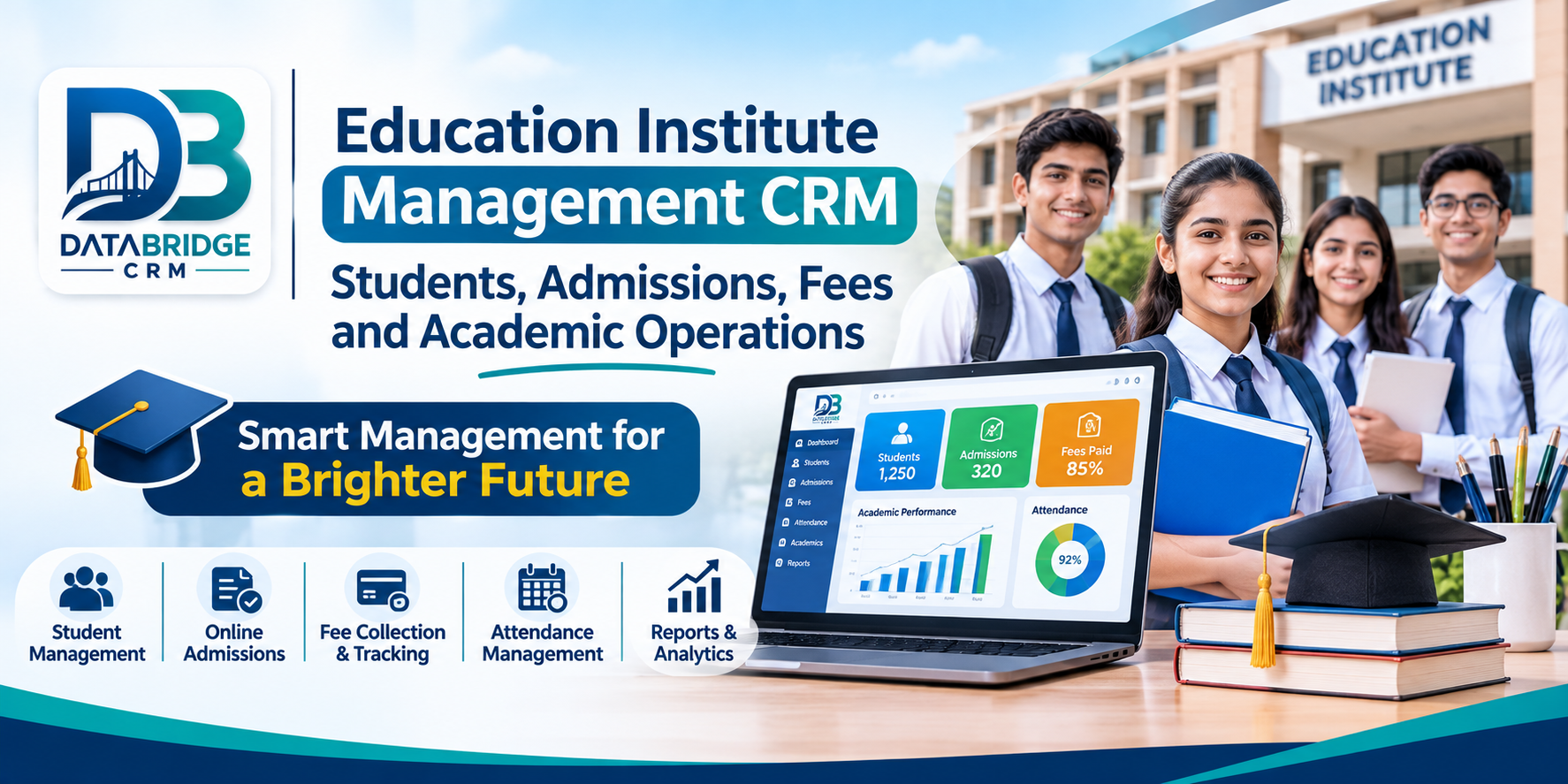
There's also a central dashboard where you can review student attendance, fee collections, academic information and other institute activity at a glance.
If you're still working from paper registers and scattered spreadsheets, this is a reasonable place to start looking. Just don't judge it from a feature list alone. Ask for a demo, and check which modules, integrations, permissions and workflows are included in your plan.
How to Choose Without Regretting It Later
Before you talk to any vendor, write down what your office actually struggles with. Then use these questions as a checklist:
- Does it handle student registration and admission records?
- Can you track enquiries through different stages?
- Does it support fee structures and instalments?
- Is attendance quick to record and easy to review?
- Does it cover exams and assignments?
- Can teachers and office staff have different permissions?
- Are the reports actually useful to management?
- Is your data backed up and securely accessed?
- Can it handle multiple classes and academic sessions?
- Do you get technical support and staff training?
The best test is a demo with your own real situations: a half-paid fee, a student changing sections, a batch with irregular attendance. See how the software copes.
What Changes When You Leave the Registers Behind
Honestly, the biggest change is that people stop searching. Student, staff and financial records are easy to find. Repetitive data entry shrinks. Management can look at a dashboard instead of waiting for someone to compile a report. Announcements go out in a consistent way. Fees collected and fees pending are visible. And attendance, exams, assignments and timetables stop living in separate worlds.
Conclusion
An institute works when students, parents, teachers and the office are on the same page. When admissions, attendance, fees and academics are scattered, small tasks turn into long ones, and your team ends up firefighting.
An Education Institute Management CRM won't remove the work, but it takes away a lot of the chasing. With its School Management CRM, DataBridgeCRM offers a platform worth exploring for student management, admissions, fee administration, attendance, exams and other academic operations.
Make Your Institute More Organised with DataBridgeCRM
Explore digital tools for student admissions, fee tracking, attendance, academic administration and institute operations.
Explore DataBridgeCRM School Management CRM →Frequently Asked Questions
1. What is Education Institute Management CRM?
It's software that helps schools, colleges and coaching institutes keep student information, admission enquiries, fees, attendance, academics and administration in one organised system.
2. Can school management software handle student admissions?
Yes. A good system can store admission enquiries and applications, register students and allocate classes.
3. Can CRM software manage school fees?
Most school management platforms can handle fee structures, instalments, payment records, receipts and pending fees. The exact features depend on the modules you choose.
4. Is education management software useful for coaching institutes?
Yes. Coaching institutes can use it for student enquiries, registrations, batches, attendance, fee records and communication with parents.
5. Can teachers manage attendance through a school CRM?
Many systems include an attendance module where teachers record attendance and the office can review it.
6. Can school management software generate examination reports?
Depending on the platform, exam modules can store marks, grades, percentages, ranks and student performance reports.
7. Does DataBridgeCRM provide School Management Software?
Yes. DataBridgeCRM publishes a School Management CRM with modules for students, teachers, admissions, academics, fees, attendance, exams and administration.
8. How can an educational institution explore DataBridgeCRM?
Visit the official DataBridgeCRM website or its School Management CRM page to look through the solution and request a demo.
Related Resources
- DataBridgeCRM School Management CRM
- School CRM & Fee Management Software
- CRM for Coaching Institute: Fill Every Batch With Ease
- DataBridgeCRM Official Website
Explore: DataBridgeCRM School Management CRM
Education Institute CRM, School Management Software, School ERP Software, Student Management CRM, Admission Management Software, College Management Software, Coaching Institute CRM, Fee Management Software, Education Technology, DataBridgeCRM

