
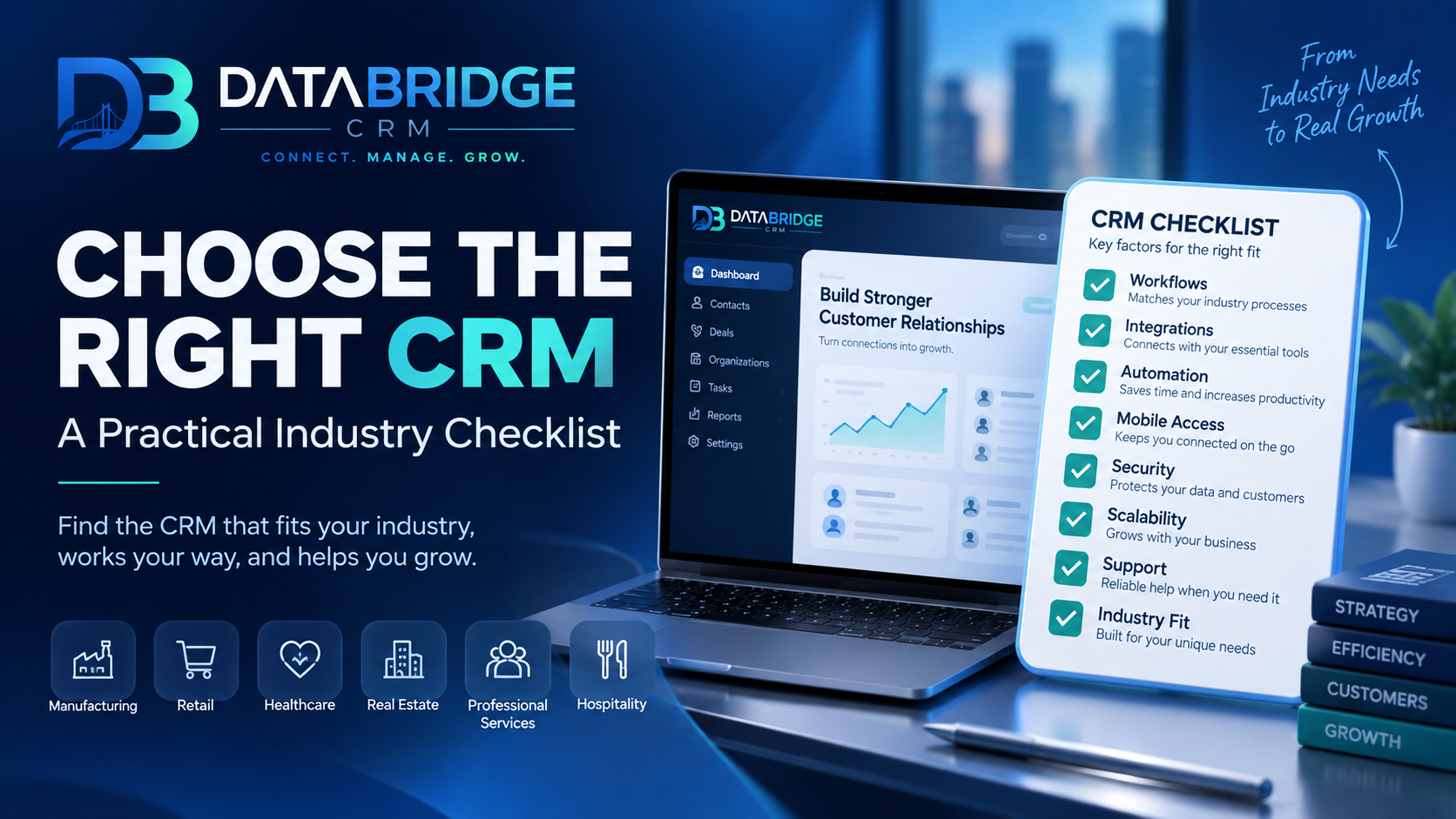
With dozens of CRM options in the market, choosing one often turns into comparing long feature lists that don't actually tell you which system fits your specific business. A more useful approach is working through a practical checklist based on your industry, team, and real day-to-day workflow.
Start With Your Industry, Not the Feature List
A hotel, a school, and a retail store all need "customer management," but what that actually looks like is completely different — booking calendars versus admission tracking versus purchase history. Before comparing CRMs, get clear on the specific workflow your business runs on, since a generic CRM will often require expensive customization to fit an industry-specific process.
The Practical Checklist
1. Does It Match Your Industry's Workflow?
Look for CRM software with modules built for your specific sector (hospitality, education, healthcare, retail, logistics) rather than a generic system you'll need to heavily customize.
2. Does It Support the Communication Channels Your Customers Actually Use?
In India, this usually means strong WhatsApp integration alongside email — a CRM that only supports email will miss how most customers actually prefer to communicate.
3. Is It Usable Without Extensive Training?
A CRM your team resists using because it's too complex ends up abandoned within weeks. Prioritize systems with a straightforward, intuitive interface over ones with the longest feature list.
4. Does It Scale With You?
Choose a system that can grow from a small team to a larger one without requiring a full platform switch later — migrating CRM data and retraining staff is costly and disruptive.
5. Is Pricing Transparent?
Watch for hidden costs — per-user charges that balloon as your team grows, or "premium" features that turn out to be essential rather than optional.
6. Does It Connect to Marketing and Operations?
A CRM that only stores contacts, without connecting to marketing (WhatsApp/email) or operational tools (billing, inventory), leaves you managing multiple disconnected systems anyway.
7. What Does Support Actually Look Like?
Check whether support is local, responsive, and available when you actually need it — not just a ticket system with multi-day response times.
Avoiding the Most Common Mistake
The most common mistake businesses make is choosing a CRM based on brand recognition or the longest feature list, rather than actual fit for their industry and team. A feature-rich CRM that doesn't match your workflow ends up either underused or requiring costly customization to make it work.
How DataBridgeCRM Approaches This
Rather than offering one generic CRM, DataBridgeCRM builds industry-specific modules (Hotel, School, Hospital, Garage, Restaurant, Courier, E-commerce, POS) on a single platform — so businesses get a system that already matches their workflow, combined with WhatsApp/email marketing and AI tools, without needing separate vendors for each piece.
Not sure which CRM fits your industry? Talk to a DataBridge consultant or book a free demo.

