
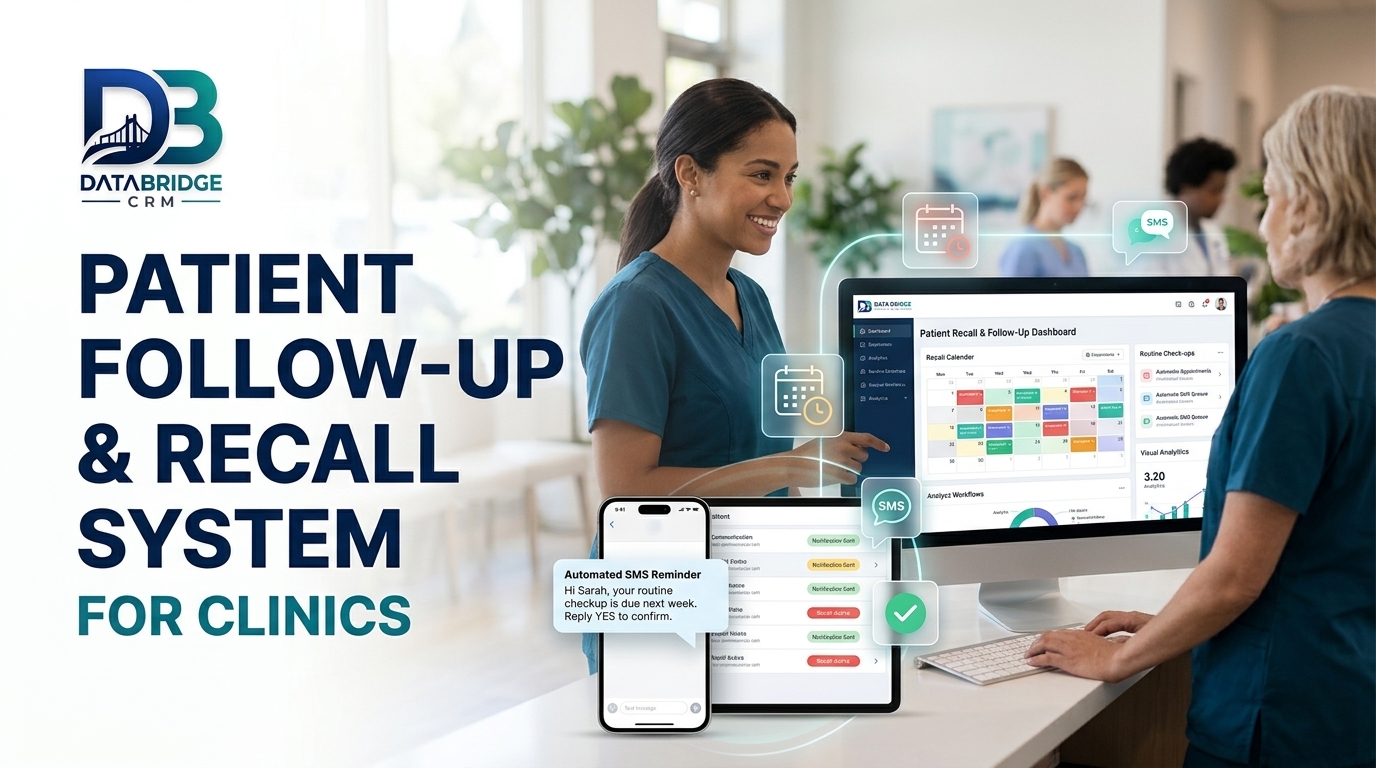
Patient Follow-Up and Recall System for Clinics
Many patients need more than one visit: dental treatment plans, physiotherapy sessions, skin and hair programmes, antenatal visits or chronic care reviews. Without a system, follow-ups are forgotten, treatment is delayed and clinic revenue is lost. This guide shows how to build a patient follow-up system for clinics using clinic management software.
Why Follow-Up Matters
Follow-up supports better care when the doctor recommends it, and keeps your schedule predictable. Patients appreciate a gentle reminder from a clinic that remembers them, as long as messages are respectful and relevant.
Record the Plan Before the Patient Leaves
- Next visit date and purpose
- Number of sessions planned for a treatment
- Instructions given by the doctor
- Tests or documents to bring
- Preferred contact method and time
Book the next appointment at the front desk before the patient leaves wherever possible. A booked slot is more likely to be kept than a verbal intention to return.
Set Up Recall Rules
Treatment-based
Remind patients before each session and follow up if one is missed.
Time-based
Send recalls for routine check-ups, vaccinations or reviews as advised by the doctor.
Condition-based
For ongoing care, schedule periodic review reminders set by the doctor.
Write Respectful Messages
Keep messages short, use the patient's name, mention the clinic and doctor, and offer an easy way to book. Avoid medical claims in reminders and do not include sensitive details in messages. Ask consent before sending messages and honour opt-outs.
Handle Missed Appointments
- Send a polite message the same day
- Offer two alternate slots
- Call if the treatment is time-sensitive
- Record the reason for missing
- Review patterns by doctor, day and treatment
Track Treatment Completion
For multi-visit treatments, track how many sessions are completed and pending, along with payments. This helps the team follow up before patients drop off and gives doctors a clear view of progress.
Use Simple Tools Well
Small clinics do not need heavy systems. A simple CRM approach, such as CRM software for small business India tools with patient lists, reminders and notes, is often enough to start.
CRM, ERP and POS: How They Fit Together
CRM, ERP and POS are often mentioned together, which can confuse buyers. A CRM manages customers, enquiries, follow-ups and communication. A POS handles billing at the counter. ERP software covers back-office processes such as purchasing, inventory, accounts and HR. In a small clinic management business, a CRM with billing and inventory features is usually enough at the start. As you add branches, staff and suppliers, ERP-style modules become useful, so choose a platform that lets you add modules over time.
How Data Drives Growth
Once your team records every customer interaction, patterns appear. You can see which services or products sell most, which months are slow, which staff member closes the most enquiries and which customers have not returned for a long time. These insights help you plan stock, staffing, offers and advertising with confidence instead of guesswork.
Helping Your Team Adopt the System
The best software fails if people avoid it. Explain how the change helps each person, train in short sessions by role, appoint one internal champion and review usage weekly in the first month. Celebrate early wins, such as a missed enquiry recovered through a reminder, and make sure owners use the reports themselves, because staff follow what managers check.
Key Takeaways
- Focus on one area at a time: why follow-up matters
- Focus on one area at a time: record the plan before the patient leaves
- Focus on one area at a time: set up recall rules
- Focus on one area at a time: write respectful messages
- Focus on one area at a time: handle missed appointments
Progress comes from consistent small improvements that your whole team follows, not from a single big change.
Your 4-Week Action Plan
Week 1: Understand
Write down how work currently flows in your clinic management business. Note delays, repeated entry and missed follow-ups, and choose the one problem that costs you the most.
Week 2: Organise
Clean your customer and operational data, define roles and decide the simple rules your team will follow, such as response time and reminder timing.
Week 3: Implement
Set up the workflow in your software, train staff by role and run it alongside your old process for a few days to catch gaps.
Week 4: Review
Look at your numbers, collect feedback from staff and customers and adjust. Then move on to the next problem on your list.
Eight Things to Check When Choosing Software
- It fits your type of business and your sub-niche, not just a generic model
- Your team can learn it quickly, including on mobile
- You can import existing data from Excel or other tools
- Reminders, reports and user roles are configurable
- Integrations such as WhatsApp, payments and your website are available
- Data is backed up and access is controlled
- Training and support are available in a language your team prefers
- Pricing is transparent and the system can grow as you add users or branches
Business Software for Jaipur and Across India
Whether you are exploring CRM software Jaipur, ERP software Jaipur or CRM software for small business India, the best choice is the one your team will use every day. Businesses in Jaipur, Rajasthan and the rest of India often run lean teams, serve both walk-in and online customers and need software that is quick to learn, affordable and supported locally. Start with the processes described above, choose a platform that can grow with you and add modules only when the need is clear.
How DataBridge CRM Can Help Your Clinic Management Business
DataBridge CRM (databridgecrm.com) is a business software platform that helps growing companies manage customers, enquiries, follow-ups, communication and reports in one place. For clinic management businesses, it can be configured around the workflows in this article, with reminders, user roles, dashboards and reports that match how your team works.
- Capture and organise customer information in a single system
- Automate reminders and follow-ups so nothing is forgotten
- Give owners clear reports and give staff clear daily task lists
- Start with core features and add more as your business grows
Want to see it on your own use case? Book a free demo at databridgecrm.com and the team will walk you through a setup suited to your business.
Frequently Asked Questions
How often should I send follow-up messages?
Follow the doctor's plan and avoid excess messages. One or two well-timed reminders are usually enough.
Is patient consent required?
Obtain consent for messages and respect privacy and opt-out requests.
Can reminders include treatment details?
Keep them general and avoid sensitive information.
How do I handle patients who stop coming?
Send a polite check-in and make rebooking easy.
Can I try DataBridge CRM before buying?
You can request a demo at databridgecrm.com to see how the platform fits your workflow before you decide.
Ready to get started? Visit databridgecrm.com and talk to the team today.

