
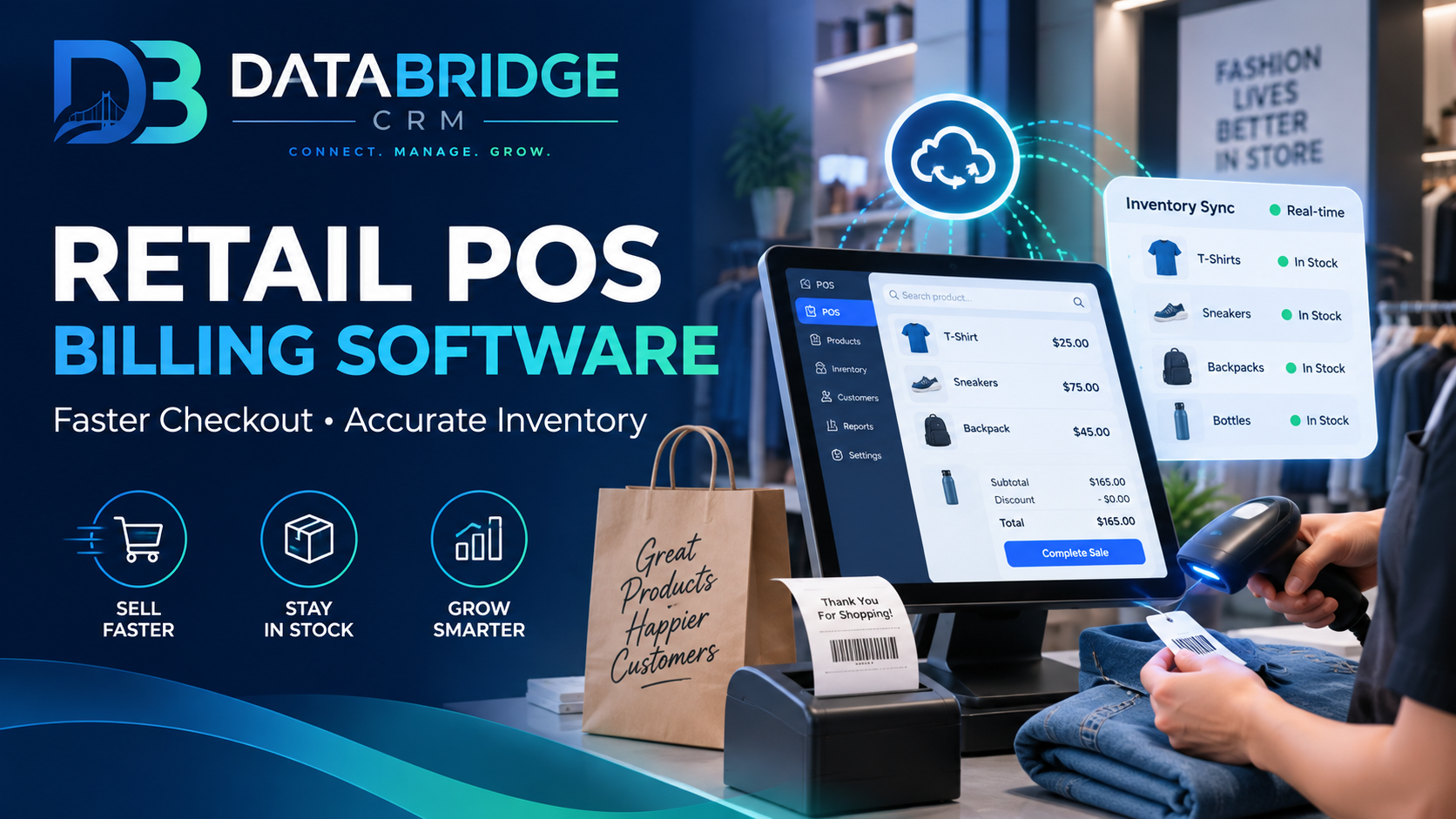
Retail checkout is where a customer's entire experience is decided in the final sixty seconds — a slow or error-prone billing process undoes the goodwill built by everything before it. POS (Point of Sale) billing software exists to make that final moment fast and accurate, while quietly keeping inventory records correct in the background.
The Cost of Manual Billing Errors
Retailers using manual billing or basic calculators commonly face mismatched inventory counts (since stock isn't automatically updated after a sale), pricing errors during busy hours, no visibility into which products are actually selling well, and difficulty reconciling daily cash against actual sales at day's end.
What Good POS Billing Software Should Include
- Fast checkout — barcode scanning and quick-search billing that keeps queues moving during rush hours
- Real-time inventory updates — every sale automatically deducts from stock, so counts stay accurate without manual reconciliation
- Multi-payment support — cash, card, and UPI handled within the same billing flow
- Low-stock alerts — automatic flags when a product is running low, preventing stockouts on fast-moving items
- Sales reporting — daily, weekly, and product-level sales visibility without manual tallying
- Customer data capture — linking purchases to customer profiles for future marketing, not just anonymous transactions
Why Inventory Accuracy Matters as Much as Speed
A fast checkout process means little if the inventory numbers behind it are wrong. Manual stock tracking almost always drifts from reality over time — leading to either overselling items that are actually out of stock, or over-ordering items that are sitting unsold. POS software that automatically updates inventory with every sale keeps this data trustworthy without extra manual effort.
Turning POS Data Into Marketing Opportunities
Every billing transaction is also a data point about customer preferences. Retailers that capture customer details at checkout — even just a phone number — can turn that data into targeted WhatsApp or email offers later, rather than treating each sale as a one-time, anonymous transaction.
Why a Connected POS System Wins
Standalone billing machines solve checkout speed but rarely connect to marketing or customer management. DataBridgeCRM's POS module is built into the same platform as the CRM and marketing tools, so every sale automatically updates both inventory and the customer's profile — no separate export/import process required between systems.
See how it works for your store. Explore the POS Billing module or book a free demo.

