
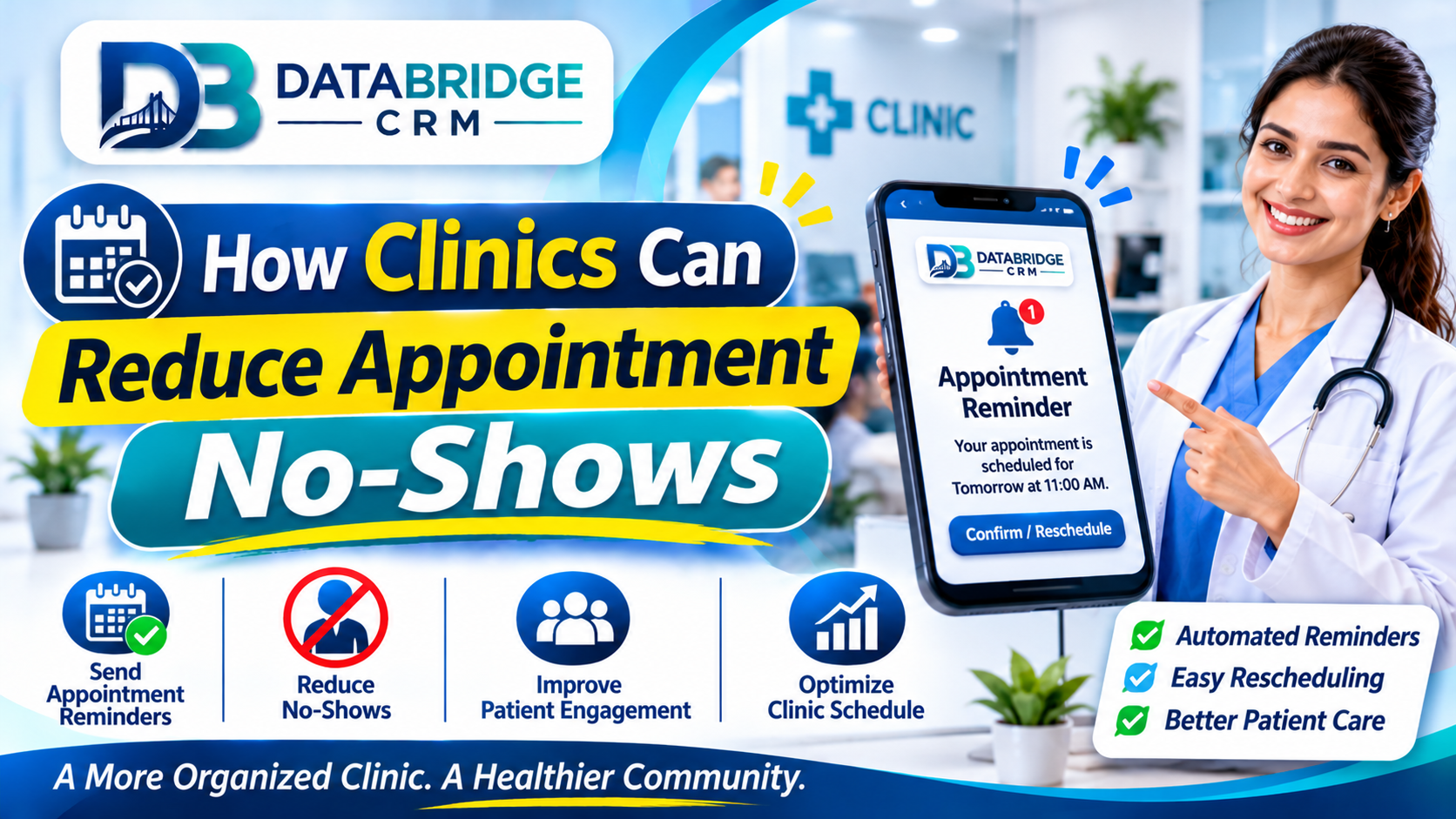
How Clinics Can Reduce Appointment No-Shows
Every missed appointment is a lost slot for the clinic and a delayed treatment for the patient. General clinics, dental practices, skin and hair clinics, physiotherapy centres and many specialists face this problem daily. The good news is that no-shows can be reduced with simple habits and the right clinic management software. This guide explains practical steps any clinic can adopt.
Understand Why Patients Miss Appointments
- They forget, especially when booked days in advance
- Their schedule changes and they do not know how to reschedule
- They feel better and assume the visit is unnecessary
- Travel, waiting time or cost concerns
- Unclear instructions about timing, place or preparation
Ask a few patients who missed visits what happened. The answers will show which fixes matter most for your clinic.
Send Timely Reminders
Automatic reminders are the single most effective step for many clinics. Send a confirmation immediately after booking, a reminder the day before and a short message on the morning of the appointment. Include the doctor's name, time, clinic address and a simple way to reschedule. WhatsApp and SMS both work; choose what your patients respond to.
Make Rescheduling Easy
Patients who cannot attend often stay silent if rescheduling feels difficult. Offer a reply option, a call-back number or an online link. When a patient cancels early, offer the slot to someone on a waiting list so the day stays productive.
Reduce Waiting and Set Expectations
- Schedule realistic slot lengths for each type of visit
- Keep buffer time for emergencies
- Tell patients if the doctor is running late
- Use token numbers for walk-ins and follow-ups
- Send pre-visit instructions, such as fasting or documents to bring
Use Treatment Plans and Follow-Up Recalls
Many treatments, such as dental procedures, physiotherapy sessions and skin or hair programmes, require several visits. Record the plan in the patient's profile and schedule the next appointment before the patient leaves. Add a recall for regular check-ups, vaccinations or review visits so patients return at the right time.
Consider Deposits for High-Value Slots
For long or specialised appointments, a small advance can reduce no-shows. Communicate the policy clearly and fairly, including how rescheduling works. Use this only where it suits your practice and patient base.
Track and Improve
Measure the no-show rate by doctor, day, time and appointment type. If Monday mornings or certain treatments have higher misses, adjust reminders or scheduling. Small clinics can manage all this with CRM software for small business India that includes appointment, reminder and patient history features, without needing heavy hospital systems. Clinics must also respect patient privacy and obtain consent before sending messages.
Sample Reminder Messages
Keep messages short, polite and action-oriented. A simple format works: greet the patient by name, mention the doctor, date and time, give the clinic address or location link and ask them to reply to confirm or reschedule. For treatment plans, add a line about the purpose of the visit so patients see the value of attending.
- Booking confirmation sent immediately
- Reminder one day before
- Morning-of reminder with directions
- Missed-appointment message offering a new slot
- Follow-up message after treatment with care instructions
Handling Walk-Ins and Emergencies
Reserve a few flexible slots each day for walk-ins and urgent cases, so planned appointments are not constantly delayed. Display expected waiting time and update patients when delays happen. Fewer surprises lead to fewer cancellations.
Key Takeaways
- Focus on one area at a time: understand why patients miss appointments
- Focus on one area at a time: send timely reminders
- Focus on one area at a time: make rescheduling easy
- Focus on one area at a time: reduce waiting and set expectations
- Focus on one area at a time: use treatment plans and follow-up recalls
Progress comes from consistent small improvements that your whole team follows, not from a single big change.
Your 4-Week Action Plan
Week 1: Understand
Write down how work currently flows in your clinic management business. Note delays, repeated entry and missed follow-ups, and choose the one problem that costs you the most.
Week 2: Organise
Clean your customer and operational data, define roles and decide the simple rules your team will follow, such as response time and reminder timing.
Week 3: Implement
Set up the workflow in your software, train staff by role and run it alongside your old process for a few days to catch gaps.
Week 4: Review
Look at your numbers, collect feedback from staff and customers and adjust. Then move on to the next problem on your list.
Eight Things to Check When Choosing Software
- It fits your type of business and your sub-niche, not just a generic model
- Your team can learn it quickly, including on mobile
- You can import existing data from Excel or other tools
- Reminders, reports and user roles are configurable
- Integrations such as WhatsApp, payments and your website are available
- Data is backed up and access is controlled
- Training and support are available in a language your team prefers
- Pricing is transparent and the system can grow as you add users or branches
Business Software for Jaipur and Across India
Whether you are exploring CRM software Jaipur, ERP software Jaipur or CRM software for small business India, the best choice is the one your team will use every day. Businesses in Jaipur, Rajasthan and the rest of India often run lean teams, serve both walk-in and online customers and need software that is quick to learn, affordable and supported locally. Start with the processes described above, choose a platform that can grow with you and add modules only when the need is clear.
How DataBridge CRM Can Help Your Clinic Management Business
DataBridge CRM (databridgecrm.com) is a business software platform that helps growing companies manage customers, enquiries, follow-ups, communication and reports in one place. For clinic management businesses, it can be configured around the workflows in this article, with reminders, user roles, dashboards and reports that match how your team works.
- Capture and organise customer information in a single system
- Automate reminders and follow-ups so nothing is forgotten
- Give owners clear reports and give staff clear daily task lists
- Start with core features and add more as your business grows
Want to see it on your own use case? Book a free demo at databridgecrm.com and the team will walk you through a setup suited to your business.
Frequently Asked Questions
What is the best time to send reminders?
A day before and the morning of the appointment work well for most clinics. Test what suits your patients.
Can I send reminders without a computer?
Many clinic systems work on mobile and can send reminders automatically.
Do reminders really reduce no-shows?
Many clinics find that timely reminders reduce missed visits, though results vary.
Is a deposit necessary?
Not for every clinic. It is optional and works best for long or high-value appointments.
How do I handle patients who repeatedly miss?
Review reasons, offer easier slots and communicate your policy politely.
Should every patient get the same reminder?
Customise for visit type, such as first consultation, procedure or follow-up.
Can I track no-shows by doctor?
Yes, most clinic systems allow reports by doctor and appointment type.
Is it okay to message patients on WhatsApp?
Use official channels and obtain patient consent for messages.
Can I try DataBridge CRM before buying?
You can request a demo at databridgecrm.com to see how the platform fits your workflow before you decide.
Ready to get started? Visit databridgecrm.com and talk to the team today.

