
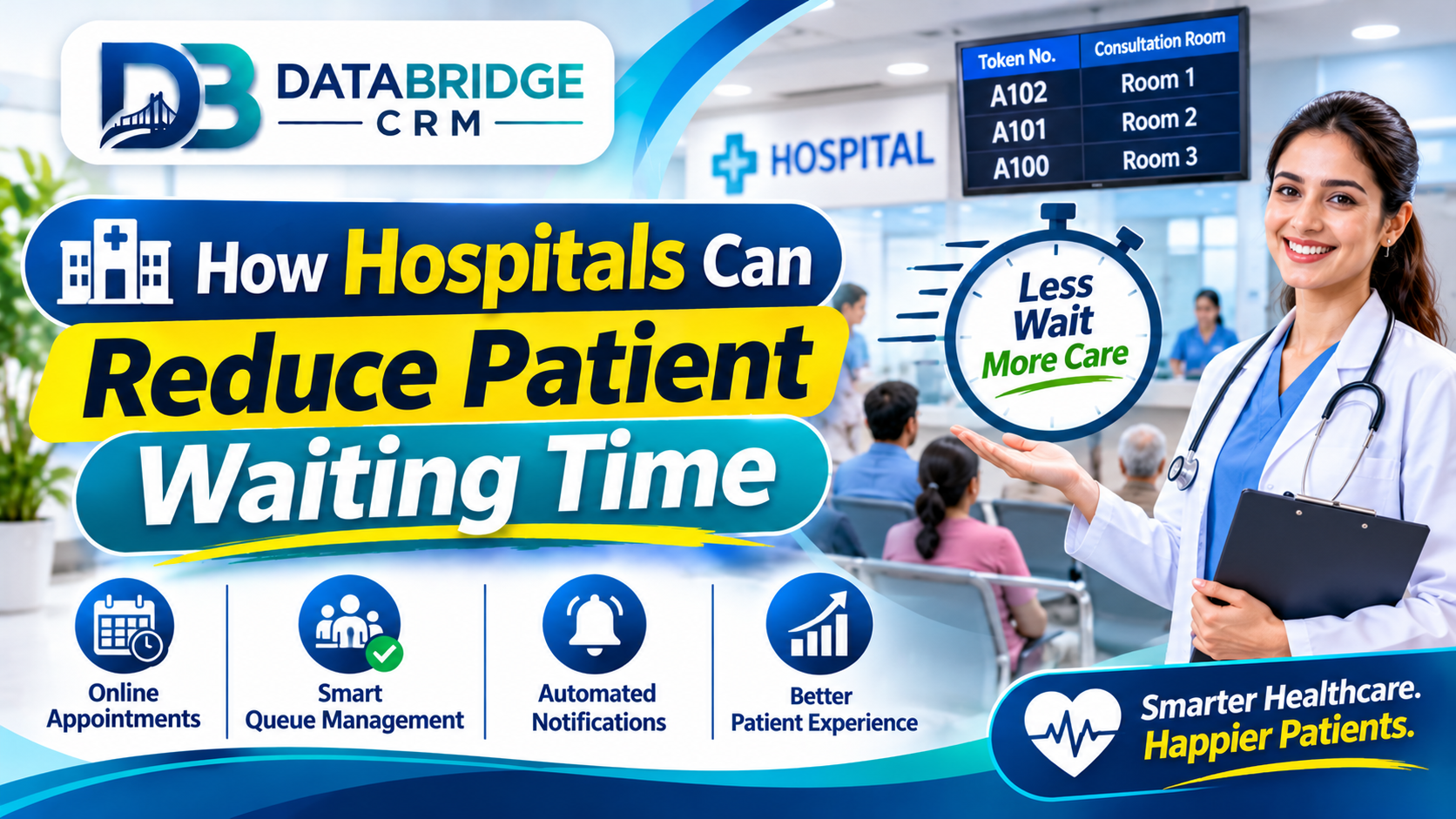
How Hospitals Can Reduce Patient Waiting Time
Long queues at registration, billing, pharmacy and diagnostics are among the most common complaints in hospitals. They frustrate patients, overload staff and affect the hospital's reputation. Waiting time rarely has a single cause, so improvement comes from fixing the workflow step by step. This guide outlines practical changes, supported by hospital management software, that hospitals and diagnostic centres can make.
Map the Patient Journey
Start by following a patient from arrival to exit. Note every stop: registration, vitals, consultation, tests, billing, pharmacy and discharge. Record the time spent at each stage on a few typical days. This simple map usually shows where queues build up and which steps are repeated unnecessarily.
Speed Up Registration
- Use a unique patient ID so returning patients are found in seconds
- Allow advance appointment booking by phone, website or WhatsApp
- Capture details once and reuse them across departments
- Use separate counters for new and follow-up patients
- Provide printed or digital tokens with expected time
Connect Departments
When OPD, lab, pharmacy and billing use separate sheets or software, staff re-enter information and patients carry papers between counters. An integrated system lets a doctor order a test, the lab see it immediately and the report reach the doctor and the patient without manual transfer. The same applies to prescriptions flowing to the pharmacy.
Streamline Billing and Insurance
- Keep updated tariffs and package prices in the system
- Generate itemised bills automatically from services used
- Track insurance and TPA approvals with clear status
- Allow multiple payment modes including UPI and cards
- Prepare discharge billing in advance for planned admissions
Improve Diagnostics Turnaround
Label samples at the point of collection, track them through the lab and send reports to patients by message or portal. Display expected report times so patients are not repeatedly asking at the counter. Home sample collection with digital scheduling can also reduce crowding.
Use Data to Manage Capacity
Review the busiest hours and days and adjust staff accordingly. Track doctor-wise consultation times, test volumes and bed occupancy on a dashboard. Small adjustments, such as opening an extra counter at peak hours, often reduce waiting more than major renovations.
Protect Patient Data While Going Digital
Use role-based access so staff only see what they need, keep audit logs, maintain regular backups and train staff on privacy. Choose software that supports these basics, and confirm security practices with the vendor. Hospitals in Jaipur and elsewhere in India searching for ERP software Jaipur style solutions should evaluate data security as carefully as features.
Quick Wins You Can Start This Month
- Add token numbers and expected time at registration
- Open a dedicated counter for follow-up and report collection
- Share test reports by message with patient consent
- Prepare discharge paperwork a day in advance for planned admissions
- Display doctor availability and timings clearly
- Collect patient feedback on waiting time every week
Small changes, measured weekly, often show improvement before any large software rollout is complete.
Metrics to Monitor
- Average wait at registration, consultation and billing
- Report turnaround time by test type
- Bed occupancy and discharge time
- No-show rate for booked appointments
- Patient satisfaction on waiting time
Share the dashboard with department heads so each team owns its numbers.
Key Takeaways
- Focus on one area at a time: map the patient journey
- Focus on one area at a time: speed up registration
- Focus on one area at a time: connect departments
- Focus on one area at a time: streamline billing and insurance
- Focus on one area at a time: improve diagnostics turnaround
Progress comes from consistent small improvements that your whole team follows, not from a single big change.
Your 4-Week Action Plan
Week 1: Understand
Write down how work currently flows in your hospital management business. Note delays, repeated entry and missed follow-ups, and choose the one problem that costs you the most.
Week 2: Organise
Clean your customer and operational data, define roles and decide the simple rules your team will follow, such as response time and reminder timing.
Week 3: Implement
Set up the workflow in your software, train staff by role and run it alongside your old process for a few days to catch gaps.
Week 4: Review
Look at your numbers, collect feedback from staff and customers and adjust. Then move on to the next problem on your list.
Eight Things to Check When Choosing Software
- It fits your type of business and your sub-niche, not just a generic model
- Your team can learn it quickly, including on mobile
- You can import existing data from Excel or other tools
- Reminders, reports and user roles are configurable
- Integrations such as WhatsApp, payments and your website are available
- Data is backed up and access is controlled
- Training and support are available in a language your team prefers
- Pricing is transparent and the system can grow as you add users or branches
Business Software for Jaipur and Across India
Whether you are exploring CRM software Jaipur, ERP software Jaipur or CRM software for small business India, the best choice is the one your team will use every day. Businesses in Jaipur, Rajasthan and the rest of India often run lean teams, serve both walk-in and online customers and need software that is quick to learn, affordable and supported locally. Start with the processes described above, choose a platform that can grow with you and add modules only when the need is clear.
How DataBridge CRM Can Help Your Hospital Management Business
DataBridge CRM (databridgecrm.com) is a business software platform that helps growing companies manage customers, enquiries, follow-ups, communication and reports in one place. For hospital management businesses, it can be configured around the workflows in this article, with reminders, user roles, dashboards and reports that match how your team works.
- Capture and organise customer information in a single system
- Automate reminders and follow-ups so nothing is forgotten
- Give owners clear reports and give staff clear daily task lists
- Start with core features and add more as your business grows
Want to see it on your own use case? Book a free demo at databridgecrm.com and the team will walk you through a setup suited to your business.
Frequently Asked Questions
Where should we start reducing waiting time?
Map the patient journey and fix the busiest or most repeated step first, usually registration or billing.
Can small hospitals use hospital software?
Yes. Many systems scale from small nursing homes to multi-speciality hospitals.
Does digital registration replace paper completely?
Not always immediately. Many hospitals run both for a short period before switching fully.
How do we handle staff resistance?
Train by department, appoint champions and show how the system reduces repeated work.
Can reports be shared on WhatsApp?
Yes, where messaging integration is enabled and patient consent is taken.
Is a phased rollout better than a single go-live?
Phased rollouts, starting with OPD and registration, are usually safer for hospitals.
Can diagnostics labs use the same software?
Many systems include lab modules, and standalone labs can use similar workflows.
How do we measure improvement?
Record waiting times before and after changes at each counter.
Can I try DataBridge CRM before buying?
You can request a demo at databridgecrm.com to see how the platform fits your workflow before you decide.
Ready to get started? Visit databridgecrm.com and talk to the team today.

