
Every advocate knows this morning. You reach the court complex, check the cause list, and realise a matter you thought was next week is listed today. Or your junior calls to ask which file goes to which courtroom, and the answer is scattered across a diary, a WhatsApp group and your own memory.
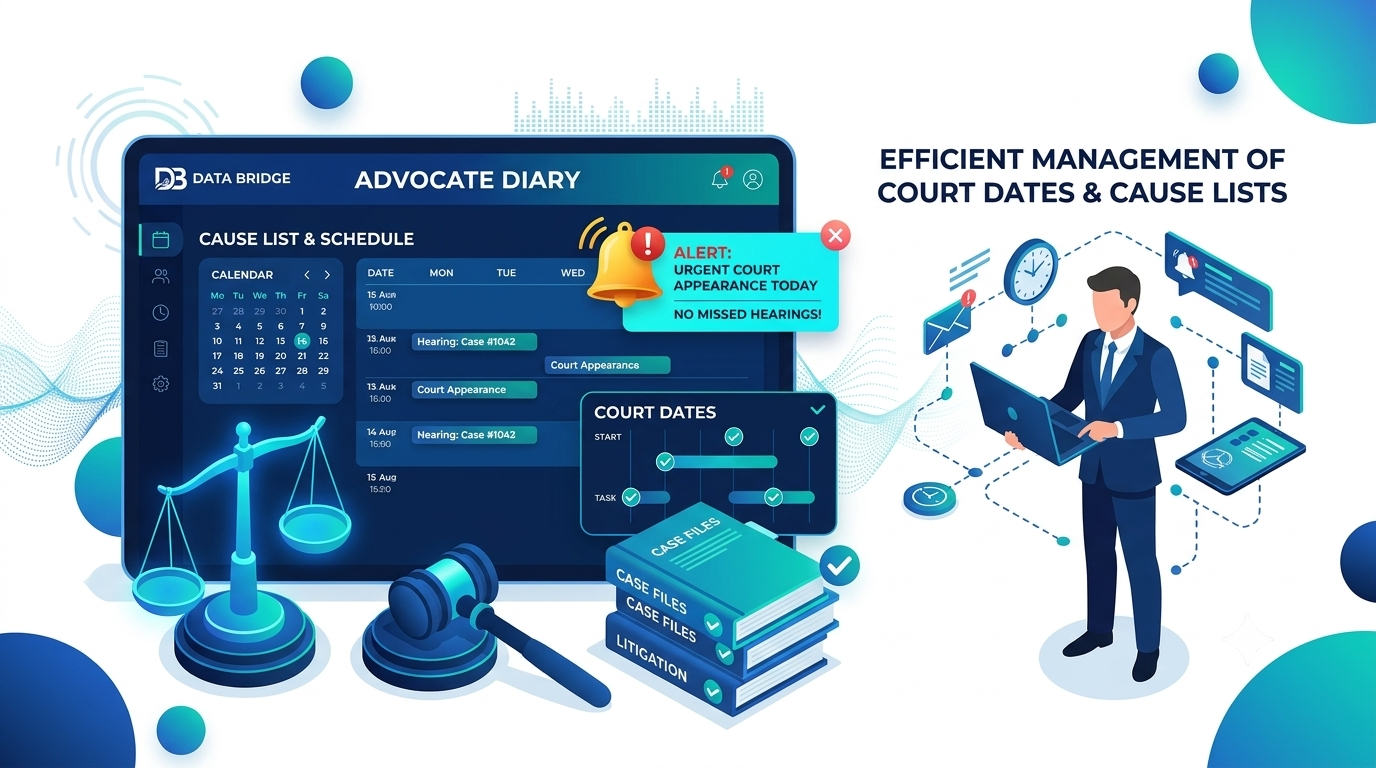
Missed or mixed-up dates rarely come from carelessness. They happen because dates live in too many places. Good advocate diary software pulls them onto one screen, ties each date to its case file, and reminds the right person at the right time.
This guide covers how hearing dates and cause lists can be managed digitally, what to look for in the software, and how the Advocate CRM from DataBridge CRM approaches the job, including where its Windows, Android and iPhone options fit into a lawyer's day.
Why Paper Diaries and Chat Reminders Stop Working
A paper diary is fine when one lawyer handles forty matters. It strains at a hundred, and it breaks once a team joins in. These are the usual trouble spots:
- One diary, one person. If the senior advocate is in court, nobody else can check the next date.
- Dates in too many tools. Some sit in the diary, some in phone calendars, some in the clerk's notebook.
- Adjournments that never get updated. The court gives a new date and the old reminder keeps ringing.
- No link between date and file. Knowing a hearing is on the 14th is not the same as knowing which orders and pending tasks go with it.
- Forgotten fees. The hearing happens, but the billing entry doesn't.
What Good Advocate Diary Software Should Do
Before comparing products, decide what you need on an ordinary Monday. Most practices need:
- One dashboard for upcoming hearings, pending tasks and recent client activity
- Case records with party details, court information, linked contacts and opposing counsel
- A cause list view, so the day's matters sit together
- Reminders that reach the whole team, not just whoever made the entry
- A document area for drafts, evidence and court orders, kept with the right matter
- Task assignment for juniors, with deadlines
- Billing and expense tracking, so hearing effort becomes an invoice
None of this is exotic. The value comes from having it connected, not from a long feature list.
How DataBridge CRM's Advocate CRM Handles Hearings and Cause Lists
The Advocate CRM follows a four-step legal workflow: client onboarding, case filing, hearing tracking, and invoicing and closing. Its modules include a dashboard, case management, hearing dates, documents, task management, invoicing and billing, expense tracking and reports. For hearing management, that works out as follows.
A dashboard for the day ahead
Upcoming hearing dates, pending tasks, recent client activity and financial summaries appear on one screen. Instead of opening four tools before leaving for court, you open one.
Case files that carry the court details
Each matter becomes a central record with linked contacts and opposing counsel details. Whoever covers the hearing can see who is on the other side without phoning the office.
Cause list tracking with team reminders
The cause list feature tracks hearing dates and sends reminders to the team. In the workflow, your staff update hearing dates from the court cause lists, and the system alerts you ahead of scheduled appearances. That human step matters. Always compare important dates with the official court record.
A document vault tied to the matter
Drafts, evidence and court orders are stored and shared securely, so the order from the last hearing sits beside the next date.
Billing that follows the work
Billable hours, invoices and pending payments live in the same system. The hearing attended on Tuesday doesn't get lost by the time invoices go out.
A Practical Example: One Week in a Small Litigation Office
Take a four-person office in Jaipur: one advocate, two juniors and a clerk, handling around sixty active matters across civil, consumer and tax forums.
On Friday evening the clerk enters next week's dates from the published cause lists. On Sunday night the advocate opens the dashboard and sees fourteen hearings spread over five days. She assigns Tuesday's two matters to a junior, and each file already carries the last order and the open task list.
On Wednesday one matter is adjourned. The junior records the new date as soon as the entry can be updated, the old reminder drops off, and everyone sees the same schedule. At month end, hearings attended turn into billing entries instead of being rebuilt from memory.
Nothing in that story needs advanced technology. It needs one shared record that people actually keep updated.
Windows, Android and iPhone: Where the Apps Fit
Lawyers don't work at a single desk. The office computer handles bulk entry and documents, while the phone handles quick checks between courtrooms. Here is what the Advocate CRM page currently lists:
- Windows: a downloadable Windows app, suited to the office PC where clerks enter dates, upload files and prepare invoices.
- Mac OS: a Mac app is also listed for firms on Apple desktops.
- Android (APK or Play Store): the page shows a Google Play button. Ask the team for the current Android build or Play Store link before you roll it out to juniors.
- iPhone and iPad (iOS): an iOS app is not listed on the Advocate CRM page at the time of writing, so confirm availability with the DataBridge team if iPhones are common in your office.
A sensible plan: start with the Windows app in the office, decide who truly needs mobile access, and get mobile availability confirmed in writing during your demo. Download options are on the software downloads page.
Benefits by Practice Size
Solo advocates
You get a diary that doesn't live in one notebook, plus reminders that work while you're in a hearing and can't check anything.
Small and mid-sized firms
Shared visibility is the big gain. Seniors, juniors and clerks read the same hearing list and the same case files, which cuts down the "who has the file?" calls.
Larger and multi-city practices
Reports and task tracking show partners how work is spread across advocates, and consistent case records make handovers cleaner.
Where It Fits: Practice-Area Use Cases
- Litigation practices: date-driven work where cause lists change daily.
- Consumer and tax matters: several forums, each with its own listing pattern.
- Corporate and retainer work: task deadlines and billing matter as much as hearings.
- Legal consultants: client notes, documents and fee tracking, with fewer court dates.
How to Choose: A Short Checklist
- Can the whole team see and update hearing dates, with reminders?
- Is each date tied to the case file, documents and tasks?
- Does billing sit in the same system?
- Which platforms do you need (Windows, Android, iOS), and are they available now rather than planned?
- Who can access client data, and how is it stored?
- Can you test a demo with your own sample cases?
Confidentiality deserves its own line. Client files carry privileged information, so ask how access is controlled before you migrate anything.
Frequently Asked Questions
What is advocate diary software?
It is software that replaces the paper case diary. It records cases, hearing dates and cause lists, and links them to documents, tasks and fees.
Can it remind my whole team about hearings?
DataBridge's Advocate CRM lists hearing reminders for the team. Keep dates updated from the cause list and check them against official records.
Is there a Windows app for the Advocate CRM?
Yes, the Advocate CRM page offers a Windows app download, along with a Mac OS app.
Does it work on Android and iPhone?
The page shows a Play Store button, but confirm the current Android build with the team. An iOS app is not listed, so ask before planning around iPhones.
Is it suitable for a solo advocate?
Yes. A single advocate benefits from a searchable diary, document storage and billing in one place, and can add juniors later.
Conclusion
Hearing dates are the heartbeat of a legal practice, and they deserve better than scattered notes. When dates, case files, tasks and billing sit in one shared record, missed appearances become far less likely and the office runs with fewer panicked calls.
If you want to see how this works with your own matters, book a demo of DataBridge CRM or talk to the team about Windows and mobile setup for your office.
#AdvocateDiarySoftware #LawFirmCRM #CauseList #LegalPracticeManagement #DataBridgeCRM
Advocate Diary Software, Cause List Management, Hearing Date Reminder, Case Management Software for Advocates, Advocate CRM, Law Firm CRM India, Legal Practice Management, Advocate Software Windows, Advocate CRM Jaipur, DataBridge CRM.

