
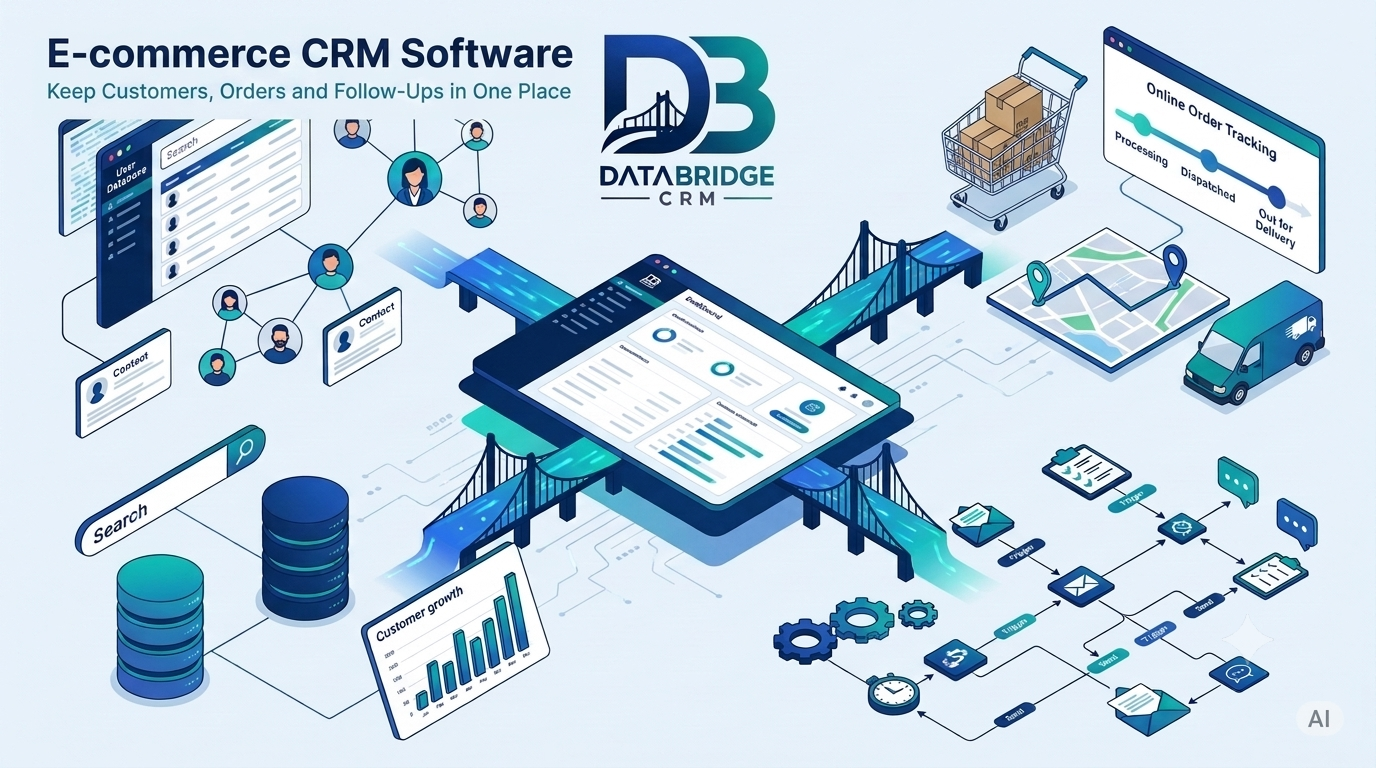
Getting a customer to place their first order online is hard. Getting them to place a second one is harder. Many online sellers spend heavily on ads, then lose track of who bought what, who asked a question and never got an answer, and who has not ordered in months.
An E-commerce CRM helps fix that. It gives you one organised record of your customers and their activity so your team can respond faster and follow up with purpose. This article explains what it does, where it helps, and what to check before choosing one, including how DataBridge CRM approaches online business management.
What Is an E-commerce CRM?
A CRM is a system for managing customer relationships. In e-commerce, that means storing customer details, order history, conversations and follow-up tasks in one place. It does not replace your online store. Your storefront takes the order; the CRM helps you understand and look after the person who placed it.
DataBridge CRM lists an E-Commerce solution among its industry tools, described as a way to manage an online store. The sections below explain what a CRM in this space should help you do, so you can judge any product against your own needs.
Problems Online Sellers Face Every Day
- Scattered customer data: Names and numbers sit in order sheets, chat apps and email inboxes.
- Missed enquiries: Someone asks about a product on social media or WhatsApp, and the reply comes too late.
- Weak follow-up: Customers who showed interest never hear back.
- No repeat-purchase routine: Past buyers are not reminded or thanked.
- Order confusion: Teams cannot easily see what is pending, packed or delivered.
- Support delays: Complaints and returns are handled informally, and issues repeat.
- Little insight: It is hard to tell which customers buy often or which products lead to repeat orders.
How a CRM Helps an Online Business
1. A single customer database
Every customer gets one record with contact details, order history, notes and past conversations. When someone writes in, your team sees the background instantly instead of asking again.
2. Better enquiry handling
Enquiries from your website, social pages and messaging apps can be recorded and assigned. Reminders help the team reply promptly and reconnect with people who have not purchased yet.
3. Order tracking and status visibility
When your team can see an order's stage, from placed to delivered, it can answer "where is my order?" quickly. This reduces repetitive support calls.
4. Follow-up and retention
Repeat customers are often more valuable than new ones, since you have already earned their trust. A CRM helps you schedule thank-you messages, reorder reminders and feedback requests. Consent matters here: message only people who have agreed to hear from you.
5. Customer segments
Group customers by what they bought, how recently they ordered or how much they spend. Then send relevant offers rather than the same message to everyone.
6. Sales and team visibility
Managers can review enquiries, conversions and pending follow-ups without asking each team member for updates.
Note: A CRM is not the same as a storefront platform, courier integration or inventory system. If you need those connections, ask the vendor to confirm exactly what is supported.
Connecting CRM with Marketing Tools
DataBridge also offers tools for outreach, including WhatsApp marketing, email marketing and social media tools. For an online store, that could mean keeping customer records in the CRM and using these channels for campaigns and follow-ups, where customers have given permission. A website builder is also listed for businesses that need a web presence. Please confirm exactly how these tools connect in your setup.
Android, Windows and Other Apps
E-commerce teams work across devices. Packing staff and support agents may use desktop computers, while owners check numbers on a phone. DataBridge lists downloads for Windows and macOS and app-store buttons for mobile on its platform.
- Windows: Useful for support desks, order processing and report review.
- Android: Handy for owners and sales staff who need quick access to customer records and follow-ups.
- iOS: Helpful for iPhone and iPad users, subject to availability.
App availability for the e-commerce solution may differ from the general platform listing. Please confirm current Windows, Android and iOS options with the team during your demo.
Who Can Use It?
- Fashion, footwear and jewellery stores: Track repeat buyers, seasonal customers and gifting enquiries.
- Cosmetics and beauty sellers: Plan reorder reminders and feedback requests.
- Electronics and gadget stores: Record queries and support history.
- Grocery and home needs: Remember regular order patterns.
- Furniture and home décor: Manage longer enquiry cycles with timely follow-ups.
- Books, toys, sports and gifts: Group customers by interest and occasion.
- D2C brands: Build direct relationships and a customer base you own.
Benefits by Business Size
Solo sellers replace scattered notes with one record and stop missing enquiries. Growing stores create a follow-up routine that supports repeat orders. Larger brands gain reporting and team coordination across sales and support.
A Simple Example
A home décor seller receives dozens of questions each week on social media and WhatsApp. Without a system, many go unanswered after the first message. With a CRM, each enquiry gets a record and a follow-up date. A customer who asked about a lamp on Monday gets a reminder from the team on Wednesday, and the sale is completed. Over time, the seller can see who orders again and prepare festive offers for them.
How to Choose an E-commerce CRM
- Can it hold customer details, order information and conversation history together?
- Does it support follow-up reminders and team assignments?
- Can you segment customers for relevant messages?
- Does it work on the devices your team uses?
- What integrations are available, and which require extra work?
- Does it respect consent and privacy practices?
- Is onboarding and support available?
Test it with a real situation: a delayed order, an abandoned enquiry and a repeat buyer. See how easily your team handles each.
Take the Next Step
DataBridge CRM serves many industries, and its team can discuss how a CRM workflow would suit your online store. Book a free demo, or contact the team to discuss your requirements.
Frequently Asked Questions
1. What does an e-commerce CRM do?
It organises customer details, orders, enquiries and follow-ups so online sellers can respond faster and encourage repeat purchases.
2. Is a CRM the same as my online store platform?
No. Your store platform handles listings and checkout, while a CRM manages customer relationships and follow-up activity.
3. Can small sellers use a CRM?
Yes. Even a small seller benefits from one record of customers and a clear follow-up routine.
4. Are Android, Windows and iOS apps available?
DataBridge lists platform apps for Windows, macOS and mobile stores. Confirm the current availability for the e-commerce solution during a demo.
5. How can I try it?
You can book a free demo through the DataBridge website and see how it fits your store's workflow.
#DataBridgeCRM #EcommerceCRM #D2C #CustomerRetention #OnlineBusiness
E-commerce CRM Software, CRM for Online Store, Customer Database Management, Order Management, Customer Follow-Up, Customer Retention, D2C CRM, Business Automation, DataBridge CRM

