
A customer drops off a bike on Monday morning. By afternoon the mechanic has found two more problems, the owner has agreed over the phone to replace a part and the supervisor has promised delivery by Tuesday evening. By Tuesday morning, nobody is quite sure what was approved, which part was used or whether the customer was told about the extra cost.
That kind of confusion is the quiet cost of running a workshop on memory, phone calls and scribbled job slips. Garage management software gives each vehicle a proper job record, from drop-off to delivery, so the whole team works from the same information.
How a Garage Really Works
A workshop is a chain of small handovers: the front desk takes the vehicle in, a technician inspects it, the parts counter supplies what is needed, the supervisor checks the work and the billing desk prepares the invoice. If any link in that chain is weak, the customer feels it as delay, surprise charges or repeat visits.
Software helps by keeping a single record for each job that every person can see and update.
Common Problems Garages Face Without a System
- Lost job details. Complaints, observations and approvals live on paper slips or in someone’s memory.
- Unclear estimates. Customers are surprised by the final bill because extra work was agreed by phone and never recorded.
- Missing service history. A returning customer asks what was done last time, and nobody can say.
- Parts confusion. Parts are used but not recorded, so stock and billing do not match.
- Missed service reminders. Customers who are due for a service are never contacted.
- Delays nobody can explain. The owner cannot see which jobs are waiting for parts, approval or a technician.
What Garage Management Software Should Cover
Customer and vehicle records
Record the customer, the vehicle (make, model, registration number) and contact details once, so you do not retype them for every visit. The vehicle’s record then becomes its history.
Job cards
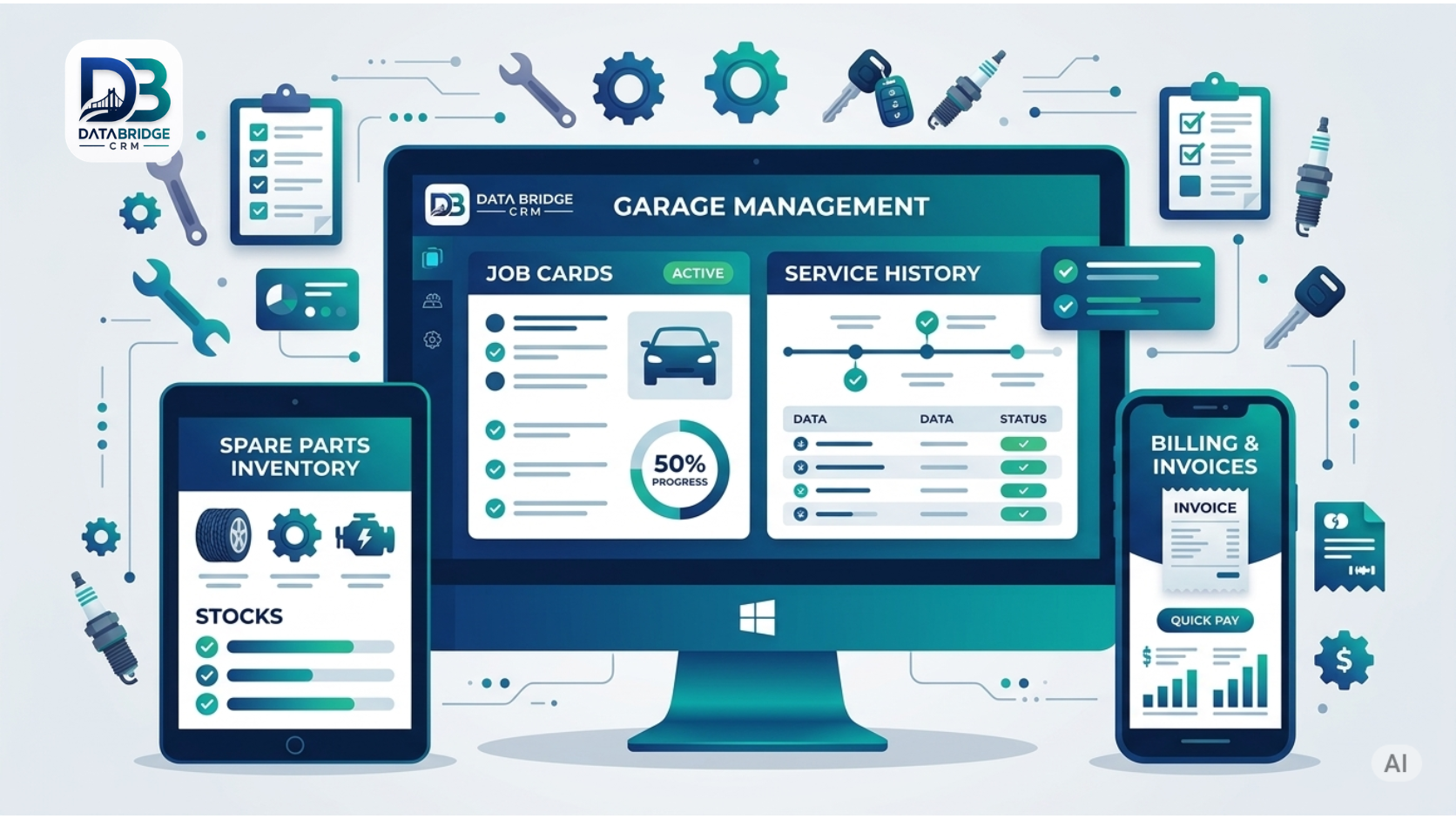
A job card captures the customer’s complaint, the technician’s findings, the work to be done, the parts needed and the status of the job. Ask how the system handles added work and approvals, since that is where most disputes begin.
Estimates and approvals
A clear estimate that the customer has approved protects both sides. Check how estimates are prepared, revised and recorded.
Spare parts
Record parts used on each job and keep a basic view of stock. Ask how part prices, returns and low stock are handled for your workshop.
Billing and payments
Prepare invoices that combine labour and parts, with applicable taxes. If you issue GST invoices, check the format with your accountant.
Service history and reminders
A full record for each vehicle lets you suggest the next service based on date or kilometres and contact customers at the right time. Send reminders only to customers who agreed to receive them.
Reports
Jobs in progress, jobs completed, revenue by service type and parts usage show you where time and money go.
Working Across Android, Windows and iOS
Different people in a garage use different devices. DataBridge CRM is offered as an Android APK, a Windows application and an iOS app, so each role can work from the device that suits its job.
Windows. A computer at the front desk or billing counter is a good fit for entering customer and vehicle details, preparing estimates and invoices and reviewing reports.
Android (APK). A phone or tablet in the workshop is handy for technicians and supervisors to check job cards, update job status and note parts used without walking to the office.
iOS. The owner’s iPhone is useful for checking jobs in progress, pending payments and daily revenue while away from the garage.
Features can differ by platform and version, so confirm what is available on each before relying on it for daily work.
A note on installing an Android APK
An APK is installed directly instead of through the Play Store, so be careful. Download it only from the official DataBridge CRM source shared by the team, keep devices updated and avoid files from forwarded links or unfamiliar websites. Workshop phones also hold customer and vehicle data, so use a screen lock.
Use Cases for Different Workshop Types
Car garages and multi-brand service centres. Many jobs, many parts and many customers make job cards, parts records and service history the biggest help.
Bike garages and two-wheeler workshops. High volume and quick turnaround call for fast job card entry and clear delivery status.
Car detailing centres. Packages, add-ons and appointment slots need clear records of what the customer chose. Ask how packages are handled.
Denting and painting workshops. Long jobs with several stages benefit from clear stage tracking and photos of before and after condition. Confirm whether attachments are supported.
Tyre and wheel centres. Fast jobs and stock of many sizes make quick billing and part tracking important.
EV service centres. Service records and parts follow the same logic, though diagnostic tools are separate. Ask what your workflow needs.
Spare parts dealers and auto electrical shops. Stock accuracy and quick billing are the priorities. Ask how parts and stock are handled.
A Simple Example
Take a multi-brand car workshop with six technicians and two service advisors. Earlier, job details were noted on paper slips and approvals were given by phone. After moving to a shared job card record, the advisor enters the customer’s complaint at drop-off, the technician adds findings from a tablet and the advisor records the customer’s approval of extra work. At delivery, the bill matches the job card, and the vehicle’s history is ready for the next visit. The owner checks pending jobs from an iPhone in the evening. The workshop did not change, but disputes about extra charges became less common.
Benefits for Different Workshop Sizes
Small garages gain tidy records, clearer estimates and the ability to remind customers when a service is due.
Mid-sized workshops benefit from shared job status, parts records and staff access control.
Multi-branch service networks need consolidated reports and consistent processes. Confirm multi-branch support with the vendor.
How DataBridge CRM Fits In
DataBridge CRM, powered by Jayshree Technosoft in Jaipur, provides CRM and business software with billing support. For garages, the aim is to connect customer records, job details, parts and billing so the team works from one set of information.
The best way to judge fit is a demonstration based on your own workshop. Share your job card process, how you handle estimates and parts and the devices your team uses, then ask the team to show how each would work.
Selection Checklist for Garage Owners
- Can I create a job card quickly at vehicle drop-off?
- Does it record estimates, approvals and added work clearly?
- Does it keep a service history for each vehicle?
- Can it track spare parts used on each job and basic stock?
- Can it prepare invoices that suit my tax and billing needs?
- Does it support service reminders with proper customer consent?
- Does it work on the Android, Windows and iOS devices my team uses?
Conclusion
A garage earns its reputation one job at a time. Customers remember whether the work was explained, the bill matched the estimate and the vehicle was ready when promised. Software cannot turn a spanner, but it can make sure every job has a clear record from drop-off to delivery. If your workshop has outgrown paper slips and phone approvals, a shared record on the devices you already own is a sensible next step.
If you would like to see how this could work for your car or bike garage, request a walkthrough with DataBridge CRM.
Visit DataBridge CRM and book a demo.
Frequently Asked Questions
1. What is garage management software?
It is software that helps a car or bike workshop record vehicles and customers, create job cards, track spare parts, prepare bills and keep service history in one system.
2. Is garage software useful for small bike workshops?
Yes. Even a small workshop can use it to avoid lost job details, keep service history and send timely service reminders. Choose a simple setup that matches your size.
3. Can I manage my garage from Android, Windows and iOS?
DataBridge CRM is offered as an Android APK, a Windows application and an iOS app. Confirm current versions, features and download sources with the DataBridge CRM team.
4. Can garage software track spare parts?
Many systems can record parts used on each job and basic stock levels. Ask how part prices, returns and low stock are handled in your workflow.
5. How do I get a demo of DataBridge CRM for my garage?
Contact the DataBridge CRM team through its website and share your workshop type, job card process, parts handling and the devices your team uses.

