
A hospital never gets a quiet moment. Reception is registering patients, a doctor's schedule has just changed, the billing desk is waiting for a department to confirm charges, and a family member is asking for a report. When each department keeps its own records, even simple tasks turn into phone calls and walks down corridors.
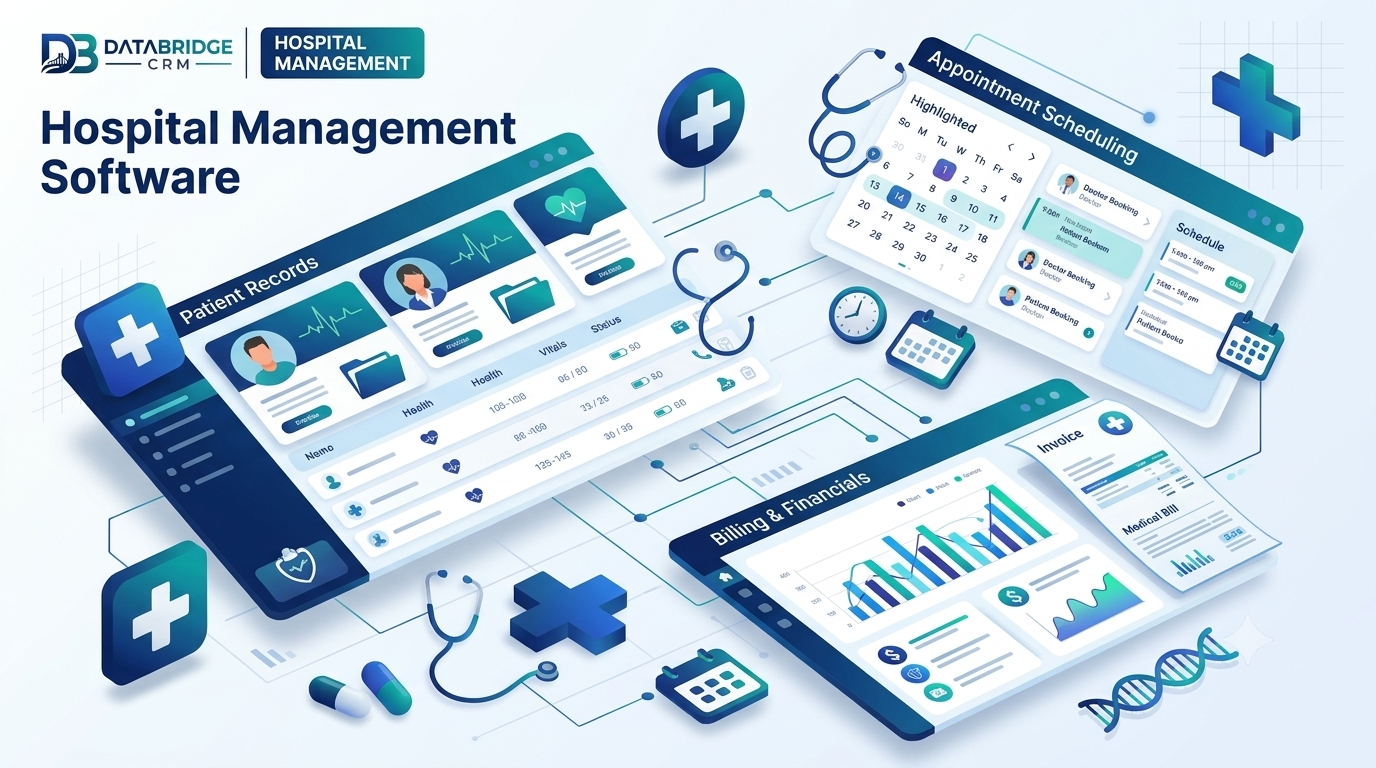
Hospital management software brings these activities into one organised system. This guide explains what it covers, where a CRM layer helps, what to check before choosing and how DataBridge CRM approaches industry-specific software, including its Windows and mobile app options.
What Is Hospital Management Software?
It is a system that helps a hospital run its administrative and operational work: patient registration, appointments, billing, departmental coordination and reporting. A CRM element adds patient communication and follow-up, so the hospital stays connected with people before and after a visit.
It is important to be clear about scope. Administrative and CRM tools are different from specialised clinical systems. If you need detailed clinical records, imaging or lab equipment integration, ask the vendor exactly what is supported.
Common Problems in Hospital Administration
- Long registration queues: Patients repeat the same details at every visit.
- Appointment confusion: Schedules change, and patients are not informed in time.
- No-shows: Patients forget appointments, and doctors' time is wasted.
- Billing delays: Charges from different departments reach the billing desk late or incomplete.
- Scattered records: Information lives in registers, spreadsheets and separate tools.
- Weak follow-up: Patients who need a review or a repeat test are not reminded.
- Limited visibility: Management cannot easily see daily footfall, collections or pending dues.
- Access risks: Too many staff can see information they do not need.
What a Good System Should Help You Do
1. Register patients quickly
A patient record is created once and reused on later visits. Staff can find a returning patient in seconds instead of starting from scratch.
2. Manage appointments
Doctor schedules, slots and bookings should be visible in one place. Reminders to patients can help reduce missed appointments, provided communication follows consent and privacy practices.
3. Handle billing and invoicing
Consultation, procedure, test and service charges should flow into a clear bill. Pending amounts and payment status should be easy to see.
4. Coordinate departments
Front desk, billing, laboratory and administration need a shared view of what is happening. Ask how the software supports handovers between them.
5. Support diagnostic and lab workflows
If your hospital has a lab or diagnostic unit, check how sample entries, test lists and reports are handled, and whether this is part of the product or a separate setup.
6. Follow up with patients
A CRM can schedule review reminders and feedback requests. DataBridge also offers WhatsApp marketing and email marketing tools. In healthcare, use any such channel carefully: keep messages administrative, respect consent and never share sensitive health details over open channels.
7. Control who sees what
Role-based access means a billing executive does not see clinical notes, and a receptionist does not see financial reports. This is one of the most important questions to ask any vendor.
8. Report on operations
Daily footfall, appointments, collections and pending dues give management a factual picture without chasing each department.
Note: Integration with insurance or TPA processes, medical devices, pharmacy stock and government reporting differs widely between products. Ask for each item to be demonstrated.
Windows, Android and iOS: Matching Devices to Roles
Hospital staff work on different devices. DataBridge lists app downloads for Windows and macOS and app-store buttons for mobile on its platform, so a hospital can plan by role.
- Windows desktop: Reception, billing and administration desks where long sessions and printing are common.
- Android: Management and department heads who want quick access to summaries on a phone or tablet.
- iOS: Useful for iPhone and iPad users, subject to availability.
The apps available for the hospital solution may differ from the general platform listing. Please confirm current Windows, Android and iOS options, and how data is secured on each device, with the DataBridge team during your demo.
Who Can Use It?
- Multi-specialty and general hospitals: Registration, appointments, billing and reporting across departments.
- Nursing homes and smaller hospitals: A simple, organised alternative to registers.
- Diagnostic labs and pathology centres: Patient entries, test billing and follow-up.
- Dental, eye care and physiotherapy centres: Appointment and repeat-visit management.
- IVF and rehabilitation centres: Long treatment cycles that need reminders and organised records, handled sensitively.
- Home healthcare providers: Visit scheduling and customer communication.
- Pharmacies: Customer records and billing, subject to applicable regulations.
Benefits by Hospital Size
Small hospitals and centres replace registers with a single record and cut repeated data entry. Mid-sized hospitals improve coordination between reception, billing and departments. Larger hospitals gain reporting and role-based control across many users and units.
A Simple Example
A 40-bed hospital notices that many follow-up patients do not return for reviews. Without a system, reminders depend on whoever remembers. With a shared patient record and scheduled follow-ups, the front desk sees who is due, sends an administrative reminder with consent, and books the slot. Doctors see fuller schedules, and patients receive more consistent care. No clinical claim is involved: this is about organisation.
Privacy and Security Questions to Ask
- How are user roles and permissions set up?
- Is there a record of who accessed or changed data?
- How are backups handled, and who owns the data?
- Where is data stored, and how is it protected?
- How does the vendor support the data protection and healthcare rules that apply to you?
Patient information is sensitive. Involve your legal or compliance adviser before choosing any system.
How to Choose Hospital Management Software
- Does it cover registration, appointments, billing and reporting together?
- Is it clear about what it does not include?
- Can your staff learn it quickly, with training provided?
- Are Windows and mobile apps available for the devices you use?
- Can the workflow be adjusted to your hospital's departments?
- What support is available during working hours and emergencies?
Take real situations to the demo, such as a doctor's schedule change, a patient with several services on one bill and a follow-up reminder, and watch how the software handles them.
Take the Next Step
DataBridge CRM from Jaipur offers industry-specific software for many sectors. Its team can discuss how a hospital workflow would be set up for your organisation. If you run smaller clinics, take a look at DataBridge's solutions for them as well.
Book a free demo or contact the team to discuss your hospital's requirements.
Frequently Asked Questions
1. What does hospital management software do?
It helps hospitals manage patient registration, appointments, billing, departmental coordination and reports in one organised system.
2. Is a hospital CRM the same as a hospital management system?
Not exactly. A CRM focuses on patient communication and follow-up, while a management system covers wider administrative work. Many products combine both. Ask the vendor to clarify.
3. Can it handle lab and diagnostic work?
It depends on the product. Ask for a live demonstration of the lab workflow you need.
4. Are Windows and Android apps available?
DataBridge lists Windows, macOS and mobile app options on its platform. Confirm current availability for the hospital solution during a demo.
5. How is patient data protected?
Ask the vendor about role-based access, backups, activity records and data storage, and involve your compliance adviser.
#DataBridgeCRM #HospitalManagement #HealthcareSoftware #PatientManagement #HospitalAdministration
Hospital Management Software, Hospital CRM, Patient Management, Appointment Management, Hospital Billing Software, Diagnostic Lab Management, Hospital Administration, Hospital Software Jaipur, DataBridge CRM

