
A guest calls to confirm a room for the weekend. The front desk checks a register, then a WhatsApp chat, then a spreadsheet. Meanwhile, another guest has just walked in, and housekeeping is asking which rooms are ready. If two people are booking from two different sources, a double booking is only a matter of time.
Small and mid-sized properties often run this way for years. Hotel management software replaces the scattered notes with a single, shared record of rooms, guests and payments.
What Hotel Management Software Does
The exact modules differ from product to product, but most systems bring these jobs together:
- Reservation management: record bookings, dates, room types and guest details
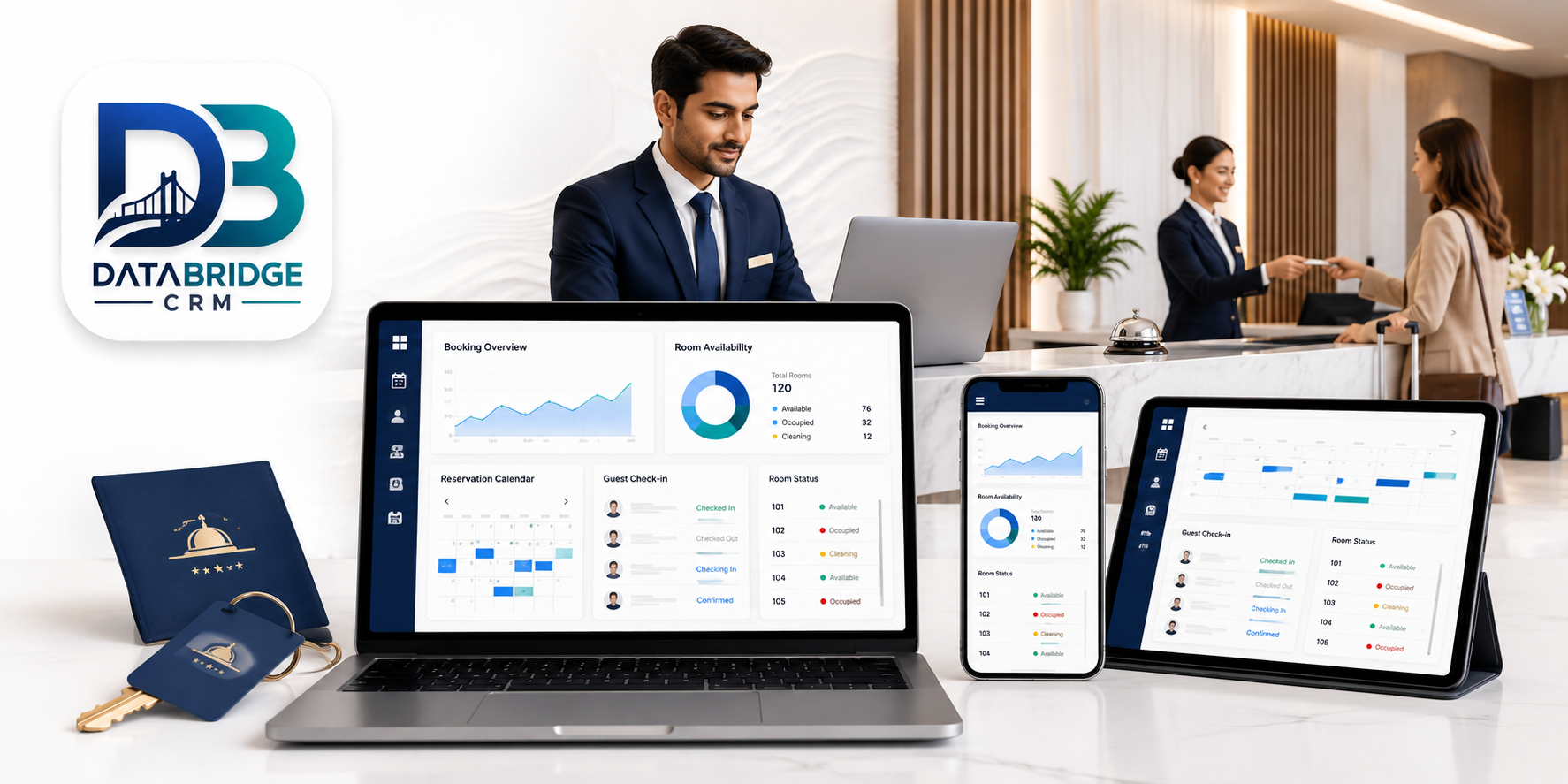
- Room status: see which rooms are available, occupied, being cleaned or under maintenance
- Check-in and check-out: speed up the front desk process
- Guest management: keep contact details, preferences and stay history
- Billing: prepare invoices for room charges, food and extra services
- Reports: occupancy, revenue and booking source summaries
Always ask for a live walkthrough using your own rooms and rates, so you can judge how closely it fits.
Common Problems Hotels Face Without a System
- Double bookings. Reservations from phone, walk-ins and online sources collide when no one has the full picture.
- Slow check-ins. Searching for records and writing details by hand makes guests wait.
- Room status confusion. Front desk and housekeeping work from different information.
- Billing errors. Missed extras, wrong totals and delayed invoices cause disputes and lost revenue.
- No guest memory. Returning guests and their preferences are remembered by individual staff, not by the property.
- Unclear performance. Owners cannot easily tell which months, room types or booking sources do best.
Hotel CRM: Why Guest Records Matter
A booking system tells you who is arriving. A CRM tells you who they are. Over time, guest records can show repeat visitors, preferred room types, special occasions and past feedback. That helps your team personalise service, such as remembering an anniversary stay or a guest’s dietary preference.
It also supports follow-up: thanking guests after a stay, asking for a review or inviting past guests back during a quiet season. Send messages only to guests who have agreed to receive them, and respect privacy rules when storing identity documents and personal data.
Working Across Android, Windows and iOS
Different people in a hotel use different devices. The front desk may work on a Windows computer, floor staff may use Android phones, and the owner or manager may check occupancy from an iPhone. DataBridge CRM is offered as an Android APK, a Windows application and an iOS app, so a property can use the platforms that match its team.
| Platform | Where it commonly fits in a hotel |
|---|---|
| Windows | Front desk, reservations, billing and back-office reports |
| Android (APK) | Housekeeping updates, floor staff, quick room checks and booking entry on the move |
| iOS | Owner and manager review of occupancy, payments and guest follow-ups |
Features can differ by platform and version, so confirm what is available on each before rolling it out.
A note on installing an Android APK
An APK is installed directly instead of through the Play Store, so be careful. Download it only from the official DataBridge CRM source shared by the team, keep your devices updated and avoid files from forwarded links or unfamiliar websites. Hotel devices hold guest data, so security matters.
Use Cases for Different Property Types
Hotels and budget hotels. Many rooms and frequent check-ins make clear room status and quick billing the top priorities.
Resorts. Longer stays, packages and extra services such as meals and activities need organised guest folios.
Guest houses, lodges and motels. Smaller teams benefit from simple booking records and fewer double bookings.
Homestays, villas and holiday homes. Owners often manage bookings personally, so a clear calendar and guest record are especially useful.
Hostels. Bed-level bookings and short stays require careful availability tracking. Confirm how the software handles dormitory-style inventory.
Boutique and luxury hotels. Guest preferences and personalised service make CRM-style records valuable.
Serviced apartments. Longer stays and monthly billing need clear records of dates, rent and extras. Confirm how recurring charges are handled.
A Simple Example
Consider a 20-room guest house that took bookings by phone and tracked them in a register. After moving to a shared booking and room-status system, the front desk records every reservation in one place and housekeeping marks rooms as ready from a phone. During one busy weekend, the manager checks occupancy from an iPhone and decides to hold two rooms for a returning guest group. The team did not grow, but communication got easier and mistakes became less likely.
Benefits for Different Business Sizes
Small properties gain fewer double bookings, tidier guest records and quicker bills.
Mid-sized hotels benefit from shared room status, staff access control and better coordination between departments.
Multi-property operators need consolidated reporting and consistent processes. Confirm multi-property support with the vendor.
What About Online Travel Agents and Channel Managers?
Many properties receive bookings through online travel agents. Connecting those channels automatically requires specific integrations, which are not part of every system. If this is important to you, ask the vendor directly what is supported today and what would need custom work.
How DataBridge CRM Fits In
DataBridge CRM, powered by Jayshree Technosoft in Jaipur, provides CRM and business software with billing support. For hotels, the aim is to connect reservations, guest information and billing so your team works from one source of truth rather than separate registers and chats.
The best way to judge fit is a demonstration based on your own property. Share your room types, booking sources, staff roles and devices, then ask the team to show how each would be handled.
Selection Checklist for Hotel Owners
- Does it prevent double bookings across the way we take reservations?
- Can the front desk and housekeeping see the same room status?
- Does it keep guest history and preferences?
- Can it prepare invoices that suit our tax and billing needs?
- Does it work on the Android, Windows and iOS devices our team uses?
- Can we control what each staff member sees and edits?
- What integrations are supported today, and what training is provided?
Conclusion
Hospitality is about making guests feel looked after. The right software helps your team do that by removing guesswork about rooms, bookings and bills. Whether you run a homestay, a resort or a city hotel, one shared record across the devices your team already uses can make daily operations calmer.
If you would like to see how this could work for your property, request a walkthrough with DataBridge CRM.
Visit DataBridge CRM and book a demo.
Frequently Asked Questions
1. What is hotel management software?
It is software that helps a property manage reservations, guest records, room status, billing and reports from one system.
2. Can small guest houses and homestays use hotel software?
Yes. Small properties can use it to avoid double bookings, keep guest records and prepare bills faster. Choose a simple setup that matches your size.
3. Is hotel CRM different from hotel booking software?
Booking software focuses on reservations and room availability. A CRM also keeps guest history, preferences and follow-ups. Many properties benefit from combining both.
4. Can I use hotel software on Android, Windows and iOS?
DataBridge CRM is offered as an Android APK, a Windows application and an iOS app. Confirm current versions, features and download sources with the DataBridge CRM team.
5. How do I get a demo of DataBridge CRM for my hotel?
Contact the DataBridge CRM team through its website and share your property type, room count, booking process and the devices your staff use.

