
It is Friday night at a busy café. Table 4 wants to change an order, the takeaway counter is backing up, and the kitchen is asking which bill goes with which dish. Meanwhile, the owner is at home wondering how the evening is going and will only find out tomorrow, when someone hands over a pile of slips.
Restaurants run on speed and memory. Restaurant management software helps with both: it speeds up billing and orders, and it remembers the details people forget when the rush is on.
What Restaurant Management Software Covers
Different outlets need different things, but most systems bring a few core jobs together:
- Billing and POS: quick bills, taxes, discounts and payment modes
- Table and order management: dine-in, takeaway and delivery orders in one flow
- Menu management: items, prices, categories and availability
- Customer management: guest details, visit history and follow-ups
- Sales reports: daily sales, popular dishes and staff-wise activity
The exact modules vary by product, so ask for a live walkthrough using your own menu and billing steps.
Common Problems Restaurants Face Without a System
- Order mix-ups. Handwritten slips get lost, misread or delayed between the table and the kitchen.
- Slow billing at peak hours. Manual totals and discount calculations create queues.
- Unclear sales picture. Owners often do not know which dishes sell best or which hours are slowest.
- No guest memory. Regulars, birthday guests and bulk-order customers are remembered by individual staff, not by the business.
- Reconciliation headaches. Cash, card and UPI totals take time to match at day end.
Restaurant POS and CRM: Why You Need Both
A POS records the sale. A CRM remembers the guest. When both work together, every bill can add to a guest record, so the restaurant learns who visits, what they order and how often they return.
That makes simple, useful actions possible: thanking first-time guests, inviting regulars to a new menu launch or reaching out to someone who has not visited in a while. Use messaging responsibly and only with customer consent.
Working Across Android, Windows and iOS
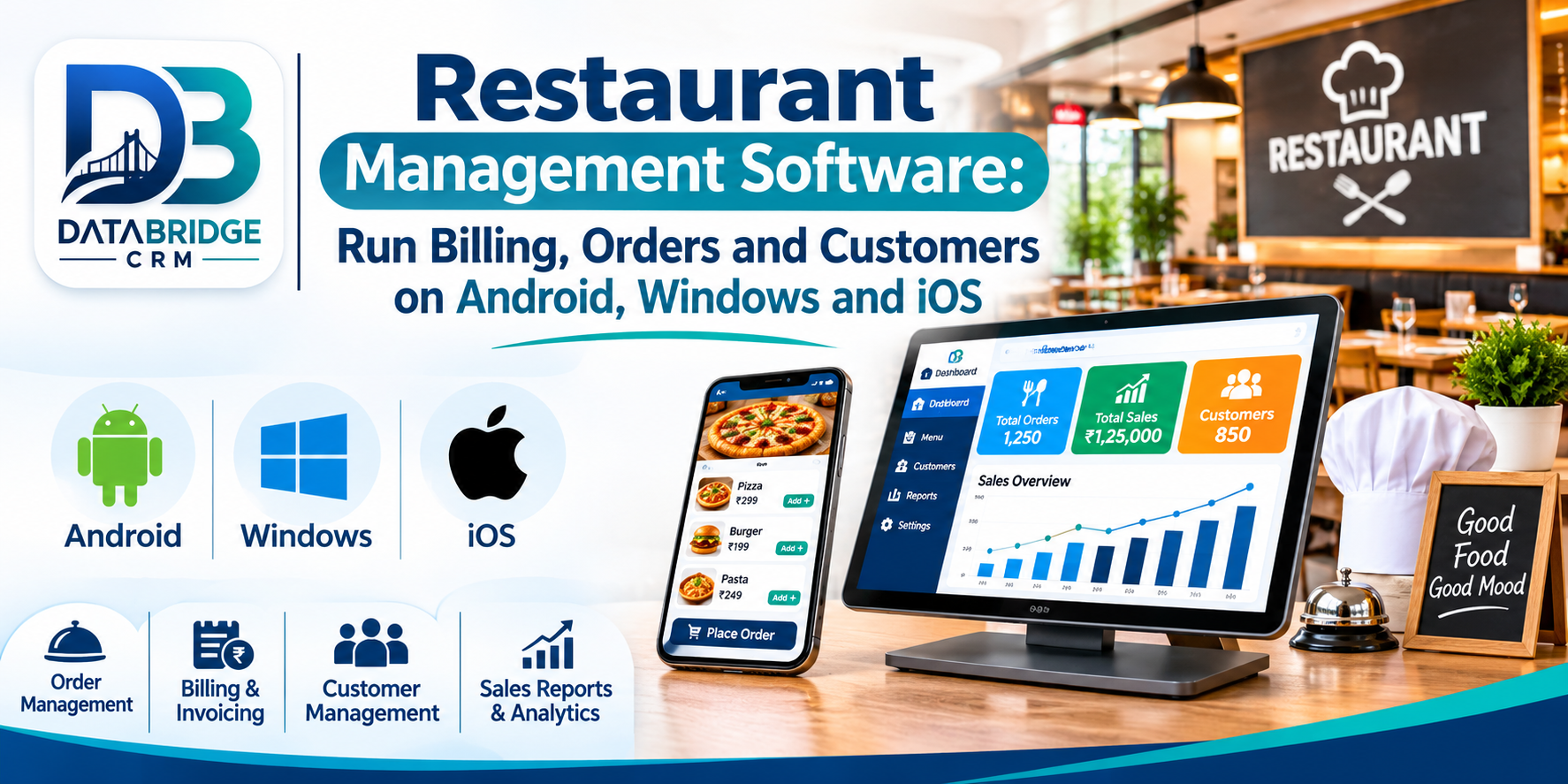
Restaurants rarely run on one device. The billing desk may use a Windows computer, waiters may carry Android phones or tablets, and owners or managers may prefer an iPhone to check how the day is going. DataBridge CRM is offered as an Android APK, a Windows application and an iOS app, so the same business can work across these device types.
| Platform | Where it commonly fits in a restaurant |
|---|---|
| Windows | Billing counter, cashier desk and back-office reports |
| Android (APK) | Waiter orders, tablet billing, owner checks on the move |
| iOS | Owner and manager review, guest follow-ups, quick checks away from the outlet |
Features can differ by platform and version, so confirm what is available on each before rolling it out to your team.
A note on installing an Android APK
An APK is installed directly instead of through the Play Store, so be careful. Download it only from the official DataBridge CRM source shared by the team, keep your phone’s security settings up to date and avoid files from forwarded links or unknown websites.
Use Cases for Different Food Businesses
Cafés. Quick counter billing, repeat-customer records and a simple view of the best-selling items.
Fast food and QSRs. Speed is everything. Short billing steps, clear order tracking and neat end-of-day totals matter most.
Cloud kitchens. Orders arrive from several sources. A single place to record them, along with customer details, avoids confusion. Confirm what platform integrations you need.
Bakeries, sweet shops and ice cream shops. Seasonal rush, advance orders and festival bulk requests benefit from customer notes and order records.
Food courts. Multiple counters require clear sales separation and simple reporting.
Catering businesses. Event details, advance payments and customer follow-ups need organised records. Check how event-style orders are handled.
Bars, pubs and lounges. Fast billing and guest records help, but licensing and tax rules vary, so confirm compliance requirements locally.
A Simple Example
Take a small café with a counter and eight tables. Orders were noted on paper and totals were added by hand. After switching to a restaurant billing and CRM setup, the cashier bills on a Windows computer while the owner checks daily sales on a phone. After a few weeks, the owner notices that evening snack orders are strong but morning sales are slow, and plans a breakfast offer for regular guests. The change did not need a bigger team, just better visibility.
Benefits for Different Business Sizes
Single outlets gain faster billing, fewer mistakes and a clear daily summary.
Growing restaurants benefit from staff access control, better order flow and guest records that do not depend on one person’s memory.
Multi-outlet brands need consolidated reporting and consistent menus. Confirm multi-outlet capabilities with the vendor.
How DataBridge CRM Fits In
DataBridge CRM, powered by Jayshree Technosoft in Jaipur, provides CRM and business software with POS and billing support. For restaurants, the aim is to connect billing, orders and customer information, so the team works from one set of records instead of slips, chats and spreadsheets.
The best way to judge fit is a demonstration based on your own outlet. Share your menu style, table or takeaway process, staff roles and devices, then ask the team to walk you through how those would work.
Selection Checklist for Restaurant Owners
- Is billing fast enough for peak hours?
- Does it handle dine-in, takeaway and delivery the way I run them?
- Can I manage menu items, prices and availability easily?
- Does it store guest details and visit history?
- Does it work on the Android, Windows and iOS devices my team will use?
- Can I control what each staff member sees and edits?
- What training and support will my team get?
Conclusion
A restaurant does not need complicated technology. It needs faster billing, cleaner order flow and a better memory for its guests. With the right setup across the devices your team already uses, you spend less time chasing slips and more time serving people.
If you want to see how this could work for your café, QSR or cloud kitchen, request a walkthrough with DataBridge CRM.
Visit DataBridge CRM and book a demo.
Frequently Asked Questions
1. What is restaurant management software?
It is software that helps a restaurant handle billing, table and order management, menu records, customer details and sales reports from a single system.
2. Can I use restaurant software on Android, Windows and iOS?
DataBridge CRM is offered as an Android APK, a Windows application and an iOS app. Confirm current versions, features and download sources with the DataBridge CRM team.
3. Is restaurant CRM different from restaurant POS?
A POS handles billing and orders at the counter. A CRM keeps guest details, visit history and follow-ups. Many restaurants benefit from using both together.
4. Is restaurant software suitable for cloud kitchens and small cafés?
Yes. Small cafés and cloud kitchens can use it for faster billing, order tracking and customer records. Choose a setup that matches your outlet size and workflow.
5. How do I get a demo of DataBridge CRM for my restaurant?
Contact the DataBridge CRM team through its website and share your outlet type, billing process and the devices your staff use.

