
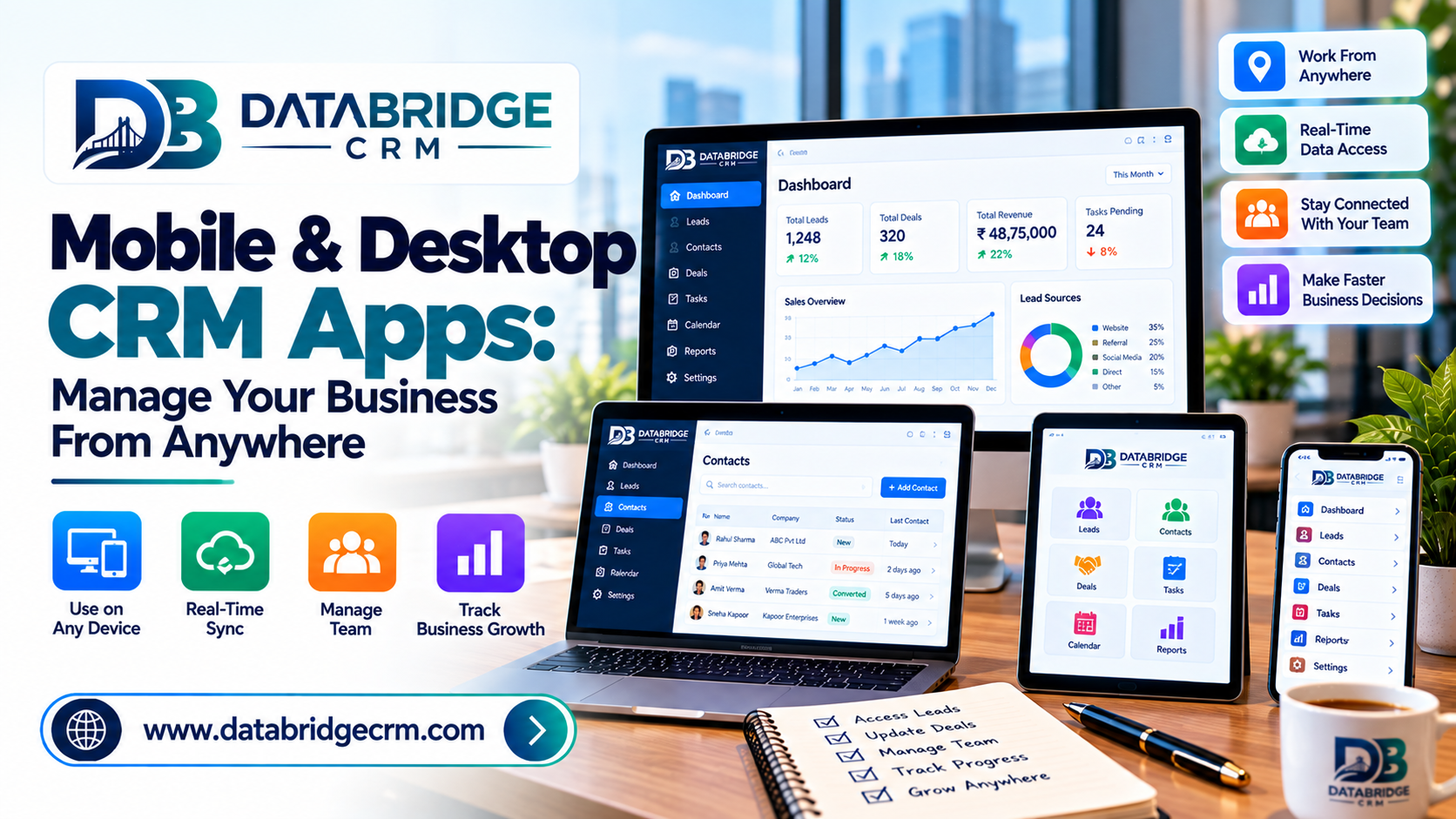
Business doesn't stop when you leave your desk — a customer might call while you're at a supplier meeting, or a lead might come in while you're traveling between locations. A mobile CRM app ensures you're never disconnected from your business, no matter where you are.
Why Desktop-Only Access Falls Short
If your CRM only works from a desktop computer, you're forced to either delay important actions or rely on someone else to handle things until you're back at your desk — both of which slow down customer response times.
What a Good Mobile CRM App Should Offer
- Real-Time Lead Notifications: Get notified instantly when a new lead or customer inquiry comes in.
- On-the-Go Updates: Update customer records, log calls, or close deals directly from your phone.
- Access to Reports: Check sales performance and key metrics without needing to be at your desk.
- Seamless Sync: Changes made on mobile should reflect instantly on desktop, and vice versa.
Desktop Apps for Deeper, Focused Work
While mobile is ideal for quick actions and updates on the move, desktop apps remain better suited for detailed reporting, bulk data management, and deeper administrative tasks that benefit from a larger screen.
Why Cross-Platform Access Matters for Growing Teams
As teams grow and become more distributed, having consistent access across desktop, mobile, and even tablet ensures every team member — whether in the office or in the field — stays equally connected to the business.
How DataBridgeCRM Supports Access Everywhere
DataBridgeCRM is available across native desktop and mobile apps — Windows, macOS, iOS, and Android — letting business owners and teams manage their CRM and operations on the go, with full sync across every device.
Conclusion
Being tied to your desk shouldn't mean being tied to your business decisions — mobile and desktop access lets you manage what matters, wherever you are. Ready to take your CRM with you everywhere? Explore DataBridgeCRM or book a free demo today.

