
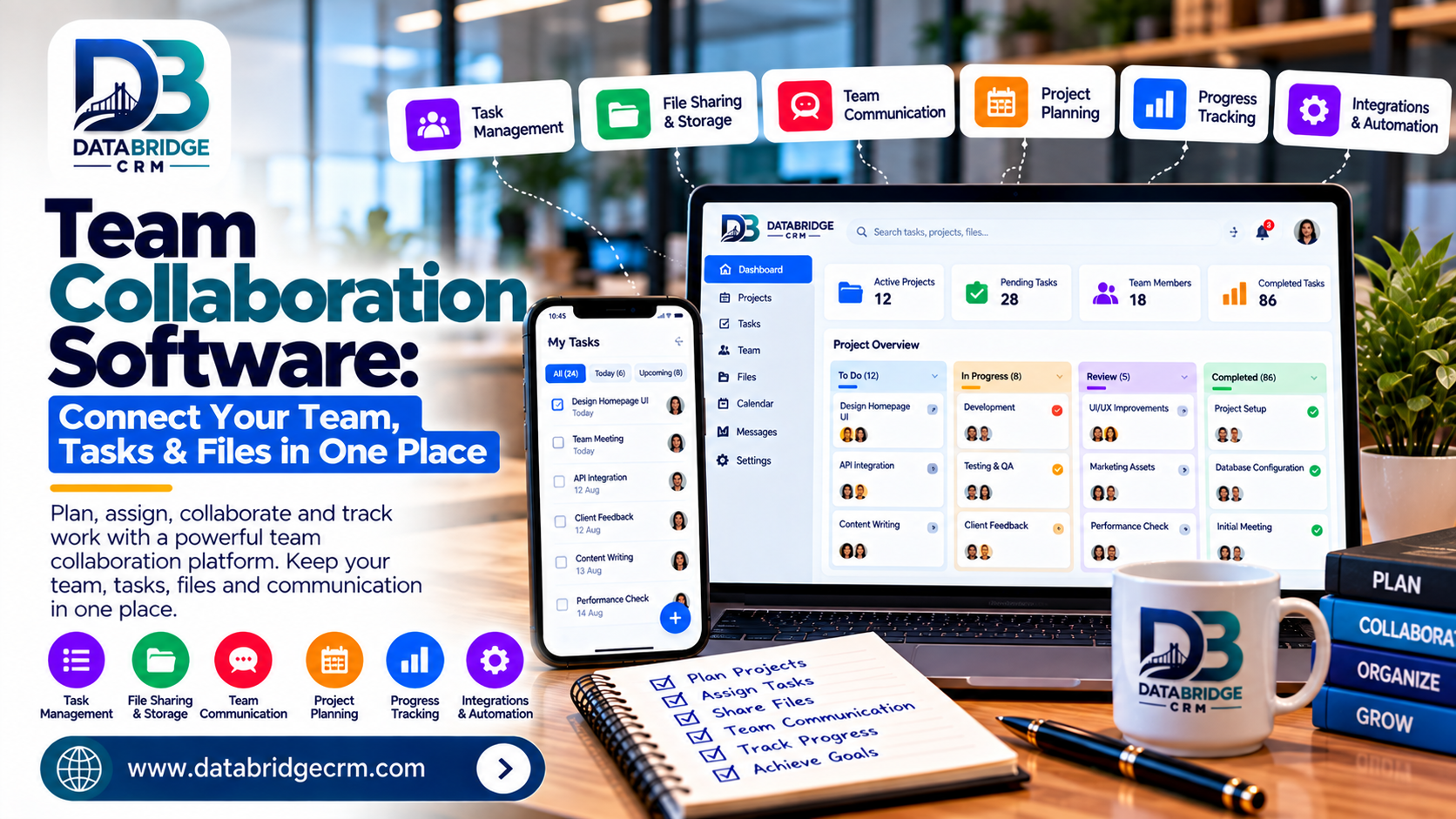
As teams grow, work tends to scatter across chat apps, email threads, spreadsheets, and personal notes — making it hard to track who's doing what. Team collaboration software solves this by bringing tasks, schedules, and files into one shared, organized workspace.
1. Centralized Project & Task Management
Track tasks, deadlines, and ownership in one place, so nothing falls through the cracks when multiple people are working on the same project.
2. Shared Work Calendars
Sync team schedules easily to avoid double-booked meetings and give everyone visibility into deadlines, availability, and upcoming milestones.
3. Real-Time Document Collaboration
Shared docs allow multiple team members to work on the same file simultaneously, eliminating the confusion of emailing different file versions back and forth.
4. Reduced Communication Silos
When tasks, files, and calendars live in one connected platform, teams spend less time searching for information across different tools and more time actually working.
5. Better Accountability and Visibility
Managers get a clear view of project progress and team workload, making it easier to redistribute tasks and keep projects on schedule.
How DataBridgeCRM's Team Collaboration Tools Help
DataBridgeCRM's Team Collaboration suite connects project management, work calendars, and shared docs into one workspace, alongside video meetings and corporate email — giving growing businesses a single connected environment for their entire team.
Conclusion
Scattered tools slow teams down; connected collaboration software speeds them up. If your team is ready to work from one unified workspace, explore DataBridgeCRM's Team Collaboration tools or book a free demo today.

