
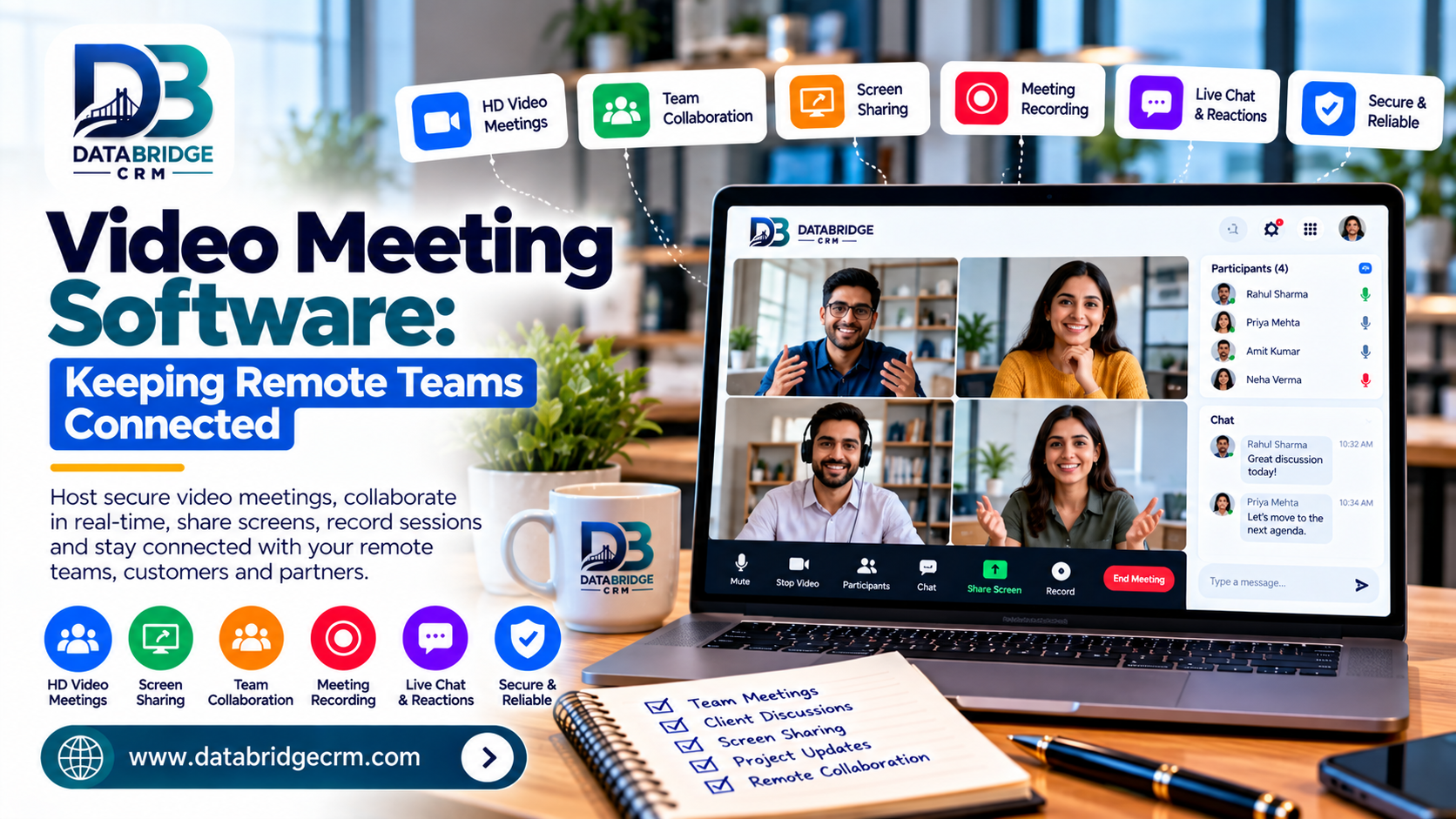
Hybrid and remote work are now standard for many businesses, making reliable virtual communication essential rather than optional. Video meeting software allows teams to collaborate face-to-face regardless of location, keeping projects moving without the delays of email-only communication.
1. High-Quality, Reliable Calls
Stable video and audio quality is essential for productive meetings — dropped calls and lag directly hurt collaboration and decision-making speed.
2. Screen Sharing & Collaboration
Sharing screens during meetings allows teams to review documents, presentations, or designs together in real time, improving clarity and reducing follow-up emails.
3. Recording and Meeting Notes
Recorded meetings let absent team members catch up easily, while automated notes reduce the manual work of documenting decisions and action items.
4. Easy Scheduling Integration
Video meeting tools that integrate with your work calendar simplify scheduling across time zones and departments, reducing back-and-forth coordination.
5. Secure, Business-Grade Access
Enterprise video meeting platforms offer better access controls and security compared to consumer-grade tools, protecting sensitive business discussions.
How DataBridgeCRM's Video Meetings Support Teams
DataBridgeCRM's Video Meetings offer high-quality virtual calls integrated with the broader DataBridge Workspace, including team collaboration tools and work calendars — helping distributed teams stay connected without juggling multiple separate apps.
Conclusion
Reliable video meeting software isn't just about staying connected — it's about keeping remote and hybrid teams productive and aligned. Ready to bring your team's communication into one platform? Explore DataBridgeCRM's Video Meetings or book a free demo today.

