
Professional practices run on dates and documents. An advocate has hearings, filings and client meetings to track. A chartered accountant has return dates, audit schedules and compliance deadlines that cannot slip. Both deal with sensitive client information, and both depend on follow-ups: a missing document, an unpaid fee, a reply that was promised and forgotten.
When these details sit in diaries, spreadsheets, email threads and WhatsApp chats, the risk is not just inconvenience. A missed date can cause real harm to a client. A CRM built around a professional practice gives the team one place to record clients, matters, tasks, documents and fee follow-ups. This guide explains what to look for, how a practice workflow can run in a CRM, and how Windows, Android and iOS access fits the way lawyers and accountants actually work.
Why Law and CA Firms Need More Than a Diary
- Scattered client information. Contact details, case notes and documents live in different places, so each person keeps their own version.
- Deadline risk. Hearing dates, filing due dates and reply timelines depend on one person's memory or one notebook.
- Weak fee follow-up. Work is done, but invoices and reminders are delayed.
- Document chaos. Clients send papers on chat, email and in person, and it is hard to know what is pending.
- Little visibility for partners. It is difficult to see how many matters or assignments are open, and who is overloaded.
- Confidentiality concerns. Sensitive details should be visible only to the people who need them.
CRM, Case Management and Practice Management: What Is the Difference?
These terms are often mixed up. A CRM focuses on people and relationships: enquiries, clients, communication history and follow-ups. A case or matter management tool focuses on the work itself: dates, tasks, documents and status. Many practices need both views in one place. When you evaluate software, ask how it handles the relationship side and the work side, and whether it is built for the way your practice runs.
What a Practice CRM Should Cover
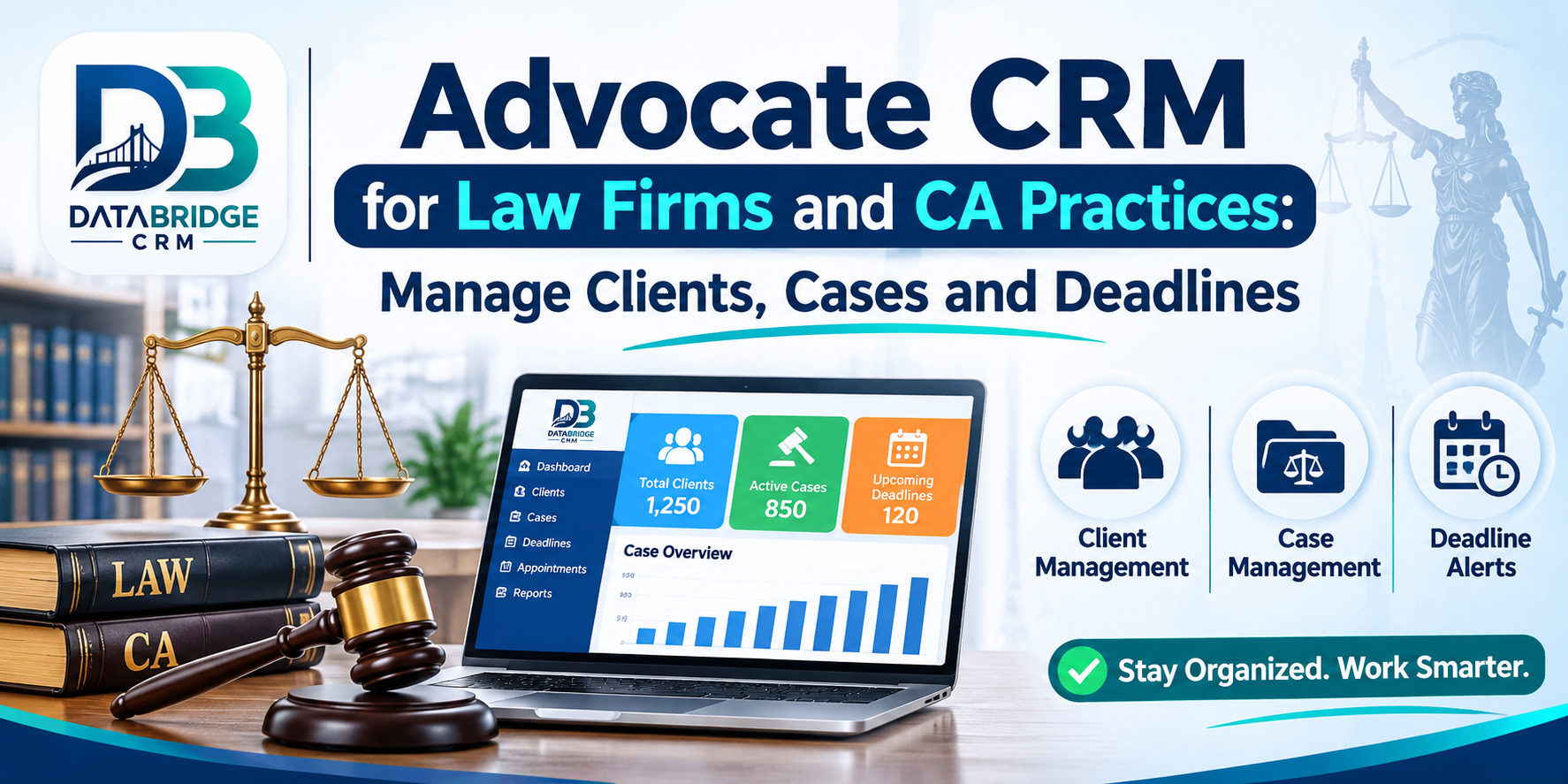
DataBridge CRM lists an Advocate CRM aimed at managing cases and clients. Please check the product page or ask the team for the exact modules available. In general, a professional practice should look for the following.
Client and Contact Records
One record per client with contact details, related parties, notes and communication history. This avoids duplicate entries and gives every authorised team member the same information.
Matter or Assignment Tracking
For lawyers, this means case details, forum, stage and next hearing date. For CA firms, it means assignments such as GST returns, income tax filings, audits and ROC filings, each with a due date and a responsible person.
Dates, Tasks and Reminders
Reminders for hearings, filings and follow-ups help teams act on time. A calendar view of the week helps partners plan resources.
Documents and Checklists
Keep client documents linked to the matter. A simple checklist of what is received and what is pending helps teams chase missing papers politely and promptly.
Fees, Billing and Follow-Up
Record fee terms, invoices raised and payments received, and set reminders for pending amounts. Confirm how billing, tax and invoicing are handled for your practice during a demo.
Roles and Confidentiality
Not every staff member needs every file. Role-based access, with partners seeing everything and juniors seeing assigned matters, supports the confidentiality that clients expect.
Reports
Open matters by stage, upcoming deadlines, pending fees and workload per person help partners make decisions instead of relying on guesses.
A Typical Workflow in a Law Firm
- Enquiry. A prospective client contacts the firm. The enquiry is recorded with the type of matter and who spoke to them.
- Engagement. After the firm accepts the matter, the client record and matter are created, and engagement terms and fees are noted.
- Preparation. Documents are collected and tasks assigned to the team.
- Hearings and filings. Dates are recorded, reminders set and outcomes noted after each appearance.
- Billing. Fee invoices and reminders follow the agreed terms.
- Closure. The matter is closed and records are kept according to the firm's policy.
A Typical Workflow in a CA or Tax Practice
- Client onboarding. Record business details, services required and the point of contact.
- Assignment calendar. Create recurring tasks for monthly, quarterly and annual filings, each with an owner and a due date.
- Document collection. Track which invoices, statements and records have been received, and send reminders for the rest.
- Review and filing. Mark internal review steps and record completion.
- Fee follow-up. Raise invoices and follow up on pending payments.
- Year-round contact. Share relevant reminders and updates with clients.
Windows, Android and iOS: Working Between Office and Court
Lawyers and accountants rarely stay at one desk. A partner may be in court in the morning and at a client's office in the afternoon. Platform options matter.
Windows
Most practice offices use Windows PCs for documents, billing and reports. DataBridge offers downloadable Windows software for several of its products. Ask the team whether a Windows version is available for the Advocate CRM and what it includes.
Android and iOS
A mobile app or mobile-friendly access is useful for checking the day's dates, viewing a client record before a meeting and noting an outcome right after a hearing. DataBridge lists mobile app links for some products, but availability can differ. Please confirm the current Android and iOS options for your specific CRM before you decide.
Mobile Security Habits
Use a screen lock, avoid public Wi-Fi for client data, log out of shared devices and limit who can install the app. Software helps, but good habits protect client confidentiality too.
Use Cases by Practice Type
- Solo advocates: A single place for clients, dates and fee follow-ups.
- Law firms with several lawyers: Assignment of matters, shared calendars and partner dashboards.
- CA and accounting firms: Recurring filing calendars, document collection and workload tracking.
- GST and tax consultants: Due-date reminders and client communication across many small clients.
- Company secretaries and ROC consultants: Compliance calendars and document checklists.
- Trademark and patent consultants: Application stages, renewal dates and client updates.
Benefits by Practice Size
Small practices gain organised records, fewer missed dates and quicker fee follow-up.
Mid-size firms can balance workload, track assignments and give partners a clear view of the pipeline.
Large firms and multi-office practices need access control, consistent processes and reports across teams.
How to Choose the Right Software
- Does it handle clients, matters or assignments, dates and documents together?
- Can you set role-based access to protect confidential files?
- Does it send reminders for hearings, filings and fee follow-ups?
- Does it work on the devices your team uses: Windows, Android or iOS?
- Can the vendor help move your existing records and train your staff?
- Where is data stored, and how is it backed up?
Test the software with real scenarios, such as a case with three hearing dates or a client with six monthly filings, and see how easily your team can handle them.
Conclusion
A professional practice is built on trust, accuracy and timing. A CRM supports all three by keeping client records, dates, documents and fee follow-ups together. Whether you run a one-person advocate office or a growing CA firm, start with the essentials and choose access options that match how your team works.
Want to see how it could fit your practice? Explore the DataBridge Advocate CRM page, book a free demo or contact the team to discuss your workflow and Windows, Android and iOS needs.
Frequently Asked Questions
1. What is an advocate CRM?
It is software that helps lawyers keep client records, case details, dates, documents and fee follow-ups in one organised system.
2. Can CA firms and tax consultants use it?
A CRM workflow can be useful for client records, assignment due dates and document follow-ups. Please discuss CA-specific needs with the DataBridge team to confirm configuration options.
3. Does it replace a case management system?
That depends on the modules you need. Ask for a demo and test your actual case or assignment workflow.
4. Is there a Windows, Android or iOS app?
DataBridge offers downloads and mobile app links for some products. Confirm current options for the Advocate CRM with the team.
5. How is client confidentiality protected?
Look for role-based access, secure hosting and backups. Ask the vendor about data protection practices, and add internal habits such as device locks and limited access.
#DataBridgeCRM #AdvocateCRM #LegalPracticeManagement #CAFirmSoftware #ClientManagement
advocate CRM, law firm CRM, legal practice management software, case management software, CA firm management software, tax consultant CRM, client follow-up software, DataBridge CRM

