
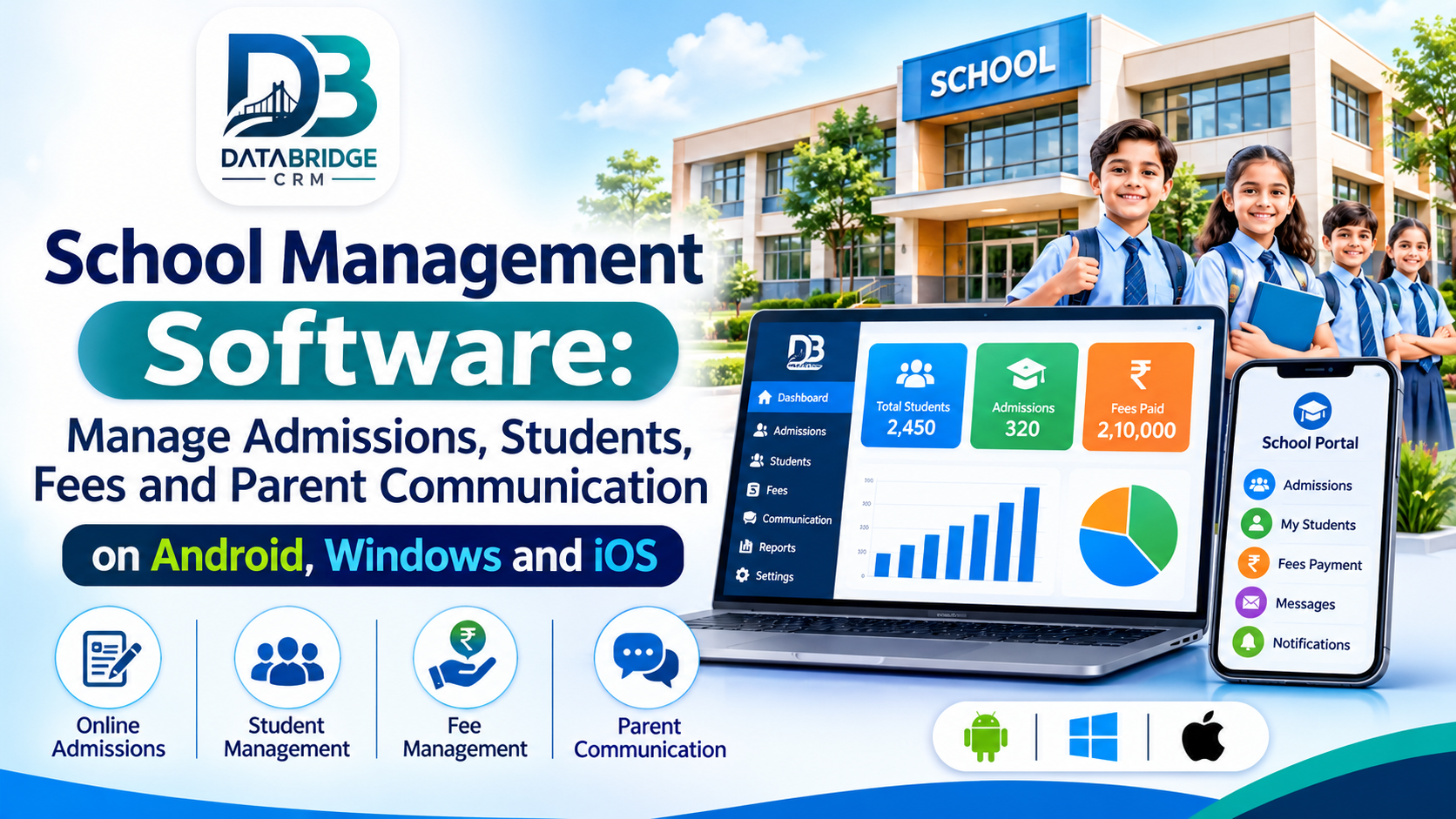
Admission season in a school office is a familiar kind of chaos. Parents call with questions, enquiry forms pile up, fee receipts need to be matched with registers and someone is trying to remember which family was promised a call back on Monday. By the time term begins, the office team is already exhausted.
Most of this work is not difficult. It is just spread across notebooks, spreadsheets, phone contacts and memory. School management software brings these pieces into one organised record so staff spend less time searching and more time helping families.
What School Management Software Covers
Every institution is different, but most systems combine the following areas:
- Admission management: record enquiries, follow-ups and application status
- Student records: profiles, class and section details, guardian contacts and documents
- Fee management: fee structures, payment records, dues and receipts
- Parent communication: notices, reminders and announcements
- Staff and administration: basic staff records and role-based access
- Reports: admission funnel, fee collection and class-wise summaries
Modules differ across products. Ask for a demonstration using your own admission and fee process before you decide.
Common Problems Schools Face Without a System
- Lost enquiries. Admission leads sit in notebooks or phone contacts and nobody follows up in time.
- Scattered student data. Records live in different files, so updates in one place do not reach others.
- Fee confusion. Receipts, pending dues and part payments are hard to reconcile manually.
- Communication gaps. Messages go out through personal phones and group chats, with no record of who was informed.
- Dependence on individuals. When a staff member leaves, knowledge leaves with them.
- Weak visibility for management. Principals and trustees often wait days for basic numbers.
School CRM and School ERP: How They Work Together
School ERP typically deals with internal operations, such as student records, fees and administration. A school CRM deals with relationships: admission enquiries, follow-ups, parent communication and feedback.
When these two views connect, an enquiry can turn into an admission and then into a student record without being typed again. That saves time and reduces mistakes. It also lets the school understand which sources bring genuine enquiries and where families drop out of the admission process.
Student Data Needs Careful Handling
School software stores information about children and their families. That calls for responsible practices:
- Give staff access only to the data they need
- Protect devices with passwords and keep software updated
- Take regular backups and know who can restore them
- Share student photos and personal details only with proper consent
- Follow the data protection and education rules that apply to your institution
Ask any vendor how access control, backups and data protection are handled.
Working Across Android, Windows and iOS
Schools use a mix of devices. The front office usually works on Windows computers, teachers and coordinators may use Android phones or tablets, and principals or owners may prefer an iPhone to check updates away from campus. DataBridge CRM is offered as an Android APK, a Windows application and an iOS app, so the school can use the platforms that suit each role.
| Platform | Where it commonly fits in a school |
|---|---|
| Windows | Admission office, fee counter, student records and reports |
| Android (APK) | Coordinators and staff on the move, quick enquiry entry and updates |
| iOS | Principal and management review of admissions, fee status and follow-ups |
Features can differ by platform and version, so confirm what is available on each. If you want parents to access information directly, ask whether and how that is supported today.
A note on installing an Android APK
An APK is installed directly instead of through the Play Store, so be careful. Download it only from the official DataBridge CRM source shared by the team, keep devices updated and avoid files from forwarded links or unfamiliar websites. School devices hold student information, so security matters.
Use Cases for Different Institutions
Primary and secondary schools. Admission enquiries, class-wise records and fee tracking take up most of the office workload.
Senior secondary schools. Stream selection, documentation and board-related records add extra detail to student profiles.
Private and international schools. Admission follow-ups and parent communication often carry greater weight because families compare several schools.
CBSE, ICSE and state board schools. Record formats and reporting needs can differ. Confirm that the system can reflect your own structure.
Coaching institutes. Batch-wise enrolment, fee instalments and enquiry follow-ups are central. Check how batches and instalments are handled.
Educational institutions with multiple branches. Consolidated reporting and consistent processes matter. Confirm multi-branch support with the vendor.
A Simple Example
Consider a mid-sized private school that handled admission enquiries in a register. After shifting to a shared enquiry and student record system, every call and walk-in is logged with a follow-up date. During the admission season, the office can see which families still need a call and which applications are waiting for documents. The principal checks progress on a phone each evening. The school did not hire more staff. It simply stopped losing track of conversations.
Benefits for Different Institution Sizes
Small schools and institutes gain tidy records, fewer missed follow-ups and quicker fee entries.
Mid-sized schools benefit from shared information across departments, role-based access and clearer admission reporting.
Large schools and groups need consolidated views across classes or branches and careful permission control.
How DataBridge CRM Fits In
DataBridge CRM, powered by Jayshree Technosoft in Jaipur, provides CRM and business software with customer, billing and workflow tools. For schools, the aim is to connect admission enquiries, student information and fee records so staff work from one set of records.
The best way to judge fit is a demonstration based on your own process. Share your admission steps, fee structure, staff roles and devices, then ask the team to walk you through how each would be handled.
Selection Checklist for School Administrators
- Does it track admission enquiries and follow-ups?
- Can it hold student and guardian records in an organised way?
- Does it support our fee structure, instalments and receipts?
- How does it handle parent communication, and what consent steps are needed?
- Does it work on the Android, Windows and iOS devices our staff use?
- How are access control, backups and data protection managed?
- What training and support will our team receive?
Conclusion
Schools run on trust. Families trust you with their children, and your office team carries that trust in every record and every call. The right software does not replace that human care. It makes sure nothing slips through the cracks while your team gets on with it.
If you would like to see how this could work for your school or institute, request a walkthrough with DataBridge CRM.
Visit DataBridge CRM and book a demo.
Frequently Asked Questions
1. What is school management software?
It is software that helps a school manage admissions, student records, fees, staff and parent communication from a single system.
2. Can small schools and coaching institutes use it?
Yes. Smaller schools and institutes can use it to organise enquiries, student details and fee records. Choose a setup that matches your size and process.
3. What is the difference between school ERP and school CRM?
A school ERP focuses on internal operations such as records, fees and administration. A CRM focuses on relationships such as admission enquiries, follow-ups and parent communication. Many schools benefit from both.
4. Can I use school software on Android, Windows and iOS?
DataBridge CRM is offered as an Android APK, a Windows application and an iOS app. Confirm current versions, features and download sources with the DataBridge CRM team.
5. How do I get a demo of DataBridge CRM for my school?
Contact the DataBridge CRM team through its website and share your school type, student strength, admission and fee process and the devices your staff use.

