
A buyer fills a form on a property portal. Another calls the sales office after spotting a hoarding. A third messages on WhatsApp after a broker shares a brochure. By evening, the team has leads scattered across phones, spreadsheets and chat apps, and nobody is quite sure who called whom.
Real estate sales run on timing. A real estate CRM keeps every enquiry, site visit and follow-up in one place, so the right person calls the right buyer at the right time.
What Real Estate CRM Software Does
Modules vary from product to product, but most systems cover these jobs:
- Lead capture: enquiries from portals, ads, your website, walk-ins, calls and brokers
- Property and project details: projects, unit types, plots or listings that your team shares with buyers
- Buyer requirements: budget, location, property type and timeline
- Site visit scheduling: dates, assigned team members and visit notes
- Follow-up reminders: calls and messages that should not slip
- Sales pipeline: stages from new enquiry to booking or closure
- Broker and agent tracking: who shared which lead
- Quotations and invoices: estimates and billing records
- Reports: lead sources, conversion stages and team activity
Always ask for a live walkthrough using your own projects and sales process, so you can judge how closely the software fits.
Common Problems in Property Sales
- Mixed-up lead sources. Nobody knows whether a buyer came from a portal, an ad or a referral.
- Slow responses. A buyer enquires, waits a day, and calls another builder.
- No follow-up trail. The notes from last week's conversation live on one salesperson's phone.
- Broker disputes. Two brokers claim the same buyer, and there is no record of who came first.
- Weak visibility. The sales head cannot see how many leads are at the site-visit or negotiation stage.
- Data walks out the door. When a salesperson leaves, their leads leave too.
- Repeated questions. Staff answer the same brochure questions again and again.
Pipeline Thinking: From Enquiry to Booking
Property buying takes weeks or months. Buyers compare projects, discuss with family and arrange finances. A CRM helps your team stay patient and organised through each stage:
- New enquiry and first call
- Requirement discussion
- Site visit scheduled and completed
- Follow-up and negotiation
- Booking or closure
- After-sales communication
Notes make the difference. A line such as "prefers a higher floor, wants a Saturday visit, budget discussed" saves the next caller from starting over.
Handle buyer data with care. Collect only what you need, get consent before sending messages, and do not share buyer details with third parties without permission. Real estate advertising and sales are also subject to rules, including RERA requirements in many cases, so take advice from your compliance contact. A CRM helps you stay organised but does not handle compliance for you.
Working Across Android, Windows and iOS
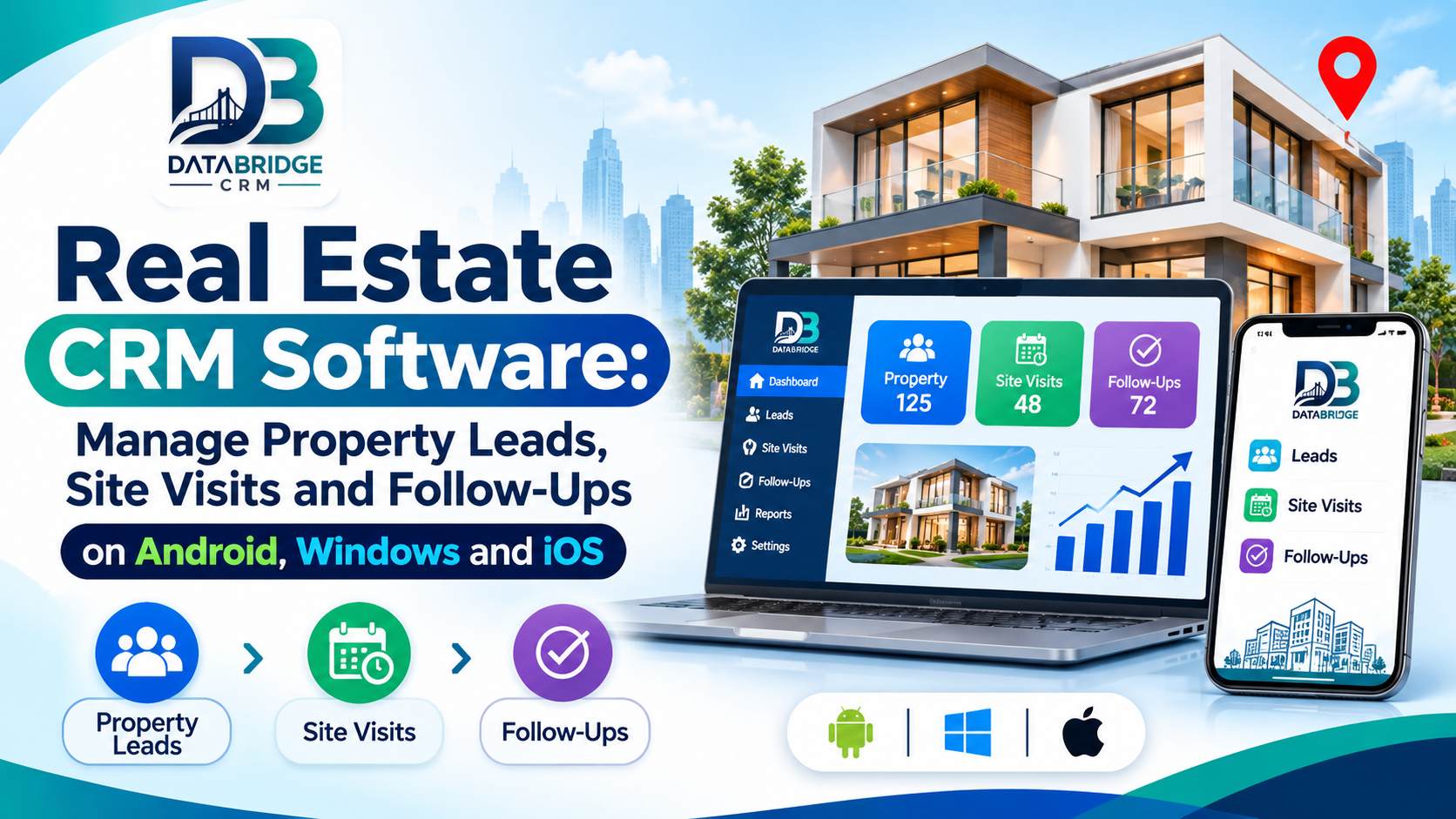
Property teams work in different places. The sales office often uses Windows computers, field executives and brokers need phones during site visits, and owners or sales heads review the pipeline on the move. DataBridge CRM is offered as an Android APK, a Windows application and an iOS app, so a business can use the platforms that match its team.
| Platform | Where it commonly fits in a property business |
|---|---|
| Windows | Sales office, lead entry, quotations, invoices and management reports |
| Android (APK) | Field executives and site visit teams updating notes, calling leads and checking follow-ups |
| iOS | Owner or sales head reviewing pipeline stages, team activity and pending follow-ups |
Features can differ by platform and version, so confirm what is available on each before rolling it out.
A note on installing an Android APK
An APK is installed directly instead of through the Play Store, so be careful. Download it only from the official DataBridge CRM source shared by the team, keep devices updated and avoid files from forwarded links or unfamiliar websites. Buyer contact details sit on these devices, so security matters.
Use Cases Across Real Estate Businesses
Developers, builders and township projects. Many leads, several projects and long sales cycles need clear pipelines and site visit tracking. This applies to residential, commercial and township developers, and to builders and construction companies selling units.
Brokers, property consultants and agencies. Individual brokers need tidy buyer and owner records, while agencies need to see what each agent is handling.
Property management, rental and leasing companies. Tenant and owner enquiries, renewals and follow-ups benefit from a shared record.
Housing societies and RWA offices. Member requests and dues reminders can be tracked. Confirm society-specific features with the vendor.
Co-working and business centres. Tour bookings, enquiries and membership renewals need prompt follow-up.
Vacation rentals and holiday homes. Guest enquiries and booking follow-ups need quick responses.
Plot, land and agricultural land dealers. Site visits, buyer notes and follow-ups matter, since each plot may need several visits.
Investment firms and mortgage consultants. Investor and borrower enquiries need organised consultation follow-ups, without promises about returns or approvals.
Valuation, survey, architecture and interior design firms. Enquiries, quotations and project stages need tracking.
Facility management companies. Service requests and contract renewals need a clear record.
Industrial and commercial property consultants. Deals take longer and involve several decision-makers, so notes and reminders help.
Property portals and real estate marketing agencies. Lead handover and client tracking are the main needs.
A Simple Example
Here is an illustrative example, not a client story. Consider a builder with a 60-unit residential project and a sales team of five. Leads come from portals, Instagram ads and walk-ins. Before using a CRM, each executive kept their own list. After moving to a shared system, enquiries are logged on Windows at the sales office, executives update visit notes from Android phones, and the sales head checks the pipeline from an iPhone each evening. Leads that have gone quiet stand out, and follow-ups happen on time. The team did not grow, but fewer enquiries were forgotten.
Benefits for Different Business Sizes
Individual brokers and small agencies get tidy buyer records, reminders and fewer forgotten leads.
Mid-sized builders and agencies gain shared pipelines, broker tracking and clearer team activity.
Large developers need multi-project reporting and consistent processes. Confirm multi-project support with the vendor.
What About Property Portals and Automatic Lead Import?
Bringing leads automatically from property portals, ad platforms or your website requires specific integrations, which are not part of every system. If this matters to you, ask the vendor what is supported today and what would need custom work.
How DataBridge CRM Fits In
DataBridge CRM, powered by Jayshree Technosoft in Jaipur, provides CRM and business software with billing support. Its dashboard includes sections such as Leads, Quotation and Invoices, which can help real estate teams track enquiries, share estimates and manage billing.
Every property business works differently, so judge fit through a demonstration based on your own sales process. Share your business type, number of projects, team size and devices, then ask the team to confirm which lead, follow-up and reporting features suit you.
Selection Checklist for Real Estate Businesses
- Can it capture leads from all the sources we use?
- Can we track site visits, notes and follow-up reminders?
- Can we see the sales pipeline by project and by team member?
- Can we track which broker or agent shared each lead?
- Does it work on the Android, Windows and iOS devices our team uses?
- Can we control what each team member sees and edits?
- What integrations are supported today, and what training is provided?
Conclusion
Property sales are won through patience and good records. A CRM does not close deals for you, but it makes sure no enquiry is forgotten and every conversation continues from where it stopped. Whether you are an individual broker, a builder, a rental company or a developer with several projects, one shared record across the devices your team already uses can make the sales process calmer and more reliable.
If you would like to see how this could work for your business, request a walkthrough with DataBridge CRM.
Visit DataBridge CRM and book a demo.
Frequently Asked Questions
1. What is real estate CRM software?
It is software that keeps property leads, buyer requirements, site visits, follow-ups and sales stages in one shared system, so the team always knows what to do next.
2. Can individual brokers and small agencies use a real estate CRM?
Yes. Smaller businesses can use it to keep buyer and owner records, set reminders and avoid forgetting leads. Choose a simple setup that matches your size.
3. Is a real estate CRM the same as property management software?
Not exactly. A CRM focuses on leads, enquiries and follow-ups. Property management software focuses on tenants, rent and maintenance. Some businesses need both.
4. Can I use real estate CRM software on Android, Windows and iOS?
DataBridge CRM is offered as an Android APK, a Windows application and an iOS app. Confirm current versions, features and download sources with the DataBridge CRM team.
5. How do I get a demo of DataBridge CRM for my property business?
Contact the DataBridge CRM team through its website and share your business type, number of projects, team size and the devices your team uses.

