
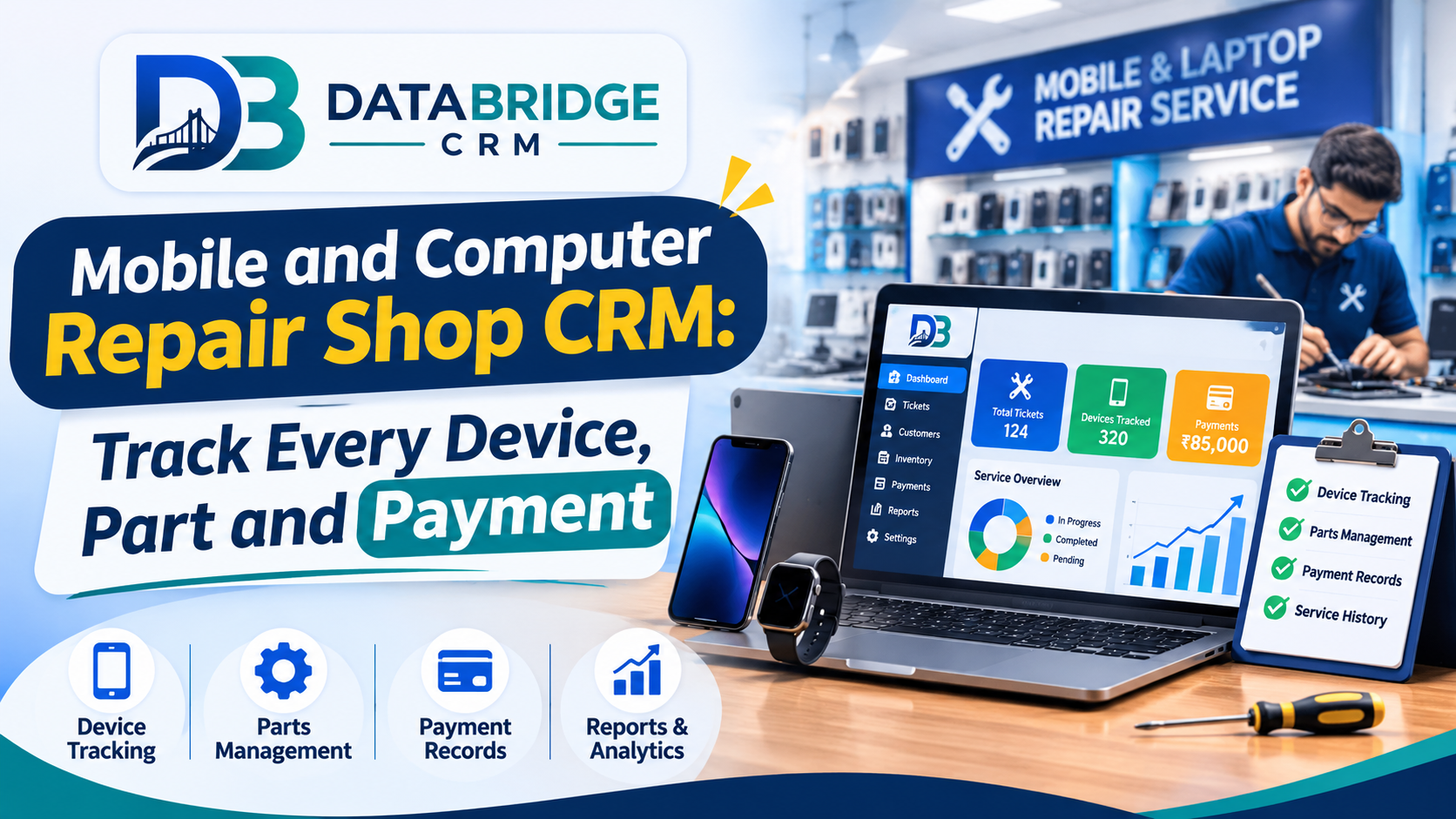
A customer hands over a cracked phone and asks, "When will it be ready?" Two days later another customer calls about a laptop left for a data backup. A technician is waiting for a battery that was ordered but never recorded. The owner is on the phone, the counter is busy and the only record of any of this is a page in a notebook.
Phone and computer service centres run on small details: which device came in, what was promised, which part was used and whether the customer has paid. A CRM helps you keep those details in one place, so your team spends less time searching and more time repairing. In this guide, we explain how a CRM-based workflow supports mobile repair shops, laptop service centres and electronics repair businesses, and how Windows, Android and iOS access fits into daily work.
Common Problems in Repair and Service Centres
- Devices get mixed up. Without a job number, similar-looking phones and laptops are easy to confuse.
- Customers keep calling for updates. Staff stop work to check the status of each device.
- Spare parts go untracked. Screens, batteries and chargers are used but not recorded, so stock counts are wrong.
- Estimates are forgotten. A customer approves a price on the phone and later disputes it at pickup.
- Repeat issues are missed. If the same device returns, nobody remembers the last repair or warranty period.
- Unclaimed devices pile up. Nobody follows up when a repaired device has not been collected.
What a Repair Centre Needs from a CRM
DataBridge CRM offers industry-specific CRM tools, along with Billing POS for sales and inventory. For a service centre, the useful building blocks are the following.
Customer Records and Service History
Every customer, device and past repair stays linked in one record. When someone returns, the team can see what was done before, which helps with warranty questions and faster diagnosis.
Repair Job Tracking
Each device needs a job entry with a unique number, the reported fault, the condition at intake and a status such as received, diagnosed, awaiting approval, in repair, ready or delivered. A repair-shop workflow like this can be configured around your process. Ask the DataBridge team how job sheets and statuses can be set up for your shop.
Spare Parts and Inventory
Track what you stock, what is used on each job and when to reorder. Billing and inventory working together means a part sold at the counter or used in a repair reduces stock automatically, so records stay closer to the shelf.
Billing and Invoicing
Turn a completed job into a clear invoice listing parts and labour. Billing in India usually involves GST, so confirm tax handling for services and parts during your demo.
Customer Communication
DataBridge also offers WhatsApp and SMS marketing tools. Repair centres can use messaging to remind customers about pickups, share offers or request feedback. Always send messages with customer consent and follow applicable messaging rules.
Reports and Control
Daily intake, pending repairs, revenue by service type and technician workload help owners make decisions instead of guessing. Role-based access keeps staff to their own tasks.
A Typical Repair Job from Counter to Pickup
- Intake. The customer brings in a phone with a broken screen. The counter staff create a customer record, note the device condition and issue a job number.
- Diagnosis and estimate. The technician confirms the fault. The estimate is shared with the customer and the approval is noted on the record.
- Repair. The technician replaces the screen. The part used is deducted from stock.
- Ready notification. The customer is informed that the device is ready, with the amount due.
- Billing and delivery. An invoice is generated, payment is collected and the warranty period is noted in the history.
- Follow-up. A few days later, a short message asks if the device is working well. Happy customers may leave a review or recommend the shop.
Windows, Android and iOS: Where Each Fits
A service centre usually has a busy counter, a technician bench and an owner who is often away from the shop. Different devices suit each role.
Windows
Counter PCs in most repair shops run Windows. DataBridge offers downloadable desktop software for Windows across its product range. Ask the team which setup applies to your repair workflow, including billing and daily reports.
Android
Many technicians and owners use Android phones. A mobile app is helpful for checking job status, approving estimates or viewing stock away from the counter. DataBridge lists a Google Play presence for some of its tools, but you should confirm the current Android option for your specific use with the team.
iOS
For owners using iPhones, ask whether an iOS app or browser-based access is available for your plan. Availability may differ from product to product, so please confirm before you decide.
A Simple Split
- Counter: Windows PC for intake, estimates and invoices.
- Technician bench: shared screen or phone for status updates.
- Owner: phone for quick checks on revenue, pending jobs and stock.
Use Cases Across Repair Businesses
- Mobile repair shops: High volume, quick jobs, many small parts. Clear job numbers and parts tracking matter most.
- Laptop and computer service centres: Longer repairs, data-sensitive devices and warranty questions. Estimates, notes and history are important.
- iPhone and premium device repair: Higher-value parts and customer expectations. Careful intake notes and approvals help avoid disputes.
- Printer and CCTV service: Site visits and service contracts. Follow-up reminders and service history help here.
- Chip-level repair centres: Complex jobs that take time. Status updates reduce repeat calls.
- Multi-brand electronics repair: Many device types and suppliers. Inventory and reporting keep things organised.
Benefits by Business Size
Single-counter shops stop relying on notebooks, find customer history quickly and give clear invoices.
Growing service centres can assign technicians, track pending work and control parts stock across more devices per day.
Multi-branch businesses can compare performance across locations and keep processes consistent.
Data Privacy and Customer Trust
Repair shops handle personal devices that hold photos, messages and banking apps. Good software helps, but good habits matter too. Limit who can see customer details, note device condition at intake, avoid storing passwords in the system and be clear with customers about data backup before repair.
How to Choose Repair Shop Software
- Can it track each device from intake to delivery?
- Does it connect billing with spare parts stock?
- Does it keep a service history per customer and device?
- Does it work on the devices your team uses: Windows, Android or iOS?
- Can you set roles and permissions?
- Will the vendor help with setup, migration of existing records and staff training?
Test with real examples in a demo: one phone repair, one laptop repair and one parts-only sale.
Conclusion
A repair centre earns trust when customers know their device is safe, the price is clear and the job is done on time. A CRM supports this by keeping customer records, repair status, parts and billing together. Start with the basics, choose the platforms your team really uses, and expand as the business grows.
Want to see how it could work in your shop? Explore DataBridge Billing POS, book a free demo or contact the team to discuss your repair workflow and Windows, Android and iOS needs.
Frequently Asked Questions
1. What is a mobile repair shop CRM?
It is software that keeps customer details, device records, repair status, spare parts and billing in one system instead of notebooks and chats.
2. Can DataBridge CRM be used for a computer repair shop?
DataBridge offers industry-specific CRM tools and Billing POS. Please discuss your repair workflow with the team to confirm how job tracking and statuses can be configured.
3. Does it support spare parts inventory?
DataBridge Billing POS is positioned around sales and inventory. Ask for a demo to see how it fits a repair shop's parts handling.
4. Is there a Windows, Android or iOS app?
DataBridge offers desktop downloads and lists mobile app links for some products. Confirm the current options for your use with the team.
5. Can I send repair-ready messages to customers?
DataBridge provides WhatsApp and SMS marketing tools. Use them with customer consent and confirm how they connect to your repair workflow.
#DataBridgeCRM #RepairShopSoftware #MobileRepairShop #ServiceCenterCRM #BillingSoftware
mobile repair shop CRM, computer repair management software, service center management CRM, repair job tracking, repair shop billing software, laptop service center software, spare parts inventory, customer service history, DataBridge CRM

