
Walk into a busy clinic at eleven in the morning and you will probably see the same scene. The receptionist is flipping through a register, a patient is asking how much longer the wait will be, and the doctor is hunting for last month's notes. Nobody is doing a bad job. It simply happens when appointments, records and bills live in different places.
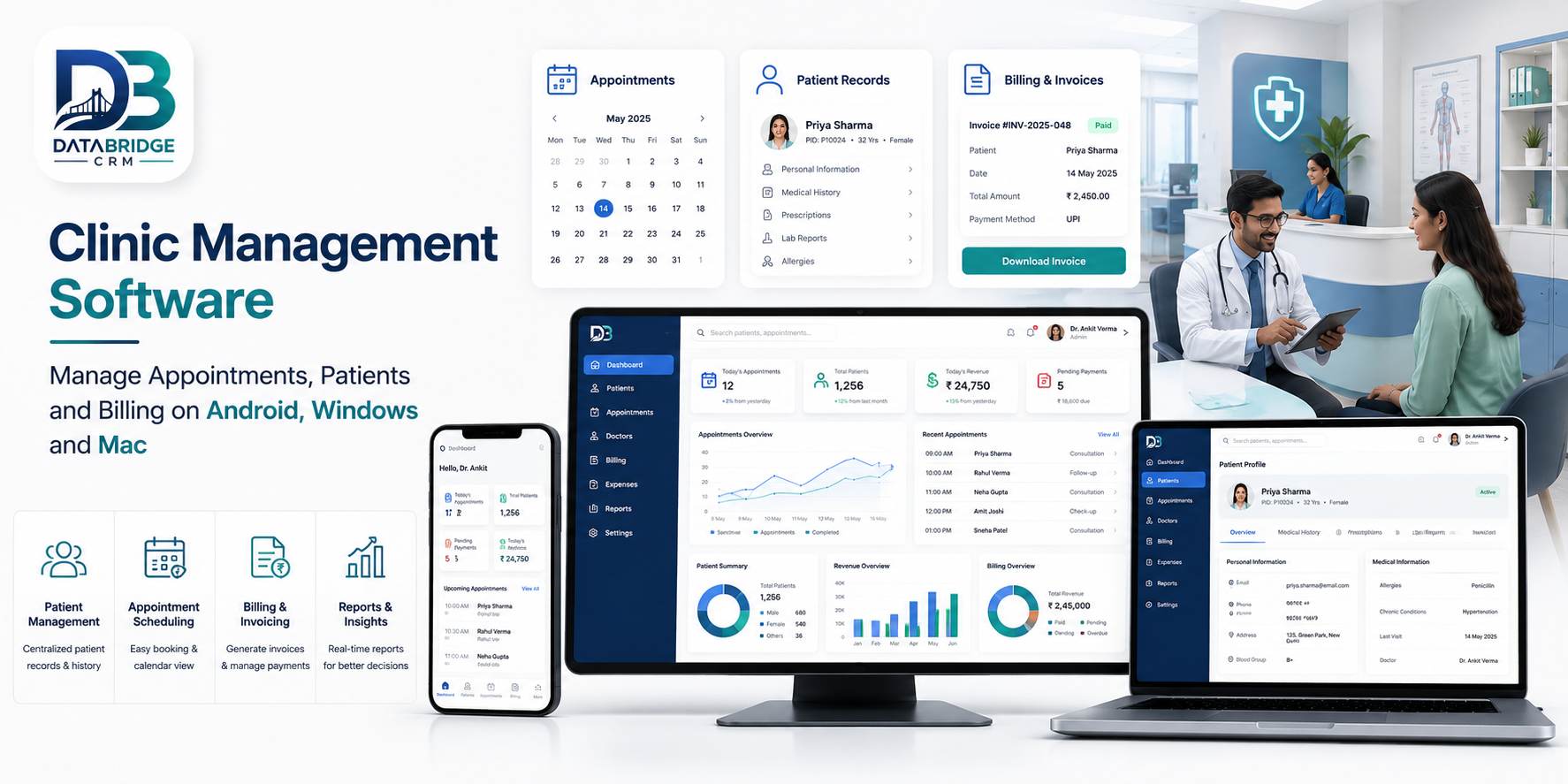
Clinic management software brings all of that into one system. The Clinic CRM from DataBridge CRM is built for this kind of daily work, and it is offered on Android, Windows and Mac, so the doctor, the front desk and the billing staff can each use the device they are comfortable with.
What Is Clinic Management Software?
Clinic management software is a digital system that handles the everyday running of a clinic: registering patients, booking appointments, managing the queue, keeping treatment history, billing and tracking pharmacy stock. A clinic CRM goes one step further. It keeps a proper record of every patient relationship, so your team knows who visited, when they came, what was done and what is still pending.
It does not replace a doctor's judgement, and it does not need a large IT team. It takes repeated paperwork off your staff so they can spend more time with patients.
Common Problems Clinics Face Without a System
Most clinics start with a notebook, a spreadsheet or a basic billing tool. That works until the practice grows. Then the cracks begin to show.
- Long, unpredictable waiting times because the queue is managed by calling names or counting slips.
- Missed follow-ups because nobody remembers which patient was asked to return after two weeks.
- Patient history stored in paper files that are hard to find and easy to damage.
- Pending dues that are noticed only at the end of the month.
- Medicine stock that runs out without warning, or expires on the shelf.
- A closing routine where the cash in the drawer does not match the register.
Each of these is small on its own. Together they cost time, money and patient trust.
What DataBridge Clinic CRM Offers
The Clinic CRM page on the DataBridge CRM website describes more than 19 modules. Here are the ones that matter most in a normal clinic day.
Dashboard
The dashboard shows the clinic's numbers at a glance: daily admissions, OPD visits, revenue and alerts. The owner can check how the day is going without asking three different people.
Appointments and Live Token
Doctor availability, waitlists and online bookings can be handled from one place. The live token feature supports queue management, so patients know their turn and the front desk is not answering the same question all day.
Patient History
Patient registration and electronic health records keep each person's treatment history together. When a patient returns, the doctor can see what happened last time instead of starting from scratch.
Treatment, Lab and Prescriptions
The workflow covers OPD and IPD tracking, lab diagnosis and digital prescriptions, so the consultation and what follows it stay connected.
Pharmacy and Inventory
Pharmacy stock, medical supplies and equipment can be tracked in the same system. That helps you notice what is running low before the shelf is empty.
Billing, Dues and Payments
The site describes OPD and IPD billing, insurance claim processing and room charge calculation. The dues and payments section helps staff see which balances are still pending, so reminders are not left to memory.
Daily Closing
The daily closing view helps the clinic wrap up the day's collections in an organised way, instead of reconciling scattered notes the next morning.
Using the Clinic CRM on Android, Windows and Apple Devices
Clinics rarely run on a single device. The doctor may prefer a phone between consultations, the reception works on a desktop, and the owner checks numbers from home in the evening.
Android App
DataBridge lists an Android app for its Clinic CRM on Google Play. It suits doctors and owners who want to check schedules or patient details while moving around. The website points to Google Play rather than a direct APK file, and installing from the official store is the safer route in any case.
Windows App
A Windows download is provided on the Clinic CRM page. This is the natural choice for the reception desk and the billing counter, where a bigger screen and a keyboard make registration and billing faster.
Mac and iOS
A Mac OS installer is also available. For iPhone and iPad, the DataBridge website shows an App Store option, but availability can change, so confirm the current status with the team before you build your set-up around it.
Whatever the device, the idea is the same: one system and one set of records. You can find the installers on the software download page.
A Typical Day in a Small Clinic (Example)
This is an illustration, not a case study. Imagine a three-doctor skin and dental clinic.
Before opening, the receptionist checks the appointments screen and sees who is booked. As patients arrive, they are registered or picked up from their existing record, and a live token puts them in order. The doctor opens the patient history on the Windows desktop, adds treatment notes and issues a digital prescription. The billing desk raises the bill, records what was paid and leaves any balance on the dues list. In the evening, the owner opens the dashboard on an Android phone, checks visits and revenue, and completes the daily closing.
None of this is complicated. It just removes dozens of small manual steps that add up over a week.
Benefits for Different Clinic Sizes
- Solo doctors: less paperwork, a clean patient list and no more digging through files.
- Multi-doctor clinics: shared appointments and queues, so patients are distributed properly and the front desk stays in control.
- Growing clinics and nursing homes: the site also lists bed availability, doctor and nurse records and staff management, which become important as the team grows.
Where It Fits: Types of Clinics
General clinics and multi-specialty centres can use the same core workflow. Dental, skin, eye, physiotherapy, Ayurvedic and homeopathy clinics all share the basics: appointments, patient history, billing and follow-up. Every specialty records treatment in its own way, so ask for a demo using your own workflow before you decide.
How to Choose Clinic Management Software
Before you commit to any system, ask a few plain questions:
- Does it cover appointments, queue, patient history, billing and pharmacy in one place?
- Can staff use it on the devices they already own?
- Can the doctor find an old record in a few seconds?
- Are user logins and access levels clear?
- Is training and support available after set-up?
- Is the pricing clear? DataBridge publishes plan prices on its homepage, so ask which plan covers the Clinic CRM.
Keeping Patient Data Safe
Patient records are sensitive, whichever software you choose. Give each staff member a separate login, limit who can see billing and records, take regular backups and never share passwords. DataBridge states that its software uses security systems and data protection policies to protect patient records and billing information. Ask the team to walk you through how access works for your own clinic.
Conclusion
A clinic runs on trust and time. When appointments, records, billing and stock sit in one place, the front desk works with less stress, the doctor sees the full picture and the owner knows where the day stands. The Clinic CRM from DataBridge CRM, a Jaipur-based software provider, is designed to support exactly that, with Android, Windows and Mac options.
Ready to see it in action? Book a free demo or talk to the DataBridge CRM team about your clinic's workflow. You can also explore the DataBridge CRM website for other industry solutions.
Frequently Asked Questions
What is clinic management software?
It is software that helps a clinic manage patient registration, appointments, queues, treatment history, billing and pharmacy stock from one system.
Is there a clinic management app for Android and Windows?
Yes. The DataBridge Clinic CRM page lists an Android app on Google Play, a Windows download and a Mac OS download.
Does DataBridge Clinic CRM work on iPhone?
The DataBridge website shows an App Store option, but availability should be confirmed with the DataBridge team. A Mac OS installer is available for Apple computers.
Can a small clinic use a clinic CRM?
Yes. Even a single-doctor clinic benefits from organised appointments, saved patient history and a clear list of pending dues.
How does clinic software help with billing?
It brings OPD and IPD billing, payment records and pending dues into one place, so the billing desk can see what has been paid and what is outstanding.

