
A customer messages on Instagram asking where her order is. Another has emailed about a return. A third asked for a bulk quote on WhatsApp two days ago, and nobody replied. In many online stores, customer details sit in order exports, phone contacts and chat threads, and every team member keeps a slightly different version of the truth.
An e-commerce CRM brings those details into one place, so your team knows who the customer is, what they bought and what needs to happen next.
What E-commerce CRM Software Does
Modules differ from product to product, but most e-commerce CRM systems cover these jobs:
- Customer database: contact details, addresses, purchase history and notes
- Order tracking: record orders, status and payment details
- Enquiry and lead tracking: capture product questions and bulk requests
- Follow-ups: reminders for pending payments, unanswered enquiries and after-sales checks
- Sales view: see which products, channels and team members bring sales
- Customer groups: segment buyers by category, spend or repeat behaviour
- Reports: sales, repeat customers and pending work
Always ask for a live walkthrough using your own products and workflow, so you can judge how closely it fits.
Common Problems Online Sellers Face
- Scattered customer data. Details live in marketplace panels, WhatsApp chats and spreadsheets.
- Missed follow-ups. A bulk enquiry or abandoned conversation gets buried under new messages.
- Order confusion. Nobody is sure whether an order is packed, shipped or waiting for payment.
- Unrecognised repeat buyers. A loyal customer is treated like a stranger every time.
- Unclear sales picture. Owners cannot easily tell which category or channel performs best.
- Slow support. Staff search through several apps before they can answer a simple question.
Customer Database and Follow-Ups: Where a CRM Helps Most
A store with 500 customers can remember most of them. A store with 5,000 cannot. A CRM keeps a record of each buyer: what they purchased, when, and what they asked. That lets your team do small things well:
- Remind a customer to reorder a consumable product such as skincare or grocery items
- Suggest matching products to someone who bought furniture or home décor
- Thank a first-time buyer and ask for honest feedback
- Handle a return politely, with the full order history in front of you
Message only customers who have agreed to hear from you, follow the rules for WhatsApp, SMS and email, and store customer data responsibly.
Order and Sales Management
Orders may arrive from your website, social media, marketplaces and phone calls. Even if your store platform handles checkout, your team still needs one place to see status: new, confirmed, packed, shipped, delivered or returned. Confirm how the software handles orders in your setup, including whether it connects to your store platform or needs manual entry.
Working Across Android, Windows and iOS
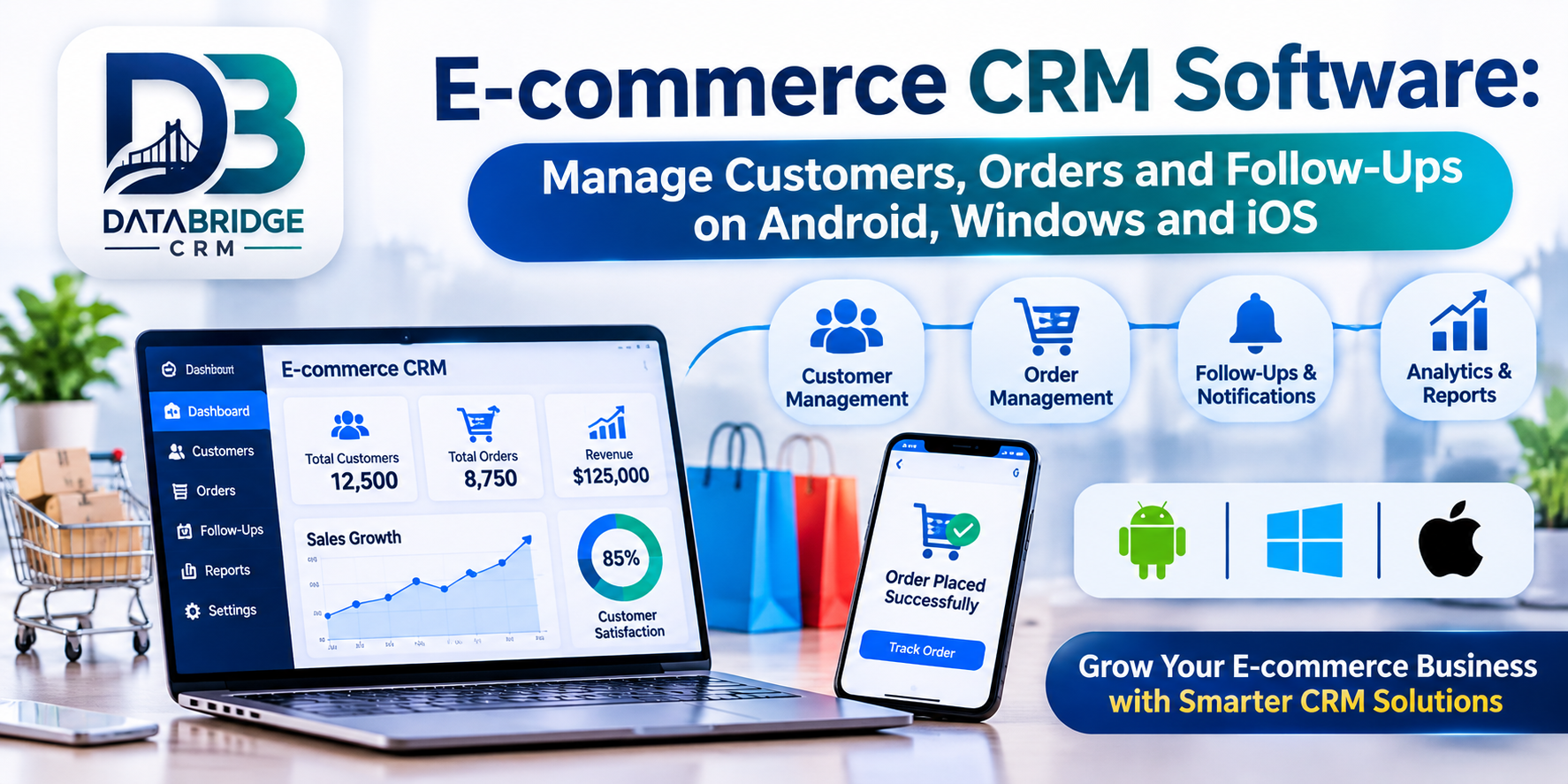
People in an online business use different devices. The order desk may work on a Windows computer, sales and support staff may use Android phones, and the owner may review numbers on an iPhone. DataBridge CRM is offered as an Android APK, a Windows application and an iOS app, so a business can use the platforms that match its team.
| Platform | Where it commonly fits in an online store |
|---|---|
| Windows | Order desk, billing, invoices and back-office reports |
| Android (APK) | Sales and support follow-ups, quick customer lookup and updates on the move |
| iOS | Owner and manager review of sales, pending payments and customer follow-ups |
Features can differ by platform and version, so confirm what is available on each before rolling it out.
A note on installing an Android APK
An APK is installed directly instead of through the Play Store, so be careful. Download it only from the official DataBridge CRM source shared by the team, keep your devices updated and avoid files from forwarded links or unfamiliar websites. Customer data sits on these devices, so security matters.
Use Cases for Different E-commerce Businesses
Clothing and footwear. Repeat buyers, size preferences and seasonal campaigns benefit from a clear customer history.
Jewellery and gifts. Occasions such as birthdays and anniversaries create natural follow-ups, and high-value enquiries need careful attention.
Cosmetics and beauty. Products run out and get repurchased, so reorder reminders are especially useful.
Electronics. Invoices, warranty details and service questions need quick access.
Grocery. Frequent small orders and delivery areas require tidy records.
Furniture and home décor. Longer decisions and quotations need patient, well-timed follow-ups.
Toys, books and sports. Seasonal peaks and gift buyers make customer groups valuable.
D2C brands. Owning your customer data and tracking repeat purchases across channels is central to growth.
A Simple Example
Here is an illustrative example, not a client story. Consider a small home décor brand selling through its website and Instagram. Orders were exported to a sheet, and enquiries lived in chats. After moving customer records and follow-ups into one shared system, the order desk logged every order on a Windows PC, a sales assistant followed up on pending enquiries from an Android phone, and the owner checked repeat customers from an iPhone. After the festive season, she saw which buyers had come back and sent them a thank-you note with a preview of a new collection. Nothing dramatic changed. The team simply stopped losing track.
Benefits for Different Business Sizes
Small sellers get tidier customer records and fewer forgotten enquiries.
Growing brands gain shared visibility between sales, support and order handling, plus better repeat-customer tracking.
Multi-channel sellers need a common customer view across website, social media and marketplaces. Confirm what the software supports for your channels.
What About Shopify, WooCommerce and Marketplaces?
A CRM is not an online store builder. Your store platform handles the catalogue and checkout, while the CRM keeps the relationship. Connecting a store platform or marketplace automatically requires specific integrations, which are not part of every system. If this matters to you, ask the vendor what is supported today and what would need custom work.
How DataBridge CRM Fits In
DataBridge CRM, powered by Jayshree Technosoft in Jaipur, provides CRM and business software with billing support. Its dashboard includes sections such as Leads, Quotation and Invoices, which can help sellers who handle bulk and business enquiries alongside regular orders.
Every online business works differently, so the best way to judge fit is a demonstration based on your own store. Share your product categories, sales channels, order volume and devices, then ask the team to confirm which customer, order and follow-up features suit your process.
Selection Checklist for Online Sellers
- Does it keep a clear record of each customer and their purchase history?
- Can we track enquiries and set follow-up reminders?
- Can the team see order status in one place?
- Does it work on the Android, Windows and iOS devices our staff use?
- Can we control what each team member sees and edits?
- Can it produce invoices and reports that suit our billing needs?
- What integrations are supported today, and what training is provided?
Conclusion
Selling online is not only about getting orders. It is about remembering customers, answering them quickly and giving them a reason to come back. The right CRM helps your team do that without juggling chats, sheets and marketplace panels.
Whether you run a small boutique store or a growing D2C brand, one shared customer record across the devices your team already uses can make daily work calmer. If you would like to see how this could work for your store, request a walkthrough with DataBridge CRM.
Visit DataBridge CRM and book a demo.
Frequently Asked Questions
1. What is e-commerce CRM software?
It is software that keeps customer details, orders, enquiries and follow-ups for an online business in one shared system, so the team knows who each buyer is and what needs to happen next.
2. Do small online stores need a CRM?
Not on day one, but it helps once customers, chats and orders become hard to track. A simple setup can reduce missed follow-ups and help you recognise repeat buyers.
3. Is a CRM the same as an e-commerce platform?
No. A store platform handles the catalogue and checkout. A CRM keeps customer relationships, enquiries and follow-ups. Many sellers use both and should confirm how they connect.
4. Can I use e-commerce CRM software on Android, Windows and iOS?
DataBridge CRM is offered as an Android APK, a Windows application and an iOS app. Confirm current versions, features and download sources with the DataBridge CRM team.
5. How do I get a demo of DataBridge CRM for my online store?
Contact the DataBridge CRM team through its website and share your product categories, sales channels, order volume and the devices your team uses.

