
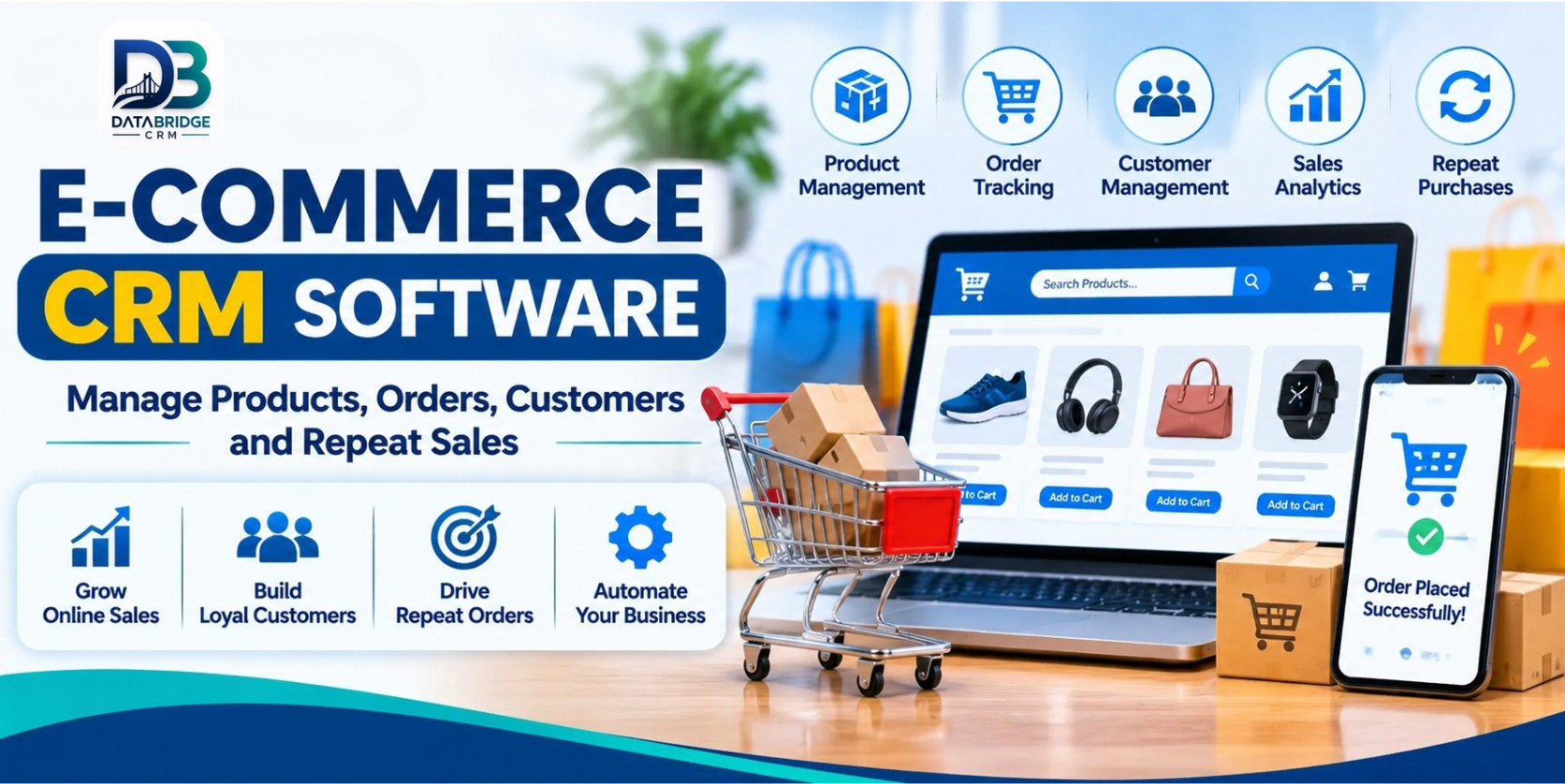
Running an online store can look simple from the customer's side: browse a product, add it to the cart and place an order. Behind that smooth experience, a business is coordinating product details, stock, payments, delivery updates, customer questions, returns and promotions.
As orders increase, the challenge is not just getting more visitors. It is making sure the business can fulfil each order accurately and give customers a reason to return. When product information sits in one tool, orders in another and customer conversations in personal inboxes, teams spend too much time joining the dots.
E-commerce CRM software can bring important retail workflows together. For businesses selling through a website, physical outlets or multiple vendors, a connected platform can make everyday work easier to monitor and manage.
What Is E-commerce CRM Software?
E-commerce CRM software helps an online retailer manage customer relationships alongside the operational information connected with selling. Depending on the platform, it may include customer records, product catalogues, order processing, inventory, payments, returns, promotions and sales reports.
A basic online store is primarily designed to display products and accept orders. A broader e-commerce management platform may also help the business coordinate multiple stores, physical point-of-sale activity, vendors and back-office tasks. Before choosing a system, identify whether you need a customer-focused CRM, a store platform, an operations system or a combination.
Why Online Retailers Outgrow Disconnected Tools
Product and stock information can drift apart
If the same item is sold on a website and at a physical counter, stock needs to be updated consistently. Otherwise, a customer may place an order for an item that has already been sold. A central inventory view can reduce manual checking, but confirm how quickly stock changes sync across channels.
Order questions take time to answer
Customers commonly ask whether payment was received, when an order will ship or how to request a return. If staff must search several dashboards to find an answer, response times suffer. A shared order record with clear statuses helps the team give more consistent updates.
Customer history gets overlooked
A first-time buyer and a loyal repeat customer may need different follow-up. Keeping purchase history and relevant interactions together can help teams understand what a customer has already bought and respond more thoughtfully.
Marketplace and vendor operations add another layer
Multi-vendor businesses must coordinate seller information, product listings, order ownership and payouts. These tasks are different from running a single-brand store, so the software should demonstrate the exact vendor workflow your business requires.
Features to Look for in E-commerce Management Software
1. Product Catalogue and Category Management
Look for structured product records with names, descriptions, images, categories, brands, prices and variations such as size or colour. Bulk import and editing can save time when a catalogue contains hundreds or thousands of items.
2. Order Management and Tracking
The team should be able to view new, confirmed, packed, dispatched, completed and cancelled orders. The exact statuses will depend on the fulfilment process. Check whether customers can receive tracking updates and whether staff can identify delayed or pending orders quickly.
3. Customer Profiles
A useful customer record can connect contact details with order history and service interactions. This helps staff answer questions without repeatedly asking customers to explain their previous purchase. Set permissions and retention rules so personal data is handled responsibly.
4. Inventory and Multi-Store Visibility
If your business has more than one outlet, warehouse or online storefront, ask whether stock can be viewed and managed centrally. Test transfers, stock adjustments and low-stock alerts using realistic examples from your business.
5. POS Integration
Retailers that sell both online and offline should check whether point-of-sale transactions update the same product and stock records. DataBridgeCRM's MultiEcom page describes integrated POS with online inventory synchronisation. Confirm the supported devices, configuration and sync behaviour in a demonstration.
6. Payments, Returns and Vendor Payouts
Payment tracking should make it clear what has been received, what remains pending and how refunds are recorded. Multi-vendor businesses should also understand how seller commissions and payouts are calculated, approved and reconciled.
7. Promotions and Marketing Content
Discount codes, promotional events and useful product content can support campaigns. Check whether the platform lets authorised staff create and schedule promotions, and whether campaign results can be measured. Avoid sending irrelevant messages; use appropriate consent and communication preferences.
8. Reports and Sales Analytics
Reports should help answer practical questions: Which products sell most? Which orders are pending? What is the return rate? Which stores are performing well? Which customers are buying again? Choose reports that support decisions rather than dashboards that simply look impressive.
How a Connected E-commerce Workflow Works
- Product setup: Add product details, categories, images, prices and stock information.
- Customer order: A buyer places an order through the online store or another supported sales channel.
- Order review: Staff verify product availability, customer details and payment status.
- Fulfilment: The team packs the items, updates the order status and records dispatch details.
- Customer communication: The buyer receives relevant confirmation and delivery updates through supported channels.
- After-sales service: Returns, exchanges and customer questions are linked to the relevant order.
- Retention: With appropriate permissions, the business can share useful offers or product updates based on customer interests.
When each stage has a clear owner and status, managers can see where work is waiting and customers are less likely to be left without an update.
Who Can Benefit from an E-commerce CRM?
D2C brands: Connect customer records with orders and build a clearer view of repeat purchases.
Fashion and footwear retailers: Organise product variations such as size, colour and style, while monitoring stock across channels.
Electronics stores: Keep product and order information organised and make it easier for staff to locate customer purchase records.
Wholesalers and distributors: Manage product catalogues and order workflows, and evaluate whether the platform supports the business's B2B requirements.
Multi-store retailers: Review central inventory, branch activity and sales performance from a shared system.
Multi-vendor marketplaces: Coordinate seller onboarding, listings, orders and vendor payouts, where those modules are included.
What DataBridgeCRM Offers for E-commerce
DataBridgeCRM's official MultiEcom e-commerce page describes a platform for retailers, wholesalers, shop owners and entrepreneurs who want to manage online retail activity from a central dashboard. The published modules include products, categories, brands, orders, return requests, POS, store management, payments, vendor payouts, users and customers, messages, blogs and content, events and promotions, locations and order statuses.
The page also describes multi-store and multi-vendor capabilities, order tracking, marketing features and POS integration with online inventory. These capabilities may be relevant to businesses that operate both online and physical retail channels or plan to run a marketplace.
Feature availability can depend on the selected product and configuration. Ask the DataBridgeCRM team to demonstrate your own product catalogue, order journey, stock process and vendor requirements before making a decision.
Explore DataBridgeCRM MultiEcom E-commerce CRM or visit the DataBridgeCRM website.
How to Choose the Right E-commerce CRM
- Map your sales channels: List your website, marketplaces, social channels and physical outlets.
- Count your operational users: Identify who manages products, orders, support, accounts and vendors.
- Test a complete order: Follow one order from placement to dispatch, delivery and possible return.
- Check stock synchronisation: Make a sale in one channel and see how other channels reflect the change.
- Review customer records: Check search, purchase history, access permissions and data export.
- Verify payment workflows: Test online payments, cash on delivery, refunds and vendor payouts where relevant.
- Ask about integrations: Confirm the exact compatibility with your website, payment gateway, courier and messaging tools.
- Understand total cost: Include setup, migration, training, licences, integrations and ongoing support.
Common Mistakes to Avoid
- Choosing software based only on the number of features listed on a sales page.
- Importing product and customer data without cleaning duplicates and outdated records.
- Failing to define who updates order statuses and handles returns.
- Assuming online and physical stock will synchronise without configuration.
- Ignoring staff training and access permissions.
- Sending promotional messages without checking customer consent and preferences.
- Going live before testing peak-order volumes and exception cases.
Final Thoughts
Growing an online store is not only about attracting more traffic. The business also needs dependable product information, accurate stock, organised orders, helpful customer service and a practical way to encourage repeat purchases.
The right e-commerce CRM or management platform can bring these activities closer together. Start by mapping your current process, identify where information gets lost and test those exact situations in a live demo. A system that fits your real workflow will be more valuable than one selected only for an impressive feature list.
Explore DataBridgeCRM MultiEcom and request a demonstration based on your products, stores and order process.
Frequently Asked Questions
1. What is e-commerce CRM software?
It is software that helps online retailers organise customer information and related sales workflows such as orders, product records, payments, service requests and follow-ups. The exact features vary by platform.
2. Is e-commerce CRM useful for a small online store?
It can be useful when customer enquiries, orders and follow-ups are becoming difficult to manage manually. A small store should choose a system that is easy to use and can grow with its needs.
3. Can e-commerce software manage both online and offline sales?
Some platforms connect online stores with physical POS operations and inventory. Check the exact integration and demonstrate how a sale in one channel affects stock in another.
4. What is a multi-vendor e-commerce platform?
It allows multiple sellers to list and sell products through one marketplace. The platform may include seller management, order allocation and vendor payouts, depending on its features.
5. How can a business encourage repeat orders?
Keep customer and purchase records organised, provide reliable service, make returns clear and send relevant follow-up offers only through permitted communication channels.

