
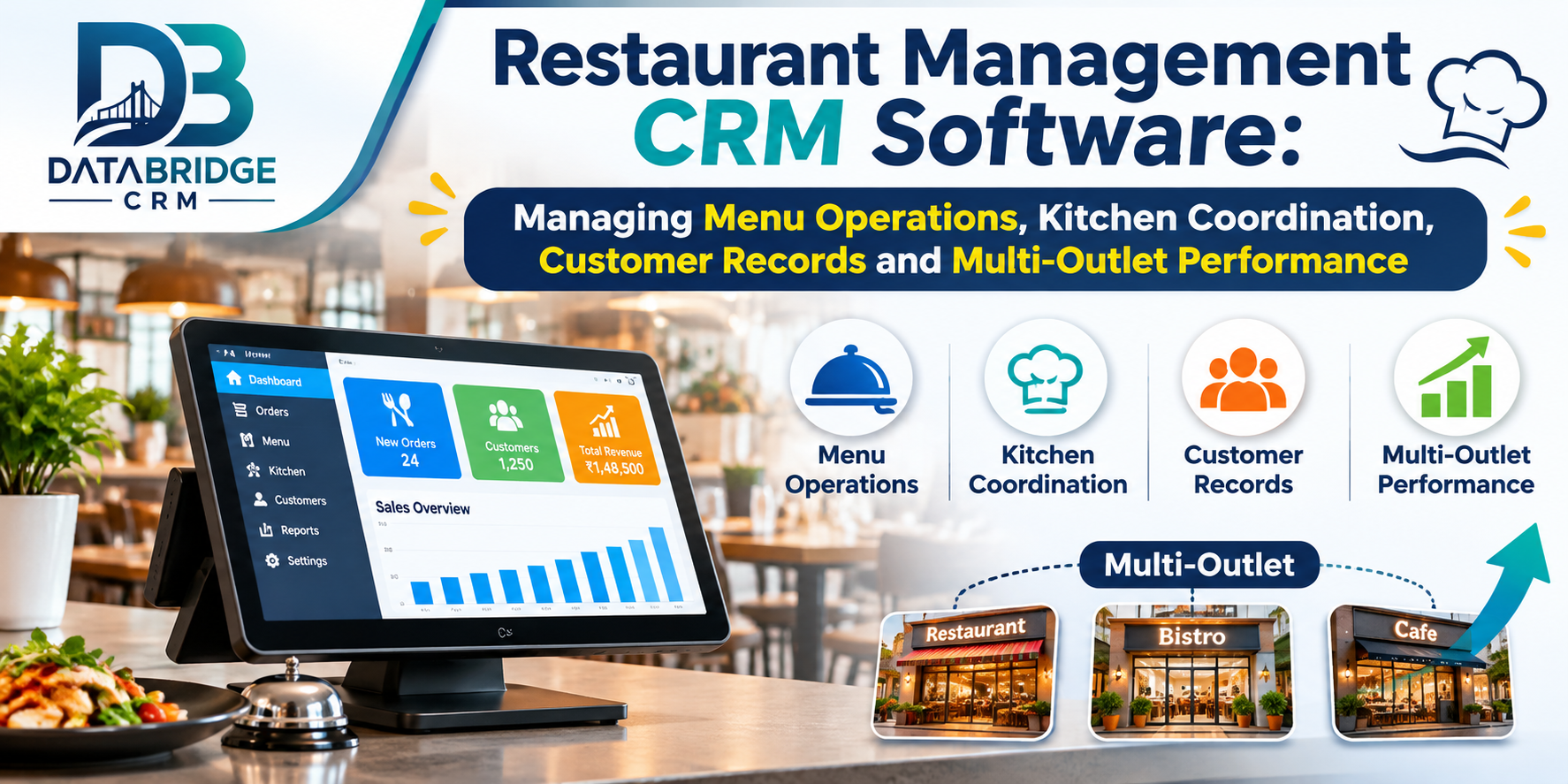
A restaurant owner's day rarely goes the way the plan said it would. A table of eight walks in just as the kitchen runs out of something on the menu. A regular calls to ask for "the usual," and nobody remembers what that is. The cashier changes a bill, and the numbers at closing don't quite match.
Cooking and serving are only half the job. The rest is menus, orders, staff, customers and money, and when each of those lives in its own register, spreadsheet or app, keeping them consistent gets tiring fast.
Restaurant Management CRM Software is meant to bring those pieces together. Customer records sit next to operational information, so the right people can see what they need without asking around. It fits an independent restaurant, a café, a small food outlet or a business with several branches.
What Is Restaurant Management CRM Software?
In simple terms, it's a digital system that helps a food business keep customer information and manage the daily running of the place.
Depending on the software and modules, that can mean table management, order handling, kitchen coordination, billing, customer records and reports. Instead of each person working from their own notes, everyone works from the same information.
The CRM side also keeps customer details and transaction history. That's useful when you want to understand what guests prefer, notice who keeps coming back and decide how to stay in touch with them.
Why Restaurants Struggle Without a Proper System
Most of the problems are small on their own, but they add up.
Departments don't share information. Service, kitchen, billing, purchasing and customer handling each keep their own records, so before a manager can decide anything, they spend time collecting the facts by hand.
Menus go out of date. Prices change, items run out, descriptions get updated. If staff are working from old details, customers hear the wrong thing and bills come out wrong.
Visibility is thin. Without organised reports, working out what sold, what was ordered and how the day went takes extra effort. Customer details are often scattered too, spread across notebooks and chat apps, which makes follow-up hit-and-miss.
And with more than one outlet, consistency becomes the real challenge. Managers want to compare branches, check records and see where things need fixing, and that's hard when every location works differently.
Features Worth Looking For
Every restaurant is different, but a few features come up again and again.
Menu and product management
Your food and beverage items should live in one organised place, so details stay consistent across the business. When you're comparing software, check how it handles categories, item descriptions, price changes and items that are temporarily unavailable.
Tables and orders
Staff should be able to see which tables are occupied, which orders are active and what needs attention, without walking across the floor to find out.
Kitchen coordination
The link between the floor and the kitchen shapes the whole dining experience. A connected order flow lets authorised staff share order details and coordinate preparation. During a demo, try it for real: place a new order, change an item, update an order, and see how it behaves.
Billing and payments
A connected billing process keeps transaction records, applies the tax settings you need and records customer payments. Before you choose, look at invoice formats, discounts, payment methods and how bill corrections are handled, because those corrections happen more than anyone likes to admit.
Customer information
Depending on the platform, you can keep contact details, visit history and relevant preferences. Collect only what you actually need, and follow sensible privacy and consent practices.
Staff and user access
Different people do different jobs, and role-based access lets you decide who can view or manage what. Review permissions now and then, and make sure each person's access matches their role.
Reports
Depending on the software, reports can cover sales transactions, payment records, product performance and outlet activity. Looking at them regularly helps you spot patterns and plan improvements.
Multiple outlets
If you're growing, a multi-outlet setup lets you keep central oversight while each branch works with its own information. Before you commit, confirm how the system handles branch permissions, shared product information, reporting and any stock transfers.
A Day in the Life, With a System in Place
- You keep business details, users and operational records organised.
- Menu information is updated and checked before staff start using it.
- Orders are recorded and linked to the service workflow.
- Order information reaches the right people in the kitchen, and you can follow how service is progressing.
- The invoice is prepared and the payment recorded.
- Guest information and transaction history are saved for later.
- When you want to know how things went, you check the sales and operational reports.
Different Kinds of Restaurants, Different Uses
An independent restaurant can keep customer records, table activity, orders and billing in one place, and rely a lot less on loose paper. Restaurant chains need the same information across locations, and a good multi-outlet setup helps owners review each branch and keep processes consistent.
Family restaurants often serve groups and regulars. Customer records and a tidy service workflow help staff give every guest a similar experience. Food courts may run several counters and brands under one roof, so check whether the software can support the billing and reporting structure you need. And restaurants offering takeaway need a clean way to record orders, prepare bills and manage customer information.
What You Get Out of It
The main gain is less chasing. Customer and operational records stay organised, so service, kitchen and admin staff communicate more easily. Menu information stays current. Customer history helps you serve guests better and follow up when it makes sense. Reports show sales and operations more clearly, and where the configuration supports it, you get central oversight of multiple branches. Overall, there's simply less manual administration to deal with.
Restaurant CRM vs Restaurant POS
People often mix these up. They're connected, but they do different jobs, and knowing the difference helps you choose the right software.
| Area | Restaurant CRM | Restaurant POS |
|---|---|---|
| Primary Purpose | Customer and relationship management | Order transactions and billing |
| Customer Records | Organises customer information and history | Records customer details for transactions where supported |
| Billing | May connect with billing tools | Handles invoice and payment transactions |
| Customer Follow-up | Supports customer communication workflows | Usually focuses on the sales transaction |
| Reporting | Customer and business relationship insights | Sales and transaction reporting |
Some platforms combine CRM, POS and operational features in one product. Whichever you look at, check exactly which modules are included.
Restaurant Management CRM by DataBridge CRM
DataBridge CRM offers a Restaurant CRM solution described around restaurant tables, orders and kitchen coordination. Its wider business software ecosystem also includes billing POS tools that can support related billing requirements.
If you're evaluating it, look at how its modules fit your daily service. The areas worth discussing are table workflows, order handling, kitchen coordination, billing, customer records and reporting.
If you run several outlets, also confirm the branch configuration, user permissions, reporting options and any integrations you'll need.
You can learn more about its CRM, POS and business management solutions on the official DataBridge CRM website .
How to Choose the Right Restaurant Software
The right software fits the way your restaurant actually works. Before you decide, write down what you do every day and test those things during a demo.
- Does it suit your type of restaurant?
- How does it handle menus and products?
- Try table and order workflows with sample orders.
- How is kitchen coordination handled?
- What about billing, taxes and payment recording?
- Check customer information and access permissions.
- Which reports and dashboard details are available?
- If you have several outlets, can it manage them?
- Does it work with your hardware and other tools?
- What are the pricing, onboarding and support like?
Mistakes to Avoid When You Roll It Out
Skipping staff training. People need to know their daily workflow before the system goes live, not during the dinner rush. Using old menu records. Review product details and prices before you start. Giving everyone full access. Permissions should match what each person does.
Not testing first. Run test orders, bill changes and payment recording before you rely on the system at a busy hour. And ignoring the reports. If you only use the platform for billing, you're leaving most of its value unused. Make a habit of reading what it tells you.
Conclusion
A restaurant runs on coordination between customers, service staff, the kitchen and the people handling administration. When important information is spread across different tools, staying consistent gets harder.
Restaurant Management CRM Software brings customer records, menu information, order workflows, billing and reports into one connected platform. For growing restaurants and multi-outlet businesses, the right choice means easier access to information and a more organised day.
DataBridge CRM offers restaurant-focused management solutions alongside its wider CRM and billing ecosystem. Look through the available modules and see how they fit your restaurant.
Frequently Asked Questions
1. What is Restaurant Management CRM Software?
Restaurant Management CRM Software is a digital platform that helps restaurants keep customer information, orders, tables, kitchen coordination, billing and business records in one organised place.
2. How does Restaurant CRM help restaurant owners?
It gives owners organised customer and operational records, reports they can review, and a clearer way to coordinate important restaurant activities.
3. Can Restaurant Management Software support multiple outlets?
Some platforms do, through centralised records, branch-level access and consolidated reporting. Confirm the exact configuration with the software provider before you commit.
4. What is the difference between Restaurant CRM and Restaurant POS?
Restaurant POS mainly handles order transactions and billing, while Restaurant CRM focuses on customer information and relationships. Many restaurant management platforms connect the two with day-to-day operational workflows.
5. Is Restaurant CRM suitable for small restaurants?
Yes. A small restaurant can use it to organise customer records, orders, billing and daily operational information. Just pick modules that match your size and needs.
Discover business management solutions at DataBridge CRM .
Restaurant Management CRM, Restaurant CRM Software, Restaurant Management Software, Restaurant ERP Software, Restaurant Operations Management, Restaurant Customer Management, Multi-Outlet Restaurant Management, Restaurant Table Management, Restaurant Kitchen Management, Restaurant Business Automation, DataBridge CRM
#RestaurantManagementCRM #RestaurantCRM #RestaurantManagementSoftware #RestaurantERP #RestaurantOperations #RestaurantBusiness #RestaurantAutomation #MultiOutletManagement #RestaurantTechnology #DataBridgeCRM

