
Say you've got ten sellers on your marketplace. Seller A has a stock problem. Seller B wants to know why last week's payout hasn't arrived. Seller C changed their product prices and forgot to tell anyone. Meanwhile a customer is asking where their order is, and you're not sure which seller even has it.
That's a normal Tuesday for a marketplace owner who's still running things from spreadsheets and chat threads. Now imagine thirty sellers.
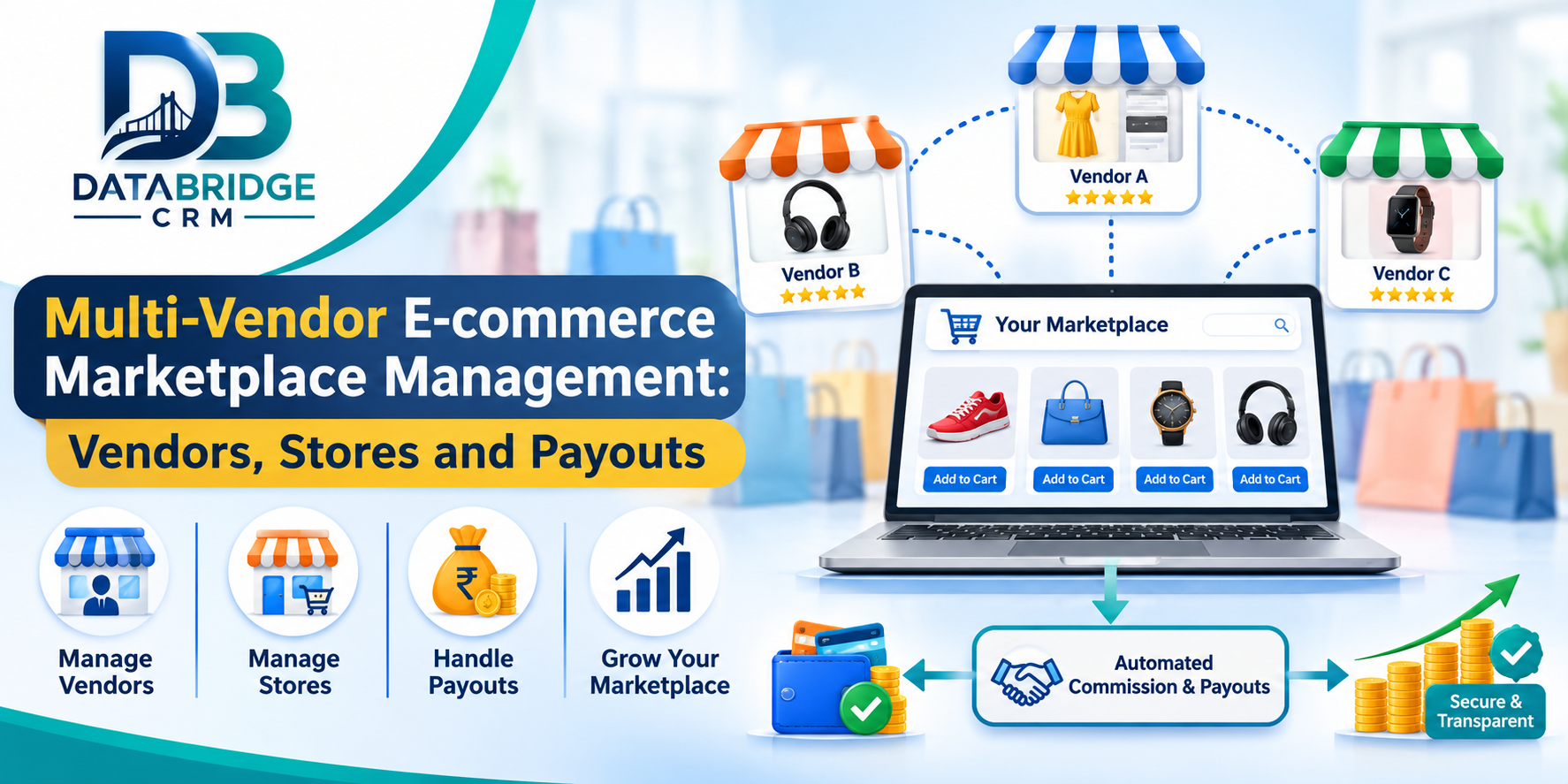
Multi-vendor e-commerce marketplace software is meant to take that weight off. Sellers, products, orders, stores and payouts get managed in one system, and you still see the whole business from above.
What Is Multi-Vendor E-commerce Marketplace Software?
Put simply, it's a platform where many sellers sell through one shared online marketplace. Sellers don't need their own websites. You run the platform from a central admin system, and each vendor works with their own catalogue and sales.
From the admin side, you can see vendor records, product information, orders, payments and everything else going on across the platform.
Think of a marketplace with clothing, electronics, home décor and accessories from dozens of independent sellers. Listing products isn't the tricky part. Keeping every seller organised while you stay in control of the whole business is.
Why You Can't Run a Marketplace on Spreadsheets
A marketplace isn't a shop. It's a network of vendors, products, transactions and customers, and every new seller makes coordination harder.
The cracks show up in a predictable order. First, seller details end up in different files. Then product names, categories, prices and images stop matching each other. Your team can't tell at a glance which vendor owns an order, and commission and payout records get messy. If you also have physical stores, those keep their own records too. By then, you can't answer basic questions about sales, active orders or which vendors are doing well.
A central management system gives you one structured place to run sellers and daily operations, and that closes most of those gaps.
Features Worth Looking For
Start with the dashboard. You want sales, active orders, product activity and revenue trends in one view, not spread over several tools. Next comes vendor registration and management: a proper business record for every seller, so you can organise their information, watch their activity and manage your relationship with them.
Products, categories and brands matter more than people expect. A marketplace can hold thousands of items, and without structure the catalogue turns into a jumble. Good product management keeps details, categories, brands and listings consistent, so customers browse something that feels like one store.
Then there are orders and stores. Orders should be recorded and followed through the whole process, with each one linked to its vendor. If you operate several stores or locations, store management keeps them organised and gives you a broader view of retail activity. Add POS integration if you sell offline too, since connecting shop transactions with online operations keeps sales and inventory consistent, and staff aren't updating the same numbers twice.
Vendor payments and payouts deserve special care. You need a clear record of what vendors earn, what commission you keep and what's already been paid, so outstanding settlements are easy to spot. Round things off with customer records (who's buying, for service and future marketing), promotions and content managed centrally, and reports on sales trends, order activity and revenue to guide your decisions about vendors, categories and operations.
How It Works: A Jaipur Example
Imagine an online marketplace in Jaipur that brings together local clothing, jewellery, footwear and home décor sellers. Rather than asking each one to build a website, the marketplace gives them a shared shopping destination.
- A seller applies with their business information.
- You review it and handle onboarding.
- Their products are organised with names, categories, descriptions and prices.
- A customer browses and orders.
- Your team identifies the vendor and follows the order.
- The transaction is recorded for financial review.
- Commission and vendor payouts are reviewed under your agreed payment policy.
With this kind of workflow, the marketplace can take on more sellers without relying wholly on manual coordination.
Why POS and Online Sales Should Talk to Each Other
Lots of retailers sell in a shop and online. If those two aren't connected, someone has to update stock and sales twice, and that's where mistakes happen.
One customer buys an item at the counter. Another orders the same item online a minute later. If the channels don't share inventory information, you've just sold something you don't have.
POS synchronisation helps by connecting those activities. Before you choose software, ask how it handles inventory updates, product availability and transaction records. For retailers moving into online marketplaces, that link makes the day far easier to keep track of.
Who Should Use It?
Anyone who wants several independent sellers on one digital platform. Fashion marketplaces (clothing, footwear, jewellery, accessories), electronics marketplaces, home and furniture platforms and grocery marketplaces coordinating participating shops all fit. So do local business marketplaces that gather neighbourhood retailers, B2B marketplaces organising suppliers and product listings, and multi-store retailers who want online and offline running through connected operations.
Multi-Vendor Marketplace Software vs Single-Store E-commerce Software
Both help you sell online, but they're built for different jobs. A single-store platform serves one business and its products. A marketplace must also manage relationships with several independent sellers.
| Business Requirement | Single-Store Software | Multi-Vendor Marketplace Software |
|---|---|---|
| Product ownership | Usually managed by one business | Can include multiple independent vendors |
| Vendor management | Limited or not required | Important for seller operations |
| Product catalogue | One store catalogue | Products from multiple sellers |
| Order coordination | Managed by one business | May involve different vendors |
| Payment operations | Business-level transaction records | May include commissions and vendor payouts |
| Platform administration | Store-level administration | Marketplace-wide administration |
How DataBridge CRM Supports Multi-Vendor E-commerce
DataBridge CRM offers MultiEcom, an eCommerce CRM platform for businesses that want to run online retail from a central dashboard. Its published product information lists modules for products, categories, brand management, orders, return requests, POS, store management, payments, vendor payouts, users and customers, messages, promotions and locations.
It also describes multi-vendor selling and integrated POS, which is relevant if you want to coordinate third-party sellers alongside your own physical and online retail.
Needs differ with the number of vendors, product categories, store locations and payment policies, so ask for a demo before you commit. Confirm the workflows, integrations and payment processes that apply to you.
Have a look at the DataBridge CRM MultiEcom eCommerce CRM to review its marketplace and retail management capabilities, and visit the DataBridge CRM website for its wider CRM, ERP and business management solutions.
What to Check Before You Choose
This is a long-term decision, so pick something that works now and still works when you've grown. Ask:
- Can it organise multiple vendors independently?
- Can you manage product categories, brands and listings?
- Can your team monitor orders and returns?
- How are commissions and payouts recorded?
- Does it support physical stores and POS?
- Can you review sales and business reports?
- Are user roles and permissions available?
- Will it handle the number of sellers and products you expect?
- What integrations, training and support are included?
Then ask for a live demo built around a realistic marketplace workflow. Try vendor onboarding, a product listing, an order and a payout record yourself. That'll tell you more than a feature list.
Mistakes to Avoid
Don't let vendors in without clear rules. Set seller requirements, product standards and responsibilities first, along with listing guidelines so customers see accurate information. Be upfront about commission, too: tell vendors what applies and when they'll be paid.
Don't leave returns to chance. Have a clear process for complaints and return requests. Don't keep online and offline records apart if POS and marketplace can share information. And don't pick software without testing it. Real workflows beat feature lists every time.
Final Thoughts
Running a multi-vendor marketplace is more than showing products online. You're coordinating sellers, catalogues, orders, stores and vendor payments, and keeping the shopping experience consistent while you do it.
Good marketplace software pulls those pieces together and gives you clearer visibility into everyday operations. It also makes it easier to bring in new sellers and expand into more product categories.
If you're planning to build or improve a marketplace, take a look at DataBridge CRM's MultiEcom. Review the features, ask for a demo and make sure the workflows match your business before going ahead.
Frequently Asked Questions
1. What is multi-vendor e-commerce marketplace software?
It's software that lets several independent sellers list and sell products through one online marketplace, while the administrator manages vendors, products, orders and platform operations.
2. How does vendor management work in a marketplace?
It means organising seller information, onboarding requests, product listings, order activity and payment records, so you keep a structured relationship with each seller.
3. Can multiple vendors sell through one online marketplace?
Yes. A multi-vendor marketplace brings products from different sellers onto one platform while keeping each vendor's sales records organised.
4. Why is POS synchronisation useful for online marketplaces?
It connects physical store sales with online operations, which improves visibility across channels and reduces duplicate record-keeping.
5. What is vendor payout management?
It's the process of organising what's owed to sellers after the marketplace's commission and settlement rules are applied.
6. Can marketplace software manage product categories and brands?
Yes. Marketplace platforms can offer product, category and brand tools to help administrators organise large catalogues and keep listings consistent.
7. Is multi-vendor marketplace software suitable for small businesses?
It can be, especially if you plan to bring several sellers together. The right solution depends on how many vendors, products and transactions you expect, and what else you need it to do.
8. What should I check before purchasing marketplace software?
Look at vendor onboarding, product management, order workflows, payment records, POS capabilities, reporting, permissions, integrations and technical support.
9. Does DataBridge CRM offer multi-vendor e-commerce capabilities?
DataBridge CRM's published MultiEcom product page describes multi-vendor selling, product and order management, store management, POS and vendor payout modules. Contact the team to confirm the current configuration and availability of the features you need.
10. Where can I learn more about DataBridge CRM MultiEcom?
Visit DataBridge CRM MultiEcom to review the product information and request a demo.
Multi-Vendor E-commerce Software, Marketplace Management Software, Multi-Vendor Marketplace CRM, Vendor Management System, E-commerce Marketplace Platform, Vendor Onboarding, Vendor Payout Management, POS Integration, Online Retail Management, DataBridge CRM.
#MultiVendorMarketplace #EcommerceSoftware #MarketplaceManagement #VendorManagement #EcommerceCRM #OnlineRetail #VendorPayouts #POSIntegration #DigitalCommerce #DataBridgeCRM

