
Ask a shopkeeper how the day went, and the answer is rarely about sales. It's about the bill that didn't add up, the item that was "definitely in stock," and the customer who swears he already paid last week.
None of that is anyone's fault. Billing, stock, purchases and payments all happen at once, and a paper register just can't keep up when the shop gets busy.
This is the problem POS Billing CRM Software goes after. Each sale at the counter gets tied to the product, the customer, the stock and the day's report. So at night you're not rebuilding the day from five notebooks and a pile of slips. Kirana stores, clothing shops, supermarkets, electronics outlets and wholesalers all use it in their own way.
What "POS Billing CRM" Actually Means
POS is Point of Sale, the spot where a customer pays and you record it. The CRM part just means that moment isn't a dead end. It's connected to who the customer is, what they bought before, what they still owe and what's left on your shelf.
Depending on the modules, that can include invoices, GST calculations, stock tracking, purchase records, customer balances, supplier details and reports. But forget the feature list for a second. What you really get is this: you stop writing the same number in three places, and you can see how the shop is doing without any midnight arithmetic.
When Handwritten Bills Stop Working
Not on day one. With a handful of customers an hour, a register does the job. The problems show up once things get busy, and they tend to arrive together.
Bills slow down because quantity, discount and tax are worked out by hand while people wait. Stock drifts away from reality, since sales go in one book and stock in another. Then comes credit. Regular customers and dealers often pay later, and "how much do they owe us?" turns into a guess. Awkward.
Purchases are the quiet culprit. Several suppliers, several bills, and a stock count that doesn't match any of them. That mess surfaces at tax time. And without proper reports, a lot of owners only see the real picture at month-end, which is a bit late to fix anything.
What a Decent System Does for You
You don't need everything. These are the parts that matter in most shops.
Quick billing. Pick products, change quantities, choose the customer, produce the invoice. Depending on the setup you may also get automatic invoice numbers, discounts, tax selection, received amounts and payment methods. In a crowded shop, speed matters more than anything else on this list.
GST. If you bill with GST, the software should support the right tax settings and invoice requirements and keep a record of every transaction. Don't assume the defaults suit you, though. Check the invoice setup, the tax rates and the GST details against your own compliance needs.
Product and stock records work as a pair. Names, prices, categories, brands, units and quantities on one side, stock movements on the other, so you can see what's on hand and notice low items before they hit zero. Add purchase and supplier records and you also know what came in and from whom.
Customer records with dues are the part regulars notice. A part payment gets written down, not left to memory. Payments themselves can be noted by method (cash, UPI, card or something else) against each invoice, depending on how it's configured.
Reports tie it together: sales, purchases, income, expenses, pending balances, stock. They tell you what to reorder and where the money is going. And if you run more than one location, branch and warehouse tools let you manage locations, user permissions and stock transfers.
One Sale, Start to Finish
- Choose the customer, existing or new.
- Add the products and quantities.
- Set the tax, and a discount if needed.
- Enter the payment received and how it was paid.
- Check the details, save the invoice.
- Sales, the customer's balance and stock update on their own.
- Look at the reports whenever you want to know how the day went.
Is It for Your Kind of Shop?
Almost certainly. A kirana store has hundreds of items at different prices, so neat product and stock records save real effort. In a clothing store, sizes and colours are the headache, and product variations help there. Electronics shops need accurate prices, purchase records and sales details. Supermarkets have constant transactions over a huge range, so billing, inventory and reports all carry weight.
Wholesalers deal with retailers, dealers and suppliers, which makes customer categories and pending payments important. And if you sell vegetables or general goods by weight, product units and billing records keep the day orderly.
What Changes After You Switch
Billing gets quicker and more consistent. You check stock on a screen instead of counting shelves. Old sales and purchase entries take seconds to find. Dues are on record, and reports put sales, purchases, income and expenses side by side. Open a second branch or a warehouse later, and the right features help you keep that organised too.
POS Billing CRM by DataBridge CRM
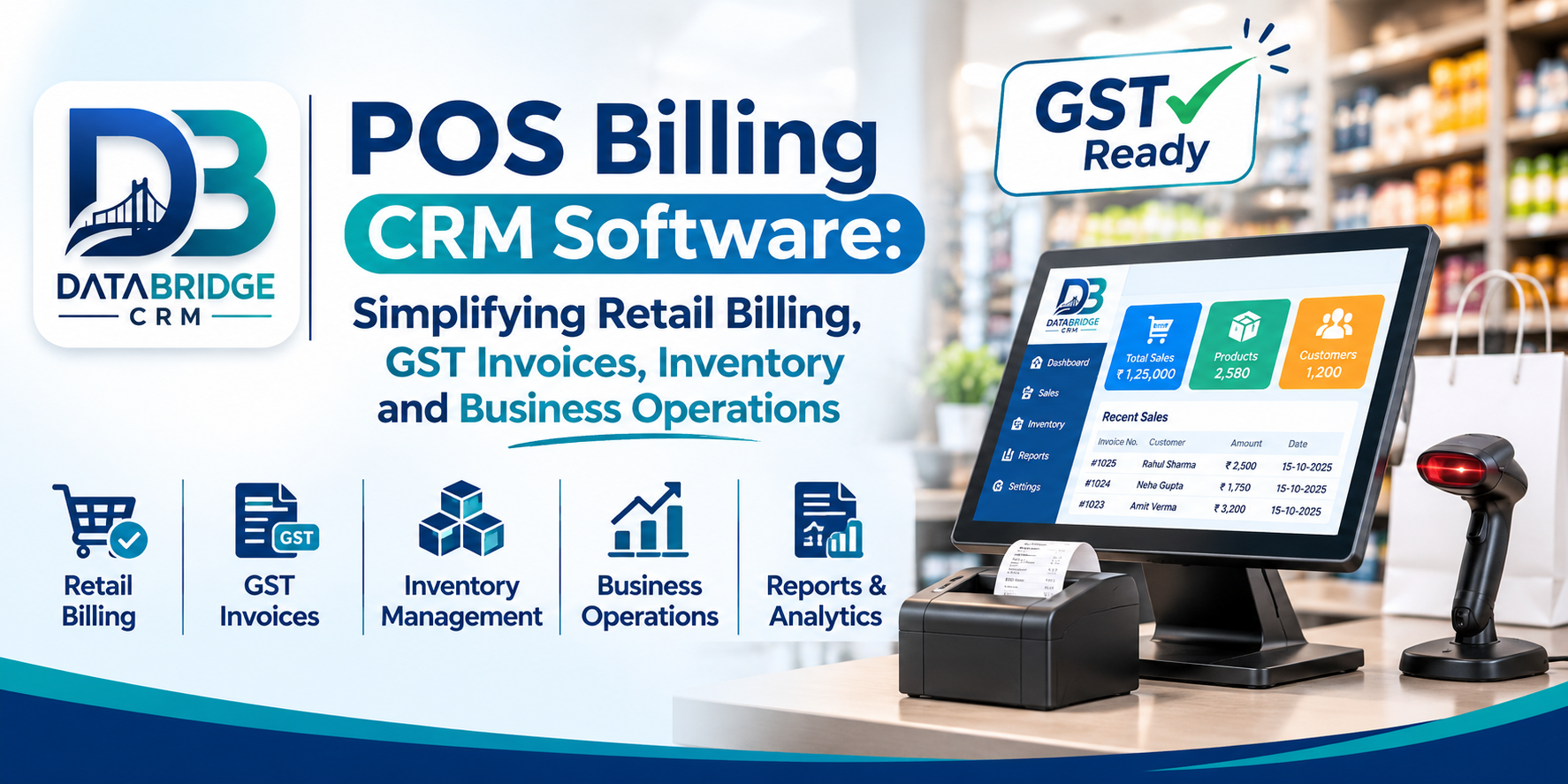
DataBridge CRM POS Billing Software is built for retail stores, supermarkets, wholesalers, warehouses and growing businesses.
Its listed modules are POS Terminal, Products, Stock Management, Customers, Reports, Branches, Warehouses, Stock Transfer, Suppliers and Purchases. In the billing workflow you pick customers and products, adjust quantities, apply GST and discounts, record payments and generate invoices.
The documentation also describes product categories, brands, variations, units, bulk product uploads, barcode labels, stock monitoring, customer dues and sales reports.
Before you decide on anything, check the modules against how your shop really runs. The official DataBridge CRM POS and Billing Software page has the details.
Picking the Right POS Billing Software
Skip the pretty invoice and the low monthly price for a moment. Picture your whole day, first bill to last report, and ask:
- Can your staff pick up the billing screen quickly?
- Are your GST and invoice settings supported?
- How are products, categories, brands and variations handled?
- Does it track stock and flag low items?
- What are the purchase and supplier options?
- Are customer records and pending payments kept?
- Which reports come with it (sales, purchase, tax, income, expenses)?
- Can it manage branches and warehouses if you grow?
- Which payment methods and hardware does it work with?
- What do pricing, training and support look like?
Conclusion
Retail runs on billing, products, customers, purchases and payments. Registers and spreadsheets will carry you only so far before the numbers stop being trustworthy.
POS Billing CRM Software puts all of it into one workflow: invoices, inventory, customer balances and sales performance, without the page-flipping.
DataBridge CRM offers POS and billing modules for retail and wholesale operations. Take a look at the features and see whether they fit your billing and inventory needs.
Frequently Asked Questions
1. What is POS Billing CRM Software?
Software that lets retailers generate invoices, manage customers, track inventory, record purchases and review sales from one place.
2. Can POS Billing Software generate GST invoices?
Yes. POS billing systems can support GST invoices by applying the relevant tax rates. Do confirm that the software supports the invoice formats and tax settings your business needs.
3. How does POS software help manage inventory?
It links sales with stock records, so you can watch quantities, spot low-stock items and review inventory movements.
4. Can a POS system track customer pending payments?
When it has due management, yes. It records outstanding balances, payments received and each customer's history.
5. Is POS Billing CRM suitable for small retail shops?
Yes. Even a small shop can use it for product records, bills, stock and daily sales.
Explore more business management solutions at DataBridge CRM .
POS Billing CRM, POS Billing Software, Retail Billing Software, GST Billing Software, Inventory Management Software, Stock Management System, Customer Payment Tracking, Retail POS System, Sales Management Software, DataBridge CRM
#POSBillingCRM #POSBillingSoftware #RetailBillingSoftware #GSTBilling #RetailPOS #InventoryManagement #StockManagement #BillingSoftwareIndia #RetailBusiness #BusinessAutomation #DataBridgeCRM

