
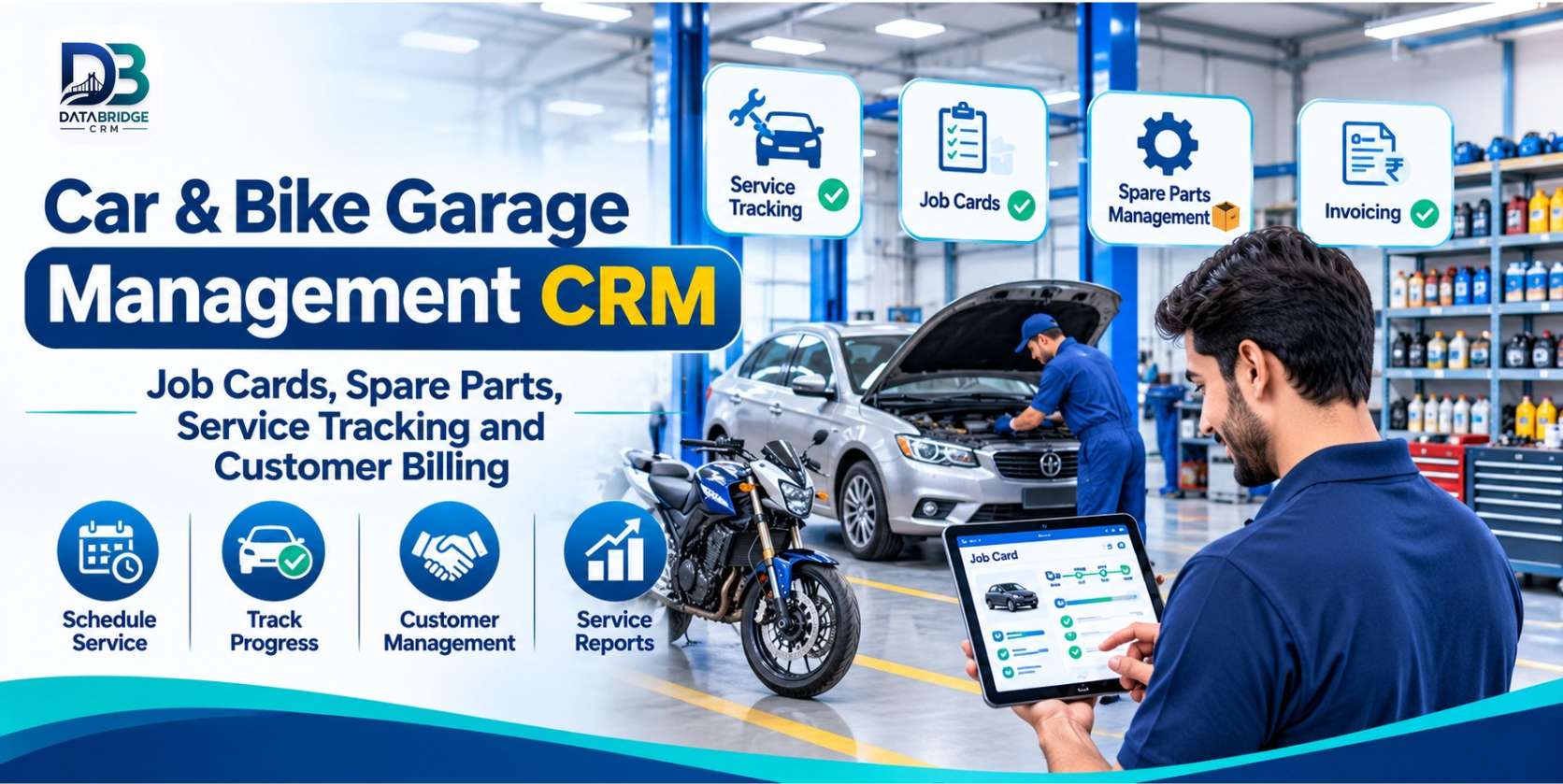
A vehicle arriving at a garage is the start of several connected tasks. Someone needs to note the customer's concern, record the vehicle details, inspect it, prepare an estimate, assign the work, check parts availability and keep the customer informed. Once repairs are complete, the workshop must prepare the bill, collect payment and hand the vehicle back.
In a small workshop, these steps may live in a notebook, a phone, a spreadsheet and the owner's memory. That can work for a while, but as daily jobs increase, it becomes harder to answer simple questions: Which vehicles are waiting for inspection? Has the customer approved the estimate? Which mechanic is handling the repair? Were the parts added to the bill? When is the next service due?
Garage Management CRM software helps organise these customer, vehicle and workshop records in a connected workflow. For car garages, bike service centres and multi-brand workshops, the real value is not just digitising a job card. It is keeping the full service journey visible—from check-in to handover and the next visit.
What Is Garage Management CRM Software?
Garage Management CRM software is a digital system for maintaining customer profiles, vehicle details, repair jobs, service history, spare-parts records, estimates, invoices and follow-up activities. Depending on the product, it may also include workshop dashboards, mechanic assignments, branch management, complaints and operational reports.
A CRM-oriented garage system connects the customer's relationship with the workshop to the vehicle's service record. The team can refer to earlier visits, understand what work was requested, record what was completed and keep the relevant billing information together.
Why a Workshop Needs a Connected Process
Paper job cards can go missing or become difficult to read
When several vehicles arrive close together, handwritten notes may be incomplete or hard for another staff member to interpret. A digital job card creates a consistent place to record the customer's complaint, inspection observations, work required and parts used.
Customers want clear updates
People often call to ask whether their car or bike is ready. If the workshop cannot quickly check the repair stage, staff have to interrupt technicians or search through messages. A visible job status makes it easier to give an accurate update.
Parts and labour need to match the final bill
Spare parts used during repair and the labour performed should be reflected in the invoice. Recording them against the job helps the service desk review the charges and reduces dependence on memory at billing time.
Returning customers should not have to explain the same history again
When service records are connected to the customer's profile and vehicle, the team can refer to previous work. This can make repeat visits more informed and help staff discuss recurring issues with better context.
The Complete Garage Workflow: From Check-In to Delivery
1. Vehicle Check-In and Customer Details
Start by finding the customer record or creating one, then record the vehicle details required by the workshop. This may include registration number, make, model, vehicle type and contact information. Note the customer's reported concern in their own words and record relevant inspection observations.
A consistent intake process matters because the information collected here becomes the reference for the estimate, repair work and final handover. Ask the customer to confirm the reported issues before the job proceeds.
2. Create a Digital Job Card
The job card should bring the essential details together: customer, vehicle, complaint, inspection notes, requested services, estimated work and current status. It becomes the workshop's working record for that visit.
For a garage handling both cars and bikes, make sure the intake fields can accommodate the vehicle types and service categories the team actually handles. A system demonstration should include a real example from each major category.
3. Prepare an Estimate and Record Approval
Before starting chargeable work, prepare an estimate that separates labour and expected parts where practical. Record whether the customer has approved the proposed work and how that approval was received. If additional work is discovered during repair, document the revised estimate and obtain approval according to the garage's policy.
4. Assign Mechanics and Track Repair Progress
Once the job is approved, assign it to the appropriate mechanic or team. A clear status—such as awaiting inspection, estimate pending, approved, in progress, waiting for parts, ready for final check or delivered—helps the service desk understand what needs attention.
Not every workshop needs a complex production board. Even a simple, consistently updated status process can help the owner spot delays and distribute work more effectively.
5. Record Spare Parts Used
Parts issued for a repair should be associated with the relevant job. This helps the storekeeper or service advisor understand which components were used, while stock records can help the owner identify items that need replenishment.
Where supported, low-stock alerts and supplier records can make purchasing more proactive. Confirm whether the system tracks units, variants, purchase costs, returns and stock adjustments in the way your business requires.
6. Complete the Work and Update Vehicle History
When the mechanic finishes, record the completed work and any relevant observations. Keeping service history against the vehicle makes it easier to review previous repairs on a future visit. A final inspection checklist can also help the workshop confirm that the agreed work has been completed before delivery.
7. Generate the Invoice and Record Payment
The final invoice should reflect the approved work, parts used, labour charges, applicable taxes and any adjustments. Review the estimate against the completed job before collecting payment. If an advance was received at intake, make sure it is accounted for correctly.
8. Handover and Schedule the Next Follow-Up
At delivery, explain the completed work and share the invoice or service record as appropriate. If the vehicle needs a follow-up inspection or routine service, record the suggested date or kilometre interval. A reminder process can help the workshop reconnect with customers when the next service is due.
Important Features to Evaluate in Garage CRM Software
| Feature | What it should help the team do |
|---|---|
| Customer management | Maintain contact details and link customers to their vehicles and service visits. |
| Vehicle records | Find vehicle information and review its previous service history. |
| Digital job cards | Record complaints, inspection observations, assigned work and repair status. |
| Technician assignments | Show who is responsible for a job and what work is pending. |
| Spare-parts inventory | Record parts, stock movement, supplier details and low-stock items. |
| Quotations and approvals | Prepare estimates and maintain a clear record of customer approval. |
| Invoicing and accounting | Bring labour, parts, taxes and payment details into the final billing process. |
| Service reminders | Organise follow-ups for routine maintenance and future visits. |
| Workshop reports | Review active jobs, pending deliveries, revenue and stock alerts. |
| Branch and user management | Manage access and visibility across staff members or workshop locations. |
How Different Automotive Workshops Can Use It
Bike service centres: Organise regular servicing, oil changes, brake work, tyre-related jobs, parts usage and reminders for the next service.
Car garages: Track customer complaints, inspections, estimates, mechanic assignments, repairs, parts and final invoices for each vehicle.
Multi-brand workshops: Maintain records across different makes and models while keeping each vehicle's service history accessible.
Denting and painting workshops: Use job stages and notes to follow work as it moves through inspection, preparation, repair, finishing and delivery. Confirm that the software can represent the stages your team uses.
Multi-branch service businesses: Evaluate branch-wise users, job visibility, stock handling and reporting before moving several locations onto one system.
What DataBridgeCRM Offers for Garage Management
DataBridgeCRM presents its garage solution as Garage Management CRM for bike garages, car workshops, repair stations and automobile service centres. Its published module list includes Dashboard, Job Cards, Vehicle Observations, Services List, Inventory Control, Part Sales, Quotations, Invoicing, Accounting, Branch Management, Complaints, User Management, Workshop Reports, Email Templates, Internal Notes, Custom Fields and Session Control.
The product page describes a dashboard for active jobs, pending deliveries, daily revenue and low-stock alerts. It also highlights digital job cards for repair orders and mechanic assignments, inventory and supplier tracking, low-stock alerts, conversion of job cards to GST-compliant invoices, and multi-branch management.
The page further describes vehicle service history, customer management, worker assignments, spare-parts tracking, warranty and guarantee management, service notifications and repair monitoring. Exact module availability and workflow behaviour should be confirmed with the DataBridgeCRM team for the intended plan and setup.
Explore DataBridgeCRM Garage Management CRM to review the published modules and discuss your workshop requirements.
How to Choose Garage Management Software in Jaipur
- Map your current workflow: Write down how a vehicle is received, inspected, estimated, repaired, billed and delivered.
- Include both vehicle types: If you service cars and bikes, test job cards and parts records for each.
- Use your own repair examples: Ask the provider to demonstrate a routine service and a repair that requires additional approval.
- Check stock handling: Test parts issue, purchase entry, stock adjustment and low-stock visibility.
- Review invoice requirements: Confirm labour, parts, taxes, advances, discounts and payment records.
- Ask about customer follow-ups: Verify which service reminders and communication channels are available, and whether they are automated or staff-triggered.
- Check user permissions: Make sure mechanics, service advisors, storekeepers and owners can access the functions appropriate to their roles.
- Understand implementation: Ask about importing customer and vehicle data, staff training, backups, support and ongoing costs.
Common Mistakes to Avoid During Implementation
- Creating job cards without recording the vehicle's identifying details.
- Starting additional chargeable work without documenting customer approval.
- Issuing parts without linking them to a job or updating stock records.
- Leaving repair statuses unchanged after the work has moved to another stage.
- Preparing invoices without checking the parts and labour recorded on the job.
- Failing to record completed work in the vehicle's service history.
- Setting up reminders without checking customer contact details and consent preferences.
Final Thoughts
A well-run garage needs more than skilled mechanics. It needs a dependable way to connect the front desk, service advisor, technicians, spare-parts counter and billing team. When everyone can refer to the same job record, it becomes easier to understand what was requested, what has been approved, what is being repaired and what remains before delivery.
Garage Management CRM software can provide that structure when it matches the workshop's actual process. Before choosing a platform, test a complete vehicle journey—from check-in and job card to parts usage, invoice and next-service follow-up.
Explore DataBridgeCRM Garage Management CRM and request a demonstration based on your job cards, spare-parts and billing workflow.
Frequently Asked Questions
1. What is Garage Management CRM software?
It is software that helps automotive workshops organise customer details, vehicle records, repair jobs, service history, inventory, estimates, invoices and follow-up activities.
2. Can one garage CRM manage both cars and bikes?
A suitable system can support different vehicle categories, but the workshop should confirm that its job-card fields, service lists and parts records fit both car and bike workflows.
3. What information should a digital job card contain?
It commonly includes customer and vehicle details, the reported complaint, inspection observations, requested work, estimate, assigned technician, parts used and repair status. The exact fields depend on the workshop.
4. Can garage management software track spare parts?
Many garage systems include inventory records, parts usage and stock alerts. Check whether supplier details, purchases, returns and stock adjustments are supported in the required configuration.
5. How can a garage improve repeat service visits?
Keep accurate vehicle service history, record the recommended next service and use an appropriate reminder process. Make sure customer contact details and communication preferences are maintained correctly.
- Hashtags: #GarageManagementCRM #AutoWorkshopSoftware #CarBikeService #JobCardManagement #DataBridgeCRM
Before choosing garage software, ask for a demonstration of your complete workshop process—from check-in to final handover.
Explore DataBridgeCRM: https://databridgecrm.com/garage-management-software-jaipur
#GarageManagementCRM #AutoWorkshopSoftware #CarBikeService #JobCardManagement #DataBridgeCRM

