
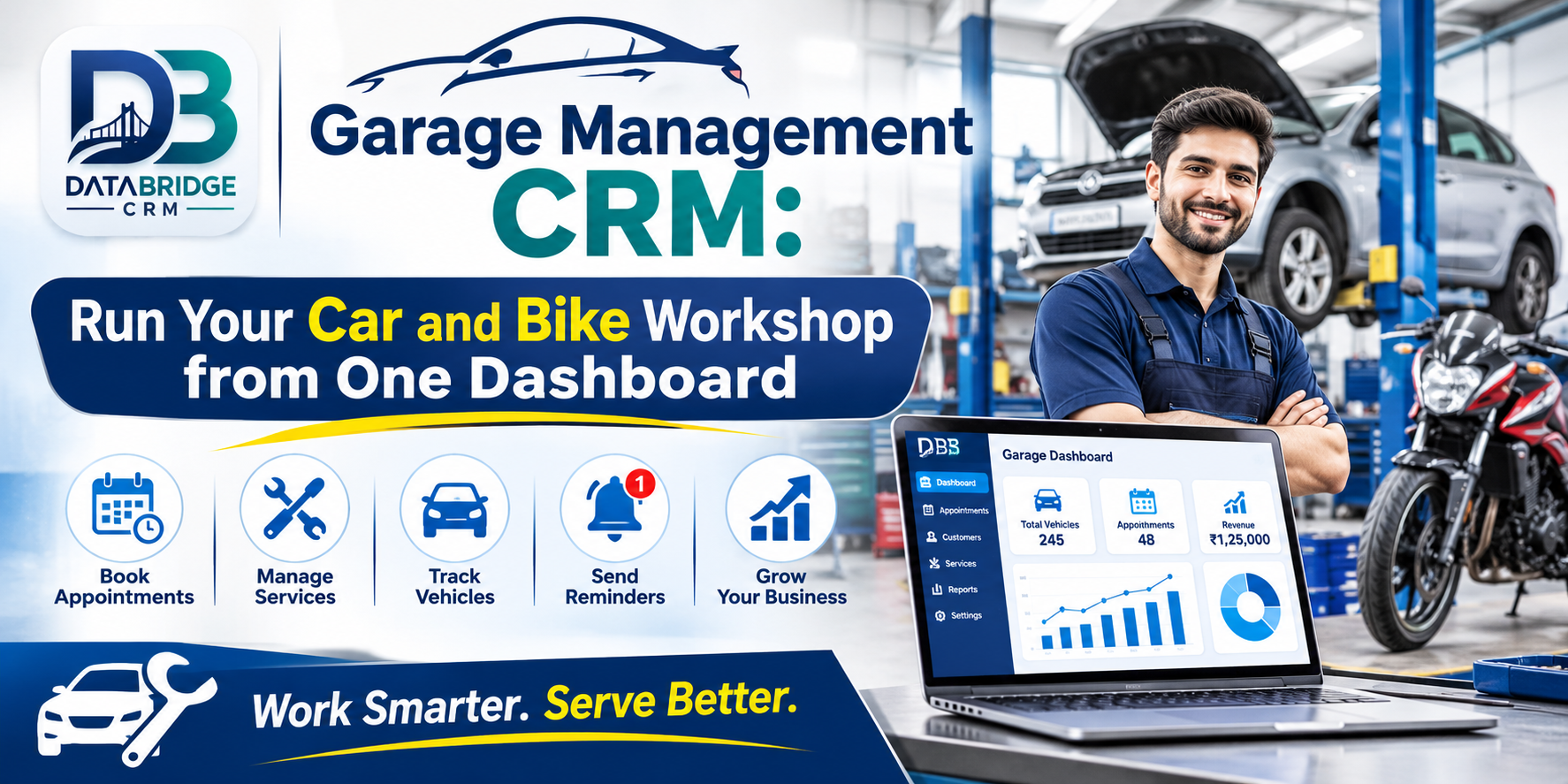
A busy workshop has a lot going on at once. A customer is waiting at the counter, a mechanic needs a part that may or may not be in stock, and somewhere a vehicle is ready for delivery but nobody has told the owner. When all this lives in notebooks, loose job cards and WhatsApp chats, things slip. Estimates get lost, parts go missing from records and customers get frustrated.
A garage management CRM puts these daily tasks in one place. It helps car garages, bike garages and multi-brand service centres track every vehicle, every repair and every payment without depending on memory or paperwork. In this guide, we explain what to expect from garage management software, how a repair job flows through it, and how Windows, Android and iOS access fits into a workshop's day.
Why Garages Struggle Without a Proper System
Most workshop owners start with a register and a calculator. That works for a few vehicles a day. As the business grows, the cracks show.
- Lost service history. When a customer returns after six months, the team has to guess what was repaired last time.
- Unclear job status. Customers call to ask when the vehicle will be ready, and the front desk has to walk to the workshop floor to check.
- Spare parts confusion. Parts are used on a job but never entered in stock, so the shelf and the records stop matching.
- Billing mistakes. Hand-written bills lead to missed charges, wrong GST calculations and disputes at delivery time.
- Little visibility for the owner. Without reports, it is hard to know which services earn the most or which mechanic is overloaded.
What a Garage Management CRM Should Handle
DataBridge CRM offers a Garage Management CRM built for bike garages, car workshops, repair stations and automobile service centres. Its modules cover the full workshop cycle, from the dashboard to invoicing.
Digital Job Cards
Instead of paper repair orders, staff create a digital job card when a vehicle arrives. It records the complaint, the vehicle details and the mechanic assigned. Anyone with access can check the repair status without interrupting the person doing the work.
Vehicle Observations and Service History
Mechanics can log what they find during inspection, and every visit adds to the vehicle's service history. When the same customer returns, the advisor can see past repairs, which helps with honest recommendations and faster diagnosis.
Inventory and Spare Parts
The software supports inventory control and part sales, with low-stock alerts so the team can reorder before a repair is held up. Parts allocated to a job card are tracked against stock, which keeps records closer to what is actually on the shelf.
Quotations and GST-Compliant Invoicing
Share a quotation before the work begins, and once the job is complete, convert the job card into an invoice. DataBridge describes this as a one-click conversion into a GST-compliant invoice, which cuts down on re-typing and billing errors.
Multi-Branch Management
Owners with more than one location can manage branches from a central dashboard instead of calling each manager for numbers.
Complaints, Users and Reports
The module list also includes complaint tracking, user management, custom fields, internal notes, email templates and workshop reports. Owners can control who sees what, and review daily activity from a single screen.
How a Vehicle Moves Through the Workshop
Here is a simple example of how a service job might run in a garage CRM.
- Check-in. A customer brings in a scooter with a braking issue. The front desk finds the customer record, checks past visits and creates a new job card.
- Assignment. The job card is assigned to a mechanic. The customer gets a clear picture of what will be checked.
- Parts and progress. The mechanic notes that brake pads need replacing. The part is allocated from stock, and progress is updated on the job card.
- Quotation and approval. If the repair costs more than expected, a quotation is shared first so the customer can approve it.
- Invoice and delivery. After the work is done, the job card becomes an invoice. The vehicle is handed over and the record stays on file for the next visit.
DataBridge summarises this as a four-step workshop flow: create the job card, track inventory, complete the service and generate the invoice.
Windows, Android and iOS: Choosing the Right Access
Different people in a garage work in different places. The owner may check numbers from a phone. The front desk may need a stable desktop screen for billing. Mechanics may need quick access on the floor. That is why platform support matters when you compare garage software.
Windows App
Most workshop front desks run on a Windows PC. DataBridge lists a Windows download for its Garage CRM on the product page, which suits billing counters, job card entry and daily reports.
Android and iOS Access
Phones are useful for owners who want to check workshop activity away from the counter. Before you buy, ask the DataBridge team about the current Android and iOS app options for the Garage CRM, including which features are available on mobile and which work best on the desktop. Our team can walk you through this during a demo.
A Practical Way to Split Devices
- Front desk: Windows PC for job cards, quotations and invoices.
- Owner or manager: Phone for quick checks on jobs, stock and reports.
- Workshop floor: A shared device or phone for progress updates, if your workflow needs it.
Garage CRM Use Cases
- Bike garages: High volume, quick jobs and regular servicing. Service history and reminders keep customers returning.
- Car repair workshops: Longer jobs with multiple parts. Quotations and approvals help avoid disputes.
- Multi-brand service centres: Different vehicle types and many mechanics. Worker assignment and reports show who is handling what.
- Detailing and denting-painting workshops: Services lists and quotations help price packages clearly.
- Tyre, wheel and auto-electrical shops: Parts-heavy sales where stock accuracy matters.
- EV service centres: Service history and parts tracking apply here as well. Confirm any EV-specific requirements during a demo.
- Spare parts dealers: Part sales, inventory control and billing are the main needs.
Benefits for Different Business Sizes
Small garages get away from paper and calculators. Billing becomes faster, and customer records are never lost.
Medium workshops gain better control over mechanics, parts and pending jobs, with reports to review each day.
Large service centres and chains can use multi-branch management and user permissions to keep standards consistent across locations.
How to Choose the Right Garage Management Software
Before you commit to any tool, ask these questions:
- Does it include job cards, quotations, inventory and GST invoicing in one system?
- Can it store vehicle service history by customer and vehicle?
- Does it work on the devices your team actually uses: Windows, Android or iOS?
- Can you set user roles so staff only see what they need?
- Does it support more than one branch if you plan to expand?
- Will the vendor help with setup, data migration and training?
It also helps to test the software with your real workflow in a demo. Bring a recent job card and see how it would be handled start to finish.
Conclusion
A garage runs on trust, speed and accurate records. A garage management CRM helps with all three by keeping job cards, parts, service history and invoices in one place. Whether you run a single bike garage or several car workshops, the right system saves time at the counter and gives you clear numbers at the end of the day.
Ready to see how it fits your workshop? Visit the DataBridge Garage Management CRM page, book a free demo or contact our team to discuss Windows, Android and iOS options for your garage.
Frequently Asked Questions
1. What is a garage management CRM?
It is software that helps garages manage customers, vehicles, job cards, spare parts, quotations and invoices from one system, instead of paper registers and chat messages.
2. Can bike garages use DataBridge Garage CRM?
Yes. DataBridge describes its Garage Management CRM as suitable for bike garages, car workshops, repair stations and automobile service centres.
3. Does the garage software have a Windows app?
DataBridge lists a Windows download for its Garage CRM on the product page. Contact the team for the latest version and setup help.
4. Is there an Android or iOS app for garage management?
Mobile availability can change, so please confirm the current Android and iOS options with the DataBridge team before purchase.
5. Does it create GST invoices?
DataBridge states that completed job cards can be converted into GST-compliant invoices. Ask for a demo to see how it works with your billing process.

