
Running a homestay or guest house is a very personal business. You greet guests at the gate, you know which room catches the morning sun and you remember who wanted extra blankets. But behind the warmth there is paperwork: a booking from a phone call, another from an online listing, a third from a cousin’s friend, all noted in different places.
One busy weekend is enough to show the problem. Two guests turn up for the same room, or a payment is forgotten, or an ID copy cannot be found. Homestay management software is meant for exactly this: a simple shared record of rooms, guests and money that does not depend on anyone’s memory.
Small Properties Have Different Needs
Large hotels have front-desk teams, housekeeping departments and finance staff. A homestay usually has an owner, a family member or two and perhaps a caretaker. The software that suits a 200-room hotel can feel heavy for a six-room guest house.
When you evaluate options, look for tools that are simple to learn, quick to use on a phone and focused on the jobs you actually do every day.
What Homestay Management Software Should Cover
- Booking calendar: a clear view of which rooms are free, booked or blocked
- Guest records: names, contact details, identity details where required and stay history
- Check-in and check-out: a quick process with fewer paper forms
- Billing: room charges, meals and extras on a clean bill
- Payment tracking: advances, balances and pending amounts
- Simple reports: occupancy, revenue and booking sources by month
The exact features differ across products, so ask for a walkthrough using your own rooms and rates.
Common Problems Small Properties Face
- Double bookings. Requests come from calls, messages and online listings, and no one place shows the full picture.
- Forgotten advances. Payments taken by transfer or cash are noted on scraps and lost.
- Missing guest details. Identity copies and contact numbers are scattered across phones and folders.
- Handwritten bills. They take time, look unprofessional and are easy to get wrong.
- No repeat-guest memory. The family knows its regulars, but the business has no record of their preferences.
- Unclear seasons. It is hard to tell which months or room types earn the most.
Guest Privacy and Identity Records
Many properties are required to collect identity details from guests. Treat that information carefully:
- Collect only what you need and what the rules require
- Store it in one protected place, not in shared chat groups
- Limit who can see it, and lock the devices that hold it
- Follow the local rules that apply to your property
Ask any vendor how access control and data protection are handled.
Working Across Android, Windows and iOS
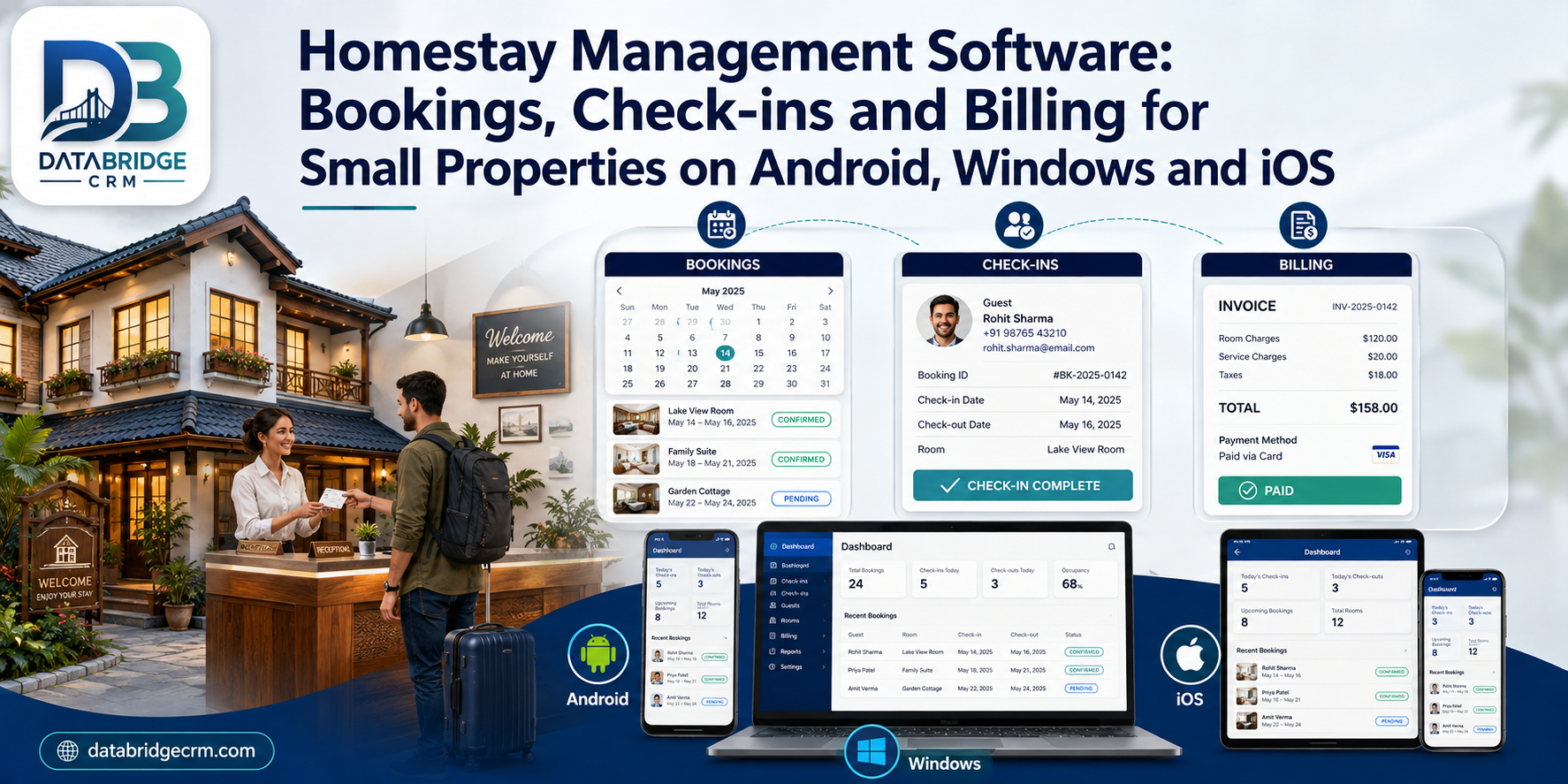
Small property owners usually manage from a phone, and some also have a computer in a small office. DataBridge CRM is offered as an Android APK, a Windows application and an iOS app, so you can use whichever device is nearest.
Windows. A computer at the reception desk or office works well for bookings, bills and monthly reports, where a bigger screen and a printer help.
Android (APK). The caretaker’s or staff member’s phone is handy for checking room status, recording check-ins and making quick entries on the move.
iOS. The owner’s iPhone is a convenient way to check bookings, payments and guest details while away from the property.
Features can differ by platform and version, so confirm what is available on each before rolling it out.
A note on installing an Android APK
An APK is installed directly instead of through the Play Store, so be careful. Download it only from the official DataBridge CRM source shared by the team, keep your phone updated and avoid files from forwarded links or unfamiliar websites. A phone that holds guest data should always have a screen lock.
Use Cases for Different Small Properties
Homestays. A handful of rooms, family-run service and bookings from several sources make a shared calendar and guest record the biggest help.
Guest houses and lodges. Regular business travellers and longer stays need clear bills and payment tracking.
Villas and holiday homes. Whole-property bookings and caretaker coordination benefit from a clear calendar and a check-in record. Confirm how whole-property bookings are handled.
Hostels. Bed-level bookings need careful tracking of availability. Ask whether bed-wise inventory is supported.
Boutique stays and budget hotels. A few more rooms and a small team call for shared records and basic access control.
Serviced apartments. Longer stays and monthly charges need clear dates and billing. Ask how recurring charges are handled.
A Simple Example
Imagine a hill-town homestay with eight rooms. Bookings came by phone, messages and an online listing, and the owner kept track in a notebook. After moving to a shared booking calendar, the caretaker marks check-ins from his phone while the owner reviews advances from an iPhone in the evening. During a long weekend, the owner notices two rooms are still free and holds them for a returning family instead of releasing them to a new request. Nothing about the property changed, but the confusion did.
What About Online Travel Agents?
Many small properties receive bookings through online travel agents. Syncing availability automatically across those platforms requires specific integrations, and not every system supports them. If this matters to you, ask the vendor exactly what is supported today and what would need custom work. Until then, a clear shared calendar and a habit of updating it right away already prevent most double bookings.
Benefits for Different Property Sizes
Very small properties (a few rooms) gain a tidy calendar, quick bills and an organised guest record.
Mid-sized guest houses and boutique hotels benefit from shared access among staff, better payment tracking and monthly reports.
Owners with more than one property need consolidated views. Confirm multi-property support with the vendor.
How DataBridge CRM Fits In
DataBridge CRM, powered by Jayshree Technosoft in Jaipur, provides CRM and business software with billing support. For small properties, the aim is to connect bookings, guest information and billing so the owner and caretaker work from the same record.
The best way to judge fit is a demonstration based on your property. Share your number of rooms, rates, booking sources and devices, then ask the team to show how each would be handled.
Selection Checklist for Small Property Owners
- Is the booking calendar clear and quick to update from a phone?
- Can I store guest details and identity records safely?
- Can I prepare a clean bill with room charges and extras?
- Does it track advances and pending payments?
- Does it work on the Android, Windows and iOS devices I use?
- What integrations are supported today, if I need online agent syncing?
- What training and support will I receive?
Conclusion
A homestay succeeds because guests feel looked after. The right software protects that by removing avoidable mistakes: the double booking, the lost advance and the missing ID copy. If your property has outgrown notebooks and chat groups, a simple shared record on the devices you already own is a sensible next step.
If you would like to see how this could work for your homestay or guest house, request a walkthrough with DataBridge CRM.
Visit DataBridge CRM and book a demo.
Frequently Asked Questions
1. What is homestay management software?
It is software that helps small property owners manage bookings, room availability, guest details, billing and simple reports in one place.
2. Do small homestays really need software?
Not every property does, but once bookings come from several sources, a shared calendar and guest record help avoid double bookings and missed details.
3. Can I manage my guest house from my phone?
DataBridge CRM is offered as an Android APK, a Windows application and an iOS app. Confirm current versions, features and download sources with the DataBridge CRM team.
4. Does homestay software connect to online travel agents?
Not every system connects automatically to online travel agents. Ask the vendor what is supported today and what would need custom work.
5. How do I get a demo of DataBridge CRM for my property?
Contact the DataBridge CRM team through its website and share your number of rooms, booking sources and the devices you use.

