
Ask any shop owner what slows down the counter and you will hear the same list. A queue at seven in the evening. A barcode that refuses to scan. A customer insisting last month's bill had a different rate. And a stock register that looks perfect on paper but never matches the shelf.
Most of this is not a staff problem. It happens because billing, stock and customer details live in three different places: a bill book, a spreadsheet and somebody's phone. A POS and billing system brings them onto one screen, so one sale updates everything at once.
This guide explains how that works for wholesale and distribution businesses, what to look for before you choose, and where DataBridge Billing POS fits in, including the Windows and Android apps listed for it.
What POS and billing software actually does
A point-of-sale (POS) system is the screen your cashier uses to ring up a sale. Billing software turns that sale into a proper invoice with the right tax. In a good retail system the two are one tool: the moment an item is scanned, the bill builds itself, the stock drops by one and the sale is saved against the customer.
That sounds simple, but it replaces a lot of daily effort: handwritten bills, end-of-day stock counting, and the long hunt for "what did this customer buy last time?"
Where wholesale and distribution operations lose time and money
In wholesale and distribution operations, the same challenges can affect order fulfilment, stock accuracy and cash flow.
- Slow checkout. Manually preparing invoices and order details can delay dispatch and customer service.
- Stock that does not match. Fast-moving products run out unexpectedly while slow-moving stock occupies warehouse space.
- Tax mistakes. One wrong GST rate on an invoice becomes a headache at filing time.
- Limited customer and dealer visibility. Sales teams may struggle to review dealer purchase history, outstanding balances and repeat order patterns.
- Limited visibility into margins. You can see total sales but may not know which products, customers or order types contribute most to margins.
How DataBridge Billing POS supports wholesale and distribution workflows
The product page describes a simple four-step billing flow. Wholesale and distribution teams can review how it fits their order-to-invoice process.
- Add products. Enter items with price and tax details, or scan barcodes to add them.
- Scan and bill. Create the sales bill by selecting products, quantities and applicable discounts.
- Collect payment. Record cash, card, UPI or partial payments and keep transaction records updated.
- Print the invoice. Generate a GST-compliant thermal or A4 invoice for the customer or dealer.
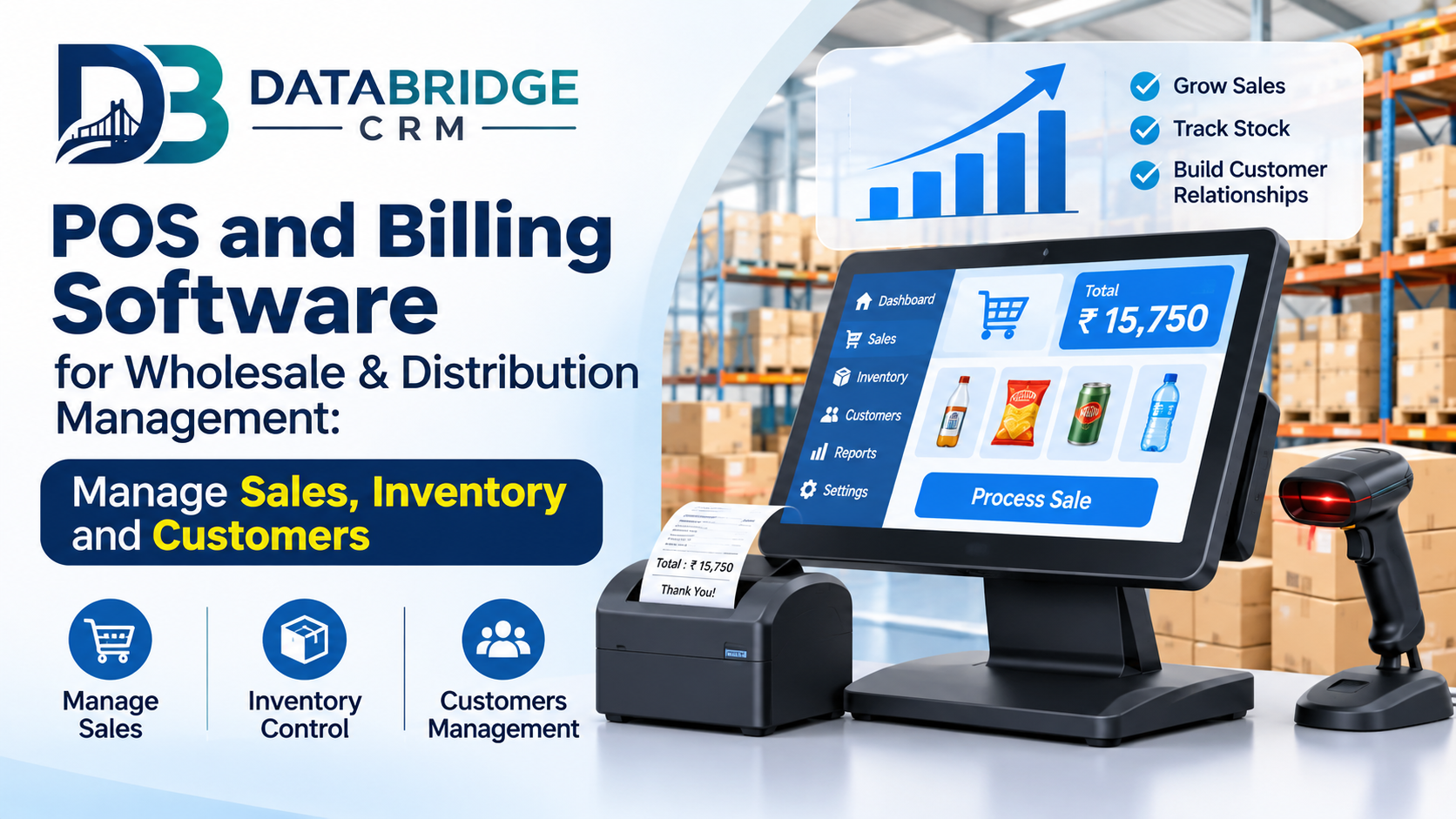
Behind that counter screen sit the modules a shop needs to run: Dashboard, POS Terminal, Products, Stock Management, Customers, Reports, Branches, Warehouses, Stock Transfer, Suppliers and Purchases. The product page mentions 15+ modules in all.
Fast billing with barcode support
Barcode scanning can speed up product entry and reduce manual typing during billing. For distributors handling frequent orders, faster invoice preparation can help keep dispatch moving.
Inventory that updates itself
Stock is tracked in real time, with low-stock alerts to support replenishment planning. Branch, warehouse and stock transfer modules can help teams monitor goods across multiple locations.
Customer records and loyalty points
The system keeps purchase history and loyalty points against each customer. For distributor and dealer relationships, purchase history and customer records can help teams understand repeat orders and serve accounts more consistently.
Reports that show what earns
Sales and profit reports can help you review product movement, identify slow-moving inventory and monitor business performance.
Windows, Android and Apple devices: which app, where
Most shops run on a mix of devices, so it helps to know what is on offer. According to the DataBridge software downloads page, Billing POS is listed with:
- A Windows app for the counter PC or laptop, which also suits larger tablets.
- An Android app on Google Play, which suits phones and 7 to 10 inch tablets.
- A Mac installer for Apple computers.
One honest note for Apple users. The page also shows an iPad option, and at the time of writing it points to the same macOS installer rather than a separate iPhone app. If your team works on iPhones or iPads, ask the DataBridge team about the exact setup before you roll it out.
A practical way to split devices: keep the main billing counter on a Windows PC with the barcode scanner and receipt printer attached, and use an Android phone or tablet for the owner or floor staff. During your demo, confirm which screens each app includes so there are no surprises later.
How different wholesale and distribution businesses use it
Different wholesale and distribution businesses have different product, order and stock requirements. Consider these common workflows:
- Grocery wholesalers and distributors: manage high-volume product lists, dealer orders and stock movement.
- Apparel wholesalers: manage product variations, bulk quantities and customer-specific orders.
- Electronics distributors: track product inventory, sales invoices and repeat dealer purchases.
- Pharmaceutical distributors: review billing and stock workflows, and confirm whether batch and expiry tracking fits your requirements.
- FMCG distributors: monitor fast-moving goods, replenishment needs and dealer orders.
- Food and beverage distributors: manage product quantities, stock availability and regular business orders.
- Industrial and hardware suppliers: manage broad product catalogues, stock levels and supplier purchases.
- Multi-warehouse distributors: coordinate inventory across branches and warehouses using stock transfer workflows.
Small distributor or growing operation: does it fit?
The product page describes the software for small shops, medium businesses and large enterprises. A growing wholesale or distribution operation can assess billing and stock workflows first, then review branch, warehouse, supplier and purchase modules as its operations expand.
Larger operations may benefit from user access control, branch-wise reports and stock transfers. Smaller distributors may prioritise faster billing, accurate stock records and fewer manual steps.
What to check before choosing billing software
Whatever software you look at, ask these questions during the demo.
- Does it create GST-compliant invoices in the format you need, thermal and A4?
- Does barcode scanning work with the scanner you already own?
- Which devices are supported, and are the apps for those devices available today?
- Can you set low-stock alerts and see stock by branch or warehouse?
- Can different staff members have different access?
- Can you check reports for sales and profit without exporting everything?
- What happens to your data, and who helps you when something goes wrong?
Tip: Bring a real sample of your products to the demo, around fifty items with prices. Billing a live basket tells you far more than a slide deck.
Getting started with DataBridge
If you manage a wholesale or distribution business in Jaipur or elsewhere in India and want to assess the software with your own products and order process, there are three easy starting points.
- Read the Billing POS product page.
- Check the Windows, Android and Mac downloads on the software downloads page.
- Book a demo and ask the team to bill a few items live.
DataBridge Billing POS is developed under the DataBridge CRM product name and powered by Jayshree Technosoft. For payments, WhatsApp follow-ups and website needs, the same account also connects to WhatsApp marketing tools and the website builder.
The bottom line
A wholesale and distribution operation works best when billing, stock and customers speak to each other. When they do, queues get shorter, stock numbers can be trusted and you stop guessing which products make money. Pick software that matches your devices, test it with your own items and make sure someone is there to help after the sale.
Ready to see it on your own counter?
Explore DataBridge Billing POS, then book a demo or contact the team with your requirements.
Frequently asked questions
1. What is POS and billing software for a wholesale and distribution business?
It is software that helps a business create sales bills, manage product stock, record customer orders and payments, and keep inventory records updated as transactions are completed.
2. Does DataBridge Billing POS have a Windows app and an Android app?
The downloads page lists a Windows download and an Android app on Google Play for Billing POS. A Mac installer is also listed.
3. Can I use the POS on an iPhone or iPad?
The downloads page shows an iPad option that currently points to a macOS installer. If your counter runs on iPhone or iPad, ask the DataBridge team for the current setup before you decide.
4. Can it support a wholesale or distribution business?
The product page describes the software for small shops, medium businesses and large enterprises. A wholesale or distribution business can review its billing, stock, warehouse, supplier and purchase workflows during a demo.
5. How do I see the POS before buying?
Use the Book a Demo page on the DataBridge CRM website and ask to see billing, stock and reports with your own product list.
#POSSoftware #BillingSoftware #WholesaleManagement #DistributionManagement #InventoryManagement #GSTBilling #BarcodeBilling #StockManagement #DataBridgeCRM #BusinessSoftware
POS Billing Software, Wholesale Management Software, Distribution Management, Inventory Management, GST Billing, Barcode Billing, Stock Management, Distributor Software, Windows POS, Android POS, DataBridge CRM

