
Sunday evening at a neighbourhood kirana store is a test of memory. A customer wants two kilos of rice, a packet of tea, loose sugar and “the same soap as last time”. Another asks to put the bill on account. The owner is adding prices in his head, remembering who owes what and wondering if the cooking oil stock will last till Tuesday.
Many kirana owners do this brilliantly for years. But the shop grows, staff changes and the mental ledger gets heavy. That is where kirana store billing software earns its place: it keeps the bill, the stock and the customer record in step with each other.
Why Kirana Billing Is Different
A kirana store is not a boutique with fifty items. It is a shop with hundreds or thousands of products, many sold by weight or by the piece, with prices that change often and customers who return every week. Generic billing tools can struggle with this. When you compare software, look for things that match how a kirana actually works:
- Mixed units. Kilograms, grams, litres, packets and pieces, sometimes for the same item
- Fast item search. Finding a product by name, code or barcode without scrolling
- Frequent price changes. Updating rates without confusing older bills
- Regular customers. Purchase history and pending dues that are easy to check
- Thin margins. Stock that is tracked closely so money is not locked in slow items
Common Problems Without Proper Billing
- Calculation errors. A small mistake on a long bill costs money or trust.
- Unclear stock. You find out an item is finished only when a customer asks for it.
- Credit confusion. Dues written in a notebook are easy to misread or forget.
- GST paperwork. Preparing invoices and records by hand eats evenings.
- Staff dependence. Only one person knows the prices and the customers.
- No daily picture. You know the shop is busy but not what actually sold.
What Good Kirana Billing Software Should Offer
Quick counter billing
Billing should take less time than writing by hand. Ask a staff member to try it during a demo. If they cannot bill five items in under a minute after a short introduction, think twice.
Stock tracking with alerts
Each sale should reduce stock automatically, and the system should help you see which items are running low. This stops both stock-outs and overbuying.
Customer records and dues
A customer record that shows past purchases and pending amounts makes credit sales much easier to manage. Ask how part payments and reminders are handled.
GST-ready invoices
If you issue GST invoices, check that the format and tax settings suit your needs. Your accountant should review the output before you rely on it.
Simple reports
Daily sales, item-wise movement and customer-wise purchases tell you far more than a heap of notebooks.
Staff access control
Let counter staff bill without changing prices or seeing profit numbers. Ask how permissions work.
Working Across Android, Windows and iOS
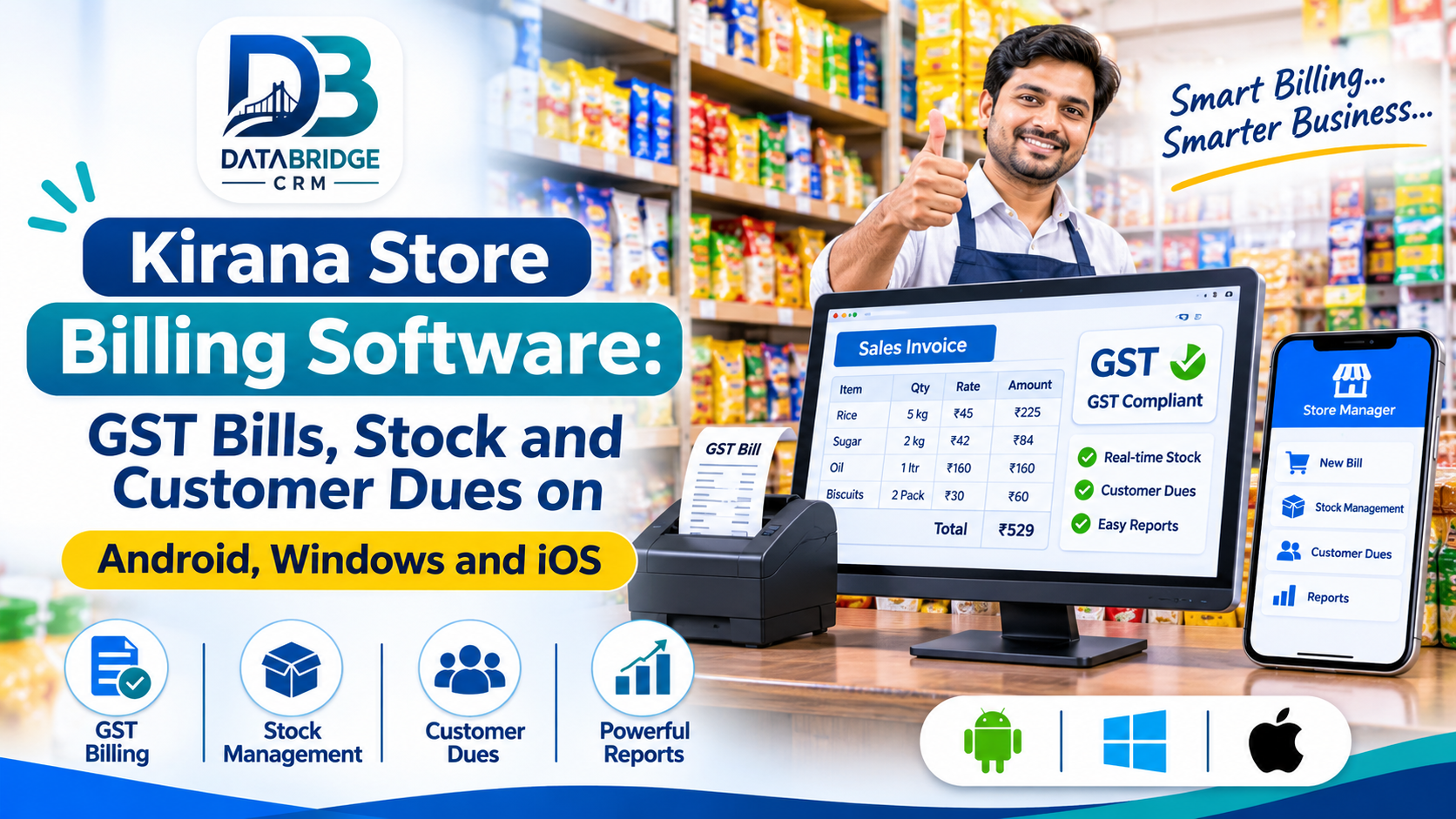
Most kirana stores already have a phone, and many have a computer at the counter. DataBridge CRM is offered as an Android APK, a Windows application and an iOS app, so billing and records can follow the devices you already use.
| Platform | Where it commonly fits in a kirana store |
|---|---|
| Windows | Main counter billing, printed receipts and stock and purchase records |
| Android (APK) | Phone or tablet billing, quick price checks, staff entries and owner checks away from the counter |
| iOS | Owner review of daily sales, dues and low stock from an iPhone |
Features can differ by platform and version, so confirm what is available on each before relying on it for daily work.
A note on installing an Android APK
An APK is installed directly instead of through the Play Store, so take care. Download it only from the official DataBridge CRM source shared by the team, keep your phone updated and avoid files from forwarded links or unfamiliar websites. Your shop phone holds customer and sales data, so protect it with a lock.
Use Cases for Different Grocery Formats
Neighbourhood kirana stores. Regular customers, credit sales and a wide range of loose and packed items make customer records and stock tracking the biggest wins.
Grocery stores with home delivery. Orders taken by phone or chat need a clean record of items, amounts and delivery status. Confirm how delivery orders are handled.
Mini supermarkets. More counters, barcodes and staff raise the need for access control and reliable reports.
Wholesale and retail combined. Different price levels for different customers need careful setup. Ask whether this is supported and how.
Dairy, bakery and fresh counters inside a store. Fast-moving items and short shelf life make daily stock checks important.
A Simple Example
Take a kirana store with two staff and about 600 regular items. Earlier, stock was checked by eye and credit was recorded in a notebook. After moving to billing software, each sale updates stock, and credit customers have a record of purchases and pending amounts. After a few weeks, the owner notices that two brands of cooking oil move fast while a third barely sells. The next order is smaller and better chosen, which frees up cash. The shop did not change, but the decisions did.
Benefits for Different Business Sizes
Single-counter stores get faster bills, fewer errors and a clear view of daily sales.
Growing stores with a few staff benefit from shared records, permissions and less reliance on one person’s memory.
Multi-counter or multi-branch grocers need consolidated reports and consistent pricing. Confirm multi-location support with the vendor.
How DataBridge CRM Fits In
DataBridge CRM, powered by Jayshree Technosoft in Jaipur, provides CRM and business software with POS and billing support. For kirana and grocery stores, the aim is to connect billing, stock and customer records so you work from one set of numbers.
The best way to judge fit is a demonstration with your own products. Bring a few typical bills, including loose items and a credit sale, and ask the team to show how each is handled.
Selection Checklist for Kirana Owners
- Can it handle kilograms, grams, packets and pieces for my items?
- Can my staff learn counter billing in a day or two?
- Does it track stock and show low-stock items?
- How does it record credit sales, part payments and dues?
- Are GST-ready invoices supported, as per my needs?
- Does it work on the Android, Windows and iOS devices I have?
- What training and support do I get after purchase?
Conclusion
A kirana store runs on relationships and routine. Billing software does not change that. It just removes the arithmetic, the guesswork about stock and the worry about who owes what. With records on the devices you already own, you spend less time in notebooks and more time with customers.
If you want to see how this could work in your shop, request a walkthrough with DataBridge CRM using your own items and billing steps.
Visit DataBridge CRM and book a demo.
Frequently Asked Questions
1. What is the best billing software for a kirana store?
The best choice is the one your counter staff can learn quickly and that matches how you bill, handle units like kilograms and packets, and track stock and customer dues. Compare options using a demo with your own items.
2. Can I use billing software on my phone?
DataBridge CRM is offered as an Android APK, a Windows application and an iOS app. Confirm current versions, features and download sources with the DataBridge CRM team.
3. Does kirana billing software support GST invoices?
Many billing systems can prepare GST-style invoices. Confirm the invoice format and tax settings during a demo and have your accountant review them.
4. Can billing software track customer dues?
Many systems keep a customer record with purchase history. Ask specifically how pending dues, part payments and reminders are handled.
5. How can I try DataBridge CRM for my store?
Contact the DataBridge CRM team through its website and request a demo using your own items, units and billing steps.

