
A patient reaches the registration desk. The receptionist searches a paper register, the billing counter asks for the same details again, the lab does not know a test was requested, and a relative keeps asking about the discharge bill. Nobody is careless. The information simply lives in too many places.
Hospital management software brings patient details, appointments, billing and department workflows into one shared system, so staff spend less time searching and more time helping people.
What Hospital Management Software Does
Modules differ from product to product, but most systems cover these areas:
- Patient registration: demographic details, contact information and visit history
- Appointments and queues: scheduling, doctor availability and waiting lists
- Billing and invoicing: consultation, procedure, pharmacy and admission charges
- Lab and diagnostics workflow: test requests, sample tracking and report status
- Pharmacy and stock: medicine and consumable inventory
- Doctor and staff management: schedules, roles and access
- Reports: daily collections, patient volume and department summaries
- Patient communication: appointment and follow-up reminders
Always ask for a live walkthrough using your own departments and workflows, so you can judge how closely the software fits.
Common Problems Hospitals Face Without a System
- Duplicate records. The same patient gets registered twice with slightly different details.
- Long queues. Manual registration and billing slow every counter.
- Billing errors. Missed charges and wrong totals cause disputes and lost revenue.
- Report delays. Labs and doctors lack a clear view of pending tests.
- Stock surprises. Medicines or consumables run out because nobody tracked usage.
- Weak visibility for management. Administrators cannot easily see departmental performance.
- Privacy risks. Paper files left on counters are hard to protect.
Hospital CRM: Looking After the Patient Relationship
A hospital system records what happened. A CRM helps with what happens next. Over time, it can support appointment reminders, follow-up visit reminders, feedback collection and polite communication after discharge. Small touches like these reduce missed appointments and help patients feel looked after.
Handle this carefully. Send messages only to patients who have agreed to receive them, keep messages free of sensitive health details, and use secure channels. Software supports your staff. It does not replace clinical judgement.
Privacy and Security Come First
Hospitals handle some of the most sensitive data any organisation holds. When you evaluate software, ask about:
- Role-based access, so each staff member sees only what their job needs
- An audit trail showing who viewed or changed a record
- Secure login, encrypted connections and regular backups
- How patient data is stored, and who can access it
- Alignment with applicable rules, including India's Digital Personal Data Protection Act, 2023
Get legal and compliance advice for your hospital. The software provides controls, but your organisation decides how patient data is collected and used.
Working Across Android, Windows and iOS
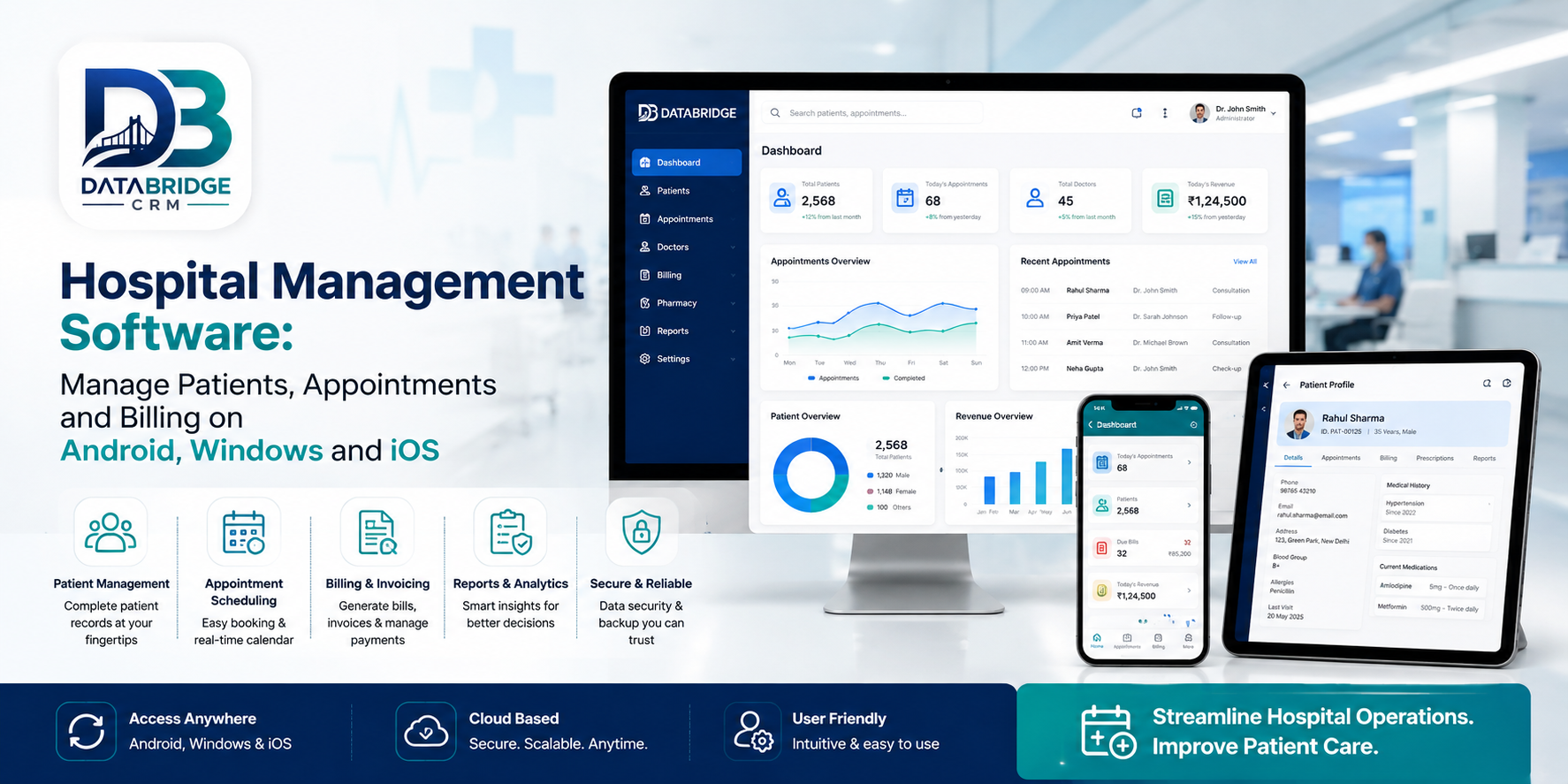
Hospital staff use different devices through the day. Counters often run on Windows computers, staff may check schedules on Android phones, and administrators or consultants may review summaries on an iPhone. DataBridge CRM is offered as an Android APK, a Windows application and an iOS app, so a facility can use the platforms that match its team.
| Platform | Where it commonly fits in a hospital |
|---|---|
| Windows | Registration, billing, pharmacy and lab counters, and administration reports |
| Android (APK) | Appointment checks, quick patient lookup and follow-up updates for staff |
| iOS | Administrator or consultant review of schedules, collections and summaries |
Features can differ by platform and version, so confirm what is available on each before rolling it out.
A note on installing an Android APK
An APK is installed directly instead of through the Play Store, so be careful. Download it only from the official DataBridge CRM source shared by the team, keep devices updated and avoid files from forwarded links or unfamiliar websites. Because patient information is involved, restrict which devices can access the system.
Use Cases Across Healthcare Facilities
Hospitals. Multiple departments need shared records, clear billing and coordinated schedules.
Diagnostic labs and pathology centres. Sample tracking, report status and billing need careful control.
Dental and eye care centres. Appointment flow, treatment visits and follow-up reminders matter most.
IVF and fertility centres. Long treatment journeys need careful scheduling and sensitive, respectful communication.
Physiotherapy and rehabilitation centres. Repeat sessions and package tracking require tidy records.
Pharmacies. Billing and stock visibility are the main priorities.
Home healthcare providers. Visit schedules, staff assignments and billing need clear coordination.
A Simple Example
Here is an illustrative example, not a client story. Consider a 30-bed hospital with a diagnostic lab. Registration and billing happen on Windows computers, a coordinator checks the day's appointments on an Android phone, and the administrator reviews collections from an iPhone. After moving from paper registers to a shared system, patient records are created once, the lab sees pending requests and the billing desk works from one record. Queues are shorter and month-end reconciliation takes less effort. The staff did not increase, but the daily friction reduced.
Benefits for Different Sizes of Facilities
Small centres and clinics gain tidy patient records, simple billing and fewer missed appointments.
Mid-sized hospitals benefit from shared records across departments, role-based access and clearer reports.
Multi-branch groups need consolidated reporting and consistent processes. Confirm multi-branch support with the vendor.
What About Lab Machines, Insurance and Digital Health Systems?
Connecting lab analysers, insurance or TPA processes, or national digital health platforms needs specific integrations, which are not part of every system. If any of these matter to you, ask the vendor what is supported today and what would need custom work.
How DataBridge CRM Fits In
DataBridge CRM, powered by Jayshree Technosoft in Jaipur, provides CRM and business software with billing support. Its dashboard includes sections such as Leads, Quotation and Invoices, which can help with enquiries, estimates and billing workflows.
Every healthcare facility works differently, so judge fit through a demonstration based on your own processes. Share your facility type, departments, patient volume and devices, then ask the team to confirm which patient, appointment, billing and reporting features suit you.
Selection Checklist for Hospital Administrators
- Can it create one record per patient and avoid duplicates?
- Does it handle appointments, billing and lab workflows we use?
- Can we control exactly who sees and edits patient data?
- Does it keep an audit trail and regular backups?
- Does it work on the Android, Windows and iOS devices our staff use?
- What integrations are supported today, and what would need custom work?
- What training and support are provided?
Conclusion
A hospital runs on coordination. The right software gives every counter, department and administrator the same accurate information, which means fewer repeated questions and fewer mistakes. Whether you manage a large hospital, a diagnostic lab or a specialised centre, one shared record across the devices your team already uses can make daily operations calmer and safer for patient data.
If you would like to see how this could work for your facility, request a walkthrough with DataBridge CRM.
Visit DataBridge CRM and book a demo.
Frequently Asked Questions
1. What is hospital management software?
It is software that helps a hospital or healthcare facility manage patient records, appointments, billing, lab workflows, pharmacy stock and reports from one system.
2. Is hospital CRM different from hospital management software?
Hospital management software handles operations such as registration and billing. A CRM adds relationship features such as appointment reminders, follow-ups and feedback. Many facilities benefit from combining both.
3. Can small diagnostic labs and healthcare centres use it?
Yes. Smaller facilities can use it for patient records, billing and reminders. Choose a simple setup that matches your size and workflow.
4. Can I use hospital software on Android, Windows and iOS?
DataBridge CRM is offered as an Android APK, a Windows application and an iOS app. Confirm current versions, features and download sources with the DataBridge CRM team.
5. How do I get a demo of DataBridge CRM for my hospital?
Contact the DataBridge CRM team through its website and share your facility type, departments, patient volume and the devices your staff use.

