
A hotel guest may spend only a few minutes making a reservation, but the work behind that booking continues until checkout. The front desk needs accurate arrival details, housekeeping needs to know which rooms are ready, accounts need to track payments and management needs a clear view of occupancy and daily activity.
When reservations are written in registers, room status is shared through phone calls and bills are prepared separately, small communication gaps can turn into bigger service problems. Hotel management CRM software helps bring important guest and operational information into a more organised workflow.
Whether you run a boutique hotel, resort, lodge, guest house or service apartment, the right system should fit the way your property works. This guide explains what to look for and how to evaluate a hotel management solution.
What Is Hotel Management CRM Software?
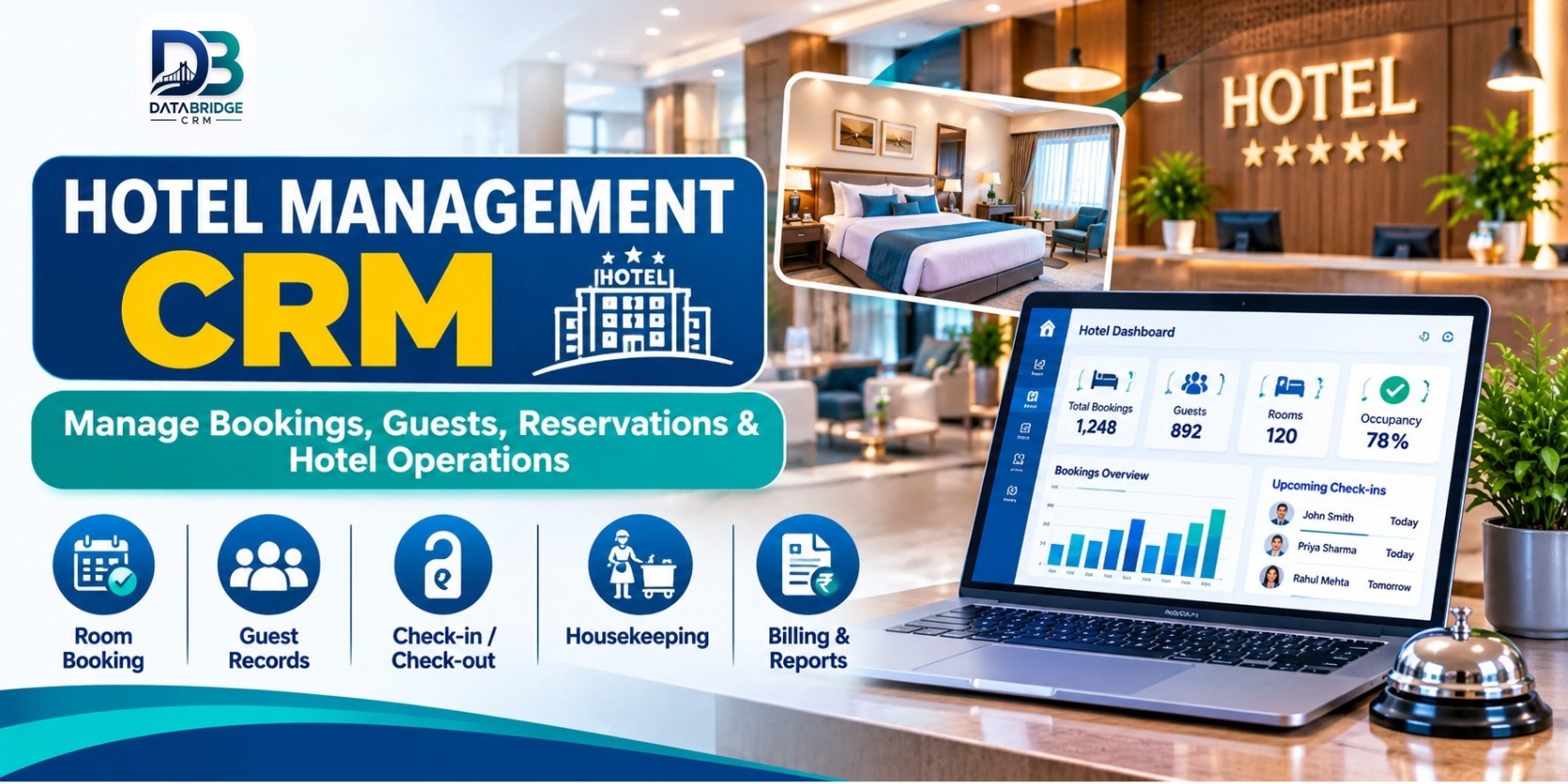
Hotel management CRM software combines guest information and customer relationship workflows with tools that help a property manage reservations and daily operations. Depending on the platform, this may include room booking management, availability tracking, guest records, housekeeping, room services, billing, staff information and reports.
A hotel CRM is not only a digital reservation register. It can help staff keep useful guest details and service history organised, so the next interaction is based on accurate information rather than memory.
It is important to check the exact scope of a product. Some systems focus on an individual property's front-desk operations, while others provide a multi-vendor hotel marketplace or booking platform. These are related hospitality solutions, but they solve different business needs.
Why Hotels Need a Connected Management System
Reservations need one dependable record
Bookings may arrive through phone calls, walk-ins, a hotel's website or online travel platforms. If staff update separate registers, availability can become inconsistent. A central booking record helps the team review reservation details and room status together. During a product demonstration, test how the system handles changes, cancellations and overlapping booking requests.
Room status affects the guest experience
A room may be vacant but not yet cleaned, or it may be blocked for maintenance. Reception should be able to distinguish between a room that is physically empty and one that is ready to assign. A clear room-status workflow helps front-desk and housekeeping teams coordinate their work.
Guest information should be easy to find
When a returning guest contacts the property, staff may need to check earlier stays, contact details or special requests. Organised guest records can support more consistent service. Collect and retain only the information the property needs, and follow appropriate privacy and data-handling practices.
Billing should reflect the complete stay
A guest's final account may include room charges and additional services. When charges are recorded in disconnected places, staff may need to reconcile them manually. A connected billing workflow can make it easier to review the account before checkout. Confirm how taxes, advances, refunds, discounts and extra services are handled in the selected system.
Important Features to Evaluate in Hotel Management Software
1. Room Booking and Reservation Management
Look for a clear way to create, update and review reservations. Staff should be able to identify the guest, stay dates, room requirement and booking status. Ask the provider to demonstrate a new booking, a date change, a cancellation and a walk-in reservation.
2. Room Availability Tracking
Availability information needs to reflect the property's current room status. Check whether the software distinguishes available, reserved, occupied, cleaning and maintenance-blocked rooms. If you operate several room categories or properties, test how the availability view is organised.
3. Guest Records and Stay History
A guest profile can help staff retrieve relevant contact and stay information. Depending on the product, records may include previous bookings, preferences, special requests and communication history. Set clear internal rules about who can view or edit guest information.
4. Check-In and Check-Out Workflows
Reception teams need a practical process for confirming a reservation, assigning a room, recording required guest details and closing the stay. Test the steps during a busy arrival period, not only in an ideal demonstration. If your property has specific identity-document or statutory reporting requirements, verify the process with the software provider and your compliance adviser.
5. Housekeeping and Room Services
Housekeeping coordination is essential to room readiness. Check whether staff can update cleaning status, record a maintenance issue and communicate a room-service request. DataBridge CRM's published hotel software description lists housekeeping operations and room services among its hotel-management capabilities; confirm the exact task assignment and status workflow in a live demo.
6. Billing and Payment Records
Ask the provider to show how the system records room charges, additional services, advance payments, outstanding balances and final invoices. Test the payment modes and tax setup used by your property. Do not assume a feature is included just because it appears in a general product category.
7. Staff and Operational Records
Hotels rely on reception, housekeeping, maintenance and management teams. A system may offer staff records, role-based access or leave management. Check which employee functions are available and whether permissions can be adjusted to match responsibilities.
8. Reports and Management Visibility
Reports can help managers review bookings, room status, payments and day-to-day activity. Before selecting software, list the reports you actually use and ask to see sample outputs. Useful reporting should be understandable and relevant to decisions, not simply a long collection of charts.
How Different Hospitality Businesses Can Use Hotel CRM
Independent and boutique hotels: Focus on reservations, room categories, guest records, front-desk workflows and clear billing.
Guest houses and lodges: A straightforward booking and room-status workflow can help a small team avoid scattered records and manage guest requests.
Resorts: In addition to room bookings, evaluate how the software handles extra services and charges that may be added during a stay.
Hostels: Confirm whether the system supports bed-level inventory and shared-room arrangements if these are part of your operation.
Service apartments and long-stay properties: Test longer date ranges, deposits, recurring charges and changes to the stay period.
Hotel groups: Ask whether the platform supports multiple properties, central reporting and the access controls your management structure requires.
A Practical Example: From Reservation to Checkout
Imagine a family contacts a Jaipur hotel for a three-night stay. The receptionist records the requested dates, room category and guest details. Before confirming, the team checks the property's availability and records the reservation. When the family arrives, reception verifies the booking and assigns a room.
During the stay, housekeeping updates room readiness and staff record any additional services using the property's chosen process. At checkout, the receptionist reviews the room charges, payments and extras before preparing the final bill. The guest record can then help the team recognise a future enquiry, subject to the hotel's data policies and communication permissions.
This simple scenario makes a useful software-demo checklist. Ask the provider to complete the entire journey using your actual room categories, rates and billing rules.
How to Choose Hotel Management CRM in Jaipur
Hotels in Jaipur serve leisure travellers, business visitors, wedding guests and people visiting the city for family events. Their operational needs can differ considerably. Use the following checklist before making a decision:
- Map your property: List room types, room counts, services and the departments that will use the system.
- Document booking sources: Identify phone, walk-in, website and third-party booking processes.
- Test room availability: Demonstrate a booking, a change of dates, a cancellation and a room blocked for maintenance.
- Review guest records: Check how staff find previous guests and how access to personal information is controlled.
- Verify billing: Test advances, outstanding amounts, additional services, taxes and refunds.
- Check housekeeping: Confirm how room status and maintenance requests are updated.
- Understand integrations: Ask which website, payment, messaging or channel integrations are available in your chosen configuration.
- Confirm support and cost: Review setup, training, licences, hardware, ongoing charges and support arrangements.
How DataBridge CRM Supports Hotel Operations
DataBridge CRM's official Hotel Management page describes a hospitality solution for hotels, resorts, guest houses and lodges. The published feature description includes room booking management, room availability tracking, housekeeping operations, room services, food delivery management, billing operations, guest records, staff handling and leave management.
The same page also describes a hotel booking marketplace platform with hotel listings, room attributes, location management, vendor requests, payments, reports and analytics. If you are building a multi-hotel booking platform rather than managing a single property, discuss that specific use case with the DataBridge team.
As with any business software, confirm the precise modules, integrations and workflows available for your implementation. A live demonstration using your property setup is the best way to check fit.
Explore the DataBridge CRM Hotel Management Software page or visit the DataBridge CRM website.
Common Mistakes to Avoid During Implementation
- Entering room categories, rates or existing reservations without checking the data.
- Not defining who is responsible for updating room status.
- Training reception staff but overlooking housekeeping and accounts teams.
- Failing to test booking changes, cancellations and refunds.
- Collecting more guest information than the property needs.
- Assuming website, OTA, payment or messaging integrations are automatically included.
- Going live during a peak period without a staff training and support plan.
A gradual rollout, verified room data and practical staff training can make the transition easier. Review the process after the first few weeks and adjust the workflow based on staff feedback.
Final Thoughts
Good hospitality depends on people, but reliable information helps those people do their jobs well. When bookings, room availability, guest records, housekeeping and billing are handled through disconnected processes, staff spend valuable time checking and correcting information.
Hotel management CRM software can help bring these activities into a more organised system. The right choice depends on your property's size, service model and operational requirements. Start with your daily workflow, test it in a live demonstration and confirm every essential feature before implementation.
Explore DataBridge CRM Hotel Management Software and discuss a demonstration based on your property's requirements.
Frequently Asked Questions
1. What is hotel management CRM software?
Hotel management CRM software helps hospitality businesses organise guest information and manage relevant hotel workflows such as bookings, room availability, housekeeping and billing, depending on the product.
2. Is hotel CRM useful for small guest houses?
It can be useful for guest houses that want to organise reservations, room status, guest records and billing. The system should be simple enough for the size of the team and property.
3. Can hotel software help manage room availability?
Many hotel systems provide room availability tracking. During a demo, test how quickly the system reflects new reservations, cancellations, room changes and maintenance blocks.
4. Does hotel management software include housekeeping?
Some solutions include housekeeping workflows. DataBridge CRM's published hotel software description lists housekeeping operations; confirm the exact task assignment and room-status features available in your configuration.
5. What should a hotel check before choosing CRM software in Jaipur?
Evaluate booking management, room availability, guest records, check-in and check-out, housekeeping, billing, reports, staff access, support and total cost. Request a demonstration using your real hotel workflow.
Before choosing software, test your actual booking-to-checkout process and confirm the features your property needs.
Explore DataBridge CRM: https://databridgecrm.com/hotel-management-software-jaipur
#HotelManagementCRM #HotelSoftware #HospitalityManagement #GuestHouseManagement #DataBridgeCRM

