
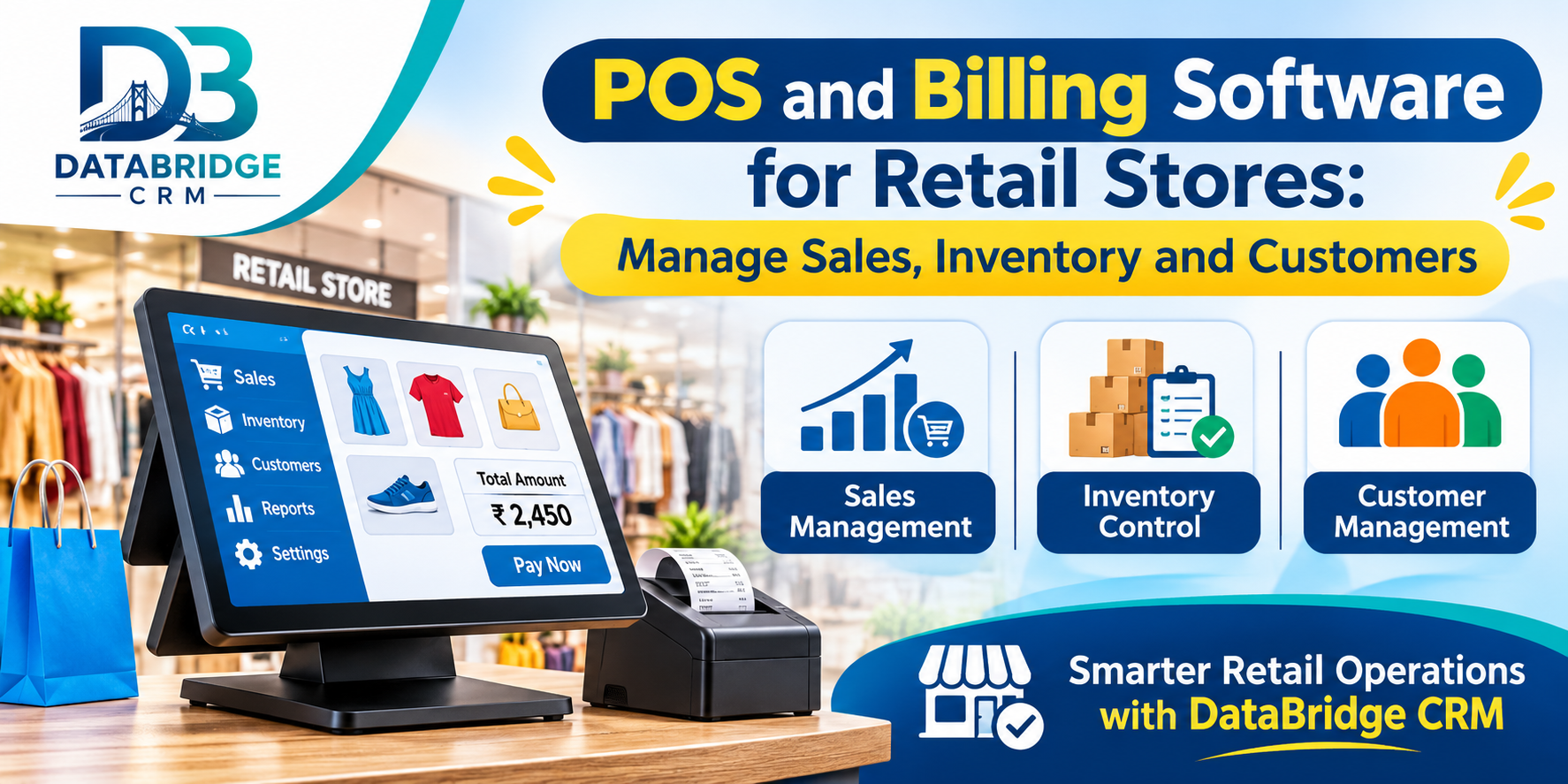
Walk into any busy retail shop at 7 PM and you will see the same scene. One person is typing a bill, another is hunting for a price, and a customer is asking whether the shirt is available in a larger size. Somewhere in a notebook, a stock count is waiting to be updated. By the end of the day, the owner knows roughly how much was sold, but not exactly which products moved, which customers returned, or what needs reordering.
This is the gap that POS and billing software is built to close. It does not replace the shopkeeper’s instinct. It simply gives that instinct reliable numbers to work with.
What POS and Billing Software Actually Does
A point-of-sale (POS) system is the counter where a sale is recorded. Billing software generates the invoice. In a retail setting, the two usually work together: every bill reduces stock, adds to the day’s sales and, ideally, updates the customer’s record.
When the system is set up around your business, it helps you:
- Create bills quickly at the counter
- Keep product, price and stock details in one place
- See daily and monthly sales without manual totals
- Record customer details and purchase history
- Reduce arithmetic and pricing mistakes
The exact modules differ between products, so always ask for a live walkthrough before deciding.
Common Problems Retail Stores Face Without a System
Most shop owners do not realise how much time slips away until they list it out.
- Stock surprises. A popular item runs out on a Saturday because nobody noticed it was low on Wednesday.
- Slow billing. Queues build when staff have to look up prices or calculate discounts by hand.
- No customer memory. The shop knows its regulars by face, but has no record of what they bought or when they last visited.
- Messy reports. Month-end means collecting slips, notebooks and phone screenshots.
- Staff dependency. Only one person knows how things are tracked, so the shop struggles when that person is absent.
What a Retail Business Should Look for
Before comparing products, write down how your store actually runs. Then check the software against that list.
Fast, simple billing
Counter staff should be able to learn it in a day or two. If billing takes more clicks than writing a bill by hand, adoption will fail.
Inventory and stock tracking
Look for stock updates after each sale, low-stock visibility and the ability to manage product variations such as size, colour or pack size where your business needs them.
Customer records
A billing tool that forgets the customer after the sale is only half useful. A CRM-style customer record lets you see purchase history and plan follow-ups such as festival offers or refill reminders.
Tax-ready invoices
If you issue GST invoices, confirm that the format matches your compliance needs. Your accountant should review it.
Reports you will really read
Daily sales, product-wise movement and customer-wise purchases are usually more useful than a long list of charts.
User access control
Owners may want staff to bill but not edit prices or view profit figures. Ask how permissions work.
How It Works for Different Store Types
Every retail format has its own rhythm, so one setup rarely fits all.
Kirana and grocery stores. High volume, many small items and frequent repeat customers. Quick billing, stock alerts and a simple customer ledger matter most.
Clothing and footwear shops. Variations by size and colour make stock tracking harder. Seasonal sales and festival discounts also need to be handled cleanly.
Electronics shops. Higher-value items, warranty details and serial numbers may matter. Confirm what the software supports.
Pharmacy stores. Batch and expiry tracking are important. Verify these capabilities and any regulatory requirements before you commit.
Cosmetics stores. Brand-wise stock, shade variations and repeat purchases make customer history especially useful.
Bakery shops. Fast counter billing and day-wise sales tracking help, particularly when items are made fresh daily.
Hardware stores. Large catalogues and varying units of measure call for a well-organised product master.
Supermarkets. Multiple billing counters, barcode scanning and tighter stock control become more important as scale grows.
A Simple Example
Imagine a footwear shop with one counter and two staff members. Before software, the owner relied on a ledger and memory. After moving to a POS and billing setup, each sale updates stock. At the end of the week, the owner sees that two sizes of a popular sandal are nearly out of stock, while another style has barely moved. The next purchase order becomes a decision based on data rather than a guess.
Small changes like this are where the benefit shows up: less guesswork, faster counters and better-informed buying.
Why Billing Alone Is Not Enough: Add Customer Management
Many stores start with billing and stop there. But retail is a repeat-business game. When billing is connected to a customer database, you can:
- See which customers buy regularly
- Spot customers who have not returned in a while
- Plan follow-up messages for offers or new arrivals
- Handle queries using past purchase details
This is where a CRM-focused approach makes a difference. It turns a sales counter into a relationship tool.
Benefits for Different Business Sizes
Single-shop owners gain speed at the counter and a clear picture of daily sales without relying on manual notes.
Growing stores with a few staff benefit from shared records, access control and fewer errors across shifts.
Multi-counter or multi-branch retailers need centralised reporting and stock visibility. Confirm multi-location support with the vendor before you decide.
How DataBridge CRM Fits In
DataBridge CRM, powered by Jayshree Technosoft in Jaipur, offers CRM and business software including POS and billing solutions. Its approach combines customer management, sales tracking and business workflow tools, which suits retail owners who want billing and customer records to work together instead of living in separate tools.
Because every store runs differently, the best way to evaluate it is to share your actual workflow. Bring your product types, billing steps and reporting needs to a demo, and ask the team to show how those are handled. That conversation will tell you quickly whether the setup matches your shop.
Selection Checklist for Retail Owners
- Does it match how my store actually bills customers?
- Can it track stock and show low-stock items?
- Does it keep customer history and support follow-ups?
- Are GST-ready invoices supported, as per my needs?
- Can I control what staff can see and edit?
- What training and support is available after purchase?
- Can the system grow if I add a counter or branch?
Conclusion
Good retail software does not need to be complicated. It needs to make billing faster, stock clearer and customers easier to remember. Whether you run a kirana store, a clothing shop or a growing supermarket, the right POS and billing setup gives you cleaner records and more confident decisions.
If you want to see how this can work for your store, explore DataBridge CRM and request a walkthrough based on your own billing process.
Visit DataBridge CRM and book a demo.
Frequently Asked Questions
1. What is POS and billing software?
It is software that records retail sales at the counter, generates invoices and updates stock and sales records. Many systems also store customer details.
2. Can small kirana stores use POS software?
Yes. A small store can use it to speed up billing, track stock and keep a record of regular customers. Choose a simple system that staff can learn quickly.
3. Is billing software the same as a retail CRM?
No. Billing handles invoices and sales. A CRM manages customer relationships and follow-ups. Retail businesses often benefit from combining both.
4. What should I check before buying retail billing software?
Check billing speed, stock tracking, GST invoice support, reports, staff permissions, support and whether it can grow with your business.
5. How can I try DataBridge CRM for my store?
Contact the DataBridge CRM team through its website and request a demo using your store’s real billing workflow.

