
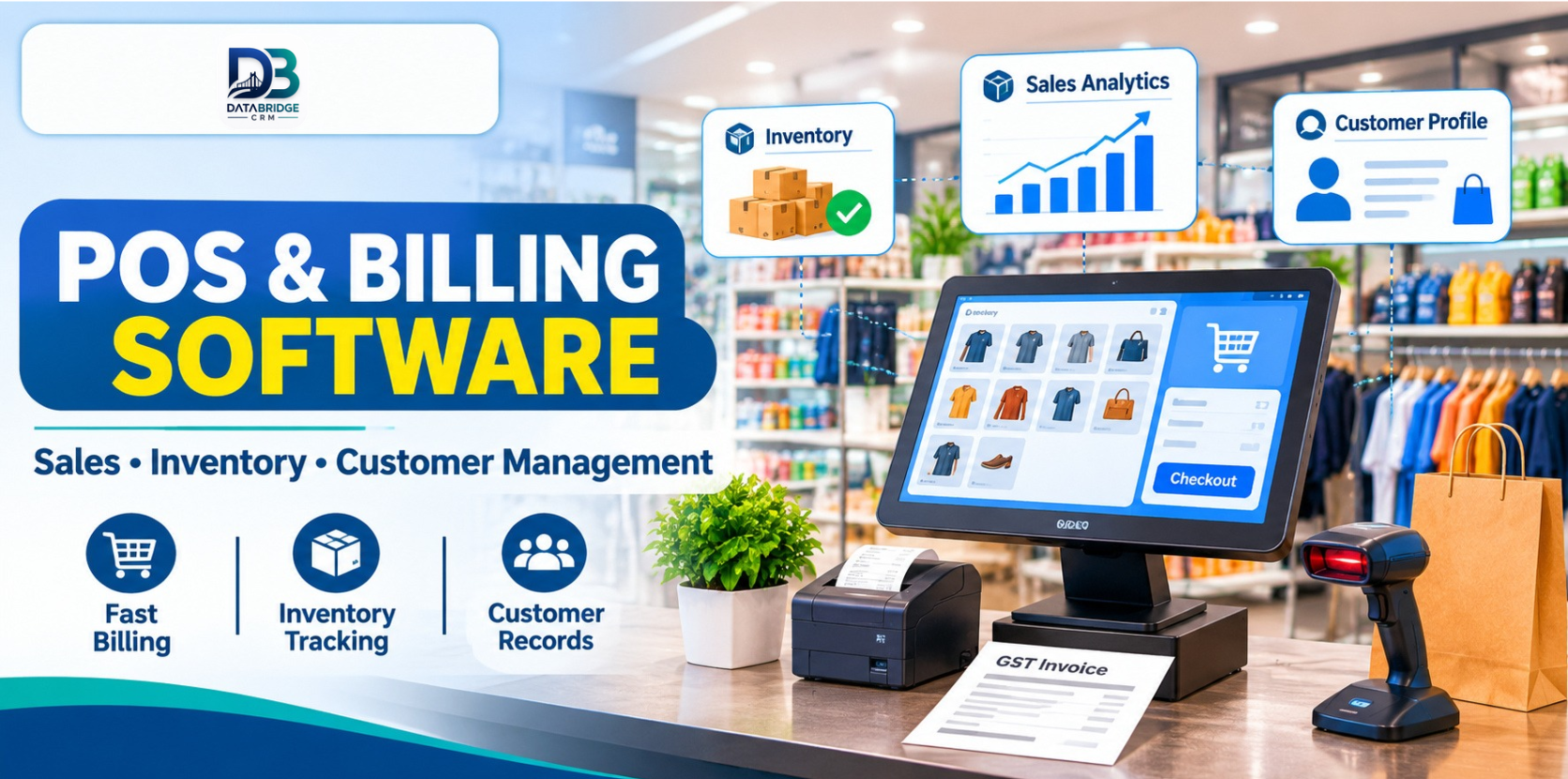
Retail POS Software for Modern Stores: Connect Billing, Inventory and Customer Management
Running a retail store looks simple from the customer's side. They select a product, pay at the counter and leave with their purchase. Behind that short transaction, however, a store owner manages dozens of daily responsibilities.
Products arrive from suppliers. Prices change. Stock moves between shelves and warehouses. Customers ask about availability, exchanges and previous purchases. Employees handle billing while the owner tries to understand which products are selling and which are sitting untouched.
When these activities are managed through separate registers, spreadsheets and billing applications, even routine work can become difficult.
This is where retail POS software becomes useful. A modern Point of Sale system connects billing with inventory, customer records and sales information, giving retailers a clearer picture of everyday operations.
What Is Retail POS Software?
Retail POS software is a digital system used to process customer purchases and manage important store activities.
A basic billing application may generate invoices and record payments. A more complete retail POS solution can connect the billing counter with product information, stock records, customer details, purchases and sales reports.
For example, when a customer purchases a pair of shoes, the system should ideally record the transaction, update the available stock and maintain the relevant customer purchase information.
This creates a more connected workflow instead of requiring employees to update several different records manually.
Why Retail Stores Need More Than Billing Software
Billing is important, but it is only one part of running a retail business. Consider a clothing store that sells shirts, trousers, footwear and accessories.
- Employees cannot quickly confirm whether a particular size is available.
- The same product is entered differently in separate records.
- The owner cannot easily identify slow-moving products.
- Supplier purchases are recorded separately from sales.
- Customer purchase information is difficult to retrieve.
- Stock differences appear during manual checking.
These problems become more noticeable when a store handles hundreds of products or operates multiple locations. A connected POS and inventory system helps bring these activities into a common workflow.
7 Important Features to Look for in Retail POS Software
1. Fast and Accurate Billing
A retail billing counter should make everyday transactions straightforward. Look for quick product selection, barcode-based billing, accurate invoice generation, product pricing and discounts, clear payment records and GST-related invoice workflows.
Barcode billing can be particularly helpful in supermarkets, footwear stores and electronics shops where employees handle many different products.
2. Inventory and Stock Management
Inventory management is one of the most important parts of retail operations. A retailer should be able to check available quantities, monitor stock movement and identify products that need replenishment.
Useful capabilities include stock tracking, low-stock alerts, purchase records, warehouse management and stock transfers.
3. Customer Management and Purchase History
A retail business does not end its relationship with a customer after generating an invoice. Customer records can help staff understand previous purchases, identify returning buyers and provide more consistent service.
A customer management module can make relevant purchase information easier to retrieve.
4. Supplier and Purchase Management
Retailers depend on suppliers to maintain product availability. Software that records supplier details and purchases can help owners understand where products were purchased, how much stock arrived and which orders require attention.
5. Sales Reports and Business Visibility
A business owner should not have to wait until the end of the month to understand basic sales activity. Useful reports can help identify products selling regularly, total sales during a selected period, products needing replenishment, branch performance and repeat purchases.
6. Branch and Warehouse Management
Businesses with multiple locations need better visibility into their stock. A stock transfer workflow can help a retailer record movement between branches. Before choosing software, check how branches, warehouses, stock transfers and user permissions are handled.
7. Simple Staff Workflows
Software should make routine work easier, not introduce unnecessary complexity. Cashiers, store managers, inventory employees and business owners may need different information. Look for an understandable interface, clear reports and appropriate access permissions. Also evaluate onboarding, training and technical support.
How Different Retail Businesses Can Use POS Software
Kirana and grocery stores: Product quantities, barcode billing, supplier purchases and daily sales tracking are important.
Clothing and footwear shops: Product variations such as size, colour, style and purchase history need attention. Check how the software handles your particular product catalogue.
Electronics shops: Serial numbers, product models, supplier records and purchase information may be important.
Pharmacies: Batch numbers, expiry dates and applicable regulatory requirements should be evaluated carefully. Do not assume that every general retail POS system provides pharmacy-specific compliance functionality.
Cosmetics stores: Product categories, stock availability and customer purchase preferences can help staff manage everyday retail activity.
Supermarkets: Multiple billing counters, large product catalogues, warehouse records and stock movement may require more advanced management.
How to Choose the Right POS Software
Before purchasing a solution, prepare a list of your actual business requirements.
- Business size: Is it a single-counter store or a multi-branch operation?
- Product catalogue: How many products and variations do you manage?
- Billing requirements: Do you need barcode scanning and GST invoices?
- Inventory: Do you need stock alerts, warehouse tracking or transfers?
- Customer records: Do you want to maintain purchase history?
- Reporting: Which daily and monthly reports are important?
- User access: Which employees should be allowed to access particular information?
- Support: What onboarding and assistance are included?
Ask the provider to demonstrate your actual retail workflow instead of relying only on a feature presentation.
How DataBridge CRM Supports Retail Business Management
DataBridge CRM offers a POS and Billing System designed around retail operations. Its official POS product page describes modules for dashboard reporting, POS billing, products, stock management, customers, reports, branches, warehouses, stock transfers, suppliers and purchases.
The published product information also describes barcode-supported billing, low-stock alerts, customer loyalty points and purchase history.
These capabilities provide a starting point for retailers who want to bring billing, inventory and customer information into a more organised system.
Different businesses have different requirements. A kirana store, footwear shop and electronics retailer should not automatically follow the same configuration. Before implementation, discuss your product catalogue, billing requirements, stock structure, staff roles and reporting needs with the DataBridge CRM team.
Explore DataBridge CRM POS & Billing Software
Common Mistakes to Avoid When Implementing POS Software
- Importing incomplete or duplicate product records.
- Ignoring opening stock verification.
- Giving every employee unrestricted access.
- Failing to train billing and inventory staff.
- Not testing returns and discount workflows.
- Selecting a system without checking reporting requirements.
- Assuming every advertised feature is included in the selected configuration.
Start with a controlled implementation, verify the records and train employees before expanding the system across every department.
Final Thoughts
Retail management involves much more than generating invoices. Billing, inventory, suppliers, customers and reporting all influence how smoothly a store operates.
A connected POS system can help retailers reduce scattered records, improve stock visibility and understand their daily sales activity.
The right solution is not necessarily the one with the longest feature list. It is the one that supports the way your business actually works.
If you are planning to modernise your retail operations, explore DataBridge CRM POS & Billing Software and request a demonstration based on your store's requirements.
Visit the POS & Billing product page
Frequently Asked Questions
1. What is retail POS software?
Retail POS software manages customer billing and can connect sales transactions with inventory, customer records and business reports.
2. What is the difference between POS software and billing software?
Billing software primarily handles invoices and payments. POS software can extend into inventory, customers, suppliers and broader retail operations.
3. Is POS software useful for small kirana stores?
Yes. It can help small stores organise billing, product records and stock tracking, provided the selected solution fits their requirements.
4. Can retail POS software manage multiple branches?
Some systems support multiple branches, warehouses and stock transfers. Always verify these capabilities in the specific product configuration.
5. How do I choose POS software in Jaipur?
Compare billing, inventory, GST workflows, reporting, support, staff access and implementation requirements. Request a practical demonstration before purchasing.

