
It's 8:15 in the morning. A parent is at the gate asking about last week's absence, a teacher is looking for the Class 6 attendance register, the office is trying to confirm an exam date, and the principal wants a quick count of students present today. Nobody is doing anything wrong. The information just lives in too many places.
That's the everyday reality in many schools. Teaching is only one part of the job. Behind every class there are student records, attendance, schedules, exams, assignments, staff details and messages to parents, and when each of those sits in its own register or spreadsheet, even small questions take too long to answer.
School Management CRM Software pulls this together in one system. Student information, teacher coordination, attendance and academic administration all sit in a single place, so people spend less time searching and more time on the actual work of running a school.
What Is School Management CRM Software?
In plain terms, it's a digital platform that helps a school manage students, staff, academics and administration from one system.
Rather than every department keeping its own records, the school works from a shared platform, and authorised people see what they need. Depending on the modules you choose, it can cover student management, teacher management, attendance, examinations, timetables, assignments, fees and reports.
The goal isn't to add more software to your day. It's to cut down the repetitive paperwork so staff have more time for students.
What Goes Wrong With Traditional School Administration
1. Student records everywhere
Some details are in paper files, some in a spreadsheet, some with the class teacher. When you need the latest address or guardian number, you first have to figure out which copy is the right one.
2. Attendance by hand
Marking attendance in every class, then compiling summaries and checking older records, adds up to a lot of manual work. It gets worse at month-end or when a parent asks about a specific date.
3. Teachers and staff to coordinate
Teacher details, responsibilities, leave and daily schedules all need tracking. Without a proper system, administrators end up opening several documents just to answer one question.
4. Exams and academic records
Exam schedules, assignments, sessions and performance records need constant updating. When they're handled separately, academic coordination gets messy quickly.
5. Messages that don't reach people
Holiday notices, timetable changes, exam information, school events: if these go out through scattered channels, someone always misses them.
Features Worth Looking For
Every school is different, but these are the features that tend to matter most.
Student information management
A good student module keeps profiles and academic information organised, so staff can find what they need without opening a pile of physical files.
Teacher and staff management
It keeps employee details and staff-related information in order. Depending on the system, it may also handle staff leave and payroll.
Attendance management
Teachers record daily attendance digitally, and the office can review it later. Spotting patterns and preparing reports becomes far easier than flipping through registers.
Academic and class management
This helps you organise academic sessions, classes and related activities, so teachers and students are properly coordinated.
Examination and result management
Online and offline exams can be organised in one place, with digital records that support academic tracking.
Timetables and assignments
Timetable management keeps class schedules and teaching activities in order, while assignment management gives you a structured way to track academic tasks.
Announcements and notifications
Holidays, events and exam information can be shared with the right people through one channel, not five.
Reports and dashboard
A central dashboard can show attendance, fee collections, upcoming events and academic metrics at a glance. Reports then help administrators plan with real information.
How It Fits Into a Normal School Day
Here's roughly how the work flows once the system is in place:
- Maintain student profiles: Student details and academic information live in one central system.
- Organise academic sessions: Classes and schedules are set up and coordinated.
- Manage teachers and staff: Staff information and administrative tasks stay organised.
- Record attendance: Teachers mark attendance digitally.
- Coordinate exams and assignments: Academic tasks, exam activities and records are managed together.
- Share school updates: Announcements and notifications reach the relevant people.
- Review reports: Management checks the dashboard and reports to see how things are going.
Which Institutions Can Use School ERP Software?
Ask a few school offices what slows them down and you'll hear the same things. Records in three places. An attendance register that doesn't match what the teacher remembers. Exam dates nobody wrote down properly. So where does a school management system actually earn its place? It depends a bit on the kind of school you run.
- Private schools: student records, attendance, staff details and day-to-day academic admin in one system. The front office stops being the place where every question ends up.
- CBSE and ICSE schools juggle a lot on the academic side (exams, timetables, coordinating teachers), and it's much easier when student information sits right beside all that.
- Primary schools? The basics, done well. Student profiles, daily attendance, class schedules, and a quick way to tell parents what's happening.
- Secondary schools lean more on teacher coordination, assignments and exams, plus keeping every student's academic record current, which gets harder every year.
- Any other educational institution: one central place for administration, and records you can actually find.
Board or size doesn't change much. The less time your staff spend looking for information, the more time they have left for the students.
What You Gain by Switching
The biggest change most schools notice is that people stop hunting for information. Student and staff records are in one place. Administrators and teachers coordinate more easily. Attendance is recorded digitally and summaries are quick to pull. Exams, assignments and timetables are planned together instead of separately.
Repetitive record-keeping shrinks, and management can look at dashboards and reports to see what's happening, not wait for someone to compile it. In short, school activities move into a more organised workflow.
School Management CRM Software by DataBridge CRM
DataBridge CRM School Management Software offers modules for different parts of school administration. Its listed modules include student management, teacher management, academics, attendance, online and offline exams, assignments, timetables, staff management, staff leave, payroll, expenses, transportation, announcements, notifications, student diary, certificates, gallery, holidays and reports.
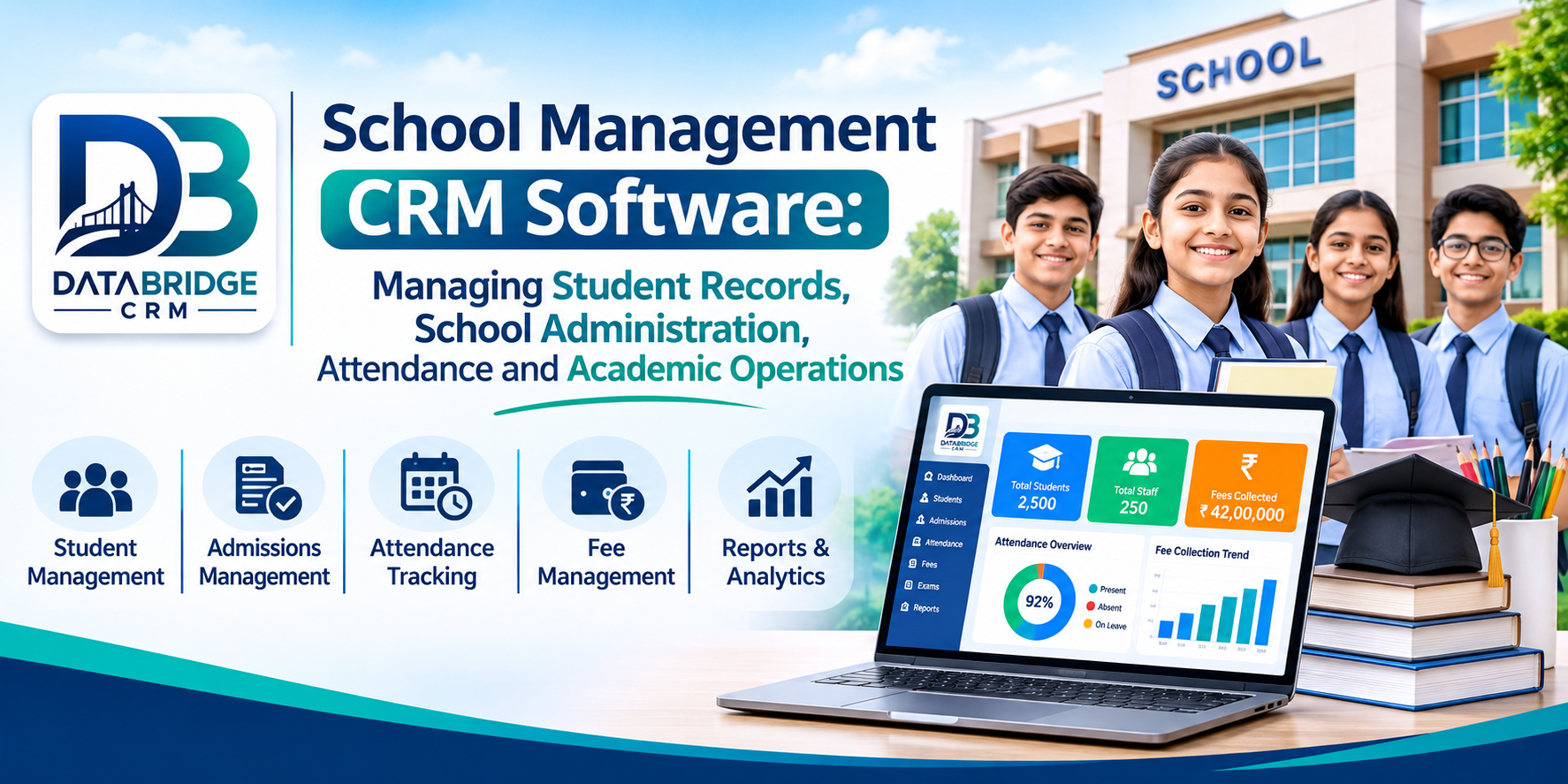
The dashboard gives an overview of selected school information, including attendance, fee collections, upcoming events and academic metrics. Role-based access lets you decide who can see and do what.
If you're evaluating a digital platform, go through the available modules and pick a setup that fits how your school actually works.
To look at the features in detail, visit DataBridge CRM School CRM Software .
How to Choose the Right School Management Software
Before you look at any School ERP Software, sit down with your team and note where time is lost today. Is it attendance? Fee follow-ups? Exam schedules? That list will guide the rest of your decision.
Then check:
- Whether it supports student information management
- How the attendance and academic management modules work
- What it offers for teacher, staff and leave management
- How exams, assignments and timetables are handled
- What reporting and dashboard options you get
- How user roles and access permissions work
- What implementation, training and ongoing support look like
- Pricing and which modules are included, before you decide
Conclusion
Running a school means keeping student records, teacher activities, attendance, exams and schedules in sync every single day. That's much easier when the information is organised and everyone works from the same source.
School Management CRM Software can bring these activities into one digital workflow. Choose modules that suit your school, keep the records accurate, and you'll rely far less on scattered manual processes.
DataBridge CRM offers school management modules covering student information, academics, attendance, examinations, staff activities and reporting. Take a look and see how its features match what your institution needs.
Frequently Asked Questions
1. What is School Management CRM Software?
School Management CRM Software is a digital platform that helps schools keep student records, teacher information, attendance, examinations, academic activities and day-to-day administration in one organised place.
2. How does school management software help teachers?
It gives teachers quick access to student information and lets them mark attendance, coordinate academic activities, organise assignments and keep classroom records without juggling registers.
3. Can School Management CRM manage student attendance?
Yes. A school management platform with an attendance module lets schools record and review student attendance digitally.
4. Is School ERP software suitable for small private schools?
Yes. Small private schools can use School ERP software to organise student records, attendance, staff information and academic administration. Just make sure the system you pick matches your school's actual requirements and budget.
5. What is the difference between School CRM and School ERP?
School CRM mostly deals with student and parent relationships, communication and engagement. School ERP covers the wider running of the institution, such as academics, attendance, examinations, staff and administration. Many platforms combine both.
School Management CRM, School Management Software, School ERP Software, Student Record Management, Student Information System, School Administration Software, School Attendance Management, Academic Management Software, Teacher Management System, School Examination Management, Digital School Management, DataBridge CRM
#SchoolManagementCRM #SchoolManagementSoftware #SchoolERP #StudentManagement #SchoolAdministration #StudentRecords #AttendanceManagement #AcademicManagement #EducationTechnology #DataBridgeCRM #SchoolAutomation #DigitalEducation

